Этот перевод был сделан машиной и пока не проверен человеком. Говорите на этом языке? Просмотрите его.
Введение
Если экран вашего Apple Cinema Display M8149 не включается, имеет дефекты изображения или трещины, воспользуйтесь этим руководством для замены ЖК-экрана.
ЖК-экран (жидкокристаллический дисплей) предназначен для вывода изображений с компьютера. Жидкие кристаллы используют подсветку или отражатель для формирования цветного или монохромного изображения. Неисправность подсветки или отражателя может привести к некорректной работе дисплея.
Перед использованием этого руководства, если экран треснул или разбит, уберите осколки стекла до и во время замены. Кроме того, обязательно отключите дисплей от сети, чтобы предотвратить повреждение.
В этом руководстве вам предстоит снять заднюю крышку и две разные платы, прежде чем извлечь ЖК-экран.
После выполнения замены экран будет включаться и отображать изображения.
Выберете то, что вам нужно
-
-
-
Положите Cinema Display экраном вниз так, чтобы ножки были направлены в сторону от вас.
-
С помощью шестигранного ключа открутите три винта (9,52 x 4,43 мм), которые крепят заднюю ножку к шарниру.
-
Снимите заднюю ножку с крепления шарнира, взявшись за нее и потянув вверх.
 Спросите у FixBot
-
-
-
Открутите восемнадцать винтов (5,25 x 4,43 мм) по краям задней крышки с помощью шестигранного ключа.
-
Отсоедините маленький белый разъем, ведущий к кнопке питания дисплея.
-
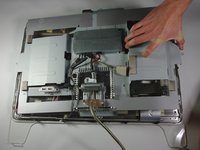
Аккуратно подденьте и снимите заднюю крышку с дисплея. Полностью снимите заднюю крышку и отложите ее в сторону.
-
-
-
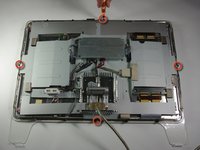
Используйте отвертку Phillips #2, чтобы открутить четыре винта (9,52 x 3,43 мм) на внешнем ободке металлической крышки.
-
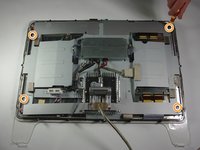
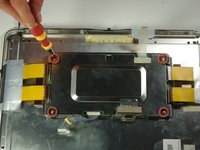
Затем открутите четыре винта крышки (11,91 x 2,89 мм), расположенные по углам металлической крышки, с помощью отвертки Phillips #2.
-
-
-
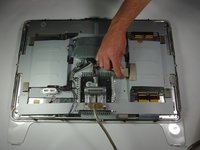
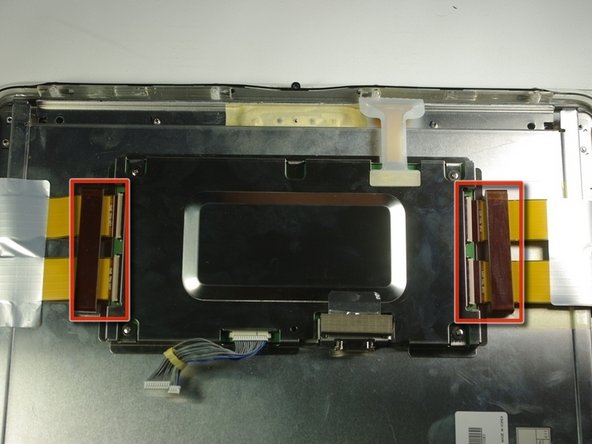
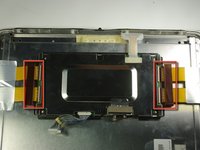
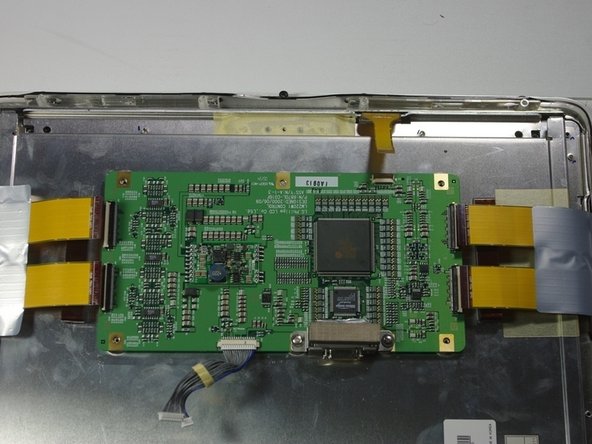
Отсоедините большой коричневый разъем в правой центральной части, который соединяет плату управления с остальной частью дисплея.
-
Отсоедините синий и серый разъем с правой стороны платы управления. Повторите то же самое для левой стороны.
-
-
-
-
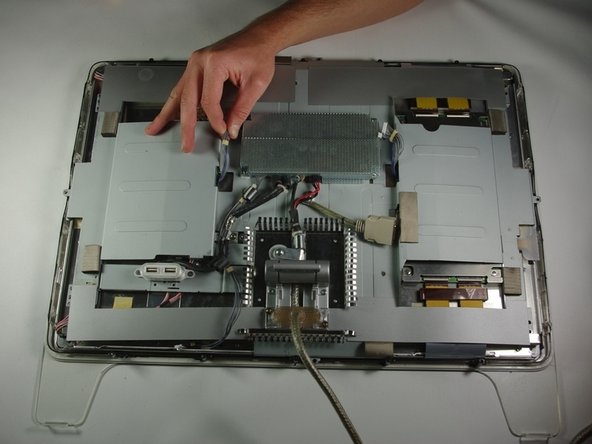
Аккуратно подденьте большую металлическую крышку, которая проходит по всей задней стороне дисплея.
-
-
-
-
-
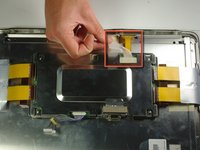
Аккуратно снимите две клейкие заглушки по обе стороны от платы управления с помощью лопатки.
-
-
-
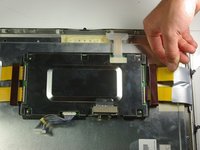
Извлеките из металлической коробки ранее отсоединенную ленту рукой.
-
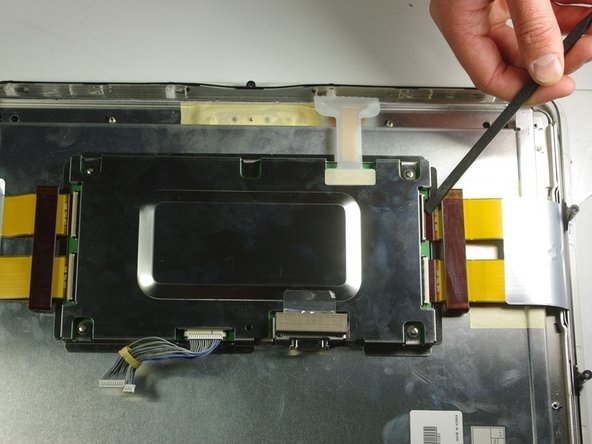
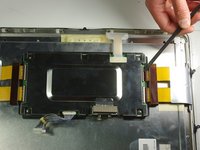
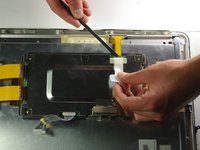
Отогните белую пластиковую крышку на штекере ленты и отсоедините штекер ленты с правой стороны устройства с помощью лопатки.
-
-
-
Открутите четыре винта (4,79x2,33 мм) на металлической коробке с помощью отвертки Phillips #2.
-
Снимите металлическую крышку, чтобы открыть доступ к плате.
-
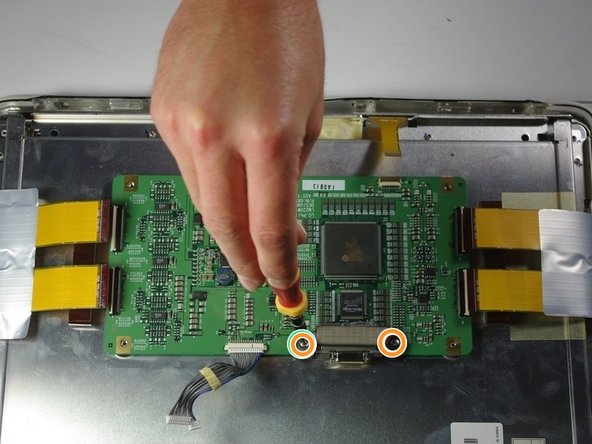
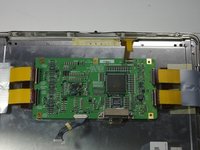
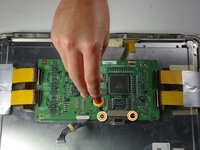
Открутите два винта клемм (4,79x2,34 мм) с помощью отвертки Phillips #2.
-
-
-
Снимите крышку клемм.
-
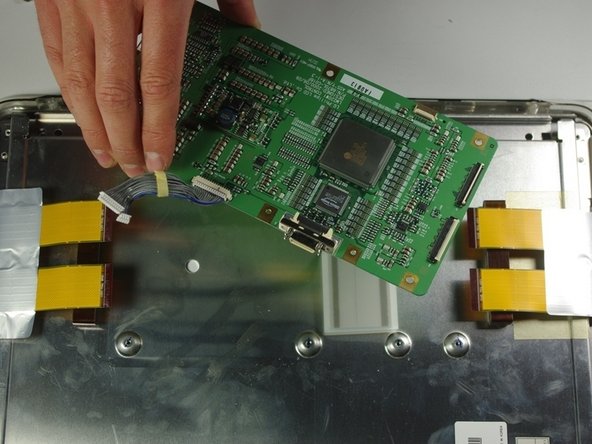
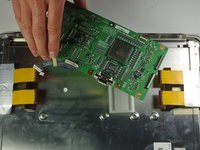
Извлеките плату с правой стороны устройства, аккуратно приподняв её.
-
-
-
-
-
Переведите внимание на левую сторону монитора Cinema Display.
-
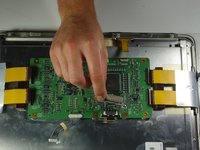
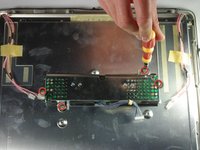
Пальцами отсоедините небольшие белые разъемы с розовыми проводами, расположенные сверху и снизу платы.
-
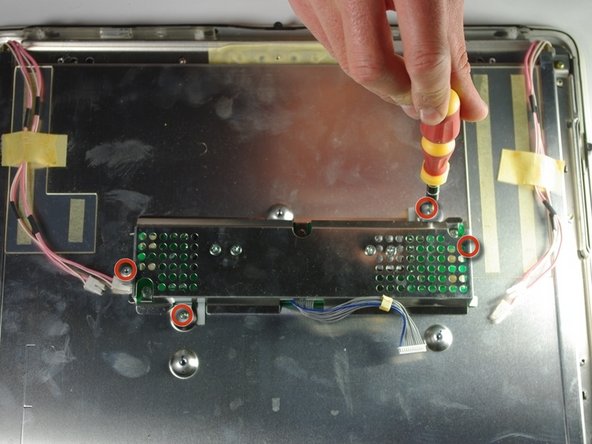
С помощью отвертки Phillips PH 2 выкрутите четыре винта (6,9 x 2,55 мм), удерживающие плату.
-
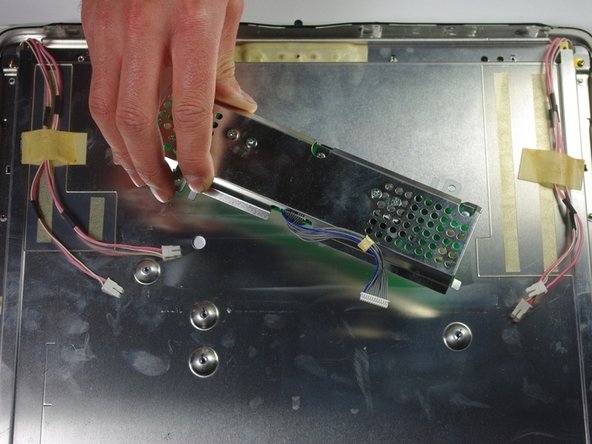
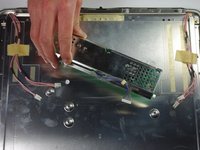
Извлеките плату, аккуратно приподняв ее от дисплея.
-
-
-
-
-
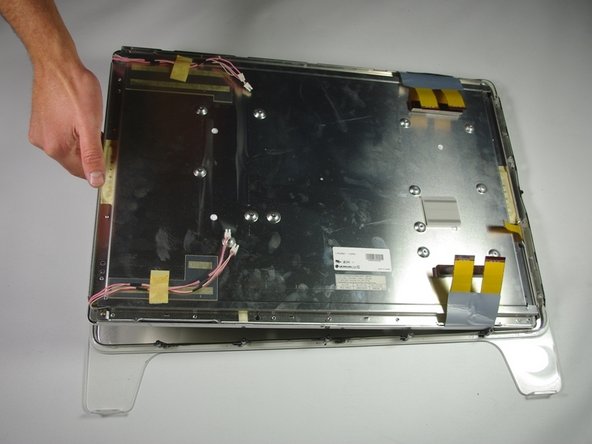
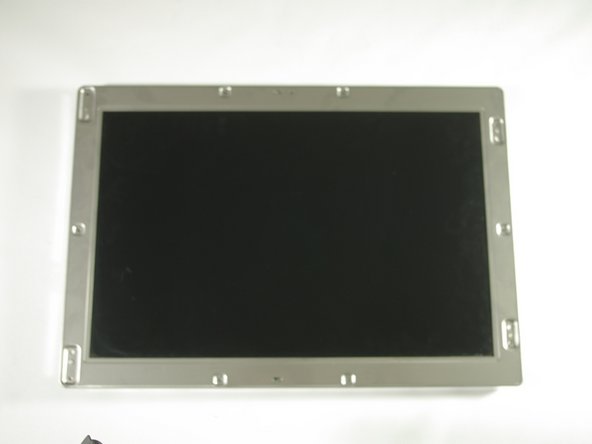
Приподнимите экран, отделив его от передней крышки: для этого просуньте пальцы в щель между ними и потяните вверх.
-
-




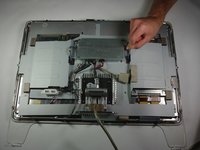
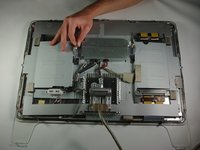

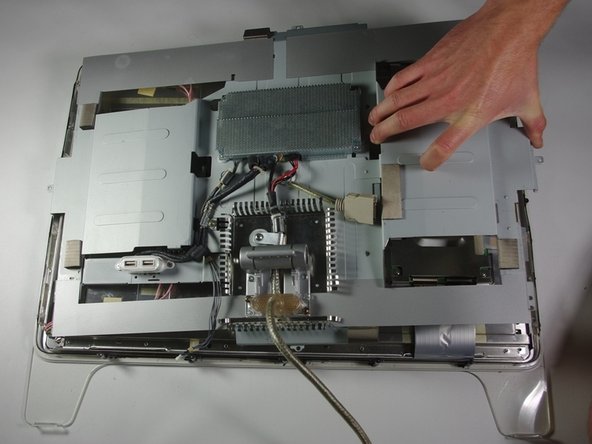







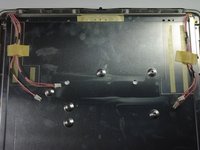
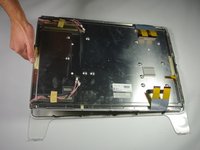
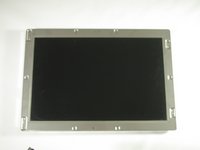
Для сборки устройства выполните эти инструкции в обратном порядке.
Отменить: Я не выполнил это руководство.
3 человек успешно провели ремонт по этому руководству.

Команда

Cal Poly, Team 10-41, Forte Spring 2011 Участник Cal Poly, Team 10-41, Forte Spring 2011
CPSU-FORTE-S11S10G41
5 членов
Автор 72 руководств
2 Комментарии к руководству
hello! where can i buy lcd screen for m8149?
Does anyone know where to get an inexpensive LCD replacement. Mine went primarily magneta except for the outer edges after zapping the pram?! Totally bummed as I bought a DVI to ADC power source and now the monitor is useless in it’s current state. C’est la vie!
