Перейти к основному содержанию
Присоединяйся к сообществу ремонтников - Создай аккаунт

Asus Rog GL55VW-DH71 Screen Replacement

Выберете то, что вам нужно

    1. Asus Rog GL55VW-DH71 Screen Replacement, Battery: шаг 1, изображение 1 из 3 Asus Rog GL55VW-DH71 Screen Replacement, Battery: шаг 1, изображение 2 из 3 Asus Rog GL55VW-DH71 Screen Replacement, Battery: шаг 1, изображение 3 из 3
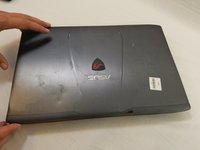
      • Flip the laptop over so the backside is facing upwards.

      • Using both hands, slide the lock mechanisms outwards and pull up to remove the battery.

      Спросите у FixBot

      Добавить комментарий

    1. Asus Rog GL55VW-DH71 Screen Replacement, Keyboard: шаг 2, изображение 1 из 3 Asus Rog GL55VW-DH71 Screen Replacement, Keyboard: шаг 2, изображение 2 из 3 Asus Rog GL55VW-DH71 Screen Replacement, Keyboard: шаг 2, изображение 3 из 3
      • Remove the nine 15.4mm Phillips #00 screws.

      • Remove the four 8.7mm Phillips #00 screws from the hard drive mounting bracket.

      • Remove the hard drive bracket.

      Спросите у FixBot

      Добавить комментарий

    2. Asus Rog GL55VW-DH71 Screen Replacement: шаг 3, изображение 1 из 2 Asus Rog GL55VW-DH71 Screen Replacement: шаг 3, изображение 2 из 2
      • Flip laptop over and open the screen.

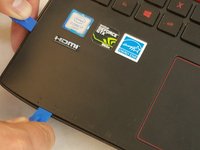
      • Wedge some plastic opening tools between the keyboard and case.

      • Work your way around with the plastic opening tools until the keyboard is separate from the case.

      • Do not try to lift the keyboard straight off at this time. There are some ribbon cables that attach the motherboard to the keyboard that need to be removed first.

      Спросите у FixBot

      Добавить комментарий

    3. Asus Rog GL55VW-DH71 Screen Replacement: шаг 4, изображение 1 из 3 Asus Rog GL55VW-DH71 Screen Replacement: шаг 4, изображение 2 из 3 Asus Rog GL55VW-DH71 Screen Replacement: шаг 4, изображение 3 из 3
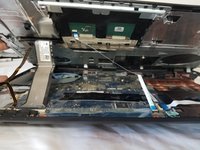
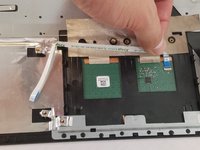
      • Remove the ZIF connected ribbon cables for the touchpad and keyboard by gently lifting the latch on the connector point, then slide the ribbon cable out. Repeat for each cable.

      • Verify all ribbon cables are disconnected and out of the way, and lift the keyboard out of the assembly.

      Спросите у FixBot

      Добавить комментарий

    1. Asus Rog GL55VW-DH71 Screen Replacement, Asus Rog GL55VW-DH71 Disassembly: шаг 5, изображение 1 из 1
      • Remove the CD/DVD drive by sliding it out of the side of the laptop.

      Спросите у FixBot

      Добавить комментарий

    2. Asus Rog GL55VW-DH71 Screen Replacement: шаг 6, изображение 1 из 3 Asus Rog GL55VW-DH71 Screen Replacement: шаг 6, изображение 2 из 3 Asus Rog GL55VW-DH71 Screen Replacement: шаг 6, изображение 3 из 3
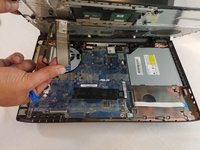
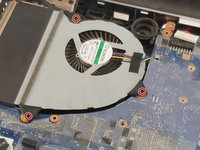
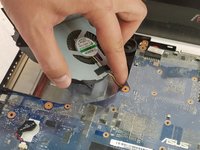
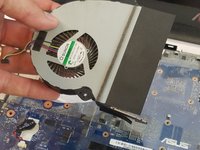
      • Remove the three 6.5mm Phillips #00 screws from the fan.

      • Disconnect the fan power cable from the motherboard.

      • Remove the fan.

      Спросите у FixBot

      Добавить комментарий

    3. Asus Rog GL55VW-DH71 Screen Replacement: шаг 7, изображение 1 из 3 Asus Rog GL55VW-DH71 Screen Replacement: шаг 7, изображение 2 из 3 Asus Rog GL55VW-DH71 Screen Replacement: шаг 7, изображение 3 из 3
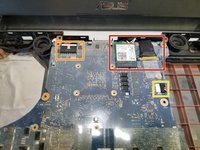
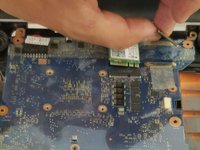
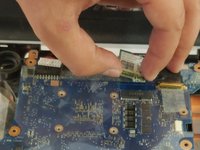
      • Gently remove the ribbon cables and wireless chip. A plastic prying tool will help in this removal.

      • Remove the power cable for the motherboard.

      • Remove the power cable for the speaker.

      Спросите у FixBot

      Добавить комментарий

    4. Asus Rog GL55VW-DH71 Screen Replacement: шаг 8, изображение 1 из 1
      • Ensuring no missed connections or screws, remove the motherboard from the assembly.

      Спросите у FixBot

      Добавить комментарий

    1. Asus Rog GL55VW-DH71 Screen Replacement, Screen: шаг 9, изображение 1 из 2 Asus Rog GL55VW-DH71 Screen Replacement, Screen: шаг 9, изображение 2 из 2
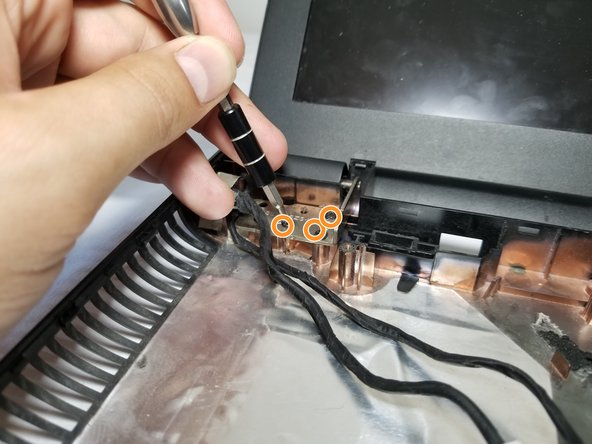
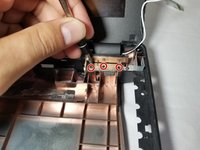
      • Using the Phillips Screwdriver #00, remove the 3 8.5mm screws to disconnect the right side hinge from the assembly.

      • Remove the 3 8.5mm screws to disconnect the left side hinge from the assembly.

      Спросите у FixBot

      Добавить комментарий

    2. Asus Rog GL55VW-DH71 Screen Replacement: шаг 10, изображение 1 из 2 Asus Rog GL55VW-DH71 Screen Replacement: шаг 10, изображение 2 из 2
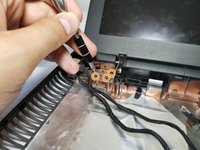
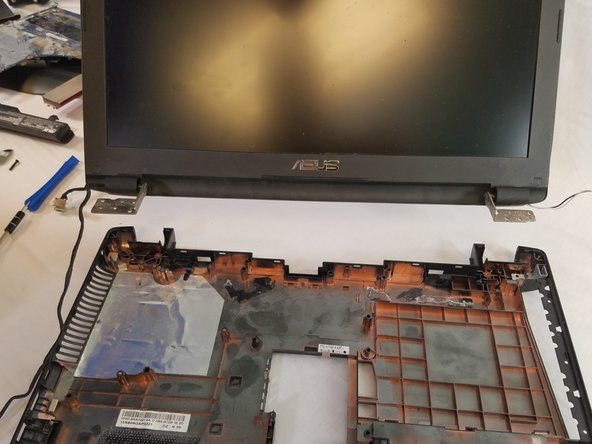
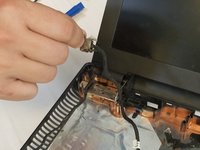
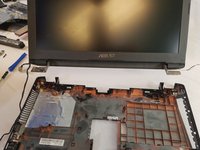
      • Remove the tape holding the power cable down and trace and remove the cables for the LCD from the assembly.

      • Set the assembly aside and all that should be left is the screen.

      Спросите у FixBot

      Добавить комментарий

    3. Asus Rog GL55VW-DH71 Screen Replacement: шаг 11, изображение 1 из 2 Asus Rog GL55VW-DH71 Screen Replacement: шаг 11, изображение 2 из 2
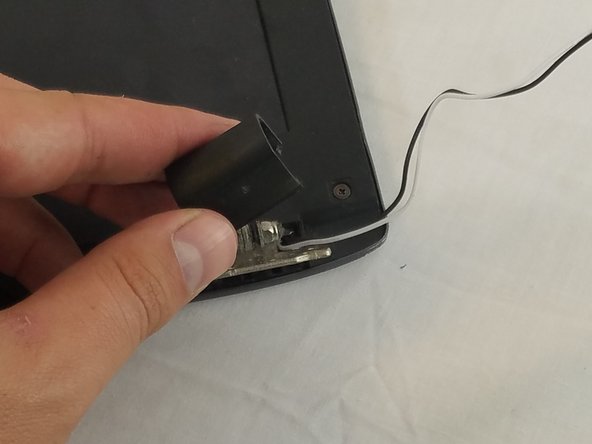
      • Remove the black hinge covers on each side. They just pop on and off with some force.

      Спросите у FixBot

      Добавить комментарий

    4. Asus Rog GL55VW-DH71 Screen Replacement: шаг 12, изображение 1 из 2 Asus Rog GL55VW-DH71 Screen Replacement: шаг 12, изображение 2 из 2
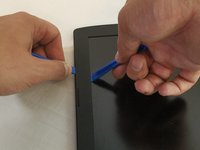
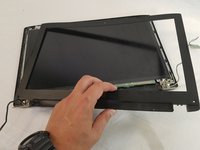
      • Using 2 plastic opening tools, remove the faceplate. Slide the tools under the side with the screen and the outside in the crevice.

      • You will feel the faceplate start to lift off with audible clicks.

      • Place the faceplate to the side.

      Спросите у FixBot

      Добавить комментарий

    5. Asus Rog GL55VW-DH71 Screen Replacement: шаг 13, изображение 1 из 3 Asus Rog GL55VW-DH71 Screen Replacement: шаг 13, изображение 2 из 3 Asus Rog GL55VW-DH71 Screen Replacement: шаг 13, изображение 3 из 3
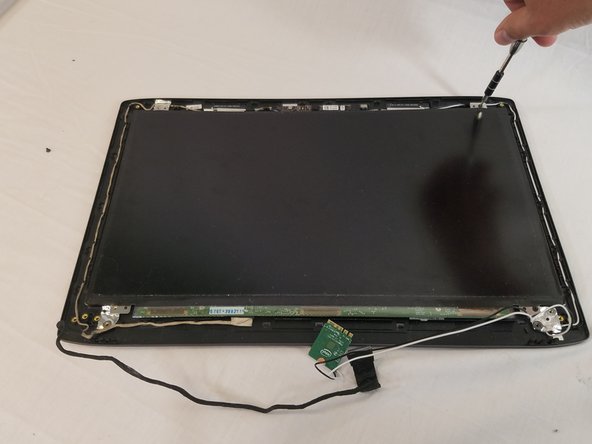
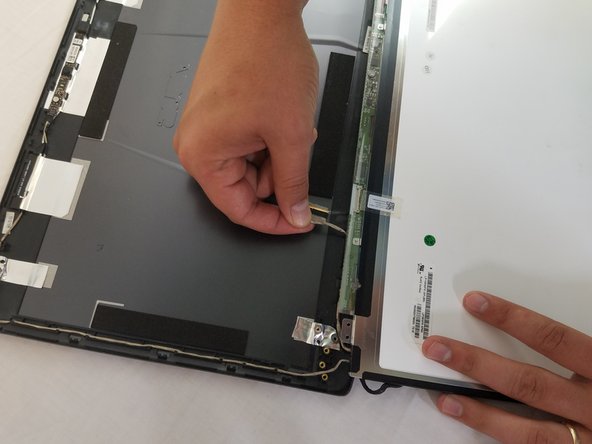
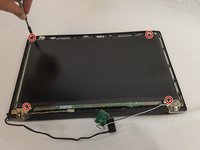
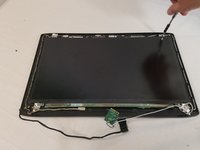
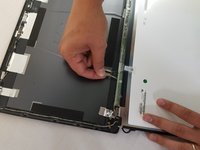
      • Using the Phillips Screwdriver #00, remove the 4 3.4mm screws that hold the screen to the top plate.

      • Trace the wires through the holders and remove the LCD.

      • Replace with new screen.

      Спросите у FixBot

      Добавить комментарий

Заключение

To reassemble your device, follow these instructions in reverse order.

Отменить: Я не выполнил это руководство.

2 человек успешно провели ремонт по этому руководству.

Addison Thomas

Участник с: 02/14/18

1 246 Репутация

Автор 8 руководств

Команда

USF Tampa, Team S1-G2, Nance Spring 2018 Участник USF Tampa, Team S1-G2, Nance Spring 2018

USFT-NANCE-S18S1G2

4 членов

Автор 80 руководств

0 Комментарии к руководству

Добавить комментарий

Статистика просмотров:

За последние 24 часов: 0

За последние 7 дней: 16

За последние 30 дней: 62

За всё время: 4,252