Перейти к основному содержанию
Присоединяйся к сообществу ремонтников - Создай аккаунт

Backbone One Direction Pad Replacement

Выберете то, что вам нужно

  1. Backbone One Direction Pad Replacement, Unfasten the screws: шаг 1, изображение 1 из 1
    • Use a Phillips screwdriver to remove the four 5.9 mm-long screws.

    Спросите у FixBot

    Добавить комментарий

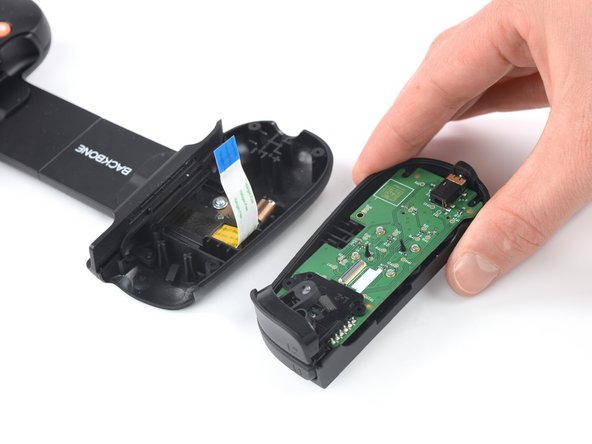
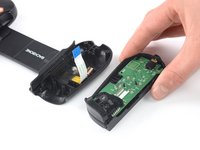
  2. Backbone One Direction Pad Replacement, Rotate the upper cover: шаг 2, изображение 1 из 3 Backbone One Direction Pad Replacement, Rotate the upper cover: шаг 2, изображение 2 из 3 Backbone One Direction Pad Replacement, Rotate the upper cover: шаг 2, изображение 3 из 3
    • Lift up the upper part of the controller.

    • Swing over the upper cover and place it on the controller case.

    • Take care that the interconnecting cable has no tension.

    Спросите у FixBot

    Добавить комментарий

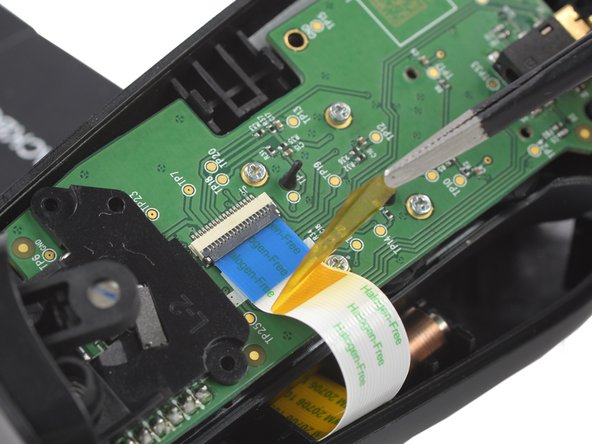
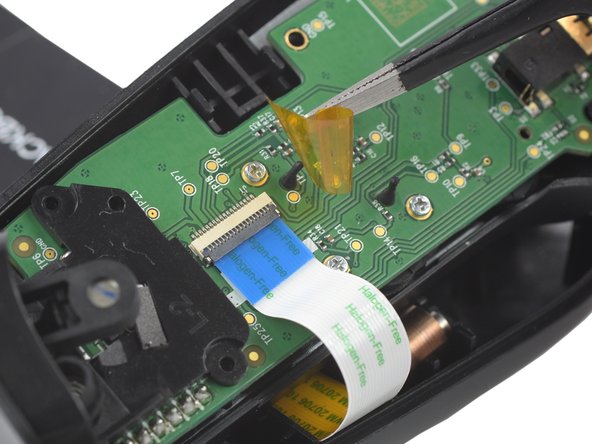
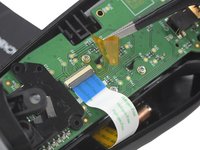
  3. Backbone One Direction Pad Replacement, Remove the protective tape: шаг 3, изображение 1 из 3 Backbone One Direction Pad Replacement, Remove the protective tape: шаг 3, изображение 2 из 3 Backbone One Direction Pad Replacement, Remove the protective tape: шаг 3, изображение 3 из 3
    Инструмент, используемый на этом этапе:
    Tweezers
    $4.99
    • Use a pair of tweezers to remove the yellow protective tape which is placed over the interconnect cable connector.

    Спросите у FixBot

    Добавить комментарий

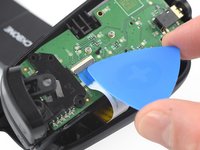
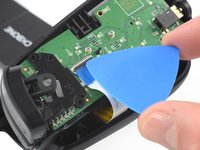
  4. Backbone One Direction Pad Replacement, Open the ZIF connector: шаг 4, изображение 1 из 2 Backbone One Direction Pad Replacement, Open the ZIF connector: шаг 4, изображение 2 из 2
    • Use the tip of an opening pick to open the gray flap of the ZIF connector by pushing it upwards.

    Спросите у FixBot

    Добавить комментарий

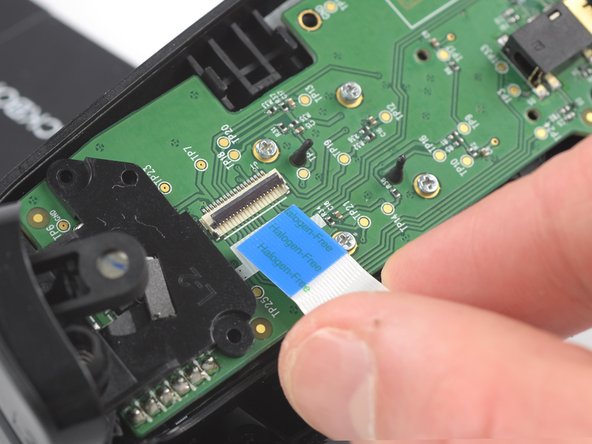
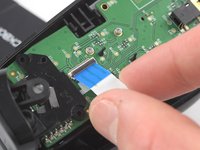
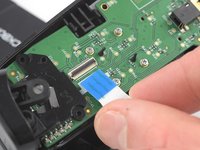
  5. Backbone One Direction Pad Replacement, Disconnect the interconnect cable: шаг 5, изображение 1 из 2 Backbone One Direction Pad Replacement, Disconnect the interconnect cable: шаг 5, изображение 2 из 2
    • Use your fingers to disconnect the interconnect cable from its connector.

    Спросите у FixBot

    Добавить комментарий

  6. Backbone One Direction Pad Replacement: шаг 6, изображение 1 из 2 Backbone One Direction Pad Replacement: шаг 6, изображение 2 из 2
    • Remove the upper half of the left controller assembly.

    Спросите у FixBot

    Добавить комментарий

  7. Backbone One Direction Pad Replacement, Remove the screw: шаг 7, изображение 1 из 2 Backbone One Direction Pad Replacement, Remove the screw: шаг 7, изображение 2 из 2
    • Use a Phillips screwdriver to remove the 5.9 mm-long screw which is securing the trigger.

    • The screw is difficult to reach. Insert the screwdriver at an angle of 45 degrees.

    Спросите у FixBot

    Добавить комментарий

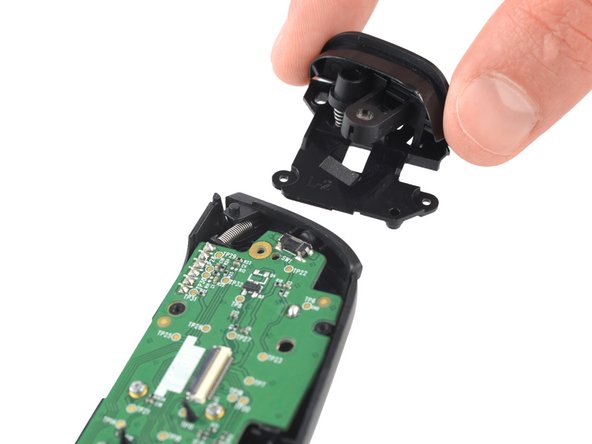
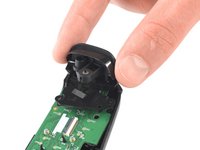
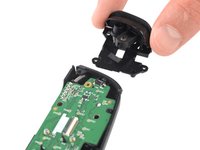
  8. Backbone One Direction Pad Replacement, Remove the trigger: шаг 8, изображение 1 из 2 Backbone One Direction Pad Replacement, Remove the trigger: шаг 8, изображение 2 из 2
    • Remove the left trigger.

    Спросите у FixBot

    Добавить комментарий

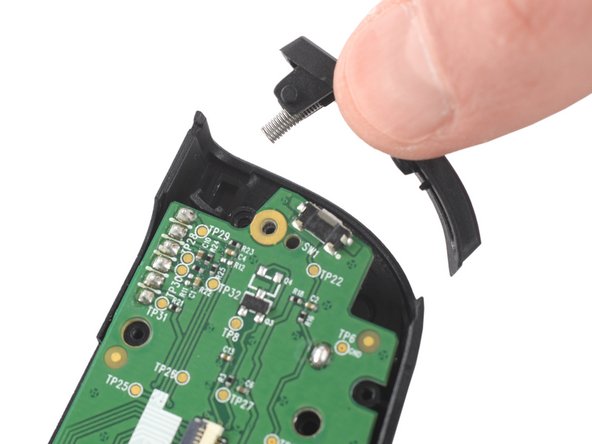
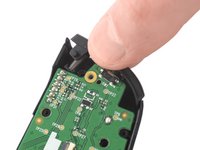
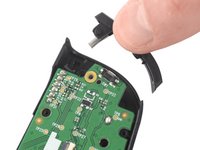
  9. Backbone One Direction Pad Replacement, Remove the bumper: шаг 9, изображение 1 из 2 Backbone One Direction Pad Replacement, Remove the bumper: шаг 9, изображение 2 из 2
    • Use your fingers to remove the left bumper.

    Спросите у FixBot

    Добавить комментарий

  10. Backbone One Direction Pad Replacement, Remove the screws: шаг 10, изображение 1 из 1
    • Use a Phillips screwdriver to remove the four 3.9 mm-long screws.

    Спросите у FixBot

    Добавить комментарий

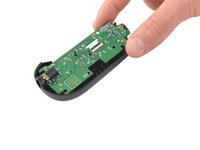
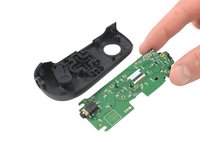
  11. Backbone One Direction Pad Replacement, Remove the mainboard: шаг 11, изображение 1 из 2 Backbone One Direction Pad Replacement, Remove the mainboard: шаг 11, изображение 2 из 2
    • Remove the mainboard.

    Спросите у FixBot

    Добавить комментарий

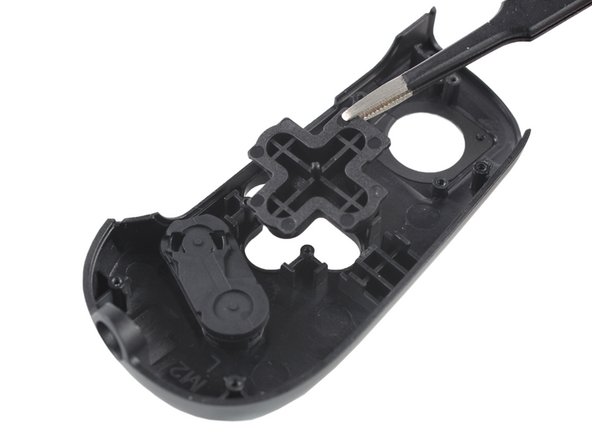
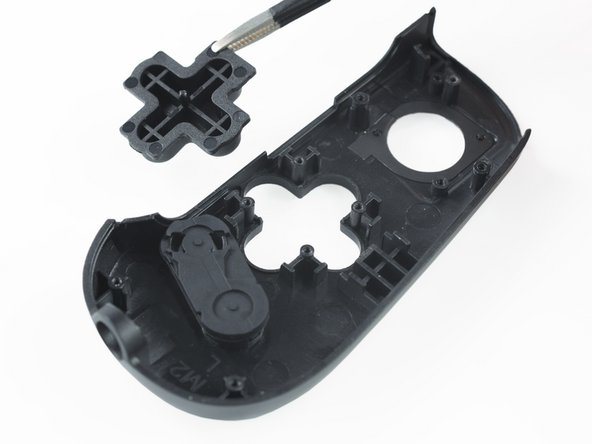
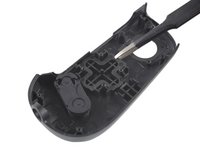
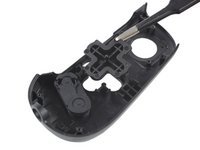
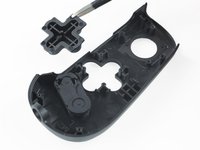
  12. Backbone One Direction Pad Replacement, Remove the direction pad: шаг 12, изображение 1 из 3 Backbone One Direction Pad Replacement, Remove the direction pad: шаг 12, изображение 2 из 3 Backbone One Direction Pad Replacement, Remove the direction pad: шаг 12, изображение 3 из 3
    Инструмент, используемый на этом этапе:
    Tweezers
    $4.99
    • Use a pair of blunt nose tweezers to remove the direction pad.

    Спросите у FixBot

    Добавить комментарий

Заключение

To reassemble your device, follow these instructions in reverse order.

Repair didn’t go as planned? Ask our Answers community for help.

Отменить: Я не выполнил это руководство.

Adriana Zwink

Участник с: 12/18/19

67 401 Репутация

Автор 167 руководств

Команда

iFixit Участник iFixit

Staff

122 членов

Автор 26 572 руководств

0 Комментарии к руководству

Добавить комментарий

Статистика просмотров:

За последние 24 часов: 4

За последние 7 дней: 23

За последние 30 дней: 100

За всё время: 3,225