Перейти к основному содержанию
Присоединяйся к сообществу ремонтников - Создай аккаунт

BlackBerry 7100g Battery Terminal Replacement

Выберете то, что вам нужно

    1. BlackBerry 7100g Battery Terminal Replacement, Battery: шаг 1, изображение 1 из 1
      • Turn over your BalckBerry 7100g so that the back cover is facing up.

      • Locate the battery cover release button near the bottom of the back panel.

      Спросите у FixBot

      Добавить комментарий

    2. BlackBerry 7100g Battery Terminal Replacement: шаг 2, изображение 1 из 3 BlackBerry 7100g Battery Terminal Replacement: шаг 2, изображение 2 из 3 BlackBerry 7100g Battery Terminal Replacement: шаг 2, изображение 3 из 3
      • Push down on the release button with one thumb.

      • Slide the battery cover off with the other thumb.

      Спросите у FixBot

      Добавить комментарий

    3. BlackBerry 7100g Battery Terminal Replacement: шаг 3, изображение 1 из 1
      • Remove the battery from the battery housing by flipping up the top of the battery.

      Спросите у FixBot

      Добавить комментарий

    1. BlackBerry 7100g Battery Terminal Replacement, Housing: шаг 4, изображение 1 из 3 BlackBerry 7100g Battery Terminal Replacement, Housing: шаг 4, изображение 2 из 3 BlackBerry 7100g Battery Terminal Replacement, Housing: шаг 4, изображение 3 из 3
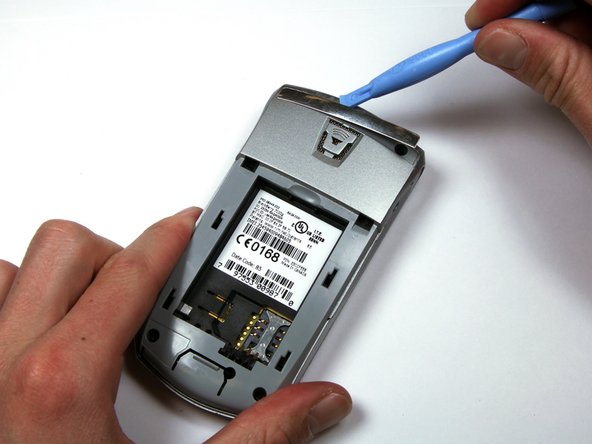
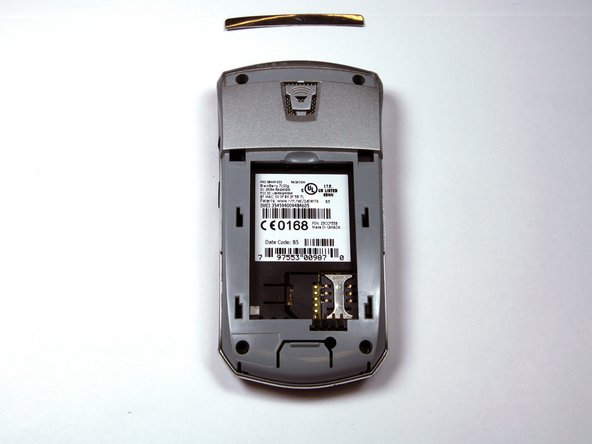
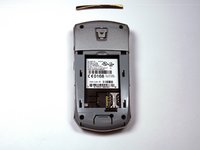
      • Locate the silver strip near the top of your BlackBerry.

      • Use a plastic opening tool to pry off the edge of the silver lining.

      • Slide the tool along the length of the silver strip to completely remove it.

      Спросите у FixBot

      Добавить комментарий

    2. BlackBerry 7100g Battery Terminal Replacement: шаг 5, изображение 1 из 2 BlackBerry 7100g Battery Terminal Replacement: шаг 5, изображение 2 из 2
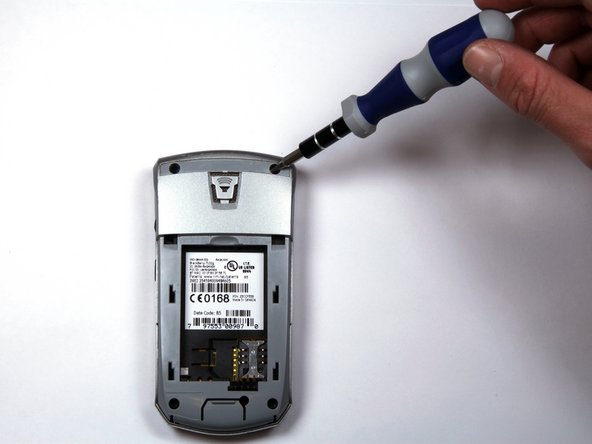
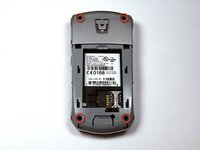
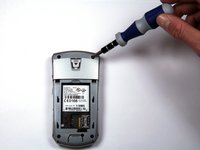
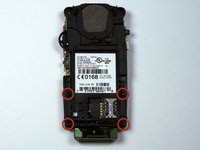
      • Do not lose the screws. They are quite small and can easily be misplaced.

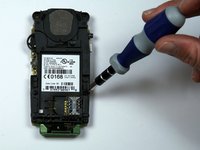
      • Locate and unscrew the four (4) screws using a T6 screwdriver.

      Спросите у FixBot

      Добавить комментарий

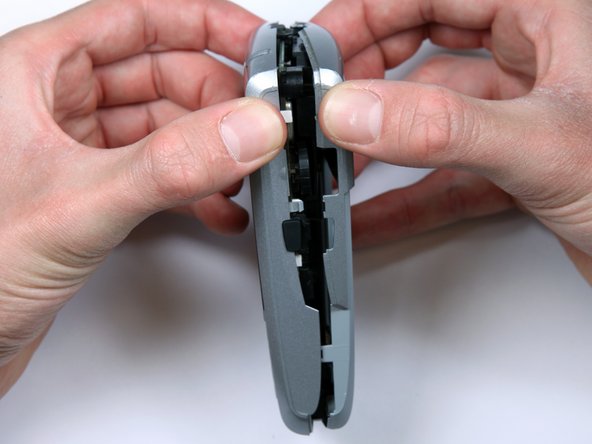
    3. BlackBerry 7100g Battery Terminal Replacement: шаг 6, изображение 1 из 3 BlackBerry 7100g Battery Terminal Replacement: шаг 6, изображение 2 из 3 BlackBerry 7100g Battery Terminal Replacement: шаг 6, изображение 3 из 3
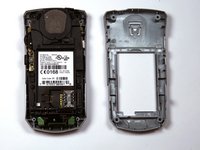
      • The keypad cover may fall out of the housing when prying the housing apart.

      • Tightly pinch the top of the front and back halves of the housing.

      • Carefully pry the two halves of the housing apart.

      Спросите у FixBot

      Добавить комментарий

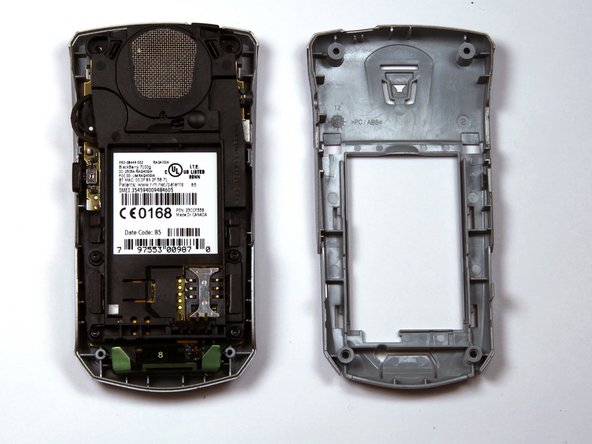
    4. BlackBerry 7100g Battery Terminal Replacement: шаг 7, изображение 1 из 1
      • You can now easily remove the "guts" of the phone from the housing.

      Спросите у FixBot

      Добавить комментарий

    1. BlackBerry 7100g Battery Terminal Replacement, Battery Terminal: шаг 8, изображение 1 из 2 BlackBerry 7100g Battery Terminal Replacement, Battery Terminal: шаг 8, изображение 2 из 2
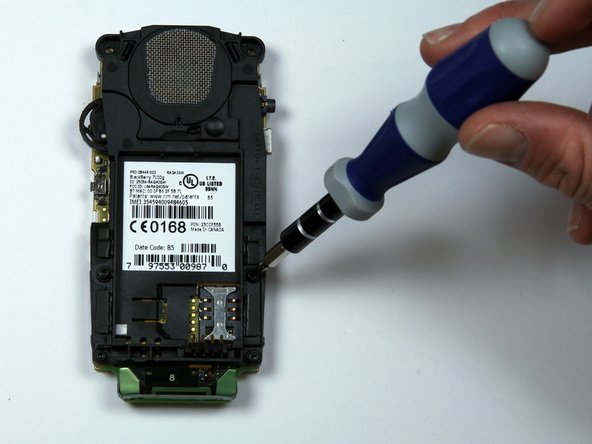
      • Remove the four screws holding the battery and speaker housing to the motherboard.

      Спросите у FixBot

      Добавить комментарий

    2. BlackBerry 7100g Battery Terminal Replacement: шаг 9, изображение 1 из 3 BlackBerry 7100g Battery Terminal Replacement: шаг 9, изображение 2 из 3 BlackBerry 7100g Battery Terminal Replacement: шаг 9, изображение 3 из 3
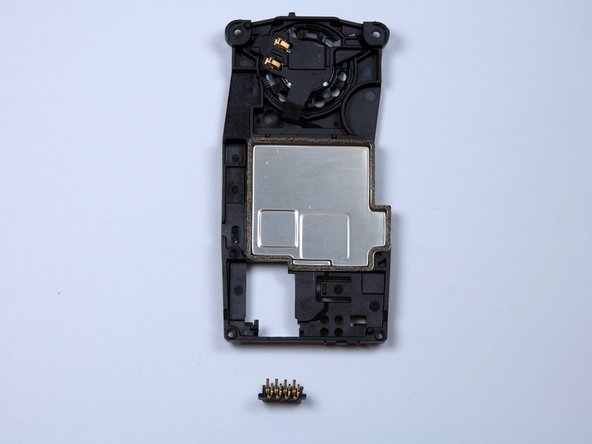
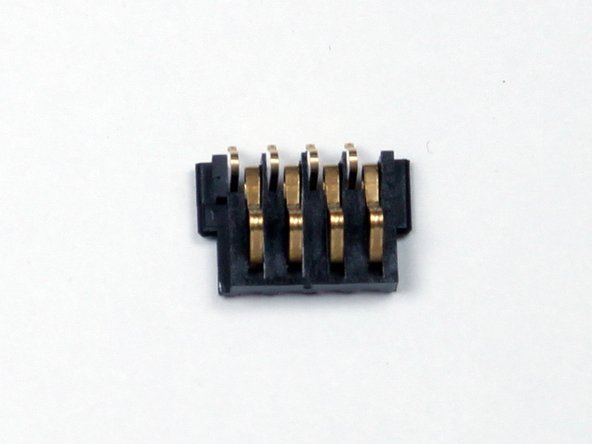
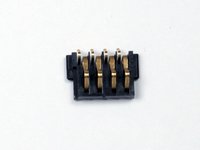
      • Once the battery housing is seperated from the motherboard, the battery terminal will slide off the battery housing.

      • The small plastic piece with four metal pins is the battery terminal shown in the third picture.

      Спросите у FixBot

      Добавить комментарий

Заключение

To reassemble your device, follow these instructions in reverse order.

Отменить: Я не выполнил это руководство.

Kellan

Участник с: 03/30/10

277 Репутация

Автор 3 руководств

Команда

Cal Poly, Team 25-87, Amido Spring 2010 Участник Cal Poly, Team 25-87, Amido Spring 2010

CPSU-AMIDO-S10S25G87

4 членов

Автор 56 руководств

0 Комментарии к руководству

Добавить комментарий

Статистика просмотров:

За последние 24 часов: 2

За последние 7 дней: 7

За последние 30 дней: 30

За всё время: 3,551