Перейти к основному содержанию
Присоединяйся к сообществу ремонтников - Создай аккаунт

BlackBerry Bold 9700 Memory Card Socket Replacement

Выберете то, что вам нужно

  1. BlackBerry Bold 9700 Memory Card Socket Replacement, Motherboard Housing: шаг 1, изображение 1 из 3 BlackBerry Bold 9700 Memory Card Socket Replacement, Motherboard Housing: шаг 1, изображение 2 из 3 BlackBerry Bold 9700 Memory Card Socket Replacement, Motherboard Housing: шаг 1, изображение 3 из 3
    • Remove the battery by prying the bottom of the battery upward.

    • Once the battery is angled up, pull it away from the top of the device.

    • Be sure to remove all power sources before working on electronic devices to avoid harming yourself or the device.

    Спросите у FixBot

    Добавить комментарий

  2. BlackBerry Bold 9700 Memory Card Socket Replacement: шаг 2, изображение 1 из 3 BlackBerry Bold 9700 Memory Card Socket Replacement: шаг 2, изображение 2 из 3 BlackBerry Bold 9700 Memory Card Socket Replacement: шаг 2, изображение 3 из 3
    • Slide the SIM card from underneath the holding bracket upward toward the battery connector pins.

    • You must remove the SIM card before you can fully disassemble the device. Failure to do so may cause damage to components later on in this process.

    Спросите у FixBot

    Добавить комментарий

  3. BlackBerry Bold 9700 Memory Card Socket Replacement: шаг 3, изображение 1 из 3 BlackBerry Bold 9700 Memory Card Socket Replacement: шаг 3, изображение 2 из 3 BlackBerry Bold 9700 Memory Card Socket Replacement: шаг 3, изображение 3 из 3
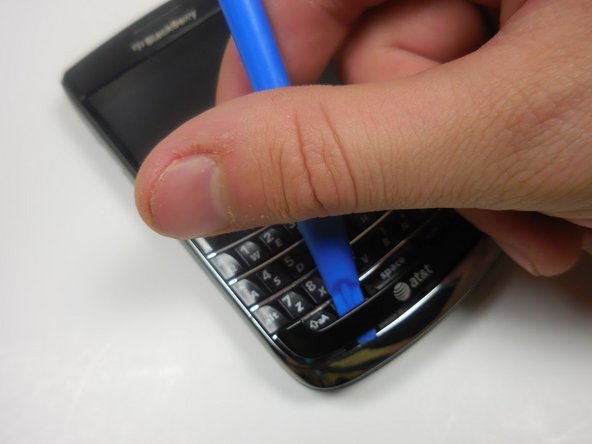
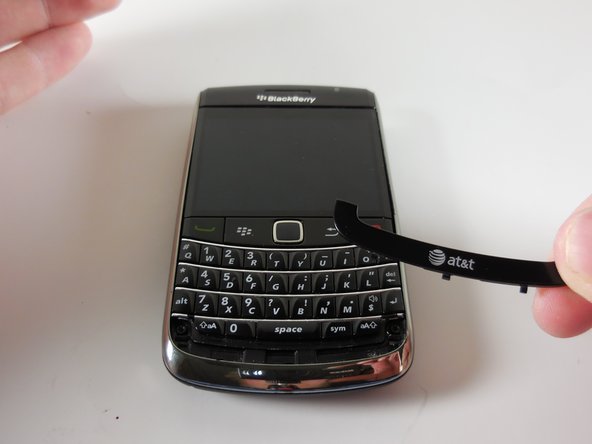
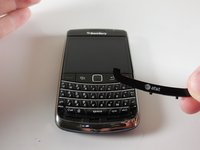
    • Pry off the AT&T logo panel with the plastic opening tool.

    • You will hear a snapping sound as the plastic tabs pop out.

    Спросите у FixBot

    Добавить комментарий

  4. BlackBerry Bold 9700 Memory Card Socket Replacement: шаг 4, изображение 1 из 3 BlackBerry Bold 9700 Memory Card Socket Replacement: шаг 4, изображение 2 из 3 BlackBerry Bold 9700 Memory Card Socket Replacement: шаг 4, изображение 3 из 3
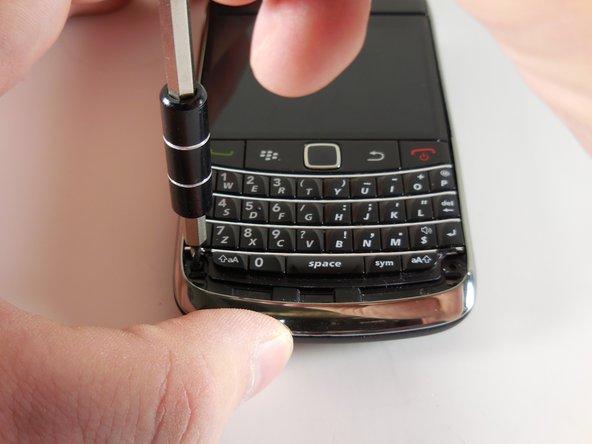
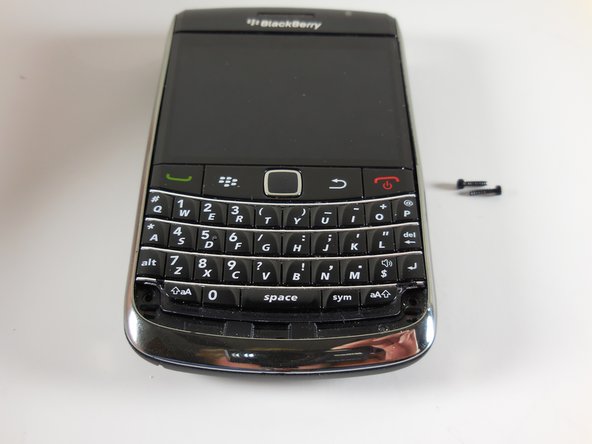
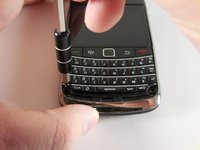
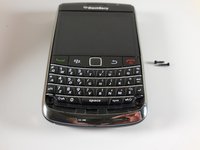
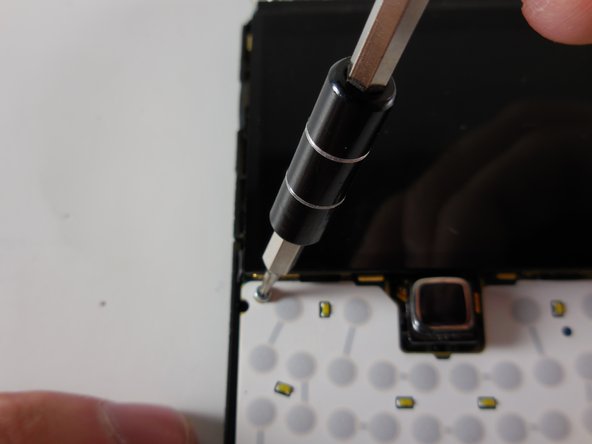
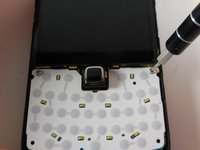
    • Use your T5 Torx screwdriver to remove the two black 5.57mm Torx head screws underneath the keyboard.

    Спросите у FixBot

    Добавить комментарий

  5. BlackBerry Bold 9700 Memory Card Socket Replacement: шаг 5, изображение 1 из 3 BlackBerry Bold 9700 Memory Card Socket Replacement: шаг 5, изображение 2 из 3 BlackBerry Bold 9700 Memory Card Socket Replacement: шаг 5, изображение 3 из 3
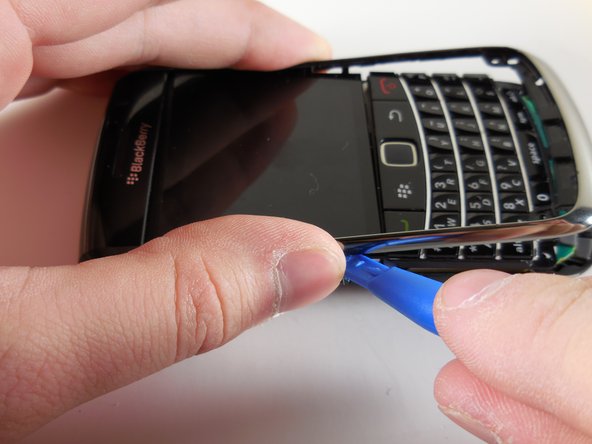
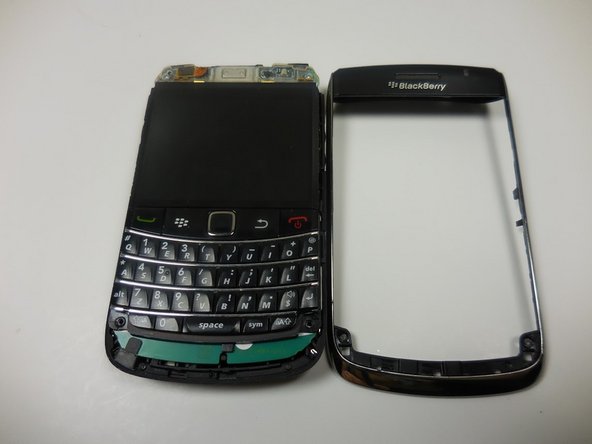
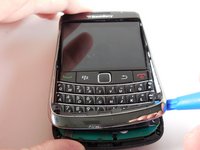
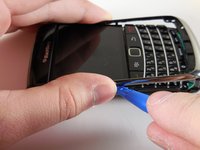
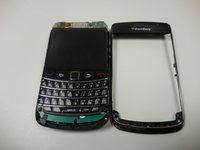
    • Use the plastic opening tool to remove the frame of your device.

    • You will hear a snapping sound as the tabs pop out.

    • Once the case is loosened from the device, slide the case away from the top of the phone.

    Спросите у FixBot

    Добавить комментарий

  6. BlackBerry Bold 9700 Memory Card Socket Replacement: шаг 6, изображение 1 из 3 BlackBerry Bold 9700 Memory Card Socket Replacement: шаг 6, изображение 2 из 3 BlackBerry Bold 9700 Memory Card Socket Replacement: шаг 6, изображение 3 из 3
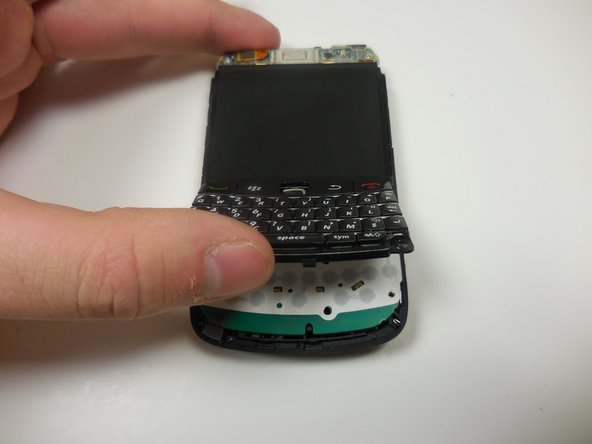
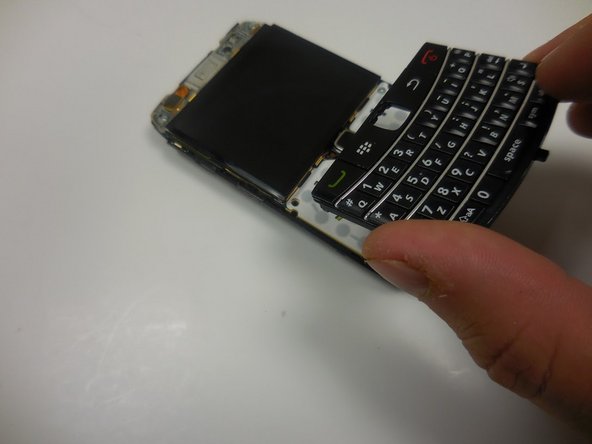
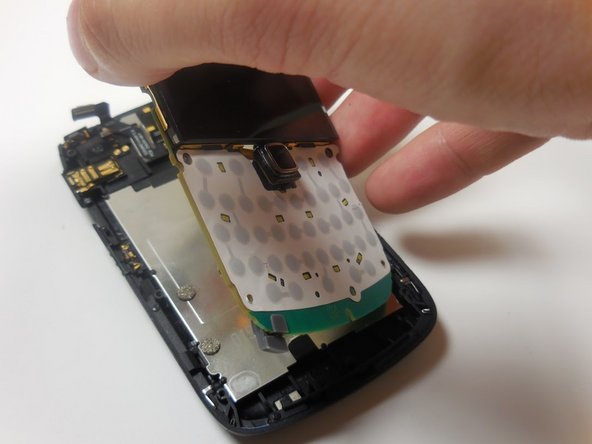
    • Gently lift the bottom of the keyboard upward.

    • Pull the keyboard away from the bottom of the LCD display and lift upward.

    Спросите у FixBot

    Добавить комментарий

  7. BlackBerry Bold 9700 Memory Card Socket Replacement: шаг 7, изображение 1 из 2 BlackBerry Bold 9700 Memory Card Socket Replacement: шаг 7, изображение 2 из 2
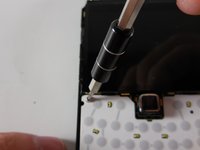
    • Remove the two Torx head 4.13mm steel screws with your T5 Torx screwdriver.

    Спросите у FixBot

    Добавить комментарий

  8. BlackBerry Bold 9700 Memory Card Socket Replacement: шаг 8, изображение 1 из 3 BlackBerry Bold 9700 Memory Card Socket Replacement: шаг 8, изображение 2 из 3 BlackBerry Bold 9700 Memory Card Socket Replacement: шаг 8, изображение 3 из 3
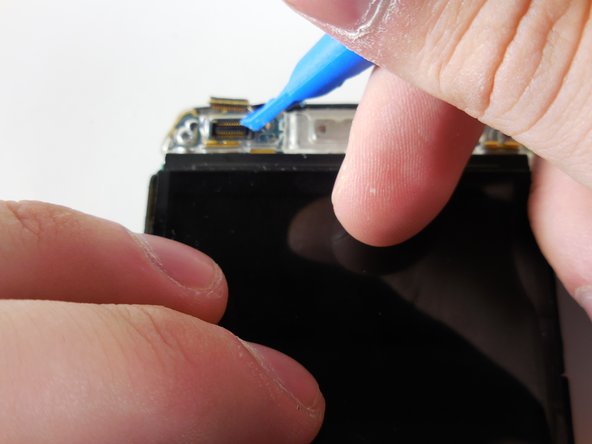
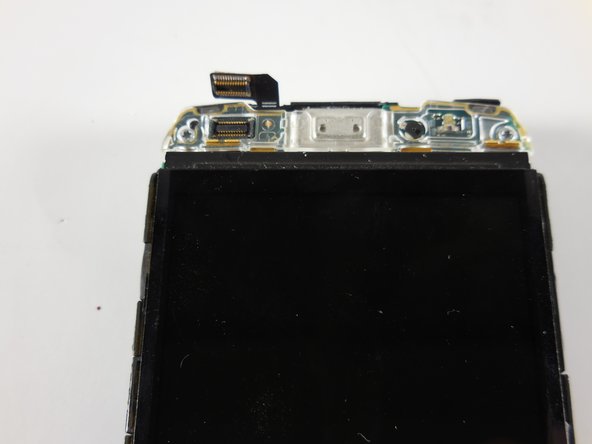
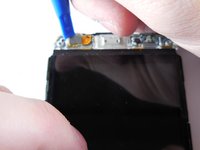
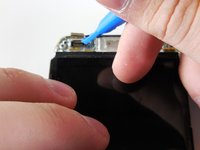
    • Gently pry up the ribbon connector at the top of the phone with a plastic opening tool.

    • Ribbon connectors are fragile. Too much force in the wrong place will damage the ribbon and may force you to replace an entire assembly.

    Спросите у FixBot

    Добавить комментарий

  9. BlackBerry Bold 9700 Memory Card Socket Replacement: шаг 9, изображение 1 из 3 BlackBerry Bold 9700 Memory Card Socket Replacement: шаг 9, изображение 2 из 3 BlackBerry Bold 9700 Memory Card Socket Replacement: шаг 9, изображение 3 из 3
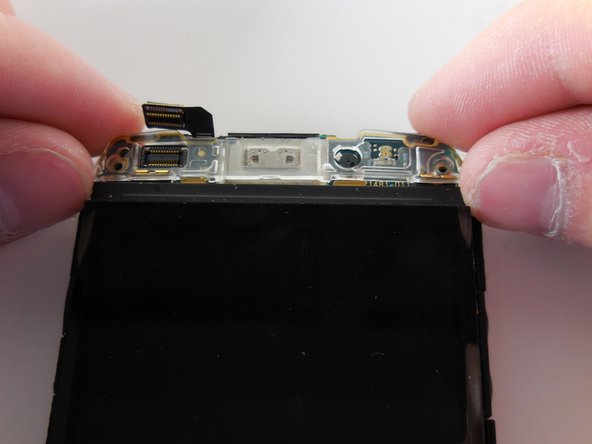
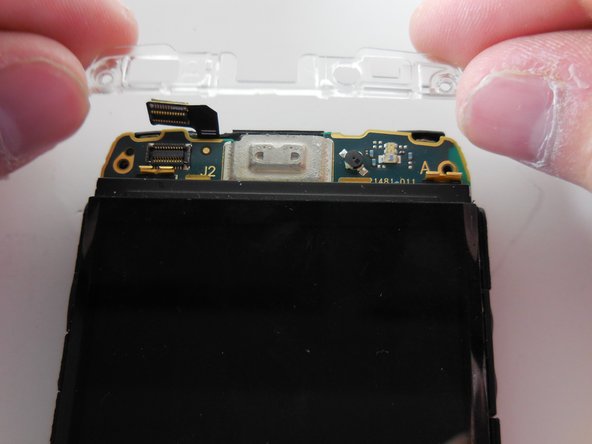
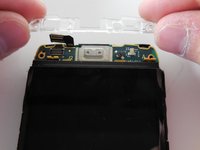
    • Remove the top two Torx head 4.13mm steel screws with your T5 Torx screwdriver.

    • You should now have two 5.57mm black torx head screws and four 4.13mm steel Torx head screws off to the side. Do not lose them.

    • Lift the clear plastic cover directly upward.

    Спросите у FixBot

    Добавить комментарий

  10. BlackBerry Bold 9700 Memory Card Socket Replacement: шаг 10, изображение 1 из 3 BlackBerry Bold 9700 Memory Card Socket Replacement: шаг 10, изображение 2 из 3 BlackBerry Bold 9700 Memory Card Socket Replacement: шаг 10, изображение 3 из 3
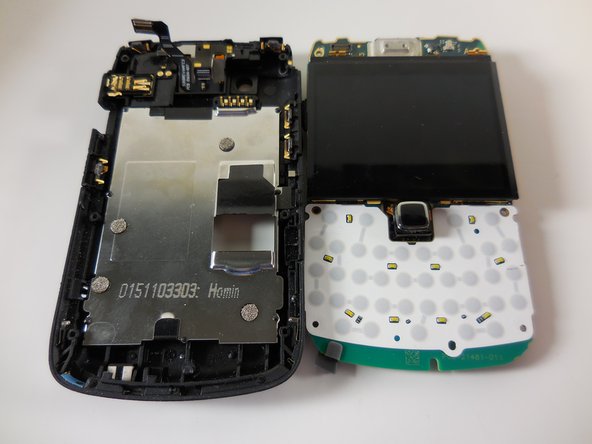
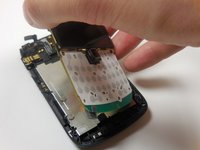
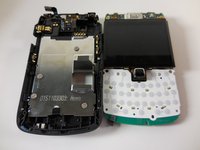
    • Grip the motherboard by the screen

    • Lift the board away from the base of the housing and vertically up.

    Спросите у FixBot

    Добавить комментарий

  11. BlackBerry Bold 9700 Memory Card Socket Replacement, Memory Card Socket: шаг 11, изображение 1 из 3 BlackBerry Bold 9700 Memory Card Socket Replacement, Memory Card Socket: шаг 11, изображение 2 из 3 BlackBerry Bold 9700 Memory Card Socket Replacement, Memory Card Socket: шаг 11, изображение 3 из 3
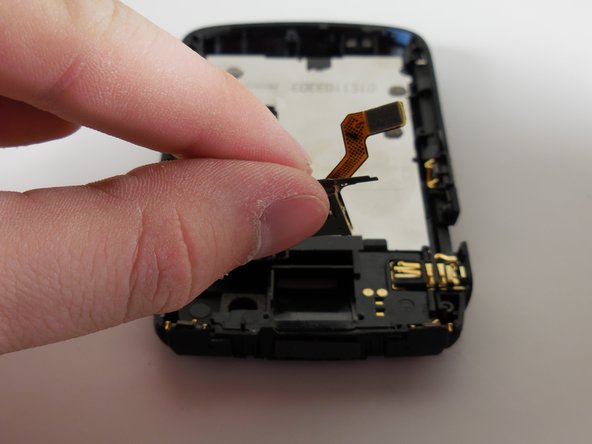
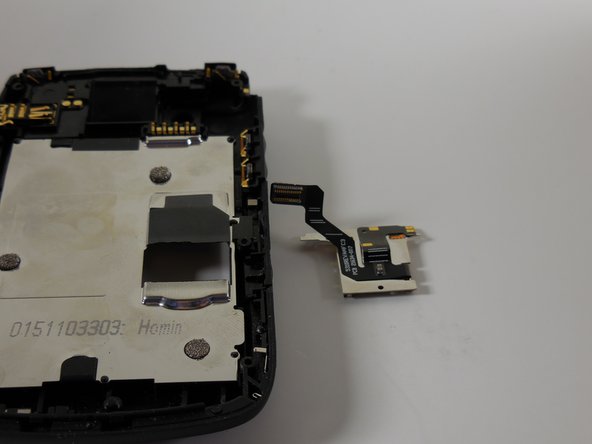
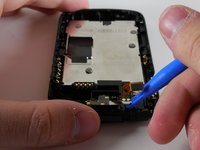
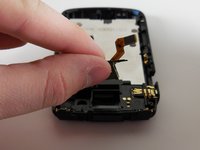
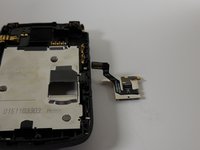
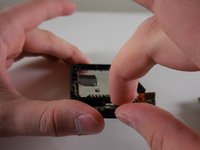
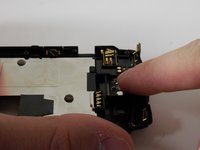
    • Use plastic opening tool to pry away tiny metal arm that is holding the socket in place.

    • Lift SD memory card socket away from phone housing till it is removed.

    Спросите у FixBot

    Добавить комментарий

  12. BlackBerry Bold 9700 Memory Card Socket Replacement: шаг 12, изображение 1 из 2 BlackBerry Bold 9700 Memory Card Socket Replacement: шаг 12, изображение 2 из 2
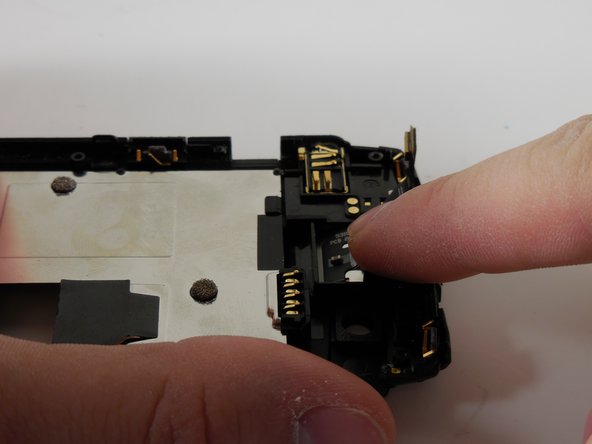
    • Align new SD memory card socket into the socket housing and connect tiny metal arm.

    • Apply pressure to the top of new SD Memory card socket.

    • Once the SD memory card socket is correctly placed in the housing you are done.

    Спросите у FixBot

    Добавить комментарий

Заключение

To reassemble your device, follow these instructions in reverse order.

Отменить: Я не выполнил это руководство.

Еще один человек закончил это руководство.

Danny

Участник с: 03/11/15

365 Репутация

Автор 3 руководств

Команда

Colorado Springs, Team 9-3, Panko Spring 2015 Участник Colorado Springs, Team 9-3, Panko Spring 2015

UCCS-PANKO-S15S9G3

2 членов

Автор 7 руководств

0 Комментарии к руководству

Добавить комментарий

Статистика просмотров:

За последние 24 часов: 1

За последние 7 дней: 7

За последние 30 дней: 24

За всё время: 1,588