Перейти к основному содержанию
Присоединяйся к сообществу ремонтников - Создай аккаунт

BlackBerry World Edition 8830 Keyboard Replacement

Выберете то, что вам нужно

    1. BlackBerry World Edition 8830 Keyboard Replacement, Battery: шаг 1, изображение 1 из 3 BlackBerry World Edition 8830 Keyboard Replacement, Battery: шаг 1, изображение 2 из 3 BlackBerry World Edition 8830 Keyboard Replacement, Battery: шаг 1, изображение 3 из 3
      • Before beginning this installation, make sure phone is powered off .

      • Turn phone over to the backside.

      • Press down on the lower portion of the back cover.

      • Slide the lower portion down to remove the cover and reveal the battery.

      Спросите у FixBot

      Добавить комментарий

    2. BlackBerry World Edition 8830 Keyboard Replacement: шаг 2, изображение 1 из 1
      • Remove the battery from the phone.

      Спросите у FixBot

      Добавить комментарий

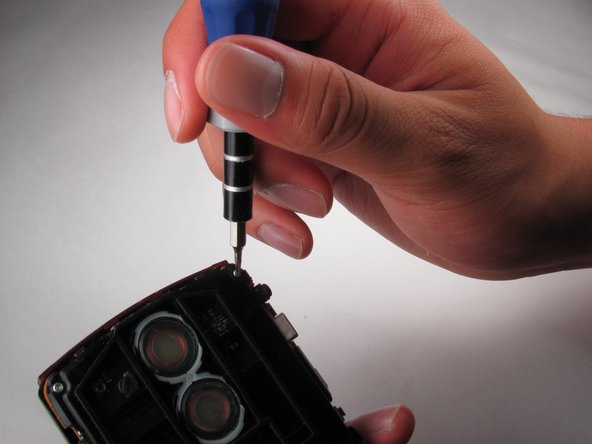
    1. BlackBerry World Edition 8830 Keyboard Replacement, Front and Back Casing: шаг 3, изображение 1 из 2 BlackBerry World Edition 8830 Keyboard Replacement, Front and Back Casing: шаг 3, изображение 2 из 2
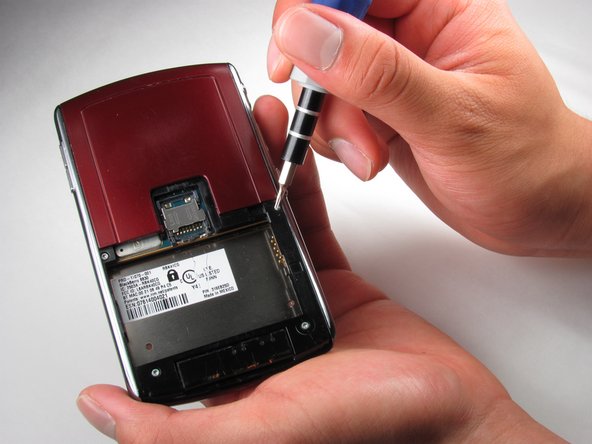
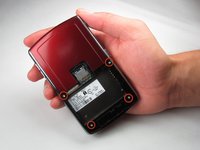
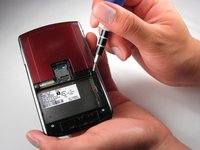
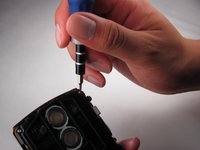
      • Once the battery is removed, remove the four 9.2 mm screws with the T4 Torx Screwdriver.

      Спросите у FixBot

      Добавить комментарий

    2. BlackBerry World Edition 8830 Keyboard Replacement: шаг 4, изображение 1 из 3 BlackBerry World Edition 8830 Keyboard Replacement: шаг 4, изображение 2 из 3 BlackBerry World Edition 8830 Keyboard Replacement: шаг 4, изображение 3 из 3
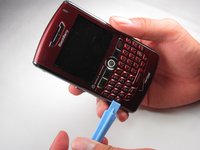
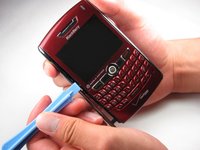
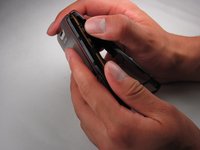
      • Remove side panels with the Plastic Opening Tool by sliding it along the edge of the panel until you can pry it off with the tool.

      Спросите у FixBot

      Добавить комментарий

    3. BlackBerry World Edition 8830 Keyboard Replacement: шаг 5, изображение 1 из 2 BlackBerry World Edition 8830 Keyboard Replacement: шаг 5, изображение 2 из 2
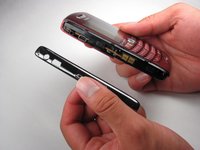
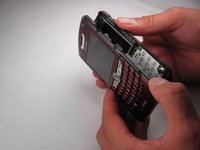
      • Remove the back casing using the Plastic Opening Tool

      • Once the back casing is removed the top two buttons are likely to pop out.

      Спросите у FixBot

      Добавить комментарий

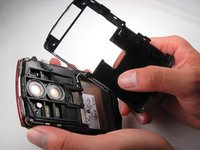
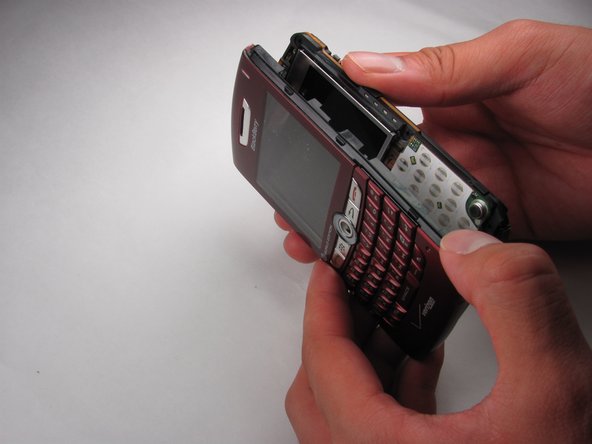
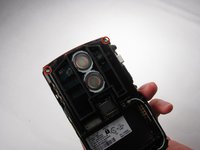
    4. BlackBerry World Edition 8830 Keyboard Replacement: шаг 6, изображение 1 из 3 BlackBerry World Edition 8830 Keyboard Replacement: шаг 6, изображение 2 из 3 BlackBerry World Edition 8830 Keyboard Replacement: шаг 6, изображение 3 из 3
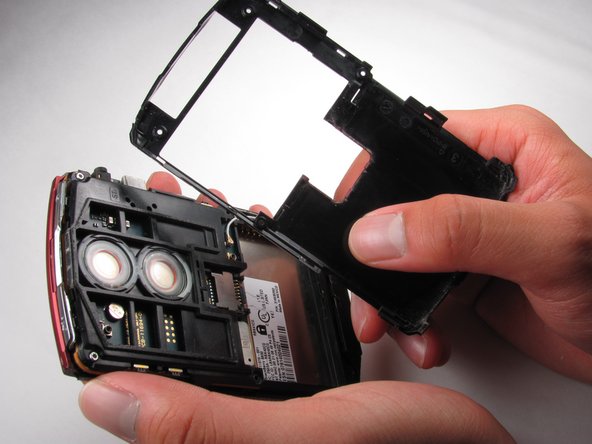
      • Locate the two 9.2mm screws on the upper inside casing

      • Remove them using the T4 Torx Screwdriver

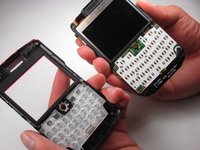
      • Slide off the front casing once the screws are removed.

      • Trackball will fall out once the casing is removed.

      Спросите у FixBot

      Добавить комментарий

    1. BlackBerry World Edition 8830 Keyboard Replacement, Keyboard: шаг 7, изображение 1 из 3 BlackBerry World Edition 8830 Keyboard Replacement, Keyboard: шаг 7, изображение 2 из 3 BlackBerry World Edition 8830 Keyboard Replacement, Keyboard: шаг 7, изображение 3 из 3
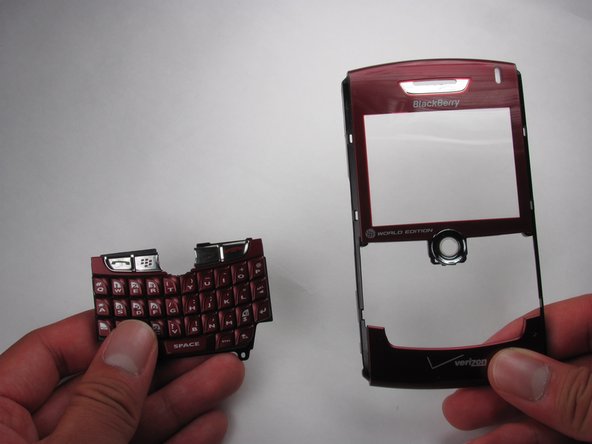
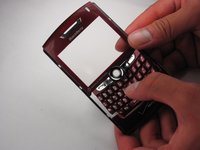
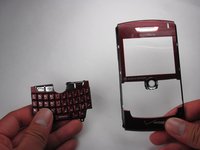
      • Remove the keyboard from the front casing.

      Спросите у FixBot

      Добавить комментарий

Заключение

To reassemble your device, follow these instructions in reverse order.

Отменить: Я не выполнил это руководство.

Martha de Maria y Campos

Участник с: 04/12/12

142 Репутация

Автор 5 руководств

Команда

Cal Poly, Team 17-27, Amido Spring 2012 Участник Cal Poly, Team 17-27, Amido Spring 2012

CPSU-AMIDO-S12S17G27

4 членов

Автор 63 руководств

0 Комментарии к руководству

Добавить комментарий

Статистика просмотров:

За последние 24 часов: 1

За последние 7 дней: 2

За последние 30 дней: 19

За всё время: 869