Перейти к основному содержанию
Присоединяйся к сообществу ремонтников - Создай аккаунт

Bottom Board Removal

Выберете то, что вам нужно

  1. Bottom Board Removal, Engage Wired Optical Mouse Top and Outer Shell Removal: шаг 1, изображение 1 из 1
    • Flip the mouse over and peel off the stickers on the perimeter of the bottom of the mouse.

    Спросите у FixBot
  2. Bottom Board Removal: шаг 2, изображение 1 из 1
    • Use the Phillips #1 screwdriver to remove four 5 mm screws from the bottom of the mouse.

    • Use the Phillips #1 screwdriver to remove the two 9 mm screws from the bottom of the mouse.

    Спросите у FixBot
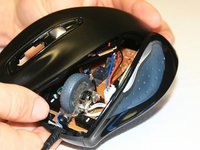
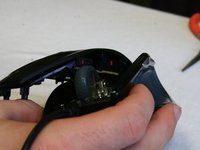
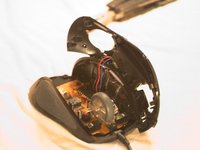
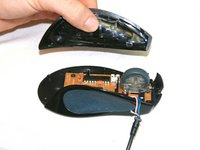
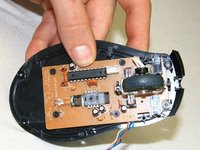
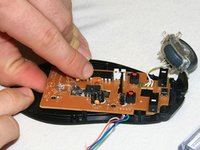
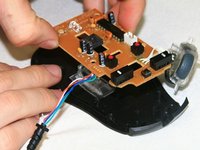
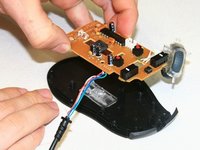
  3. Bottom Board Removal: шаг 3, изображение 1 из 3 Bottom Board Removal: шаг 3, изображение 2 из 3 Bottom Board Removal: шаг 3, изображение 3 из 3
    • Grab the top shell of the mouse and lift up to remove.

    Спросите у FixBot
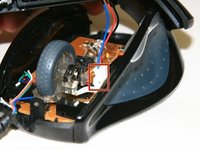
  4. Bottom Board Removal: шаг 4, изображение 1 из 1
    • The capacitors on this board can release stored electrical energy if touched.

    • Touch your capacitor discharge tool to the capacitor leads on the board to release the stored energy. If leads are inaccessible, wait until you've removed the board from the mouse body.

    Спросите у FixBot
  5. Bottom Board Removal: шаг 5, изображение 1 из 2 Bottom Board Removal: шаг 5, изображение 2 из 2
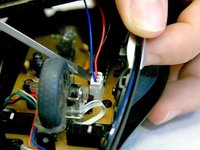
    • Use a spudger to pry underneath the white plug and pop it out to disconnect the upper board from the lower board.

    Спросите у FixBot
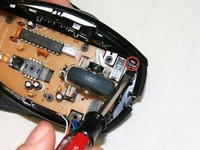
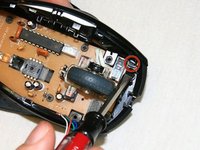
  6. Bottom Board Removal, Side Panels: шаг 6, изображение 1 из 2 Bottom Board Removal, Side Panels: шаг 6, изображение 2 из 2
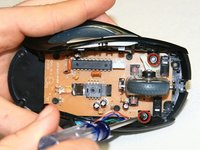
    • Locate the 5 mm silver flat head mounting screws (2) to the left and right of the scroll wheel and remove with the Phillips #1 screwdriver.

    Спросите у FixBot
  7. Bottom Board Removal: шаг 7, изображение 1 из 2 Bottom Board Removal: шаг 7, изображение 2 из 2
    • Locate the snaps on the bottom corners of the mouse side panels and pop the indicated snaps out, using a spudger or your fingernail.

    Спросите у FixBot
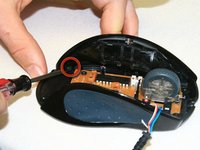
  8. Bottom Board Removal: шаг 8, изображение 1 из 3 Bottom Board Removal: шаг 8, изображение 2 из 3 Bottom Board Removal: шаг 8, изображение 3 из 3
    • Repeat Step 6 for the opposite side panel in order to detach both sides from the base of the mouse.

    Спросите у FixBot
  9. Bottom Board Removal: шаг 9, изображение 1 из 2 Bottom Board Removal: шаг 9, изображение 2 из 2
    • Grab the sides of the mouse and lift them up to detach from the base of the mouse.

    Спросите у FixBot
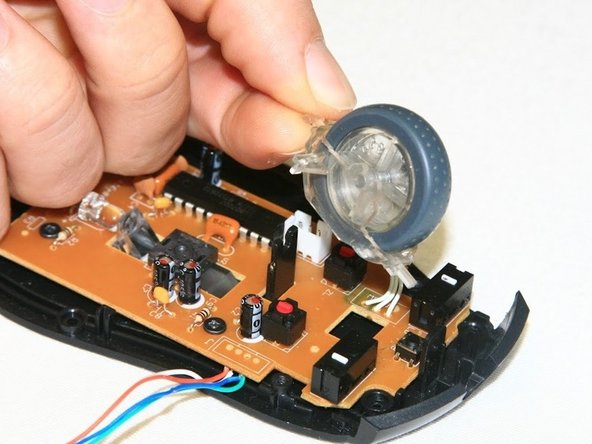
  10. Bottom Board Removal, Bottom Board: шаг 10, изображение 1 из 2 Bottom Board Removal, Bottom Board: шаг 10, изображение 2 из 2
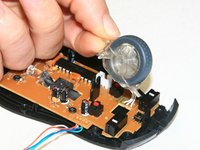
    • Pop the scroll wheel out of the snap holding it in place. You can use your finger or a spudger to do so.

    Спросите у FixBot
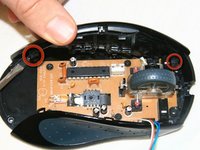
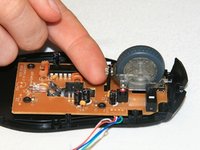
  11. Bottom Board Removal: шаг 11, изображение 1 из 2 Bottom Board Removal: шаг 11, изображение 2 из 2
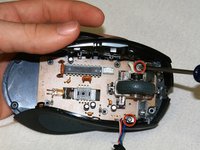
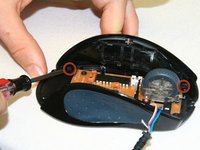
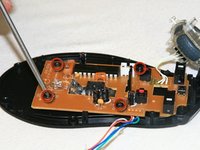
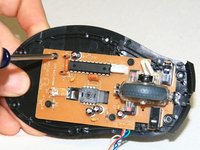
    • Locate the four 5 mm black flat head screws on the corners of the bottom board.

    • Unscrew these four black screws.

    Спросите у FixBot
  12. Bottom Board Removal: шаг 12, изображение 1 из 3 Bottom Board Removal: шаг 12, изображение 2 из 3 Bottom Board Removal: шаг 12, изображение 3 из 3
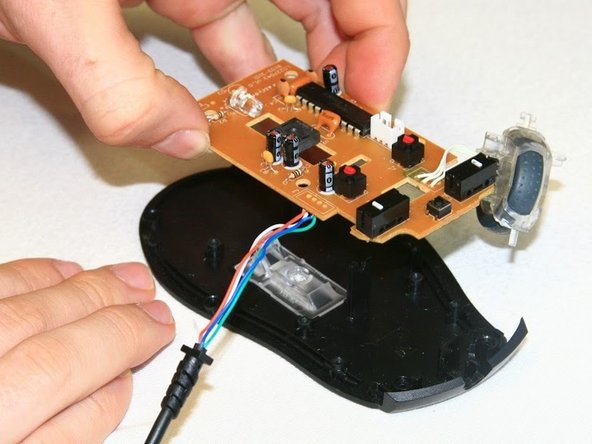
    • Lift the bottom board up to remove from its mounting posts. This will separate it completely from the bottom panel of the mouse.

    Спросите у FixBot
Заключение

To reassemble your device, follow these instructions in reverse order.

4 человек успешно провели ремонт по этому руководству.

royceeklund

Участник с: 01/18/13

115 Репутация

Автор 3 руководств

Команда

Cal Poly, Team 18-36, Regan Winter 2013 Участник Cal Poly, Team 18-36, Regan Winter 2013

CPSU-REGAN-W13S18G36

3 членов

Автор 30 руководств

0 Комментарии к руководству

Добавить комментарий

Статистика просмотров:

За последние 24 часов: 1

За последние 7 дней: 14

За последние 30 дней: 91

За всё время: 6,129