Перейти к основному содержанию

Brother PT-110 Keypad Contacts Replacement

Выберете то, что вам нужно

  1. Brother PT-110 Keypad Contacts Replacement, Batteries: шаг 1, изображение 1 из 2 Brother PT-110 Keypad Contacts Replacement, Batteries: шаг 1, изображение 2 из 2
    • Push on the side of the cover, and remove it.

  2. Brother PT-110 Keypad Contacts Replacement: шаг 2, изображение 1 из 1
    • Remove the batteries.

  3. Brother PT-110 Keypad Contacts Replacement, Back Plate: шаг 3, изображение 1 из 2 Brother PT-110 Keypad Contacts Replacement, Back Plate: шаг 3, изображение 2 из 2
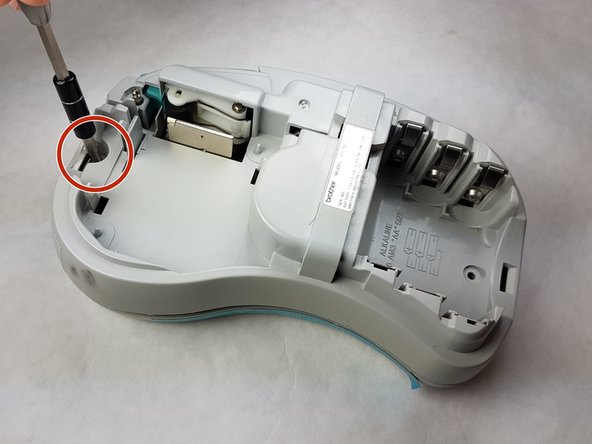
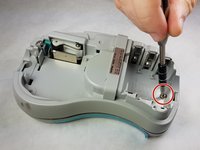
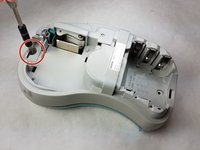
    • Unscrew the two 9 mm Phillips #1 screws from the top and bottom.

    • Total: 2 x Screws

  4. Brother PT-110 Keypad Contacts Replacement: шаг 4, изображение 1 из 1
    • First: To separate the top cover from the body, insert a spudger between the two halves.

    • Gently twist the spudger until the two halves separate. Do this in multiple spots around the perimeter of the cover to distribute the pressure.

    • DO NOT PULL HALVES APART. There are wired connections inside that must be disconnected before halves can be fully separated.

  5. Brother PT-110 Keypad Contacts Replacement: шаг 5, изображение 1 из 1
    • Gently separate the two covers, ensuring wires are not taut.

  6. Brother PT-110 Keypad Contacts Replacement: шаг 6, изображение 1 из 1
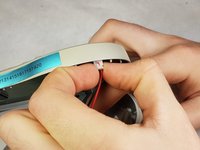
    • Gently grasp the ribbon wire and top cover, then gently pull the ribbon wire out of its connection.

  7. Brother PT-110 Keypad Contacts Replacement: шаг 7, изображение 1 из 2 Brother PT-110 Keypad Contacts Replacement: шаг 7, изображение 2 из 2
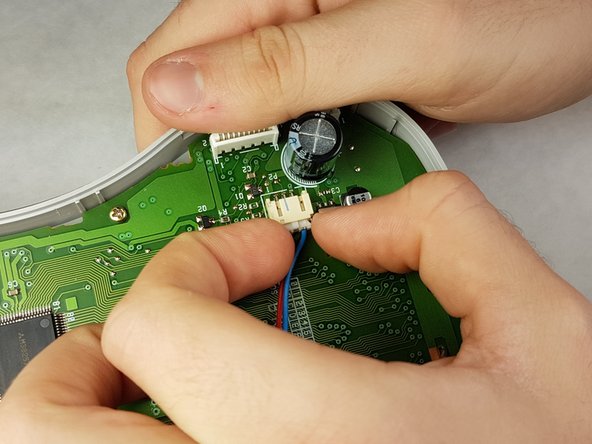
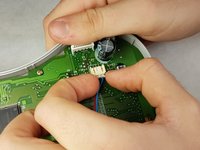
    • Carefully pinch the top of the connector.

    • Pull perpendicular to the device until the wire is disconnected.

    • It may require more force than expected to disconnect the wires.

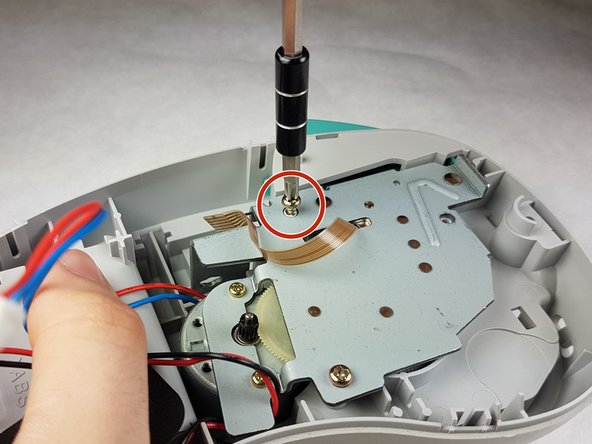
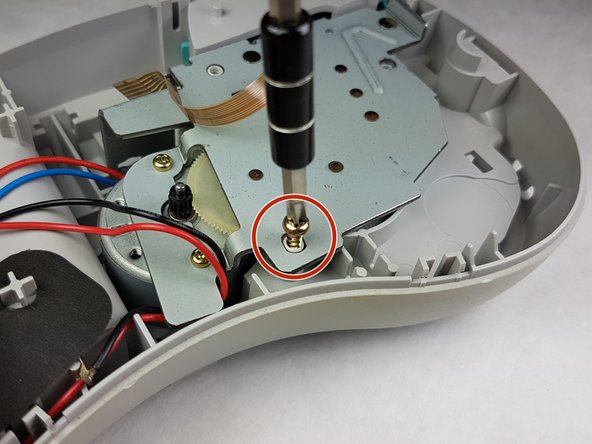
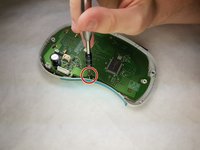
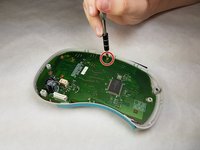
  8. Brother PT-110 Keypad Contacts Replacement: шаг 8, изображение 1 из 3 Brother PT-110 Keypad Contacts Replacement: шаг 8, изображение 2 из 3 Brother PT-110 Keypad Contacts Replacement: шаг 8, изображение 3 из 3
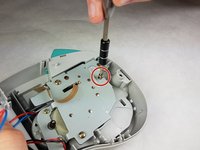
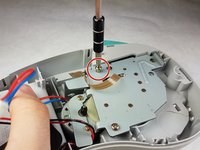
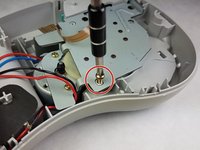
    • Unscrew the three 9 mm Phillips #1 screws shown.

    • Total: 3 x Screws

  9. Brother PT-110 Keypad Contacts Replacement, Keypad Contacts: шаг 9, изображение 1 из 2 Brother PT-110 Keypad Contacts Replacement, Keypad Contacts: шаг 9, изображение 2 из 2
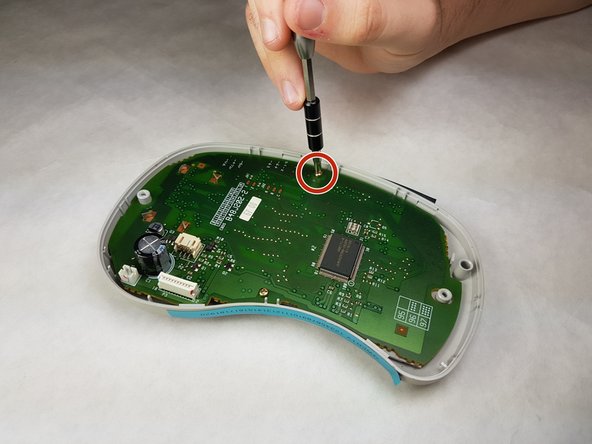
    • Unscrew both 6 mm Phillips #1 screws from the circuit board.

    • Total screws: 2

  10. Brother PT-110 Keypad Contacts Replacement: шаг 10, изображение 1 из 1
    • Gently lift the circuit board out.

  11. Brother PT-110 Keypad Contacts Replacement: шаг 11, изображение 1 из 1
    • Peel the keypad contacts up from the plastic casing.

Заключение

To reassemble your device, follow these instructions in reverse order.

Kimberly Larsen

Участник с: 09/28/16

279 Репутация

Автор 5 руководств

Команда

IUPUI, Team 1-1, Harley Fall 2016 Участник IUPUI, Team 1-1, Harley Fall 2016

IUPUI-HARLEY-F16S1G1

3 членов

Автор 7 руководств

0 Комментарии к руководству

Добавить комментарий

Статистика просмотров:

За последние 24 часов: 0

За последние 7 дней: 2

За последние 30 дней: 4

За всё время: 421