Введение
This guide will show you how to replace your CASIO CDP-230R keys, move them to remove anything jamming your keys, or to move them to clean them.
Выберете то, что вам нужно
-
-
-
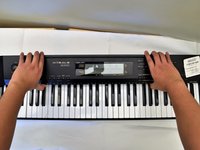
Flip the keyboard upside down, with the keys on a flat surface.
-
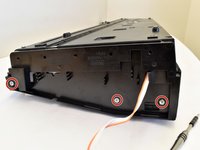
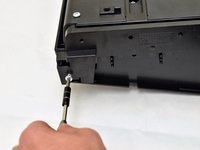
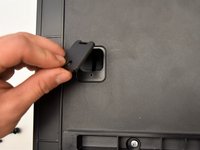
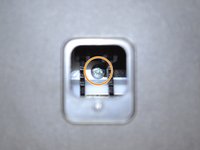
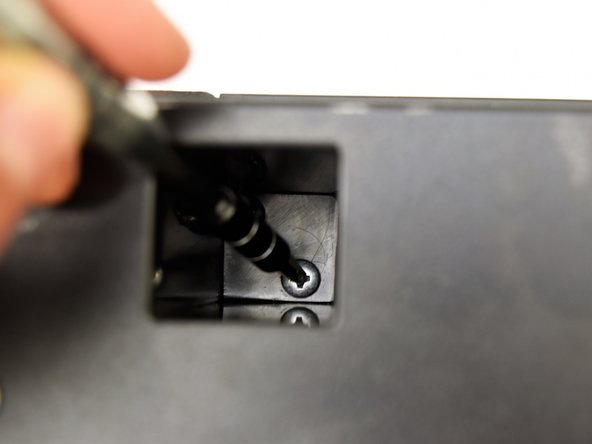
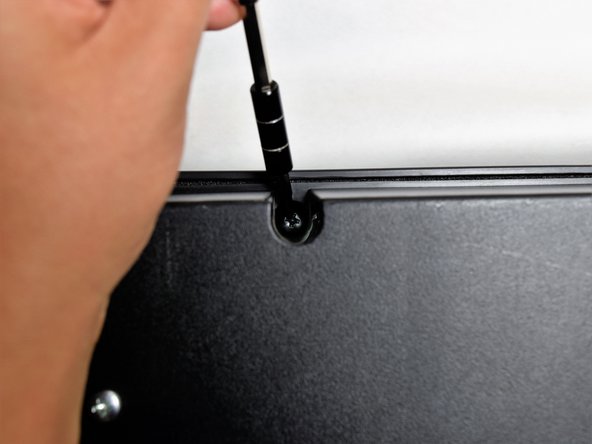
Remove the three black 14mm Japanese Industrial Standard (J) head screws using a J1 screwdriver on the top half of the outermost side panel.
 Спросите у FixBot
-
-
-
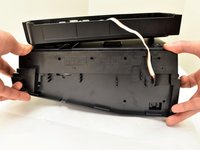
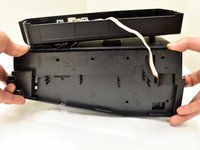
Use two hands to grab the side panel from both sides.
-
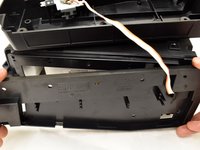
Pull the panel apart from the device one side at a time.
-
-
-
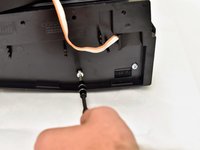
Remove the three silver 10mm screws with a J1 screwdriver on the bottom half of the innermost side panel of the device.
-
-
-
Remove the innermost side panel by pinching the top and bottom of the panel and pulling the panel off with both hands.
-
-
-
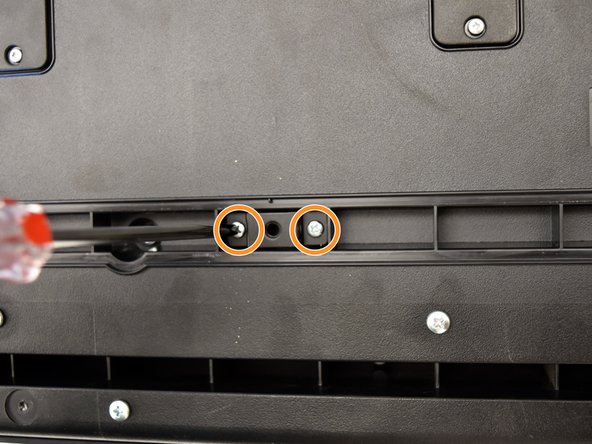
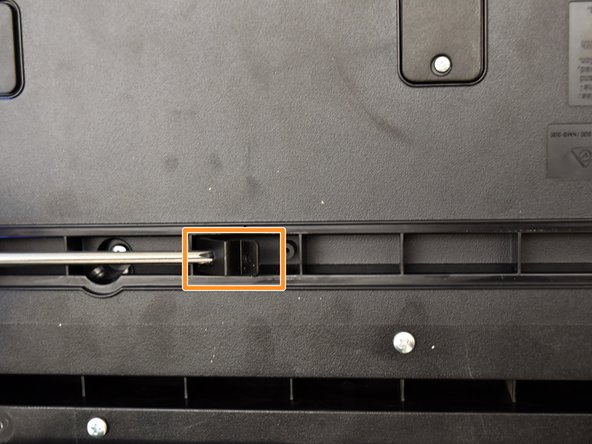
Remove the two black 30 mm J head screws with a J1 screwdriver to remove the long black bar.
-
Remove the four silver 8mm x 2mm J head screws with a J1 screwdriver and the two brackets from the back panel.
-
-
-
-
Remove the eight silver 10mm x 1.5mm J head screws with a J1 screwdriver and the square tabs from the back panel.
-
Remove the eight silver 10mm J head screws with a J1 screwdriver underneath the square tabs.
-
-
-
Remove the 36 silver 10mm J head screws with a J1 screwdriver from the back panel.
-
-
-
Place a hand on the front panel and speakers and carefully flip the keyboard over with the keys facing up.
-
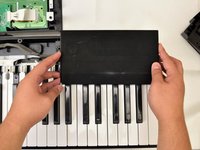
Grab the center of the front panel with two hands and lift to remove panel.
-
Grab the speakers from the sides and lift to remove. Once you have done this for the first speaker, repeat with the second speaker.
-
-
-
-
-
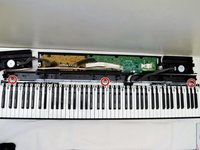
Locate the three screws behind the keys (left, center, and right).
-
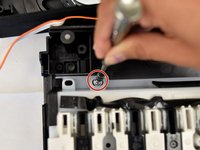
Remove these 10mm J screws using a J1 screwdriver.
-
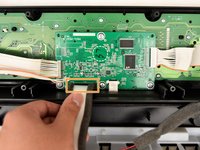
Grasp the white ribbon lined with foam and pull up to remove from the main circuit board.
-
-
-
Place one hand on the side with fingers underneath the keys and one hand on the upper edge and lift off of the back panel.
-
-
-
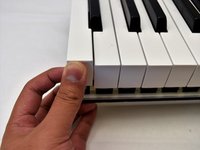
Pull up on the white key from the side nearest to you until the key lifts up.
-
-
-
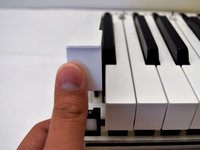
Wiggle the white key from side to side and pull up to detach it from the rest of the board.
-
-
-
Flip the keyboard so the keys are laying on a flat surface.
-
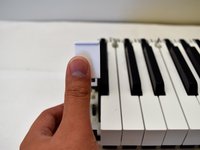
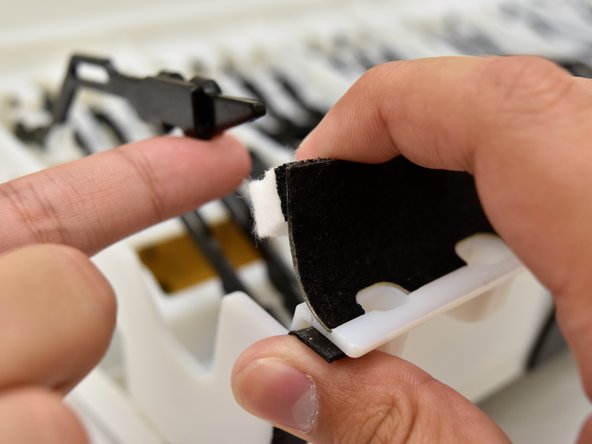
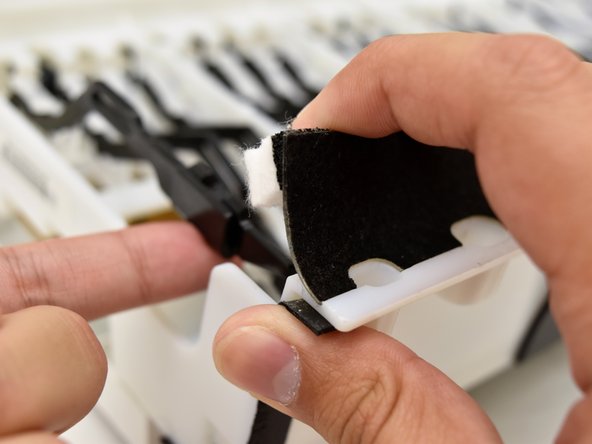
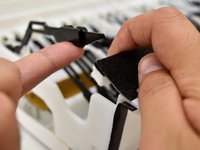
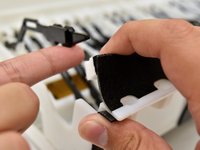
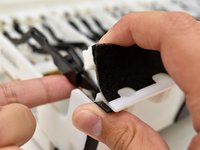
Pull up on the black and white felt to dislodge the black shank.
-
Push up on the white key while pulling the felt up to reposition the black shank underneath the felt.
-
-





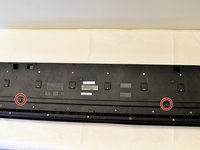
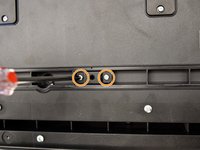
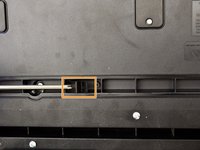


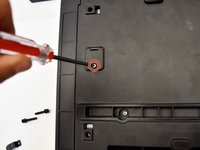

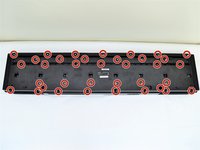
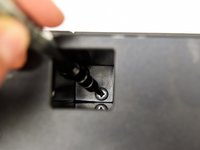
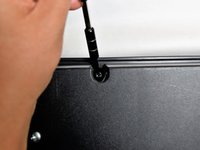


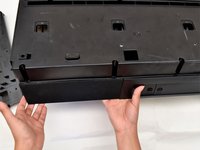





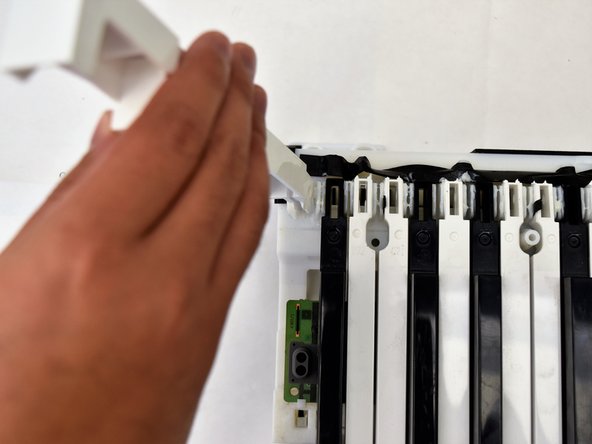


To reassemble your device, follow step 13 and then the rest of the instructions in reverse order.
Отменить: Я не выполнил это руководство.
13 человек успешно провели ремонт по этому руководству.

Команда

Cal Poly, Team S4-G2, Livingston Fall 2017 Участник Cal Poly, Team S4-G2, Livingston Fall 2017
CPSU-LIVINGSTON-F17S4G2
4 членов
Автор 6 руководств
11 Комментарии к руководству
Thankyou very much - I have a CDP-200R that I had to pull apart - yours was the only post I could find that helped me decode what it took!
Me too, I have 200R need to replace the keys, but afraid to dismantle , now you save us all.thank you
Searched everywhere on how to fix my Casio CDP-220RBK and this was all I could find that actually helped! Awesome and very helpful guide!!!
Thanks a lot. This manual is very detailed, and the only one I've found in the whole Internet.
Hello,
One of my kids lifted a black key from my piano. It won't come down fully and doesn't play when pressed. It's also harder to press, with more resistance.
Will I be able to put it back in place by following these instructions?
Many thanks.
