Перейти к основному содержанию
Присоединяйся к сообществу ремонтников - Создай аккаунт

Canon ImageCLASS MF4350d Scanner Belt Replacement

Выберете то, что вам нужно

  1. Canon ImageCLASS MF4350d Scanner Belt Replacement, Scanner Disassembly: шаг 1, изображение 1 из 1
    • If at any point you see glass that seems cracked or broken, handle with care. Broken glass is sharp and can cause serious damage.

    • Lift up the lid. Then be sure to examine the glass. If there are any cracks or broken fragments handle with extreme care.

    Спросите у FixBot

    Добавить комментарий

  2. Canon ImageCLASS MF4350d Scanner Belt Replacement: шаг 2, изображение 1 из 3 Canon ImageCLASS MF4350d Scanner Belt Replacement: шаг 2, изображение 2 из 3 Canon ImageCLASS MF4350d Scanner Belt Replacement: шаг 2, изображение 3 из 3
    • Locate the black and white hinges.

    • Gently lift out the black and white hinges.

    Спросите у FixBot

    Добавить комментарий

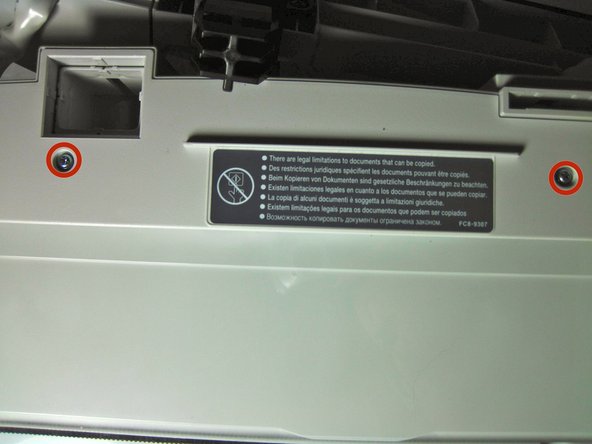
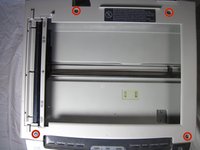
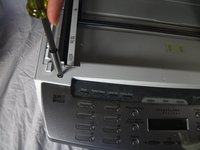
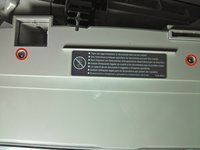
  3. Canon ImageCLASS MF4350d Scanner Belt Replacement: шаг 3, изображение 1 из 3 Canon ImageCLASS MF4350d Scanner Belt Replacement: шаг 3, изображение 2 из 3 Canon ImageCLASS MF4350d Scanner Belt Replacement: шаг 3, изображение 3 из 3
    • Next, locate and remove the four 10mm screws.

    Спросите у FixBot

    Добавить комментарий

  4. Canon ImageCLASS MF4350d Scanner Belt Replacement: шаг 4, изображение 1 из 1
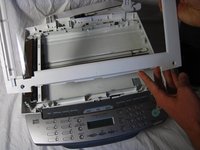
    • Gently, pry off the top plate, starting from the back of the printer.

    Спросите у FixBot

    Добавить комментарий

  5. Canon ImageCLASS MF4350d Scanner Belt Replacement: шаг 5, изображение 1 из 2 Canon ImageCLASS MF4350d Scanner Belt Replacement: шаг 5, изображение 2 из 2
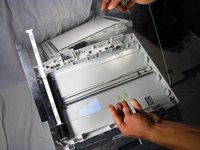
    • After you have taken off the plate, check to make sure that there is no broken glass. If there is broken glass handle it with gloves. Broken glass, if handled improperly, can cause physical injury.

    Спросите у FixBot

    Добавить комментарий

  6. Canon ImageCLASS MF4350d Scanner Belt Replacement, Scanner Belt: шаг 6, изображение 1 из 2 Canon ImageCLASS MF4350d Scanner Belt Replacement, Scanner Belt: шаг 6, изображение 2 из 2
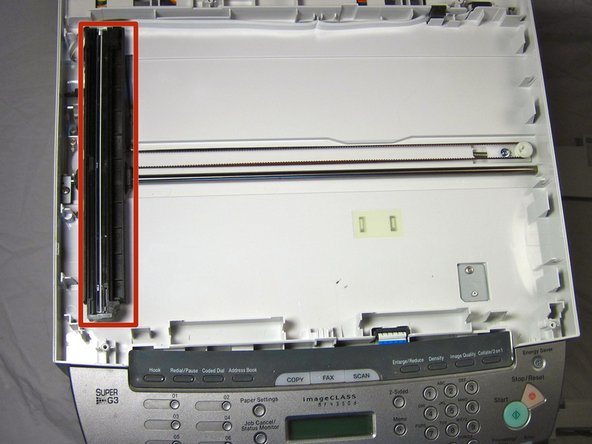
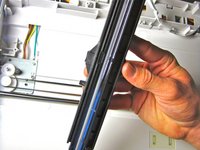
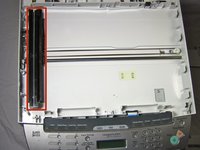
    • Remove the black component by gently pulling it up from the black scanner belt

    Спросите у FixBot

    Добавить комментарий

  7. Canon ImageCLASS MF4350d Scanner Belt Replacement: шаг 7, изображение 1 из 2 Canon ImageCLASS MF4350d Scanner Belt Replacement: шаг 7, изображение 2 из 2
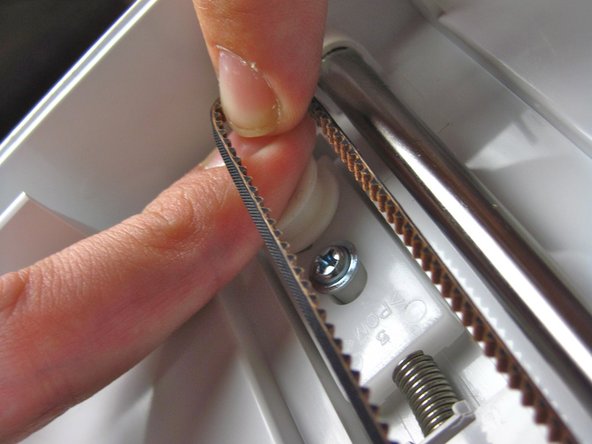
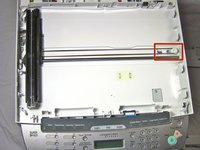
    • Press down on the white release and force it in toward the spring as shown. While you do this, pull the scanner belt out of the track.

    • Take a new belt and put it in the same way that you took it out.

    Спросите у FixBot

    Добавить комментарий

Заключение

To reassemble your device, follow these instructions in reverse order.

Отменить: Я не выполнил это руководство.

Tanner Papenfuss

Участник с: 09/30/13

584 Репутация

Автор 4 руководств

Команда

Cal Poly, Team 13-1, Forte Fall 2013 Участник Cal Poly, Team 13-1, Forte Fall 2013

CPSU-FORTE-F13S13G1

5 членов

Автор 16 руководств

0 Комментарии к руководству

Добавить комментарий

Статистика просмотров:

За последние 24 часов: 1

За последние 7 дней: 10

За последние 30 дней: 50

За всё время: 3,597