Введение
If your Casio CTK keyboard (model 3200) has an LCD screen that is not working or is broken in any way, use this guide to replace the screen.
The LCD screen will relay information of what the keyboard is doing to the user visually so you are able to see what key is being pressed, if there is a sound playing, what modifier is active, etc. It sits on the main board and through the main board, it receives the signals that tell it which parts of the screen to light up. This means it is integral to put the screen back correctly and in the same orientation as it was before.
Выберете то, что вам нужно
-
-
-
Remove the seven 10 mm Phillips #1 screws on the underside of the keyboard that secure the center front panel.
 Спросите у FixBot
-
-
-
Flip the keyboard over and remove the central panel on the front and place it above the keyboard.
-
-
-
-
-
Make sure you are not putting too much strain on the wires that connect the yellow board to the rest of the piano.
-
-
-
-
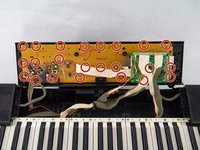
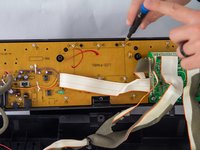
Remove all twenty-three of the 10 mm Phillips #1 screws from the yellow circuit board.
-
-
-
The board is now able to be removed from the center front panel. Carefully remove the board, making certain not to break the board or any of the components attached to it.
-
-
-
-
-
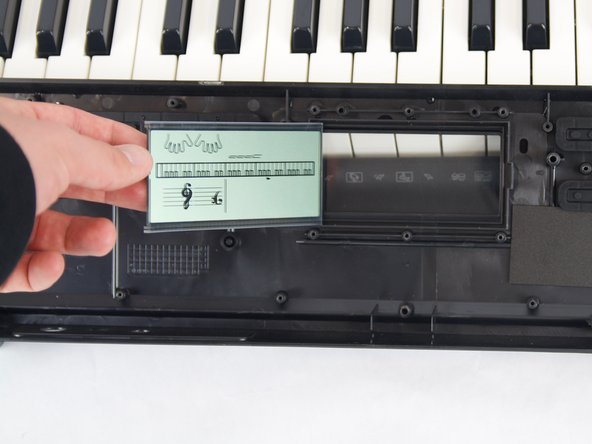
Place your new screen face down into the center panel. Lay the screen exactly as shown in the first image, then let it fall over and land face down into place.
-


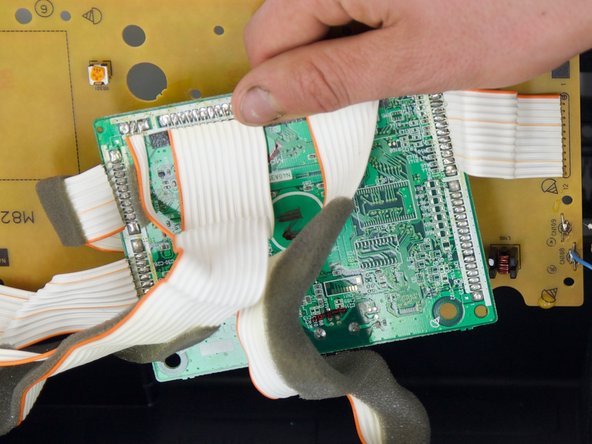
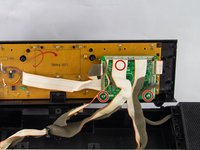
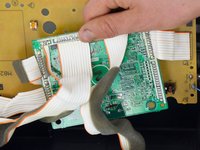

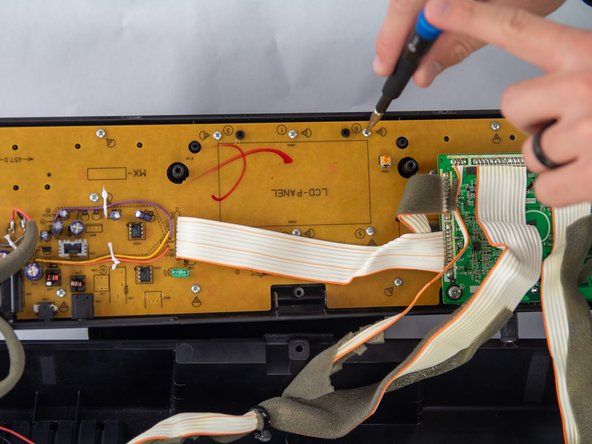


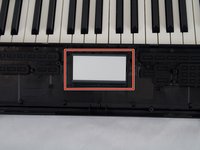
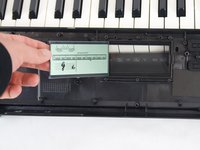

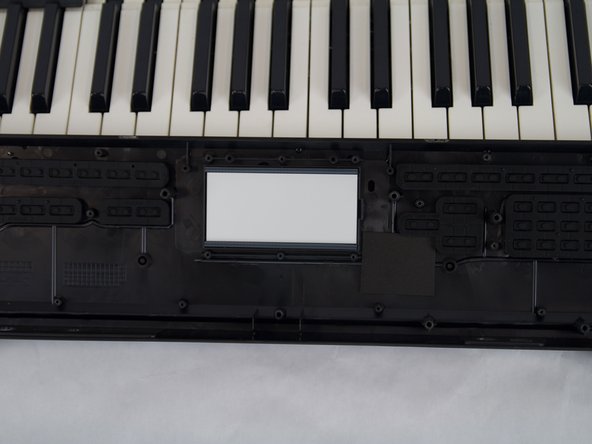
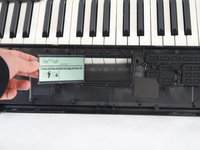
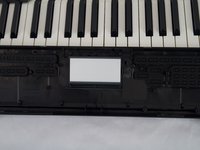
To reassemble your device, follow these instructions in reverse order.

Команда

Cuesta, Team 10-4, Krynen Fall 2024 Участник Cuesta, Team 10-4, Krynen Fall 2024
CUESTA-KRYNEN-F24S10G4
4 членов
Автор 6 руководств
