Введение
If the buttons on your Connect Four have been damaged, you will need to replace them. If the buttons are torn, you will need to purchase a new button sheet. If the buttons are unaligned, simply readjust the button sheet. In order to get to the buttons, you will have to remove the casing on the back of the device. This requires a Phillips head screwdriver.
Выберете то, что вам нужно
-
-
Make sure the Connect Four Electronic Handheld is off by allowing it to shut off automatically.
 Спросите у FixBot
-
-
-
Using a Phillips head screwdriver, remove the (9.1mm length) #2 screw in the middle of the battery casing.
-
Slide the cover off and remove the battery.
-
-
-
-
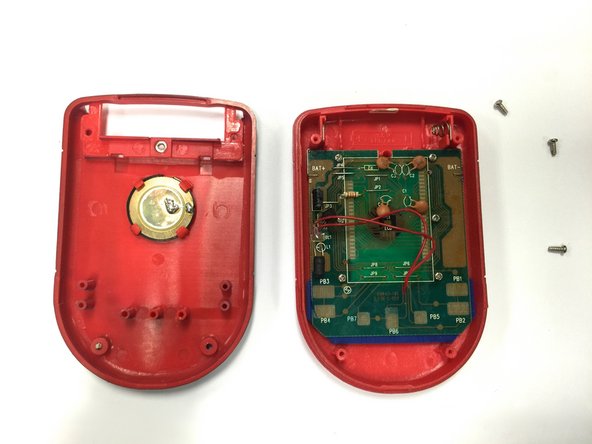
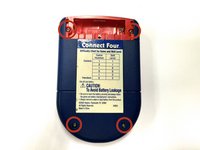
Using a Phillips head screwdriver, remove the four (7.1mm- length) #3 screws that hold the back casing in place.
-
Carefully remove the back casing.
-
-
-
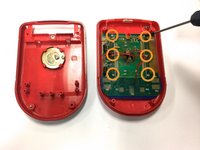
Using a Phillips head screwdriver, remove the six (0.25"-length) #3 screws that hold down the cpu board.
-
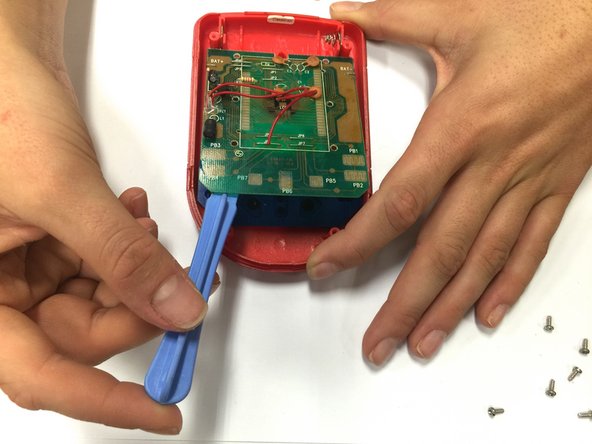
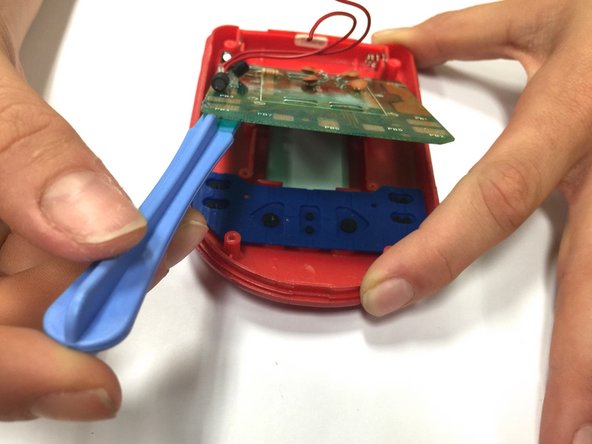
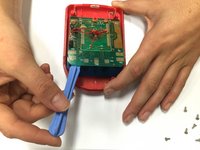
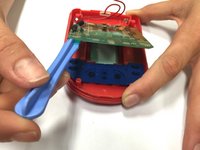
Using a spudger, lever the circuit board just enough to where you can easily access the button sheet.
-
-
-
Take out the button sheet, and replace it with a new one.
-




To reassemble your device, follow these instructions in reverse order.
Отменить: Я не выполнил это руководство.
Еще один человек закончил это руководство.

Команда

Baylor, Team 8-11, Williams Fall 2014 Участник Baylor, Team 8-11, Williams Fall 2014
BU-WILLIAMS-F14S8G11
3 членов
Автор 12 руководств
