Перейти к основному содержанию
Присоединяйся к сообществу ремонтников - Создай аккаунт

Craig CMP801 Volume Controls Replacement

Выберете то, что вам нужно

    1. Craig CMP801 Volume Controls Replacement, Back Cover: шаг 1, изображение 1 из 2 Craig CMP801 Volume Controls Replacement, Back Cover: шаг 1, изображение 2 из 2
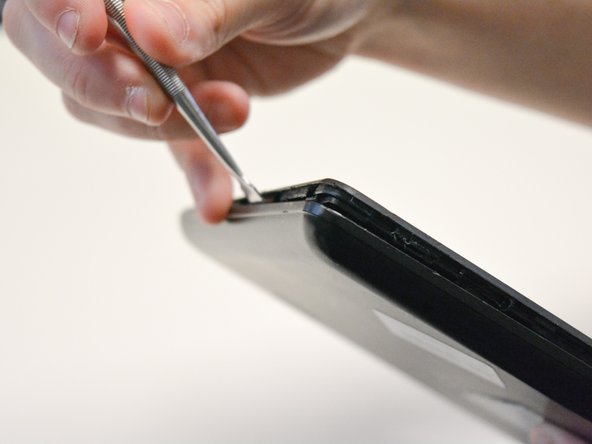
      • Locate the opening line between the cover and the device. Then locate the groove near the charging port.

      Спросите у FixBot

      Добавить комментарий

    2. Craig CMP801 Volume Controls Replacement: шаг 2, изображение 1 из 2 Craig CMP801 Volume Controls Replacement: шаг 2, изображение 2 из 2
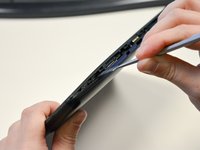
      • Use a metal spudger to separate the back cover from the front touch screen.

      • To do this, place the metal spudger in between the groove near the charging port of the device to unlatch the first clip.

      Спросите у FixBot

      Добавить комментарий

    3. Craig CMP801 Volume Controls Replacement: шаг 3, изображение 1 из 2 Craig CMP801 Volume Controls Replacement: шаг 3, изображение 2 из 2
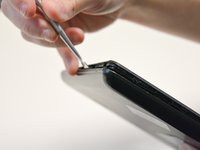
      • Continue to separate all of the clips around the device until the back cover comes off completely.

      Спросите у FixBot

      Добавить комментарий

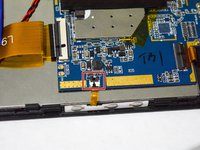
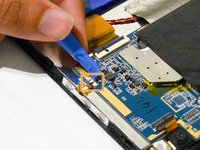
    1. Craig CMP801 Volume Controls Replacement, Volume Controls: шаг 4, изображение 1 из 2 Craig CMP801 Volume Controls Replacement, Volume Controls: шаг 4, изображение 2 из 2
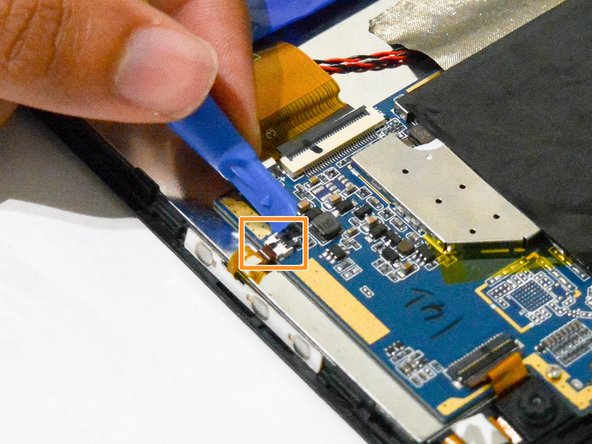
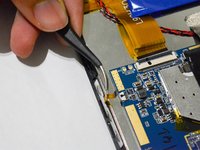
      • After taking out the back cover, locate the black flap.

      • Open the black flap with the plastic opening tools.

      • Be careful not to break the flap when you open it.

      Спросите у FixBot

      Добавить комментарий

    2. Craig CMP801 Volume Controls Replacement: шаг 5, изображение 1 из 2 Craig CMP801 Volume Controls Replacement: шаг 5, изображение 2 из 2
      Инструмент, используемый на этом этапе:
      Tweezers
      $3.99
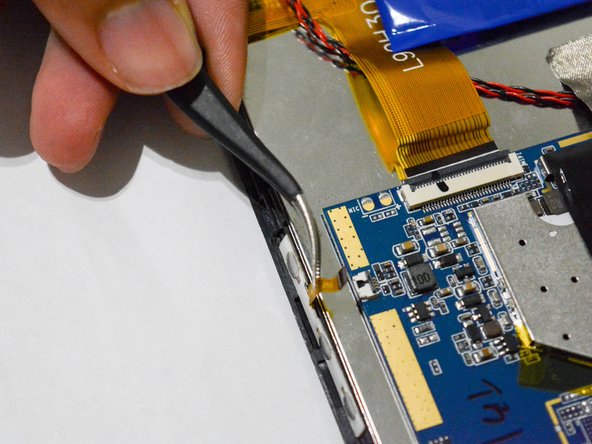
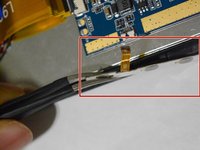
      • Once the tab is released, use the angled tweezers to take out the tab.

      • Be careful not to scratch the tab.

      Спросите у FixBot

      Добавить комментарий

    3. Craig CMP801 Volume Controls Replacement: шаг 6, изображение 1 из 2 Craig CMP801 Volume Controls Replacement: шаг 6, изображение 2 из 2
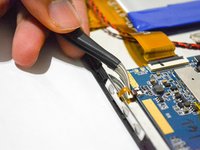
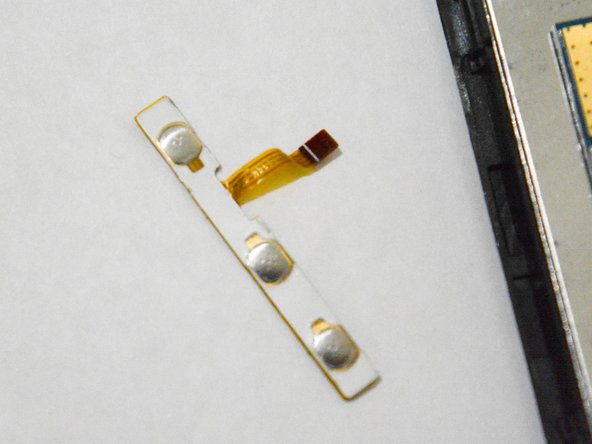
      • Use the angled tweezers to pull the volume controls out and replace it with a new one.

      Спросите у FixBot

      Добавить комментарий

Заключение

To reassemble your device, follow these instructions in reverse order.

Отменить: Я не выполнил это руководство.

Mohammed

Участник с: 09/25/17

150 Репутация

1 руководство автора

Команда

University of North Texas, Team S2-G2, Thompson Fall 2017 Участник University of North Texas, Team S2-G2, Thompson Fall 2017

UNT-THOMPSON-F17S2G2

4 членов

Автор 5 руководств

0 Комментарии к руководству

Добавить комментарий

Статистика просмотров:

За последние 24 часов: 0

За последние 7 дней: 7

За последние 30 дней: 36

За всё время: 619