Перейти к основному содержанию
Присоединяйся к сообществу ремонтников - Создай аккаунт

DBPOWER RD-810 Lens Replacement

Выберете то, что вам нужно

  1. DBPOWER RD-810 Lens Replacement, Top Cover: шаг 1, изображение 1 из 2 DBPOWER RD-810 Lens Replacement, Top Cover: шаг 1, изображение 2 из 2
    • Make sure the projector is unplugged before starting

    • Place the projector upside down to access the screws on the bottom.

    • Remove the five 7mm long screws using a #3 Phillips screwdriver at least 2 inches long.

    Спросите у FixBot

    Добавить комментарий

  2. DBPOWER RD-810 Lens Replacement: шаг 2, изображение 1 из 1
    • Flip the projector over and then remove the cover by lifting it up.

    Спросите у FixBot

    Добавить комментарий

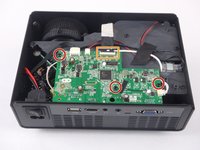
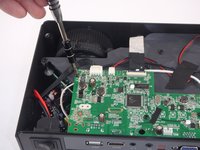
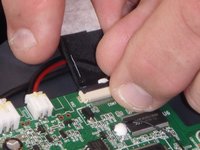
  3. DBPOWER RD-810 Lens Replacement, Motherboard and LED Bulb: шаг 3, изображение 1 из 3 DBPOWER RD-810 Lens Replacement, Motherboard and LED Bulb: шаг 3, изображение 2 из 3 DBPOWER RD-810 Lens Replacement, Motherboard and LED Bulb: шаг 3, изображение 3 из 3
    • Remove the three 6mm PH2 phillips head screws.

    • Disconnect the ribbon cable by flipping up the latch on the connector and then pull the ribbon out.

    Спросите у FixBot

    Добавить комментарий

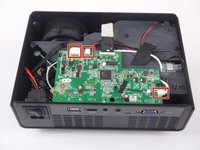
  4. DBPOWER RD-810 Lens Replacement: шаг 4, изображение 1 из 3 DBPOWER RD-810 Lens Replacement: шаг 4, изображение 2 из 3 DBPOWER RD-810 Lens Replacement: шаг 4, изображение 3 из 3
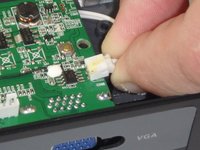
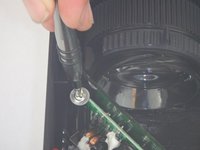
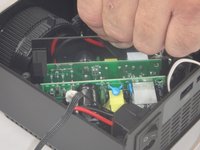
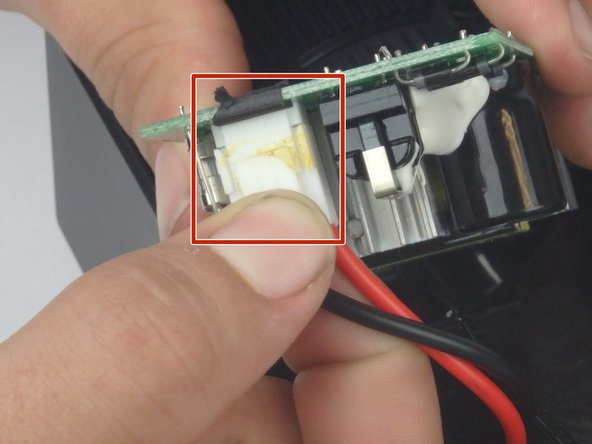
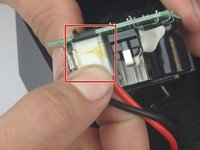
    • Disconnect the three wire connectors. Grasp both sides of the connector and pull apart.

    • Keep the connector parallel to the mother board to avoid breaking the solder connection.

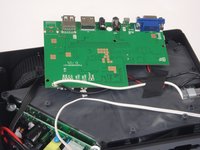
    • Lift the motherboard up and place it out of the way.

    Спросите у FixBot

    Добавить комментарий

  5. DBPOWER RD-810 Lens Replacement: шаг 5, изображение 1 из 3 DBPOWER RD-810 Lens Replacement: шаг 5, изображение 2 из 3 DBPOWER RD-810 Lens Replacement: шаг 5, изображение 3 из 3
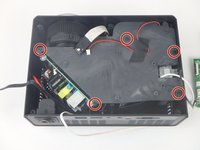
    • Remove the five 7mm PH2 phillips head screws on the black plate and lift the plate out.

    • Lift the aluminum heat sink up to remove it from the projector.

    • The motherboard is already removed in this step.

    Спросите у FixBot

    Добавить комментарий

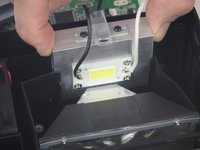
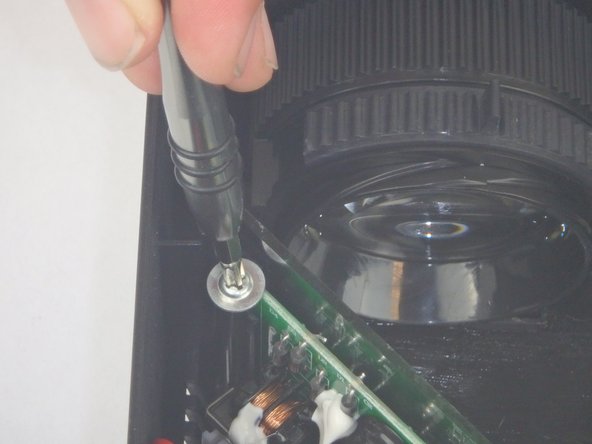
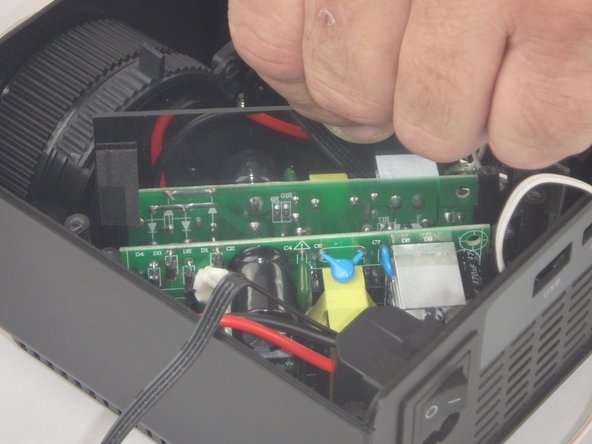
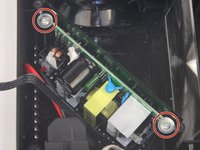
  6. DBPOWER RD-810 Lens Replacement, Power Supply Circuit: шаг 6, изображение 1 из 3 DBPOWER RD-810 Lens Replacement, Power Supply Circuit: шаг 6, изображение 2 из 3 DBPOWER RD-810 Lens Replacement, Power Supply Circuit: шаг 6, изображение 3 из 3
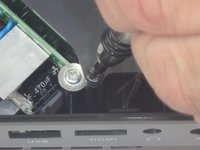
    • Remove the two 9mm PH2 phillips head screws.

    • Lift the mirror behind the power supply circuit out to gain access to the circuit board.

    Спросите у FixBot

    Добавить комментарий

  7. DBPOWER RD-810 Lens Replacement: шаг 7, изображение 1 из 2 DBPOWER RD-810 Lens Replacement: шаг 7, изображение 2 из 2
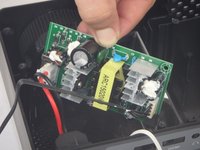
    • Lift the power supply circuit board out of the projector.

    • Disconnect the cable connector by pulling the two sides of the connector apart.

    • Keep the connector parallel to the circuit board to avoid breaking the solder connection.

    Спросите у FixBot

    Добавить комментарий

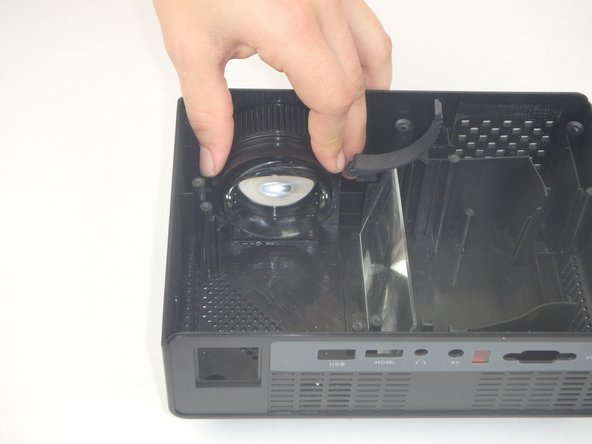
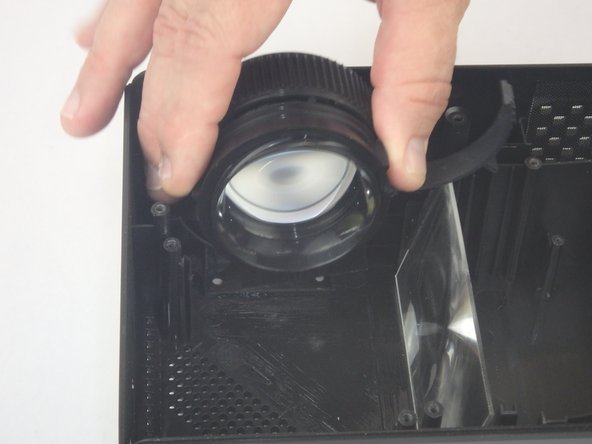
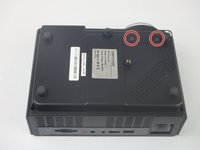
  8. DBPOWER RD-810 Lens Replacement, Lens: шаг 8, изображение 1 из 3 DBPOWER RD-810 Lens Replacement, Lens: шаг 8, изображение 2 из 3 DBPOWER RD-810 Lens Replacement, Lens: шаг 8, изображение 3 из 3
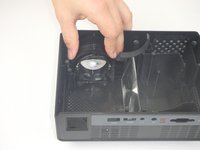
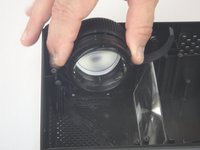
    • Flip the projector over and remove the two 6mm PH2 phillips head screws.

    • Flip the projector over so that the opening is facing up.

    • Lift the lens up slightly and then move it towards the interior of the projector before lifting it up and out of the way.

    Спросите у FixBot

    Добавить комментарий

Заключение

To reassemble your device, follow these instructions in reverse order.

Отменить: Я не выполнил это руководство.

Еще один человек закончил это руководство.

John Russell

Участник с: 02/14/18

941 Репутация

Автор 9 руководств

Команда

USF Tampa, Team S5-G3, Eyestone Spring 2018 Участник USF Tampa, Team S5-G3, Eyestone Spring 2018

USFT-EYESTONE-S18S5G3

3 членов

Автор 9 руководств

0 Комментарии к руководству

Добавить комментарий

Статистика просмотров:

За последние 24 часов: 1

За последние 7 дней: 7

За последние 30 дней: 33

За всё время: 871