Перейти к основному содержанию
Присоединяйся к сообществу ремонтников - Создай аккаунт

Dell Latitude ST Screen Replacement

Выберете то, что вам нужно

    1. Dell Latitude ST Screen Replacement, Battery: шаг 1, изображение 1 из 3 Dell Latitude ST Screen Replacement, Battery: шаг 1, изображение 2 из 3 Dell Latitude ST Screen Replacement, Battery: шаг 1, изображение 3 из 3
      • Locate the back panel tab.

      • Press down on the tab to remove the panel.

      Спросите у FixBot

      Добавить комментарий

    2. Dell Latitude ST Screen Replacement: шаг 2, изображение 1 из 3 Dell Latitude ST Screen Replacement: шаг 2, изображение 2 из 3 Dell Latitude ST Screen Replacement: шаг 2, изображение 3 из 3
      • Using a Phillips #0 screwdriver, remove the four 6mm screws attaching the inside panel to the device.

      Спросите у FixBot

      Добавить комментарий

    3. Dell Latitude ST Screen Replacement: шаг 3, изображение 1 из 3 Dell Latitude ST Screen Replacement: шаг 3, изображение 2 из 3 Dell Latitude ST Screen Replacement: шаг 3, изображение 3 из 3
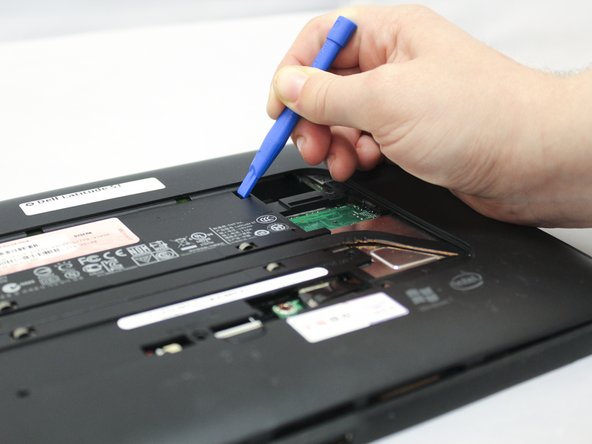
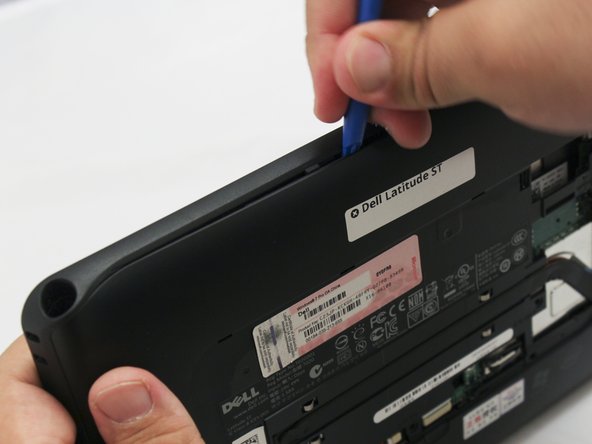
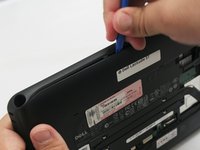
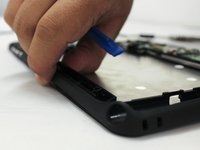
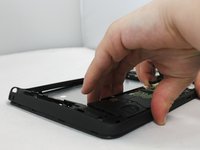
      • Use the blue plastic opening tool to push in the tab located on the backside of the device.

      • Slide the tool around the edges of the device to unsnap the tabs and pry the frame off.

      Спросите у FixBot

      Добавить комментарий

    4. Dell Latitude ST Screen Replacement: шаг 4, изображение 1 из 3 Dell Latitude ST Screen Replacement: шаг 4, изображение 2 из 3 Dell Latitude ST Screen Replacement: шаг 4, изображение 3 из 3
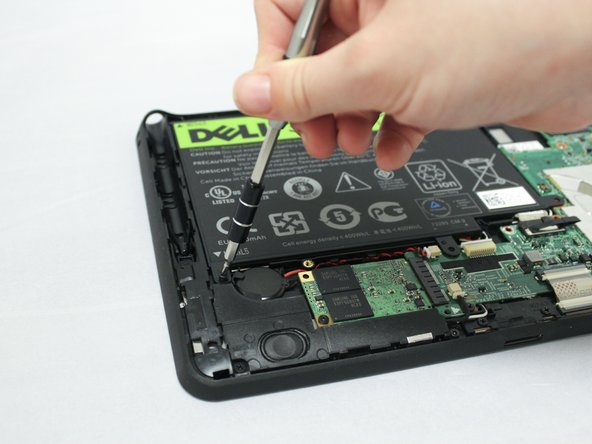
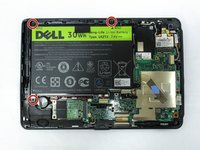
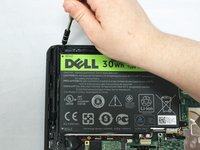
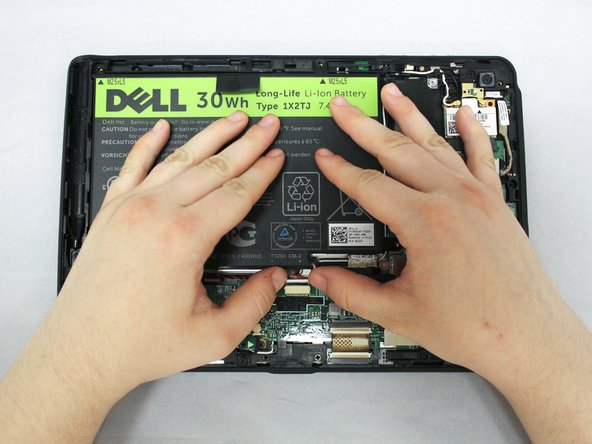
      • Remove the three 6mm Phillips #0 screws attaching the battery.

      Спросите у FixBot

      Добавить комментарий

    5. Dell Latitude ST Screen Replacement: шаг 5, изображение 1 из 3 Dell Latitude ST Screen Replacement: шаг 5, изображение 2 из 3 Dell Latitude ST Screen Replacement: шаг 5, изображение 3 из 3
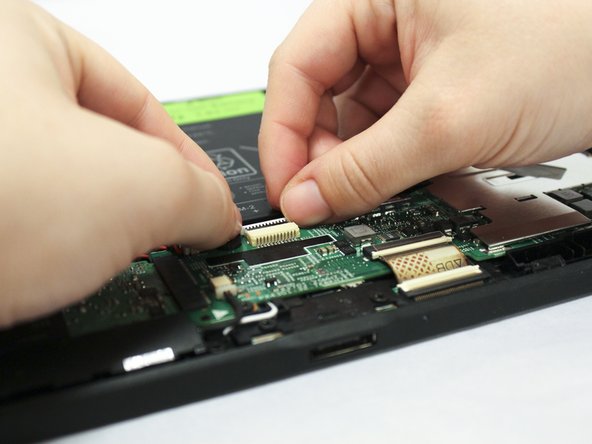
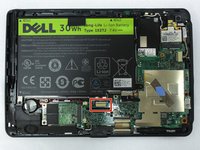
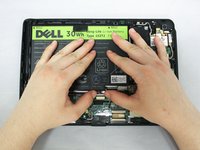
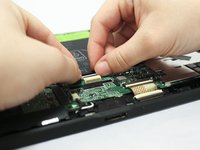
      • Using your hands or a plastic opening tool, unplug the white battery cable.

      • Push forward on the top part of the cable to disconnect it from the device.

      Спросите у FixBot

      Добавить комментарий

    6. Dell Latitude ST Screen Replacement: шаг 6, изображение 1 из 3 Dell Latitude ST Screen Replacement: шаг 6, изображение 2 из 3 Dell Latitude ST Screen Replacement: шаг 6, изображение 3 из 3
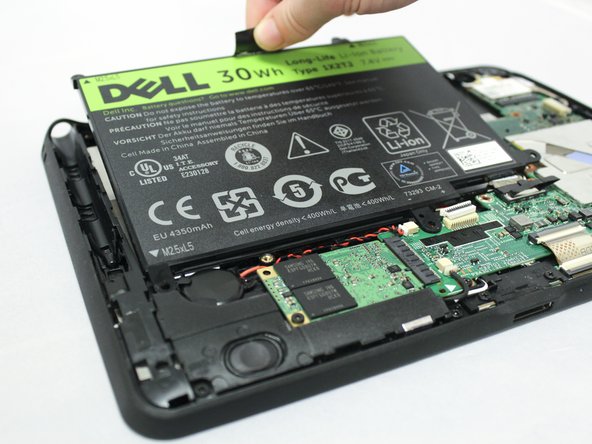
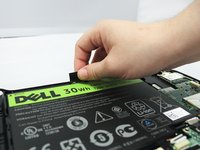
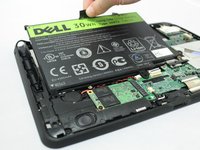
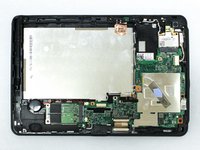
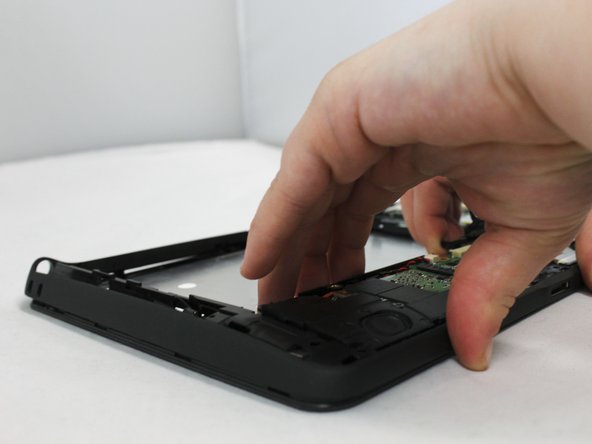
      • Pull up on the black tab located at the top of the battery to remove the battery from the device.

      Спросите у FixBot

      Добавить комментарий

    1. Dell Latitude ST Screen Replacement, Screen: шаг 7, изображение 1 из 3 Dell Latitude ST Screen Replacement, Screen: шаг 7, изображение 2 из 3 Dell Latitude ST Screen Replacement, Screen: шаг 7, изображение 3 из 3
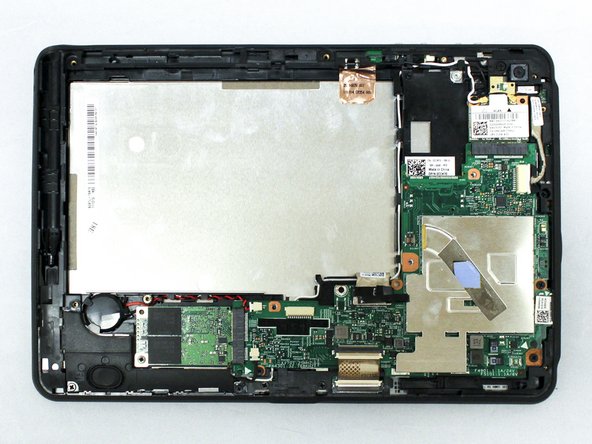
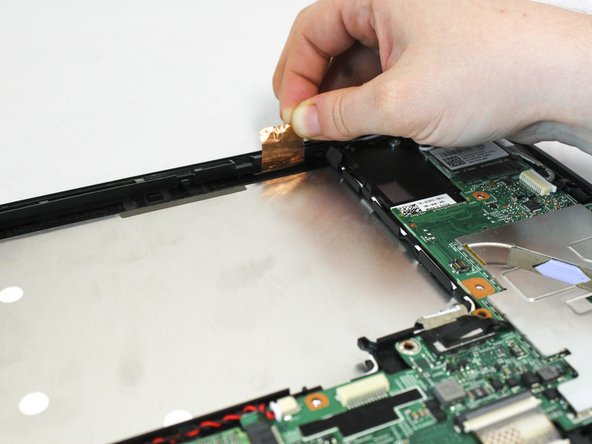
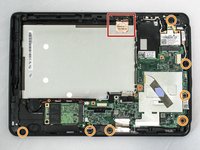
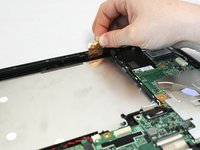
      • Pull up on the copper antenna tape to loosen it from the base.

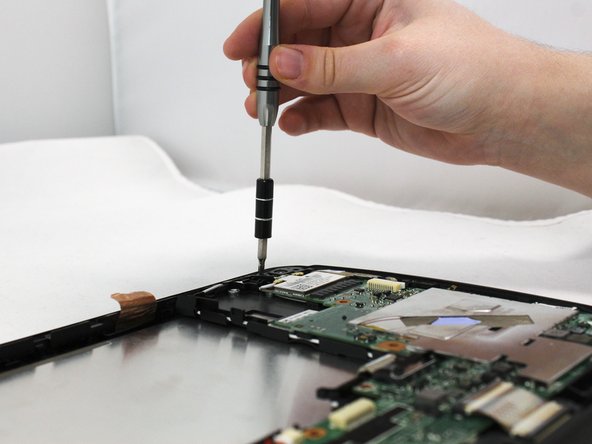
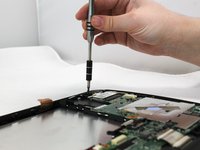
      • Unscrew the seven 6mm Phillips #0 screws from the base.

      Спросите у FixBot

      Добавить комментарий

    2. Dell Latitude ST Screen Replacement: шаг 8, изображение 1 из 2 Dell Latitude ST Screen Replacement: шаг 8, изображение 2 из 2
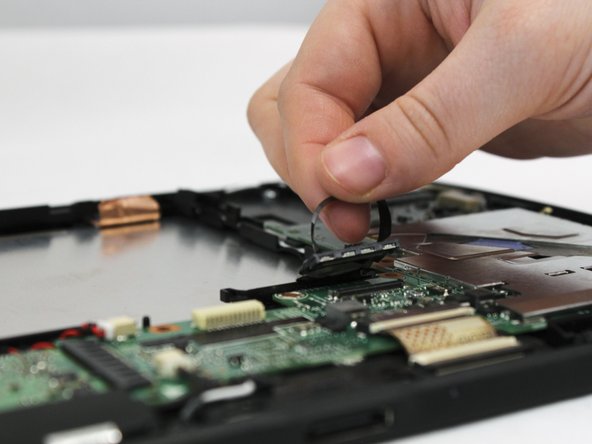
      • Locate the grey LCD cable attached to the motherboad on the device.

      • Pull up on the black tape handle attached to the LCD cable to disconnect the cable.

      • Be sure to pull on the back rather than the LCD cable itself.

      Спросите у FixBot

      Добавить комментарий

    3. Dell Latitude ST Screen Replacement: шаг 9, изображение 1 из 3 Dell Latitude ST Screen Replacement: шаг 9, изображение 2 из 3 Dell Latitude ST Screen Replacement: шаг 9, изображение 3 из 3
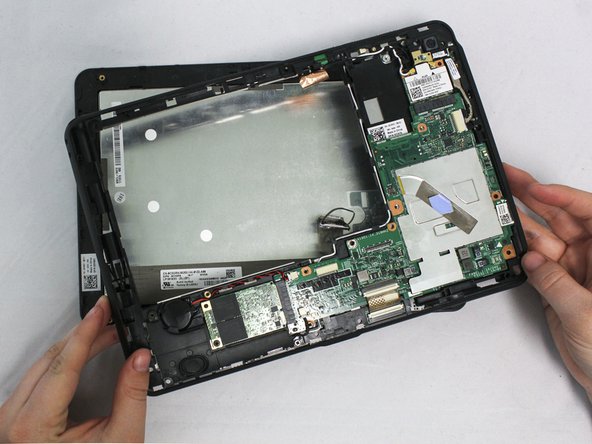
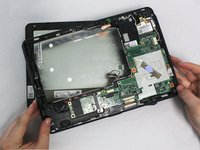
      • Using your hands or the blue plastic opening tool, go along the edges of the frame and unsnap the screen from the middle frame.

      • Lift the middle frame away from the screen.

      Спросите у FixBot

      Добавить комментарий

Заключение

To reassemble your device, follow these instructions in reverse order.

Отменить: Я не выполнил это руководство.

Addie Kenney

Участник с: 04/11/17

416 Репутация

Автор 4 руководств

Команда

Eastern Washington University, Team S1-G1, Crane Spring 2017 Участник Eastern Washington University, Team S1-G1, Crane Spring 2017

EWU-CRANE-S17S1G1

3 членов

Автор 5 руководств

0 Комментарии к руководству

Добавить комментарий

Статистика просмотров:

За последние 24 часов: 1

За последние 7 дней: 7

За последние 30 дней: 23

За всё время: 735