Перейти к основному содержанию
Присоединяйся к сообществу ремонтников - Создай аккаунт

Dell VRP100 Lens Replacement

Выберете то, что вам нужно

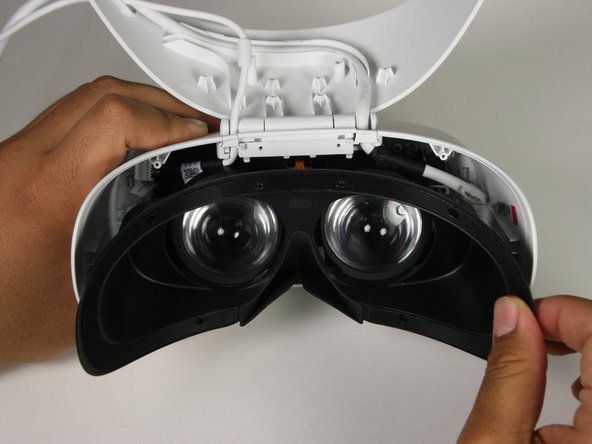
  1. Dell VRP100 Lens Replacement, Cover Panel: шаг 1, изображение 1 из 3 Dell VRP100 Lens Replacement, Cover Panel: шаг 1, изображение 2 из 3 Dell VRP100 Lens Replacement, Cover Panel: шаг 1, изображение 3 из 3
    • Remove the black foam padding by peeling away slowly.

    • Remove the front and back padding from the headset by peeling away slowly.

    Спросите у FixBot

    Добавить комментарий

  2. Dell VRP100 Lens Replacement: шаг 2, изображение 1 из 1
    • Remove the six 5.5mm PH000 screws from the cover by rotating counter-clockwise.

    • Cover panel may need to be pushed in before inserting screws.

    Спросите у FixBot

    Добавить комментарий

  3. Dell VRP100 Lens Replacement: шаг 3, изображение 1 из 3 Dell VRP100 Lens Replacement: шаг 3, изображение 2 из 3 Dell VRP100 Lens Replacement: шаг 3, изображение 3 из 3
    • Remove the cover using one of the plastic opening tools, and then carefully pull it from the casing.

    Спросите у FixBot

    Добавить комментарий

  4. Dell VRP100 Lens Replacement: шаг 4, изображение 1 из 3 Dell VRP100 Lens Replacement: шаг 4, изображение 2 из 3 Dell VRP100 Lens Replacement: шаг 4, изображение 3 из 3
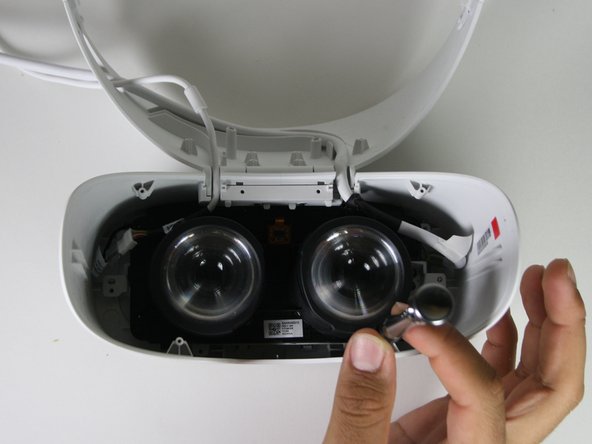
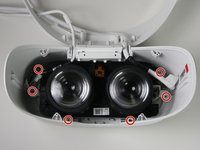
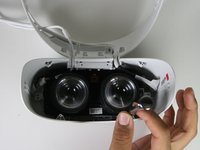
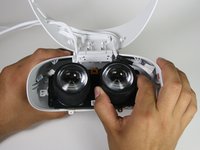
    • Remove the six 5.5mm PH000 screws from the cover by rotating counter-clockwise.

    • Carefully remove the lens and motherboard assembly from the white casing.

    Спросите у FixBot

    Добавить комментарий

  5. Dell VRP100 Lens Replacement, Lens: шаг 5, изображение 1 из 2 Dell VRP100 Lens Replacement, Lens: шаг 5, изображение 2 из 2
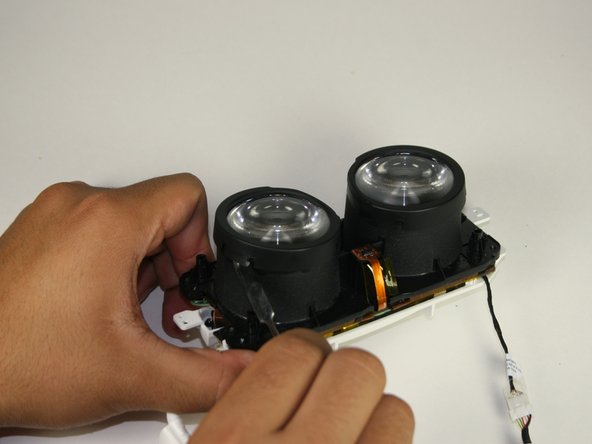
    • Deattach the black cover from the lens with a metal spudger.

    • This will “click” back into place during replacement.

    Спросите у FixBot

    Добавить комментарий

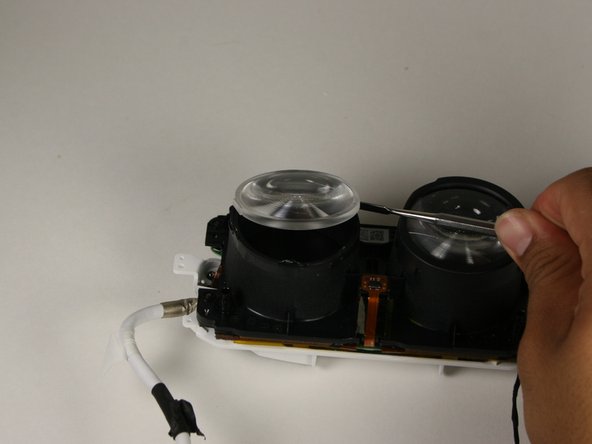
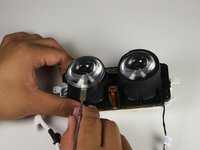
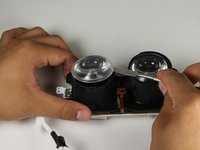
  6. Dell VRP100 Lens Replacement: шаг 6, изображение 1 из 3 Dell VRP100 Lens Replacement: шаг 6, изображение 2 из 3 Dell VRP100 Lens Replacement: шаг 6, изображение 3 из 3
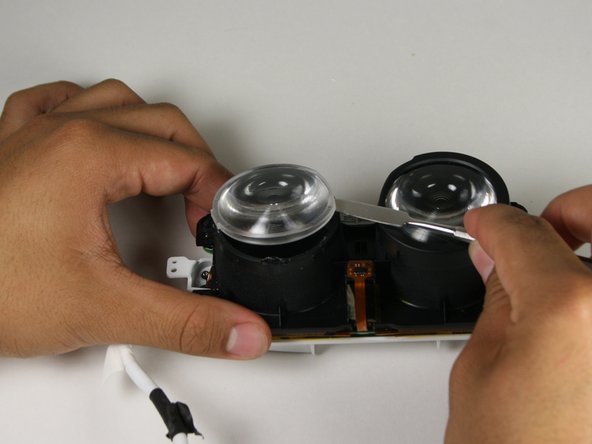
    • Gently insert the metal spudger between the lens and the lens casing.

    • Rotate the spudger around the exterior of the lens and lens housing, separating them.

    • The lens is held in place with an adhesive that will have to be applied during reassembly.

    Спросите у FixBot

    Добавить комментарий

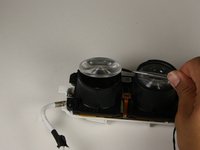
  7. Dell VRP100 Lens Replacement: шаг 7, изображение 1 из 1
    • Holding the lens around the outside, gently lift it out of its housing.

    Спросите у FixBot

    Добавить комментарий

Заключение

To reassemble your device, follow these instructions in reverse order.

Отменить: Я не выполнил это руководство.

Еще один человек закончил это руководство.

Chris Grabow

Участник с: 10/08/18

285 Репутация

Автор 2 руководств

Команда

Cal Poly, Team S17-G1, White Fall 2018 Участник Cal Poly, Team S17-G1, White Fall 2018

CPSU-WHITE-F18S17G1

4 членов

Автор 12 руководств

0 Комментарии к руководству

Добавить комментарий

Статистика просмотров:

За последние 24 часов: 0

За последние 7 дней: 6

За последние 30 дней: 38

За всё время: 1,181