Перейти к основному содержанию
Присоединяйся к сообществу ремонтников - Создай аккаунт

Disassembling APEX AP-GS918 Screen

Выберете то, что вам нужно

  1. Disassembling APEX AP-GS918 Screen, Power/Volume Button: шаг 1, изображение 1 из 3 Disassembling APEX AP-GS918 Screen, Power/Volume Button: шаг 1, изображение 2 из 3 Disassembling APEX AP-GS918 Screen, Power/Volume Button: шаг 1, изображение 3 из 3
    • To begin, locate the two 4.9mm Phillips #00 screws at the top corners of the case and remove them.

    Спросите у FixBot

    Добавить комментарий

  2. Disassembling APEX AP-GS918 Screen: шаг 2, изображение 1 из 3 Disassembling APEX AP-GS918 Screen: шаг 2, изображение 2 из 3 Disassembling APEX AP-GS918 Screen: шаг 2, изображение 3 из 3
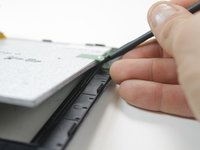
    • Squeeze the plastic opening tool in between the seam where the screen joins the plastic case.

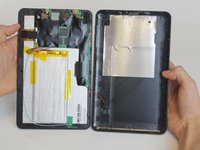
    • Begin separating the bottom of the case from the screen by carefully going around the whole edge of the case and slowly prying it apart.

    • Be careful when separating the lids because the wires holding the speaker to the motherboard are very short.

    Спросите у FixBot

    Добавить комментарий

  3. Disassembling APEX AP-GS918 Screen: шаг 3, изображение 1 из 2 Disassembling APEX AP-GS918 Screen: шаг 3, изображение 2 из 2
    Инструмент, используемый на этом этапе:
    Tweezers
    $4.99
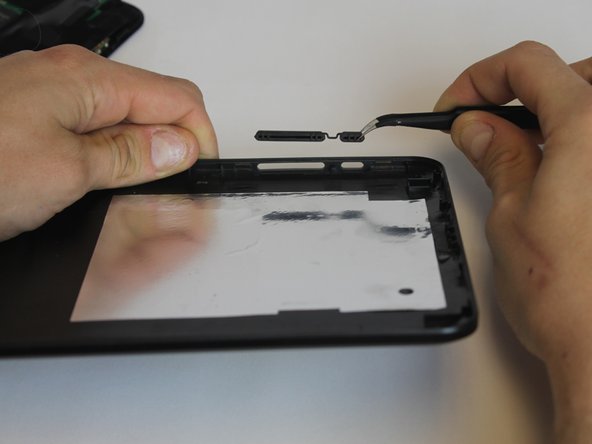
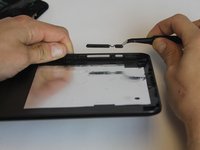
    • Carefully place the bottom lid next to the screen case. The power/speaker buttons should be visible at the corner of the lid. Remove the buttons with the tweezers.

    Спросите у FixBot

    Добавить комментарий

  4. Disassembling APEX AP-GS918 Screen, Battery: шаг 4, изображение 1 из 2 Disassembling APEX AP-GS918 Screen, Battery: шаг 4, изображение 2 из 2
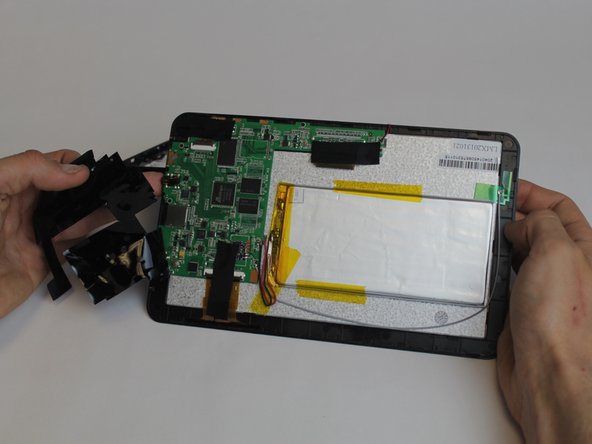
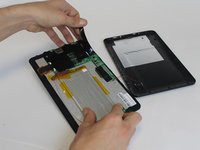
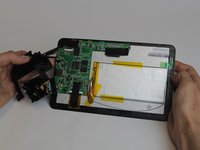
    • Begin removing the black tape covering the motherboard inside the tablet.

    Спросите у FixBot

    Добавить комментарий

  5. Disassembling APEX AP-GS918 Screen: шаг 5, изображение 1 из 1
    • You will need to desolder the two contact points that connect the battery to the mother board.

    • Make sure to allow ample time (at least 5-8 minutes or more) for the soldering iron to heat up. Otherwise, the solder won't melt.

    • Touch the hot iron to the contact points and gently pull on the wires to loosen them from the solder. They should release easily.

    • Make sure not to touch the contact points after desoldering them because they will remain very hot for a short while afterwards.

    Спросите у FixBot

    Добавить комментарий

  6. Disassembling APEX AP-GS918 Screen: шаг 6, изображение 1 из 2 Disassembling APEX AP-GS918 Screen: шаг 6, изображение 2 из 2
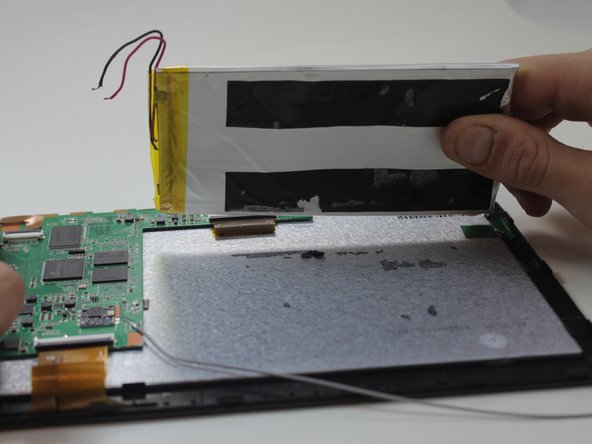
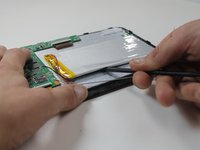
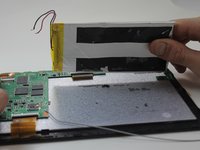
    • Using the black nylon spudger, get underneath the battery and begin prying it loose from the rest of the tablet.

    • The tape holding the battery to the tablet has a very strong hold so be prepared for resistance.

    Спросите у FixBot

    Добавить комментарий

  7. Disassembling APEX AP-GS918 Screen, Screen: шаг 7, изображение 1 из 2 Disassembling APEX AP-GS918 Screen, Screen: шаг 7, изображение 2 из 2
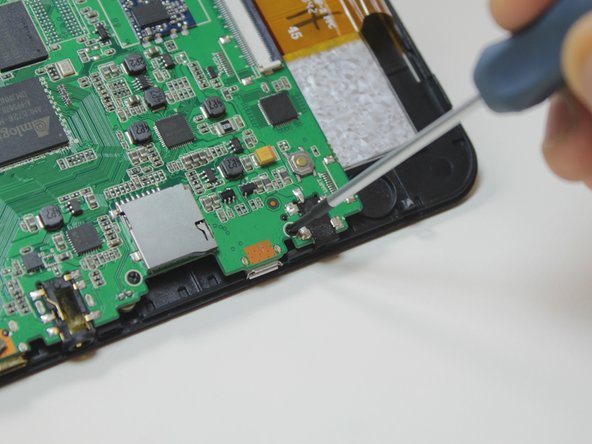
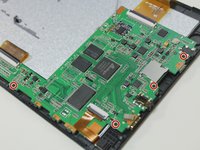
    • The motherboard will need to be removed in order to access the screen.

    • To remove the motherboard you must first unscrew four 4.9mm Phillips #00 screws.

    Спросите у FixBot

    Добавить комментарий

  8. Disassembling APEX AP-GS918 Screen: шаг 8, изображение 1 из 2 Disassembling APEX AP-GS918 Screen: шаг 8, изображение 2 из 2
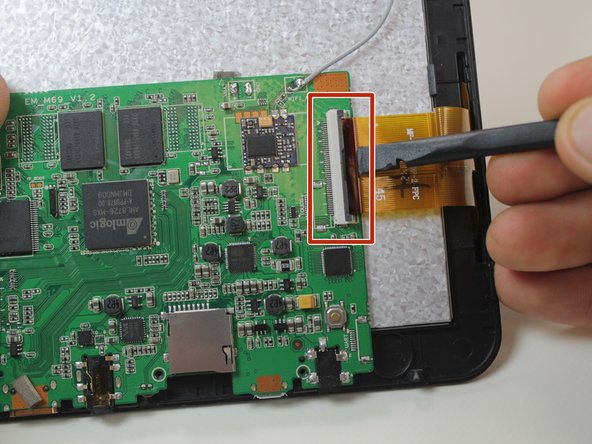
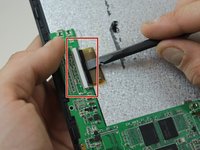
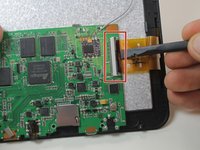
    • To finish removing the motherboard you must release the two data cables holding the screen to it.

    • Use the black nylon spudger to lift the gray clips up 90° on the white connectors.

    • You can now remove the data cables from the slots and lift the motherboard out from the device.

    Спросите у FixBot

    Добавить комментарий

  9. Disassembling APEX AP-GS918 Screen: шаг 9, изображение 1 из 2 Disassembling APEX AP-GS918 Screen: шаг 9, изображение 2 из 2
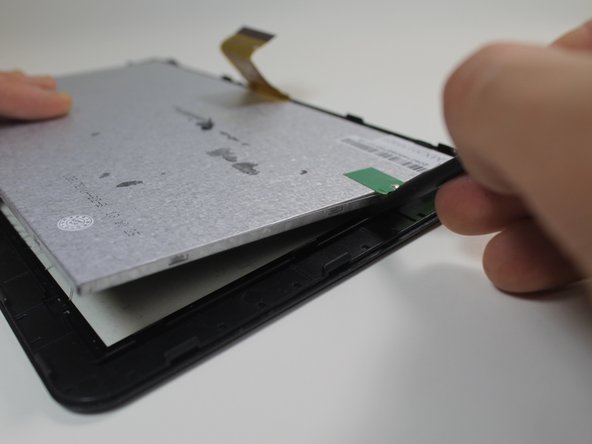
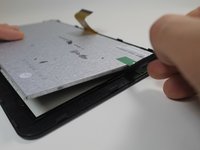
    • After removing the motherboard, use the black nylon spudger to pop the screen out of the housing holding it to the front of the screen case.

    Спросите у FixBot

    Добавить комментарий

  10. Disassembling APEX AP-GS918 Screen: шаг 10, изображение 1 из 1
    • Pull the thin plastic screen casing apart and you can remove the damaged screen.

    Спросите у FixBot

    Добавить комментарий

Заключение

To reassemble your device, follow these instructions in reverse order.

Отменить: Я не выполнил это руководство.

Еще один человек закончил это руководство.

Megan Lozicki

Участник с: 02/19/15

416 Репутация

Автор 4 руководств

Команда

USF Tampa, Team 9-1, Leahy Winter 2015 Участник USF Tampa, Team 9-1, Leahy Winter 2015

USFT-LEAHY-W15S9G1

3 членов

Автор 9 руководств

0 Комментарии к руководству

Добавить комментарий

Статистика просмотров:

За последние 24 часов: 2

За последние 7 дней: 7

За последние 30 дней: 53

За всё время: 913