Перейти к основному содержанию
Присоединяйся к сообществу ремонтников - Создай аккаунт

Disassembling Ericsson CF 388 Keypad

Выберете то, что вам нужно

  1. Disassembling Ericsson CF 388 Keypad, Disassembling Ericsson CF 388 Battery: шаг 1, изображение 1 из 3 Disassembling Ericsson CF 388 Keypad, Disassembling Ericsson CF 388 Battery: шаг 1, изображение 2 из 3 Disassembling Ericsson CF 388 Keypad, Disassembling Ericsson CF 388 Battery: шаг 1, изображение 3 из 3
    • To remove the battery from the casing, grab the front panel and back panel with opposite hands (as shown). The back panel is the same as the battery.

    • With your index finger, push in the button on the bottom of the battery to release it.

    • Pull the battery away from the phone.

    Спросите у FixBot

    Добавить комментарий

  2. Disassembling Ericsson CF 388 Keypad, Phone Casing: шаг 2, изображение 1 из 3 Disassembling Ericsson CF 388 Keypad, Phone Casing: шаг 2, изображение 2 из 3 Disassembling Ericsson CF 388 Keypad, Phone Casing: шаг 2, изображение 3 из 3
    • After removing the battery, the front phone casing becomes accessible.

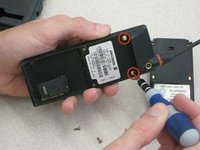
    • Locate the two star-shaped T6 screws on the bottom end of the rear of the phone, underneath the battery, as indicated by the red circles.

    • Remove these two screws using the Torx T6 Screwdriver.

    Спросите у FixBot

    Добавить комментарий

  3. Disassembling Ericsson CF 388 Keypad: шаг 3, изображение 1 из 3 Disassembling Ericsson CF 388 Keypad: шаг 3, изображение 2 из 3 Disassembling Ericsson CF 388 Keypad: шаг 3, изображение 3 из 3
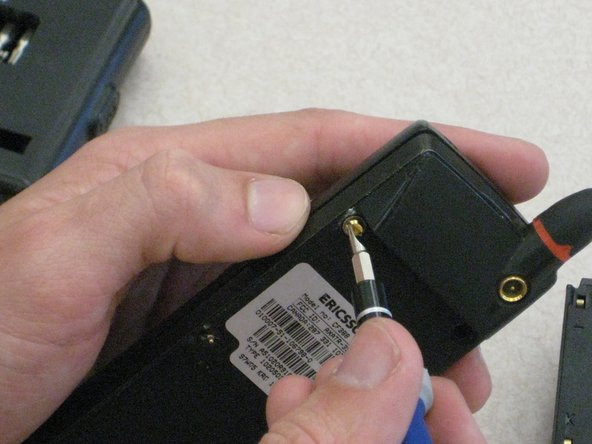
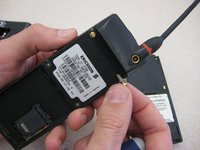
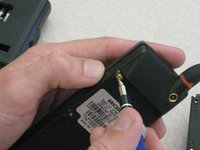
    • Locate the top two U-shaped screws on the back of the phone, as shown by the red circles.

    • Remove these two screws with a SP 2.6 screw driver.

    • Note: Remove gray plastic grommets with screws.

    Спросите у FixBot

    Добавить комментарий

  4. Disassembling Ericsson CF 388 Keypad: шаг 4, изображение 1 из 2 Disassembling Ericsson CF 388 Keypad: шаг 4, изображение 2 из 2
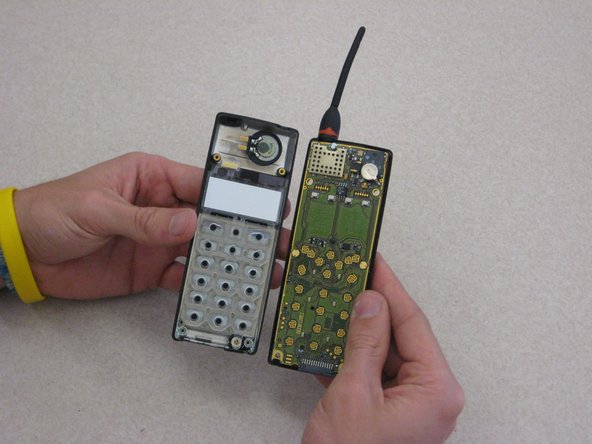
    • Grab opposite panels of the phone casing and carefully open and pull apart the phone, as shown in the image.

    • Note: Be careful not to damage the circuit board and components as you as open the casing.

    Спросите у FixBot

    Добавить комментарий

  5. Disassembling Ericsson CF 388 Keypad, Keypad Support Skeleton: шаг 5, изображение 1 из 2 Disassembling Ericsson CF 388 Keypad, Keypad Support Skeleton: шаг 5, изображение 2 из 2
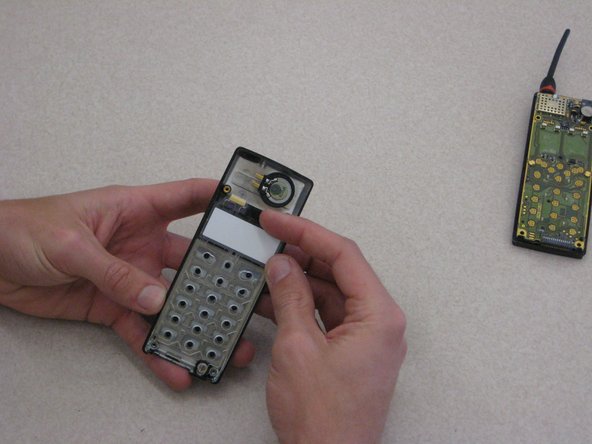
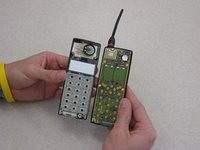
    • After removing the battery casing and taking apart the phone casing, the keypad is held in with a plastic skeleton structure as shown.

    Спросите у FixBot

    Добавить комментарий

  6. Disassembling Ericsson CF 388 Keypad: шаг 6, изображение 1 из 3 Disassembling Ericsson CF 388 Keypad: шаг 6, изображение 2 из 3 Disassembling Ericsson CF 388 Keypad: шаг 6, изображение 3 из 3
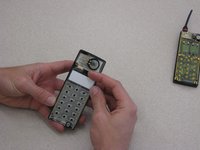
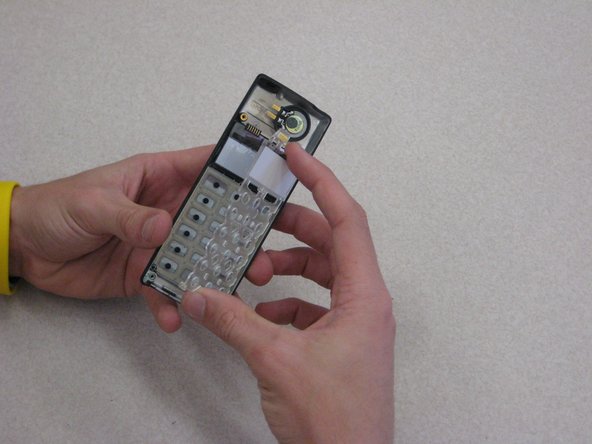
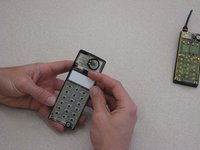
    • To remove the plastic skeleton structure, locate the tab at the top of the phone near the LCD display screen.

    • Carefully remove the skeleton by holding on the front phone casing with one hand and pull tab with your index finger while having your thumb at the bottom of the phone as shown.

    Спросите у FixBot

    Добавить комментарий

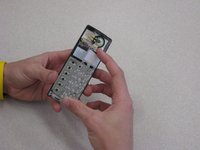
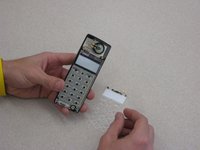
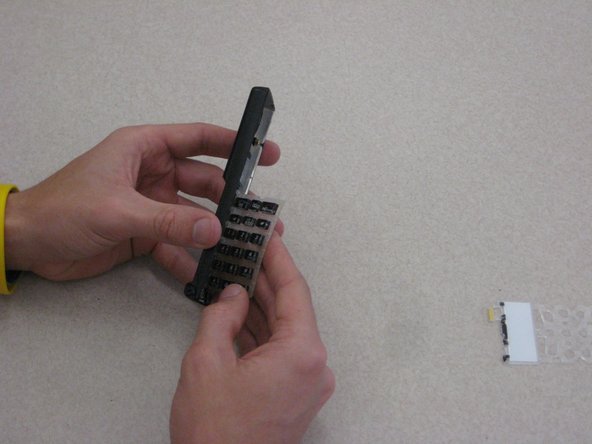
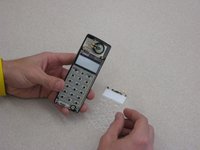
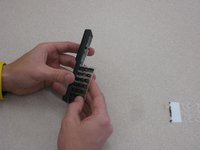
  7. Disassembling Ericsson CF 388 Keypad, Keypad: шаг 7, изображение 1 из 2 Disassembling Ericsson CF 388 Keypad, Keypad: шаг 7, изображение 2 из 2
    • To remove the keypad, tilt the phone and the keypad will slide out with the orientation shown.

    Спросите у FixBot

    Добавить комментарий

Заключение

To reassemble your device, follow these instructions in reverse order.

Отменить: Я не выполнил это руководство.

Niccolas Tones

Участник с: 03/09/12

60 Репутация

Автор 9 руководств

Команда

Clemson, Team 1-1, Benson Spring 2012 Участник Clemson, Team 1-1, Benson Spring 2012

CLEM-BENSON-S12S1G1

3 членов

Автор 21 руководств

0 Комментарии к руководству

Добавить комментарий

Статистика просмотров:

За последние 24 часов: 0

За последние 7 дней: 5

За последние 30 дней: 28

За всё время: 1,203