Перейти к основному содержанию
Присоединяйся к сообществу ремонтников - Создай аккаунт

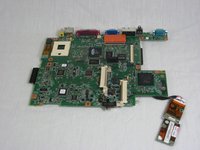
Disassembling IBM ThinkPad A30 Motherboard

Выберете то, что вам нужно

  1. Disassembling IBM ThinkPad A30 Motherboard, Battery: шаг 1, изображение 1 из 2 Disassembling IBM ThinkPad A30 Motherboard, Battery: шаг 1, изображение 2 из 2
    • Flip the ThinkPad over so that it is upside down.

    • Slide the highlighted tab to the left.

    • With your finger on the tab, remove the battery by lifting it upwards away from the laptop.

    Спросите у FixBot

    Добавить комментарий

  2. Disassembling IBM ThinkPad A30 Motherboard, Hard Drive: шаг 2, изображение 1 из 3 Disassembling IBM ThinkPad A30 Motherboard, Hard Drive: шаг 2, изображение 2 из 3 Disassembling IBM ThinkPad A30 Motherboard, Hard Drive: шаг 2, изображение 3 из 3
    • Remove the highlighted screw with a Phillips #1 screwdriver.

    • Pull the hard drive out.

    Спросите у FixBot

    Добавить комментарий

  3. Disassembling IBM ThinkPad A30 Motherboard, CD Drive: шаг 3, изображение 1 из 3 Disassembling IBM ThinkPad A30 Motherboard, CD Drive: шаг 3, изображение 2 из 3 Disassembling IBM ThinkPad A30 Motherboard, CD Drive: шаг 3, изображение 3 из 3
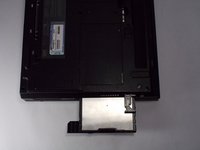
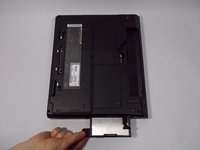
    • Hold the laptop in the same orientation as the picture. Then, locate the switch immediately above and to the left of the drive.

    • Slide the switch to the right. A black plastic tab will pop out.

    • Pull the plastic tab to expose the CD drive.

    • If there is a problem with your tab, whether it doesn't pop out or it doesn't expose the CD drive, please check the corresponding entry in the troubleshooting page.

    Спросите у FixBot

    Добавить комментарий

  4. Disassembling IBM ThinkPad A30 Motherboard: шаг 4, изображение 1 из 1
    • Carefully pull the CD drive out from the laptop.

    Спросите у FixBot

    Добавить комментарий

  5. Disassembling IBM ThinkPad A30 Motherboard, Floppy Disk Drive: шаг 5, изображение 1 из 2 Disassembling IBM ThinkPad A30 Motherboard, Floppy Disk Drive: шаг 5, изображение 2 из 2
    • Hold the Thinkpad as the picture shows.

    • There is a switch located just above and to the right of the drive.

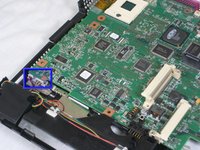
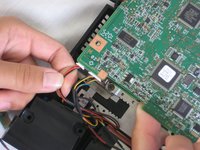
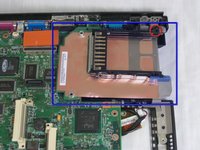
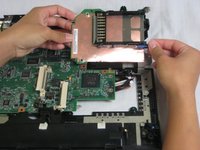
    • Slide the switch to the right. A small, black tab will pop out.

    Спросите у FixBot

    Добавить комментарий

  6. Disassembling IBM ThinkPad A30 Motherboard: шаг 6, изображение 1 из 2 Disassembling IBM ThinkPad A30 Motherboard: шаг 6, изображение 2 из 2
    • Pull the small black tab away from the computer to access the drive.

    • Gently pull the drive out from the laptop.

    • If there is a problem with your tab, whether it doesn't pop out or it doesn't expose the floppy drive, please check the corresponding entry in the troubleshooting page.

    Спросите у FixBot

    Добавить комментарий

  7. Disassembling IBM ThinkPad A30 Motherboard, Upper Case: шаг 7, изображение 1 из 1
    • Make sure the laptop is upside down and oriented in the direction shown.

    • Remove the six 16.7mm screws inside the circled holes.

    Спросите у FixBot

    Добавить комментарий

  8. Disassembling IBM ThinkPad A30 Motherboard: шаг 8, изображение 1 из 1
    • Rotate the ThinkPad so that the hard drive bay is facing you.

    • Remove the black cover to reveal a 14.8mm screw.

    • Remove the uncovered screw with a Phillips #0 screwdriver.

    Спросите у FixBot

    Добавить комментарий

  9. Disassembling IBM ThinkPad A30 Motherboard: шаг 9, изображение 1 из 2 Disassembling IBM ThinkPad A30 Motherboard: шаг 9, изображение 2 из 2
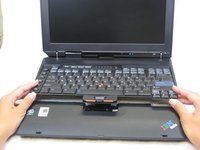
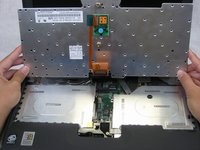
    • Flip the ThinkPad over and open the LCD panel.

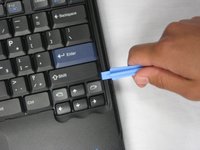
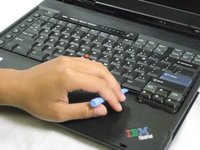
    • Pry apart the keyboard with a plastic opening tool or with your fingers.

    Спросите у FixBot

    Добавить комментарий

  10. Disassembling IBM ThinkPad A30 Motherboard: шаг 10, изображение 1 из 3 Disassembling IBM ThinkPad A30 Motherboard: шаг 10, изображение 2 из 3 Disassembling IBM ThinkPad A30 Motherboard: шаг 10, изображение 3 из 3
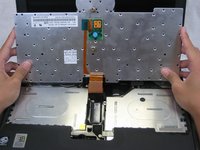
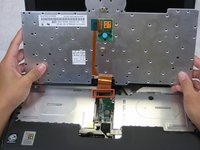
    • Be careful not to pull out the keyboard carelessly; there is a connector underneath it!

    • Lift the front end of the keyboard as shown.

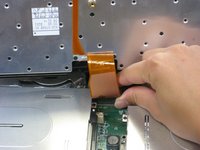
    • Using your fingers, remove the black film cover.

    Спросите у FixBot

    Добавить комментарий

  11. Disassembling IBM ThinkPad A30 Motherboard: шаг 11, изображение 1 из 3 Disassembling IBM ThinkPad A30 Motherboard: шаг 11, изображение 2 из 3 Disassembling IBM ThinkPad A30 Motherboard: шаг 11, изображение 3 из 3
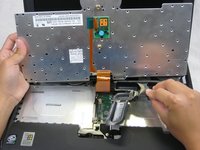
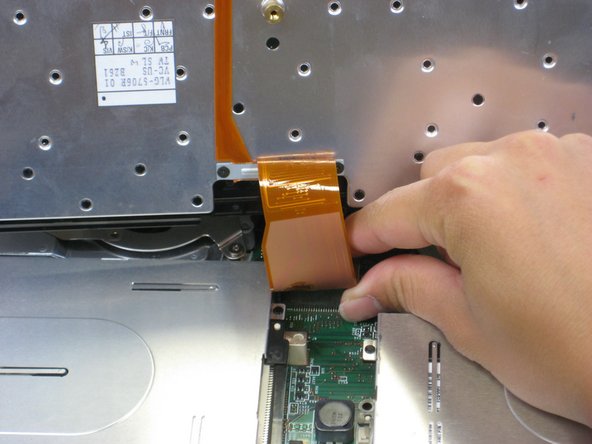
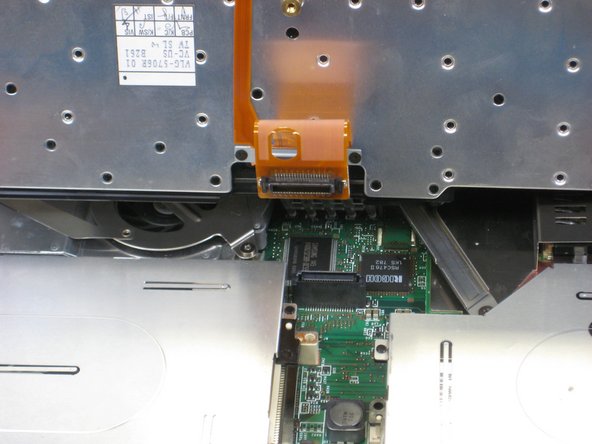
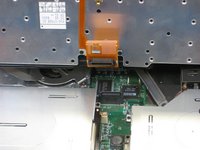
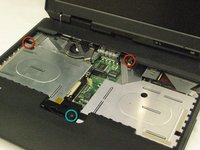
    • Locate the connector attached to the motherboard.

    • Disconnect the ribbon cable by removing the connector.

    Спросите у FixBot

    Добавить комментарий

  12. Disassembling IBM ThinkPad A30 Motherboard: шаг 12, изображение 1 из 2 Disassembling IBM ThinkPad A30 Motherboard: шаг 12, изображение 2 из 2
    • Lift and remove the keyboard.

    • Remove the two 5.6mm screws.

    • Remove the 16.7mm screw.

    Спросите у FixBot

    Добавить комментарий

  13. Disassembling IBM ThinkPad A30 Motherboard: шаг 13, изображение 1 из 3 Disassembling IBM ThinkPad A30 Motherboard: шаг 13, изображение 2 из 3 Disassembling IBM ThinkPad A30 Motherboard: шаг 13, изображение 3 из 3
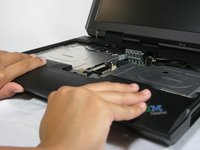
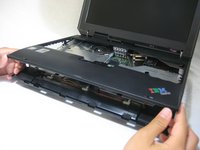
    • You will need to use a little force. Be wary of the tabs.

    • Pry off the upper case with your hands.

    Спросите у FixBot

    Добавить комментарий

  14. Disassembling IBM ThinkPad A30 Motherboard, Display Assembly: шаг 14, изображение 1 из 1
    • Remove the 5.6mm screw that holds the LCD to the upper case.

    Спросите у FixBot

    Добавить комментарий

  15. Disassembling IBM ThinkPad A30 Motherboard: шаг 15, изображение 1 из 3 Disassembling IBM ThinkPad A30 Motherboard: шаг 15, изображение 2 из 3 Disassembling IBM ThinkPad A30 Motherboard: шаг 15, изображение 3 из 3
    • Remove the 5.6mm screw on the left side of the three-pronged connector.

    • Remove the other two 16.7mm screws.

    • Lift and remove connector.

    Спросите у FixBot

    Добавить комментарий

  16. Disassembling IBM ThinkPad A30 Motherboard: шаг 16, изображение 1 из 2 Disassembling IBM ThinkPad A30 Motherboard: шаг 16, изображение 2 из 2
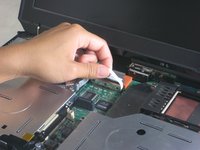
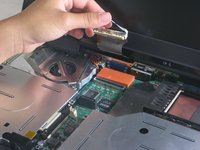
    • Pull out the white tab connecting the LCD to the motherboard.

    Спросите у FixBot

    Добавить комментарий

  17. Disassembling IBM ThinkPad A30 Motherboard: шаг 17, изображение 1 из 2 Disassembling IBM ThinkPad A30 Motherboard: шаг 17, изображение 2 из 2
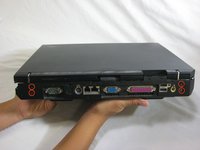
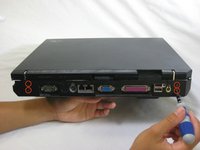
    • Turn the laptop so that the back is facing you.

    • Remove the four 5.6mm long screws.

    Спросите у FixBot

    Добавить комментарий

  18. Disassembling IBM ThinkPad A30 Motherboard: шаг 18, изображение 1 из 3 Disassembling IBM ThinkPad A30 Motherboard: шаг 18, изображение 2 из 3 Disassembling IBM ThinkPad A30 Motherboard: шаг 18, изображение 3 из 3
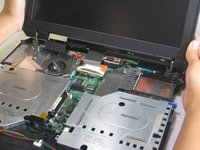
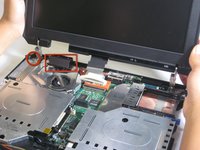
    • Place the laptop so that the LCD is facing you again.

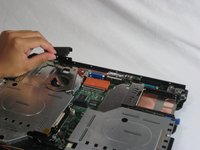
    • Gently lift the LCD monitor up and out.

    • Remove the black plastic tab.

    Спросите у FixBot

    Добавить комментарий

  19. Disassembling IBM ThinkPad A30 Motherboard, Fan: шаг 19, изображение 1 из 1
    • Remove the following screws from the fan retention bracket:

    • Single 5.6 mm screw.

    • Three 16.1 mm screws.

    Спросите у FixBot

    Добавить комментарий

  20. Disassembling IBM ThinkPad A30 Motherboard: шаг 20, изображение 1 из 1
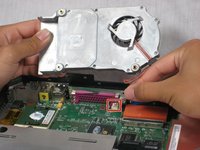
    • Lift the heatsink bracket up.

    Спросите у FixBot

    Добавить комментарий

  21. Disassembling IBM ThinkPad A30 Motherboard: шаг 21, изображение 1 из 3 Disassembling IBM ThinkPad A30 Motherboard: шаг 21, изображение 2 из 3 Disassembling IBM ThinkPad A30 Motherboard: шаг 21, изображение 3 из 3
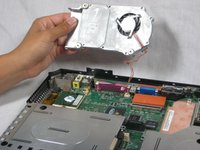
    • Be careful not to pull too hard. There is a cable attached to the fan.

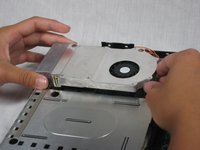
    • Lift the fan/heatsink assembly up.

    • Locate the fan power cable and pull upwards near the connector.

    • Remove the fan/heatsink assembly.

    Спросите у FixBot

    Добавить комментарий

  22. Disassembling IBM ThinkPad A30 Motherboard, CPU: шаг 22, изображение 1 из 2 Disassembling IBM ThinkPad A30 Motherboard, CPU: шаг 22, изображение 2 из 2
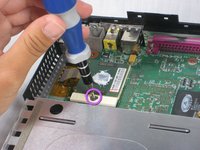
    • Use a flathead to turn the screw 180 degrees.

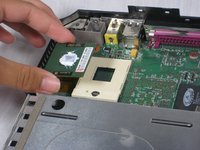
    • Remove the CPU by lifting it upwards.

    • If the CPU is reusable, place it in an antistatic bag and away from moisture.

    Спросите у FixBot

    Добавить комментарий

  23. Disassembling IBM ThinkPad A30 Motherboard, Motherboard: шаг 23, изображение 1 из 1
    • Locate the floppy drive bay.

    • Remove the four 5.6mm screws.

    • Remove the 16mm screw.

    Спросите у FixBot

    Добавить комментарий

  24. Disassembling IBM ThinkPad A30 Motherboard: шаг 24, изображение 1 из 3 Disassembling IBM ThinkPad A30 Motherboard: шаг 24, изображение 2 из 3 Disassembling IBM ThinkPad A30 Motherboard: шаг 24, изображение 3 из 3
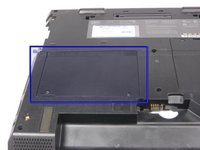
    • Turn the laptop over so that the battery is towards you.

    • Locate the modem and ethernet card bay.

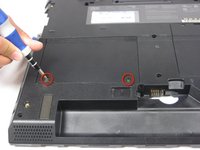
    • Remove the two 5.3mm cover screws.

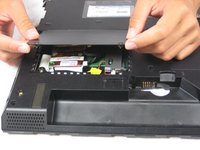
    • Gently lift the cover.

    Спросите у FixBot

    Добавить комментарий

  25. Disassembling IBM ThinkPad A30 Motherboard: шаг 25, изображение 1 из 2 Disassembling IBM ThinkPad A30 Motherboard: шаг 25, изображение 2 из 2
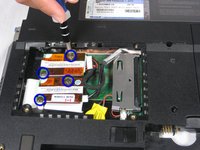
    • Remove the four 9.1mm screws attached to the modem and ethernet cards.

    • When lifting the cards, be careful not to rip out the cables!

    • Gently lift the modem and ethernet cards.

    Спросите у FixBot

    Добавить комментарий

  26. Disassembling IBM ThinkPad A30 Motherboard: шаг 26, изображение 1 из 1
    • Locate the hard drive slot.

    • Remove the 8.8mm screw with a Phillips #0 screwdriver.

    Спросите у FixBot

    Добавить комментарий

  27. Disassembling IBM ThinkPad A30 Motherboard: шаг 27, изображение 1 из 1
    • Turn the laptop over again and orient it as shown.

    • Lift the left side of the floppy disk bay and and pull it out.

    • The black lever will pop out.

    Спросите у FixBot

    Добавить комментарий

  28. Disassembling IBM ThinkPad A30 Motherboard: шаг 28, изображение 1 из 2 Disassembling IBM ThinkPad A30 Motherboard: шаг 28, изображение 2 из 2
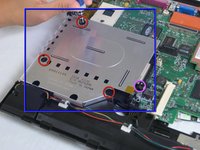
    • Locate the CD Drive Bay

    • Remove the three 5.6mm screws.

    • Remove the 16mm screw.

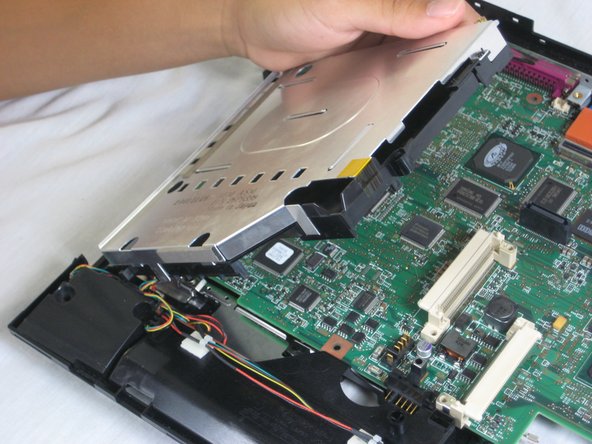
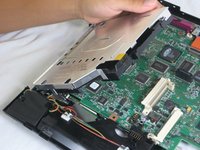
    • Lift the right side and pull the CD drive bay out.

    • The black lever will pop out.

    Спросите у FixBot

    Добавить комментарий

  29. Disassembling IBM ThinkPad A30 Motherboard: шаг 29, изображение 1 из 2 Disassembling IBM ThinkPad A30 Motherboard: шаг 29, изображение 2 из 2
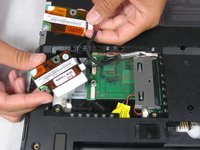
    • Once the CD drive bay is removed, locate the speaker data and power cables.

    • Remove the cables from the motherboard.

    Спросите у FixBot

    Добавить комментарий

  30. Disassembling IBM ThinkPad A30 Motherboard: шаг 30, изображение 1 из 2 Disassembling IBM ThinkPad A30 Motherboard: шаг 30, изображение 2 из 2
    • Locate the expansion bay.

    • Remove the 16mm screw.

    • Lift and remove the expansion bay.

    Спросите у FixBot

    Добавить комментарий

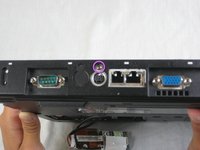
  31. Disassembling IBM ThinkPad A30 Motherboard: шаг 31, изображение 1 из 1
    • Rotate the laptop so that the back ports are facing you.

    Спросите у FixBot

    Добавить комментарий

  32. Disassembling IBM ThinkPad A30 Motherboard: шаг 32, изображение 1 из 2 Disassembling IBM ThinkPad A30 Motherboard: шаг 32, изображение 2 из 2
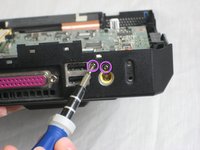
    • Remove the three 5.8mm screws with a Phillips #0 screwdriver.

    Спросите у FixBot

    Добавить комментарий

  33. Disassembling IBM ThinkPad A30 Motherboard: шаг 33, изображение 1 из 2 Disassembling IBM ThinkPad A30 Motherboard: шаг 33, изображение 2 из 2
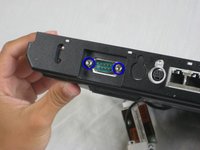
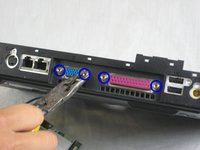
    • Remove the six 11mm nuts with a wrench.

    • Pliers can be used, but are not recommended.

    Спросите у FixBot

    Добавить комментарий

  34. Disassembling IBM ThinkPad A30 Motherboard: шаг 34, изображение 1 из 2 Disassembling IBM ThinkPad A30 Motherboard: шаг 34, изображение 2 из 2
    • Rotate the laptop to its original position.

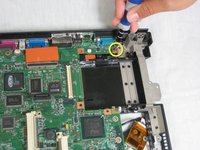
    • Remove the 5.6mm screw located on the upper right corner of the motherboard.

    Спросите у FixBot

    Добавить комментарий

  35. Disassembling IBM ThinkPad A30 Motherboard: шаг 35, изображение 1 из 2 Disassembling IBM ThinkPad A30 Motherboard: шаг 35, изображение 2 из 2
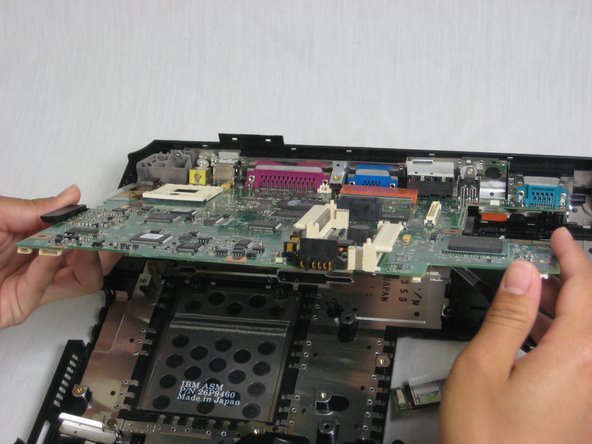
    • The wireless and bluetooth cards are connected to the motherboard!

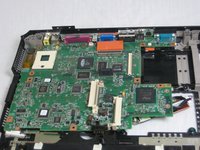
    • Pull out the motherboard towards you carefully.

    • Place the motherboard somewhere dry and clean.

    Спросите у FixBot

    Добавить комментарий

Заключение

To reassemble your device, follow these instructions in reverse order.

Отменить: Я не выполнил это руководство.

3 человек успешно провели ремонт по этому руководству.

Alan

Участник с: 10/07/10

380 Репутация

Автор 6 руководств

Команда

Cal Poly, Team 4-44, Amido Fall 2010 Участник Cal Poly, Team 4-44, Amido Fall 2010

CPSU-AMIDO-F10S4G44

4 членов

Автор 26 руководств

0 Комментарии к руководству

Добавить комментарий

Статистика просмотров:

За последние 24 часов: 0

За последние 7 дней: 14

За последние 30 дней: 62

За всё время: 9,042