Перейти к основному содержанию

Disassembling Power Mac G5 Side Panel

Абсолютно необходимое руководство
Это руководство только для предварительной подготовки! Этот гайд является частью другой процедуры и не предназначен для самостоятельного использования.
  1. Disassembling Power Mac G5 Side Panel, Side Panel: шаг 1, изображение 1 из 1
    • To avoid electrocution, shut down the computer. Do not open the computer or attempt to install any items inside it while the computer is on.

    • To avoid being burned, wait at least 10 minutes to allow the computer's internal components to cool.

  2. Disassembling Power Mac G5 Side Panel: шаг 2, изображение 1 из 1
    • Remove all the cables, including the power cables before opening the unit.

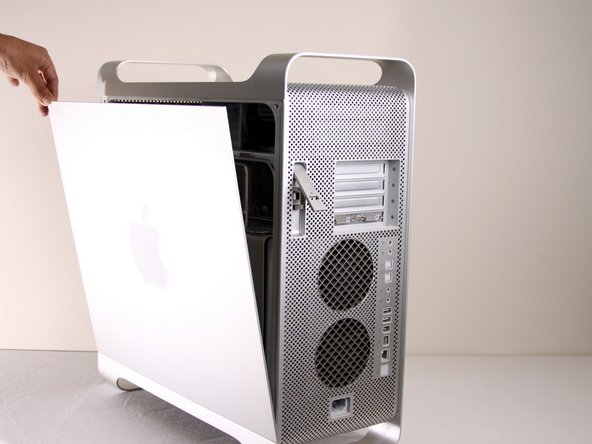
  3. Disassembling Power Mac G5 Side Panel: шаг 3, изображение 1 из 2 Disassembling Power Mac G5 Side Panel: шаг 3, изображение 2 из 2
    • Lift the tab to unlock the side panel.

    • The panel should fall out. If the panel does not fall out by itself pull a little from the edges.

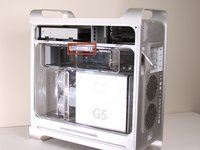
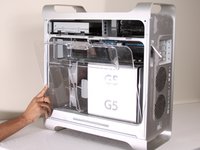
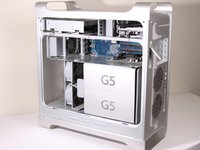
  4. Disassembling Power Mac G5 Side Panel: шаг 4, изображение 1 из 3 Disassembling Power Mac G5 Side Panel: шаг 4, изображение 2 из 3 Disassembling Power Mac G5 Side Panel: шаг 4, изображение 3 из 3
    • Remove the air deflector (the clear plastic cover) by pulling on the handle.

Финишная прямая

2 человек успешно провели ремонт по этому руководству.

Jessica Chaidez

Участник с: 01/13/10

8 052 Репутация

Автор 3 руководств

Команда

Cal Poly, Team 5-8, Forte Winter 2010 Участник Cal Poly, Team 5-8, Forte Winter 2010

CPSU-FORTE-W10S5G8

7 членов

Автор 30 руководств

0 Комментарии к руководству

Добавить комментарий

Статистика просмотров:

За последние 24 часов: 0

За последние 7 дней: 1

За последние 30 дней: 3

За всё время: 3,659