Введение
If your LCD is no longer working or only half of the image is appearing you may need to replace it, in this guide you will learn exactly how to replace your tablets LCD.
Выберете то, что вам нужно
-
-
There are two screws on the side with the micro USB power port. Remove the two 2mm x 0.5mm screws with a Phillips #0 Screwdriver head.
 Спросите у FixBot
-
-
-
Pry off the plastic backing with the spudger and the plastic opening tools. Anything that can provide enough leverage and not conduct electricity will also work for this purpose.
-
-
-
Инструмент, используемый на этом этапе:Plastic Cards$2.99
-
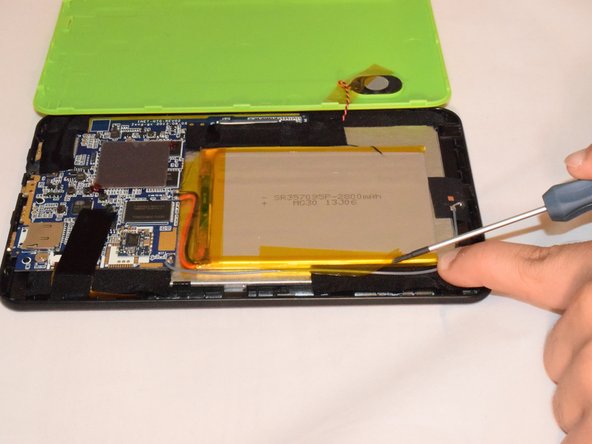
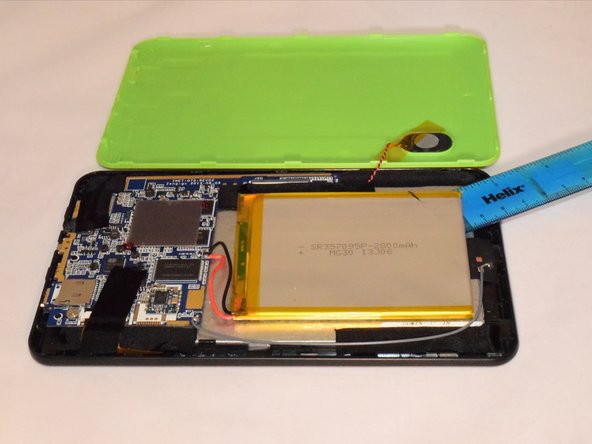
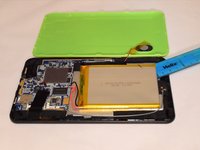
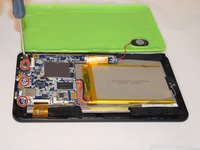
Once you pry off the plastic backing, you will expose the battery and the motherboard.
-
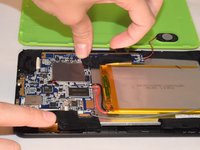
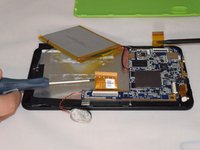
Remove the tape holding the battery to the plastic frame. The battery is glued to the back of the LCD.
-
Pry the battery off the LCD using a flat and rigid piece of plastic, such as the plastic card.
-
-
-
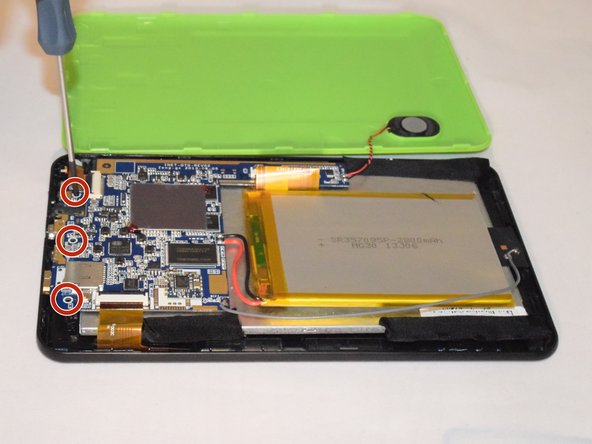
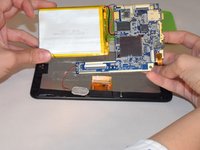
Remove the three 2mm x 0.5mm screws with a Phillips #0 Screwdriver head from the motherboard.
-
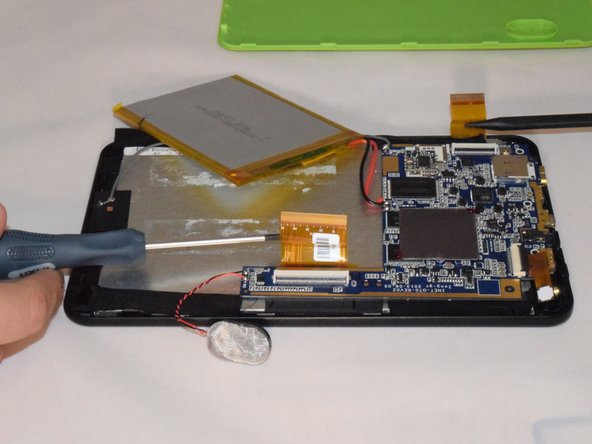
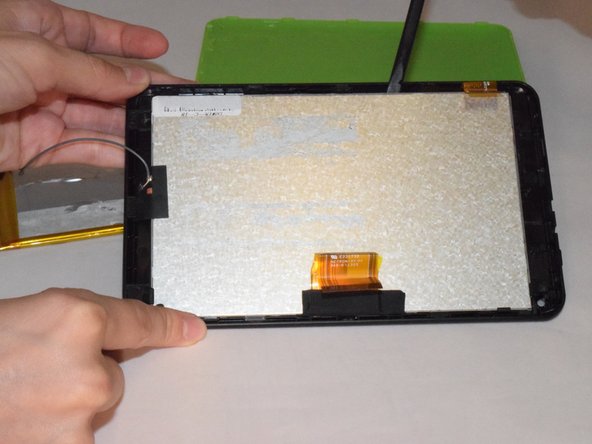
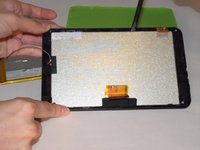
Carefully remove the motherboard from the LCD backing. Remove tape from the edges of the LCD.
-
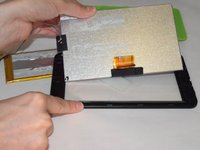
Carefully pry off the LCD with the spudger.
-
-
-
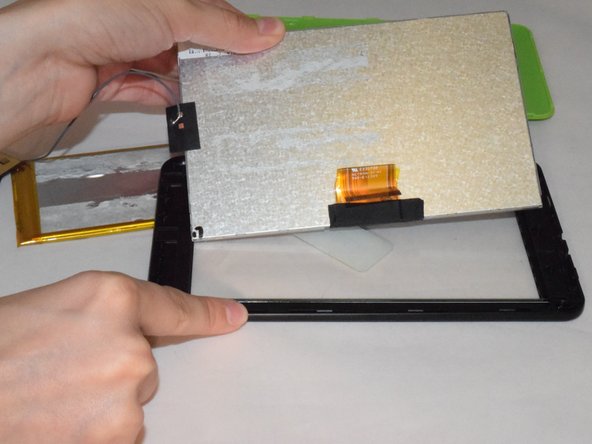
Carefully pry off the LCD with the spudger.
-
Now LCD is removed and is ready to be replaced.
-





To reassemble your device, follow these instructions in reverse order, note you will need to solder for this replacement.
Отменить: Я не выполнил это руководство.
Еще один человек закончил это руководство.

Команда

Eastern Washington University, Team 1-1, Rowley SU 2015 Участник Eastern Washington University, Team 1-1, Rowley SU 2015
EWU-ROWLEY-SU15S1G1
4 членов
Автор 10 руководств
