Перейти к основному содержанию
Присоединяйся к сообществу ремонтников - Создай аккаунт

Enabot EBO SE Camera Replacement

Выберете то, что вам нужно

  1. Enabot EBO SE Camera Replacement, Wheel Assembly: шаг 1, изображение 1 из 1
    • Gently turn the robot upside down.

    • Place the robot on a stable surface to prevent it from rolling or falling.

  2. Enabot EBO SE Camera Replacement: шаг 2, изображение 1 из 3 Enabot EBO SE Camera Replacement: шаг 2, изображение 2 из 3 Enabot EBO SE Camera Replacement: шаг 2, изображение 3 из 3
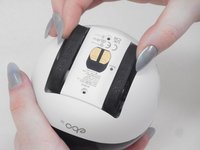
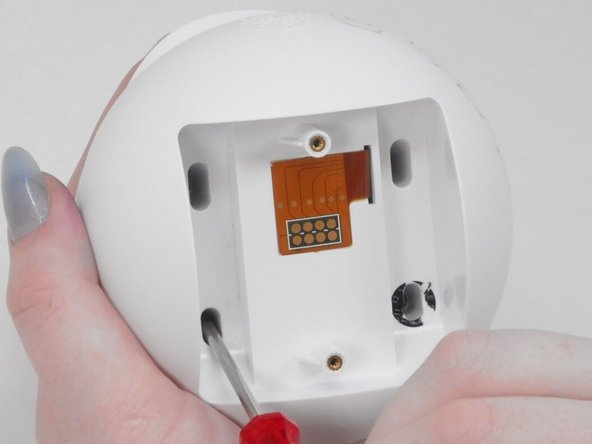
    • Use a flathead 2.5 mm screwdriver to remove the 5.7 mm screw from the wheels.

    • A tool should have been provided in the box for this purpose.

  3. Enabot EBO SE Camera Replacement: шаг 3, изображение 1 из 2 Enabot EBO SE Camera Replacement: шаг 3, изображение 2 из 2
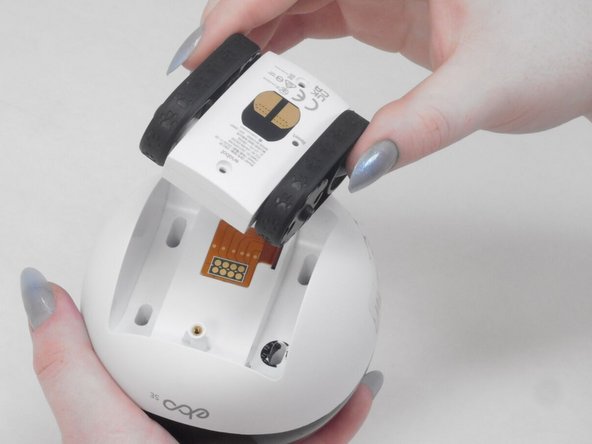
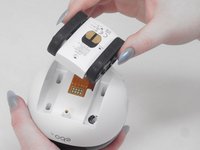
    • Pull the wheel assembly towards you so it comes straight off without resistance.

    • If there is resistance, make sure to apply gentle force when pulling as it can get damaged with too much force.

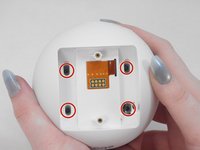
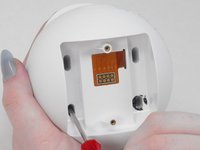
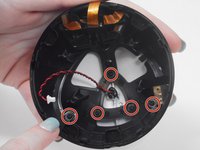
  4. Enabot EBO SE Camera Replacement, Lower Housing: шаг 4, изображение 1 из 2 Enabot EBO SE Camera Replacement, Lower Housing: шаг 4, изображение 2 из 2
    • Use a Torx screwdriver to remove the four 9 mm screws from the assembly.

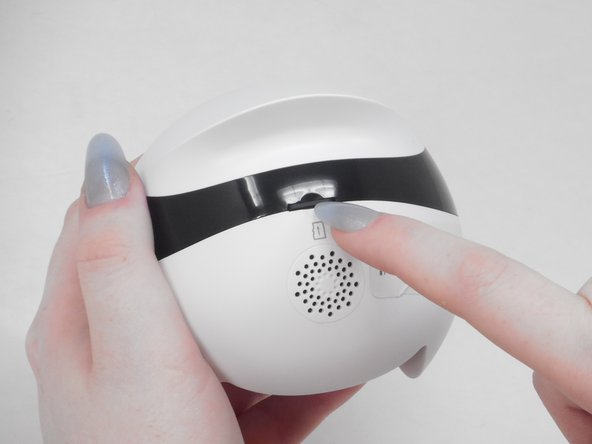
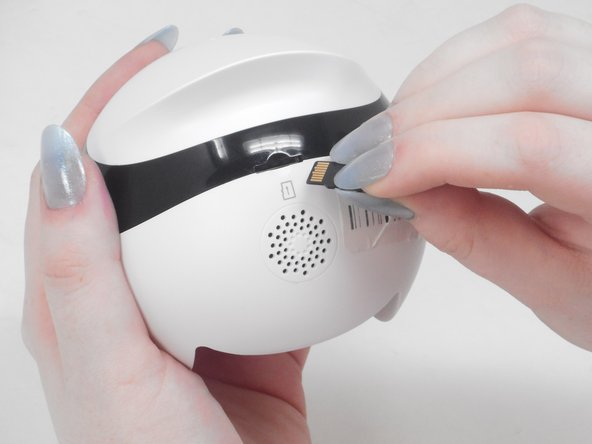
  5. Enabot EBO SE Camera Replacement: шаг 5, изображение 1 из 3 Enabot EBO SE Camera Replacement: шаг 5, изображение 2 из 3 Enabot EBO SE Camera Replacement: шаг 5, изображение 3 из 3
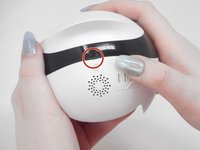
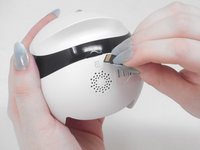
    • Use your fingernail to carefully press down and eject the Micro SD Card from the back of the Enabot.

    • Keep the Micro SD Card in a safe spot for later.

  6. Enabot EBO SE Camera Replacement: шаг 6, изображение 1 из 2 Enabot EBO SE Camera Replacement: шаг 6, изображение 2 из 2
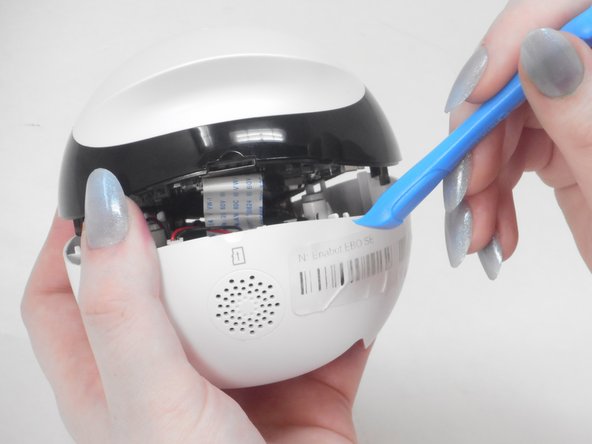
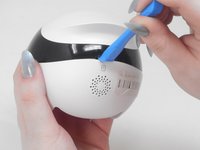
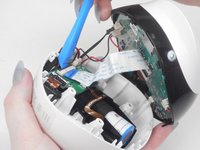
    • Place the iFixit opening tool inside the Micro SD slot.

    • Very carefully apply pressure to the top of the slot and pry open the casing to separate the upper and lower housing.

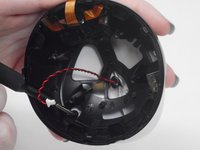
  7. Enabot EBO SE Camera Replacement: шаг 7, изображение 1 из 3 Enabot EBO SE Camera Replacement: шаг 7, изображение 2 из 3 Enabot EBO SE Camera Replacement: шаг 7, изображение 3 из 3
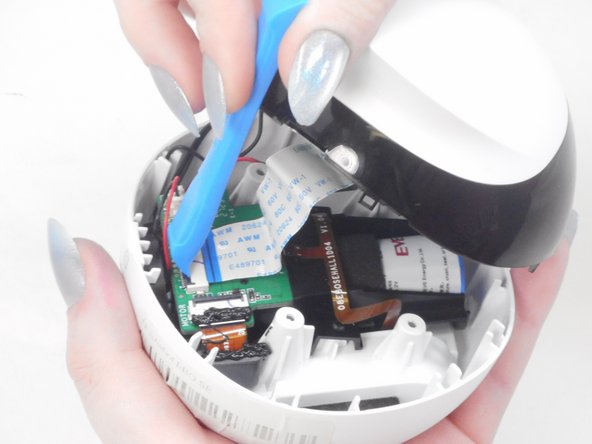
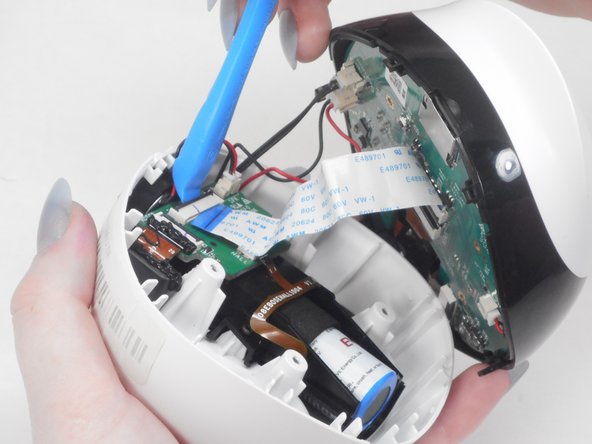
    • Using the iFixit opening tool or your fingernail, place it underneath the gray tab on the lower housing.

    • Lift the tab up and pull out the ribbon cable to disconnect it from the lower housing.

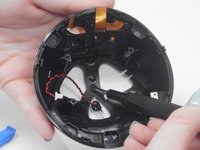
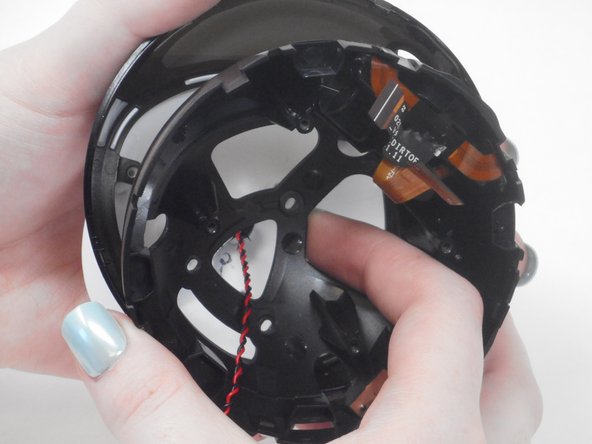
  8. Enabot EBO SE Camera Replacement: шаг 8, изображение 1 из 3 Enabot EBO SE Camera Replacement: шаг 8, изображение 2 из 3 Enabot EBO SE Camera Replacement: шаг 8, изображение 3 из 3
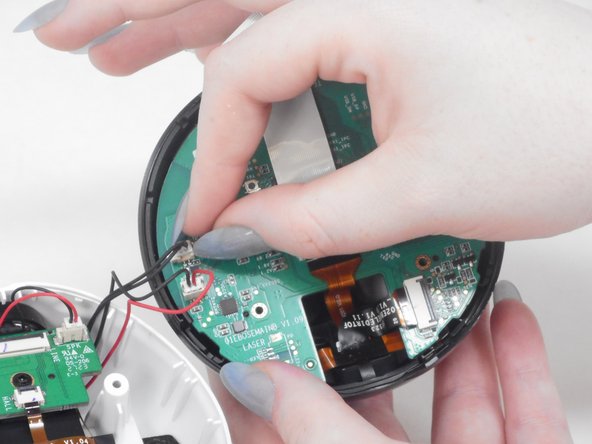
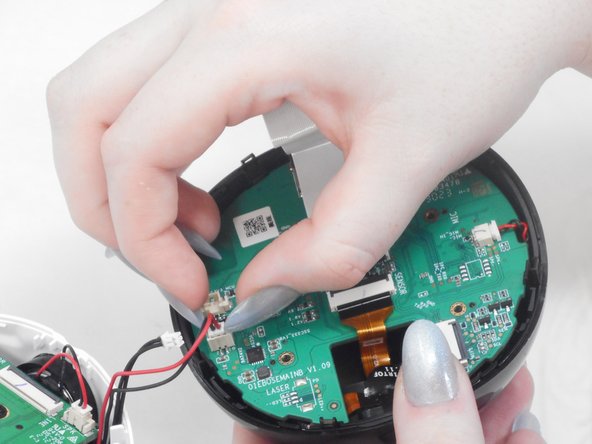
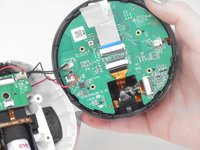
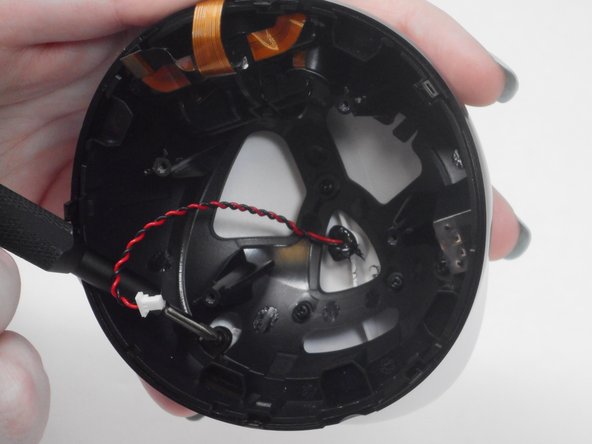
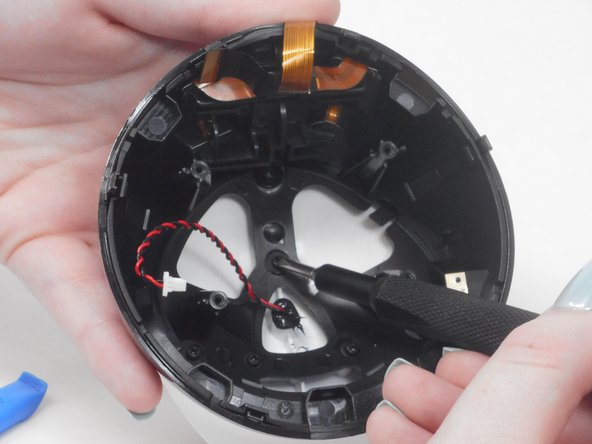
    • There are two black and red wire connectors attached to the upper and lower housing.

    • Gently use your finger nails to lift up and disconnect both wires to fully separate the upper and lower housings.

  9. Enabot EBO SE Camera Replacement, Motherboard: шаг 9, изображение 1 из 2 Enabot EBO SE Camera Replacement, Motherboard: шаг 9, изображение 2 из 2
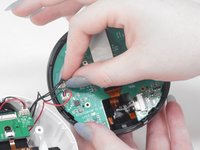
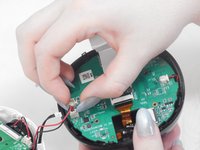
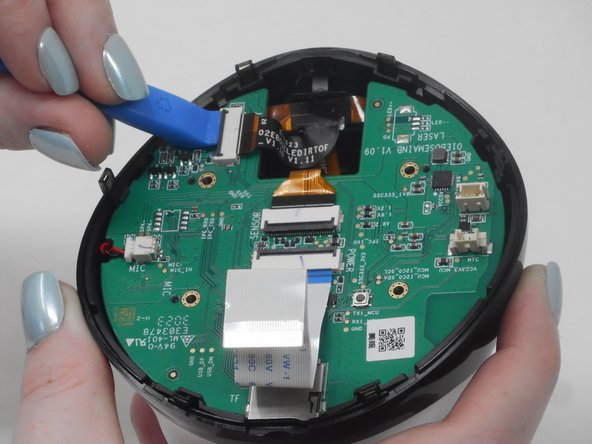
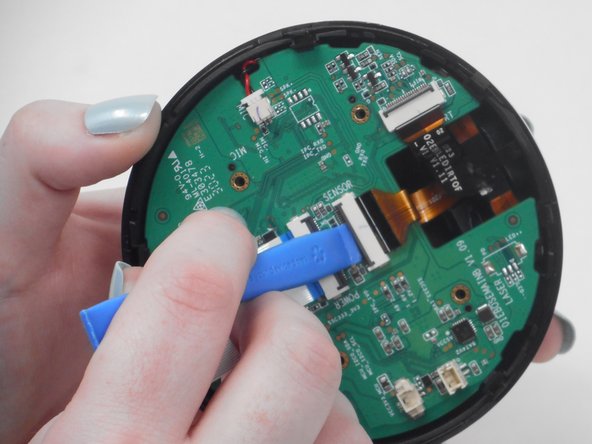
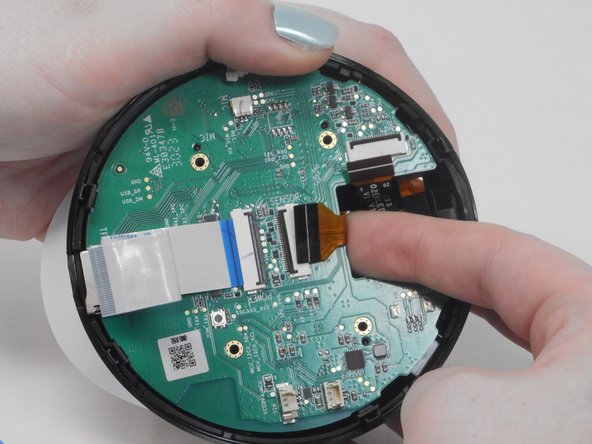
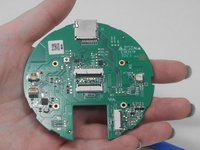
    • Use the iFixit opening tool to unlock the side gray tab and free the orange & black ribbon cable.

  10. Enabot EBO SE Camera Replacement: шаг 10, изображение 1 из 2 Enabot EBO SE Camera Replacement: шаг 10, изображение 2 из 2
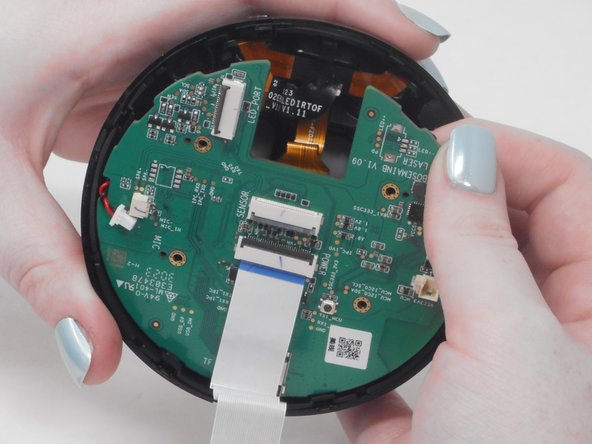
    • Use the iFixit opening tool to unlock the middle gray tab and free the orange & black ribbon cable.

  11. Enabot EBO SE Camera Replacement: шаг 11, изображение 1 из 3 Enabot EBO SE Camera Replacement: шаг 11, изображение 2 из 3 Enabot EBO SE Camera Replacement: шаг 11, изображение 3 из 3
    • Select one of the release tabs on the edge of the upper casing that holds the motherboard in place.

    • Place one finger in between the motherboard and the upper casing.

    • Pull the release tab back while lifting the motherboard with your other finger to "pop" the motherboard out of the casing.

  12. Enabot EBO SE Camera Replacement: шаг 12, изображение 1 из 3 Enabot EBO SE Camera Replacement: шаг 12, изображение 2 из 3 Enabot EBO SE Camera Replacement: шаг 12, изображение 3 из 3
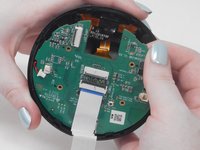
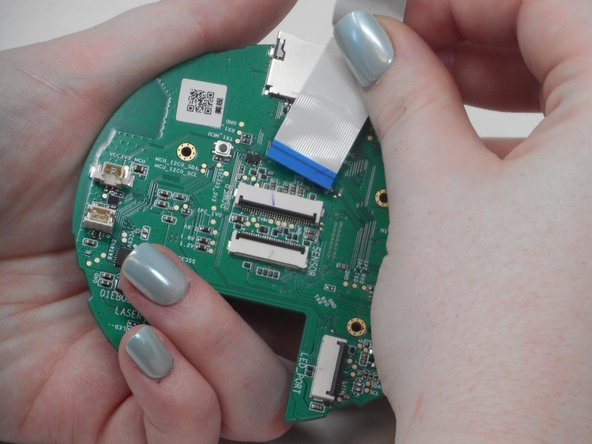
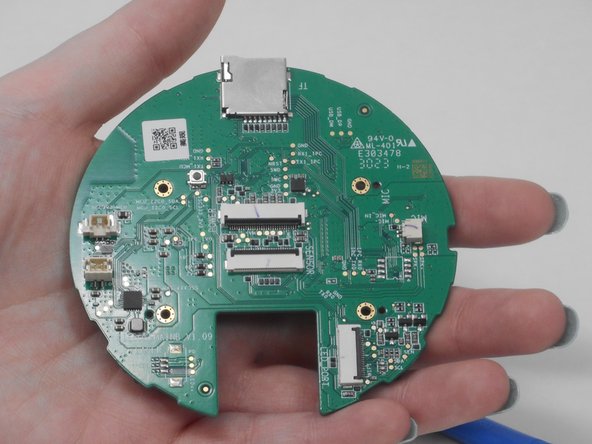
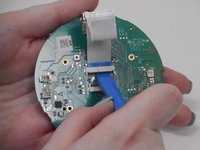
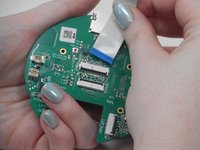
    • Use the ifixit opening tool to disconnect the blue & white ribbon cable.

    • Gently pull the blue & white ribbon cable out of the gray connector tab.

  13. Enabot EBO SE Camera Replacement, Camera: шаг 13, изображение 1 из 3 Enabot EBO SE Camera Replacement, Camera: шаг 13, изображение 2 из 3 Enabot EBO SE Camera Replacement, Camera: шаг 13, изображение 3 из 3
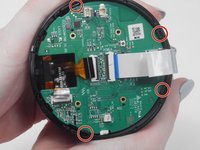
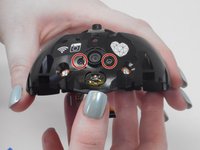
    • Use a Phillips #00 screwdriver to remove all five 7.4 mm screws from the upper casing.

  14. Enabot EBO SE Camera Replacement: шаг 14, изображение 1 из 2 Enabot EBO SE Camera Replacement: шаг 14, изображение 2 из 2
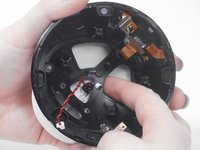
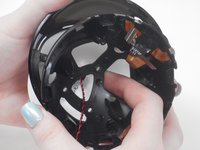
    • Place your fingers in the space between the black casing and white lid.

    • Pull black casing towards you to separate the two parts.

  15. Enabot EBO SE Camera Replacement: шаг 15, изображение 1 из 3 Enabot EBO SE Camera Replacement: шаг 15, изображение 2 из 3 Enabot EBO SE Camera Replacement: шаг 15, изображение 3 из 3
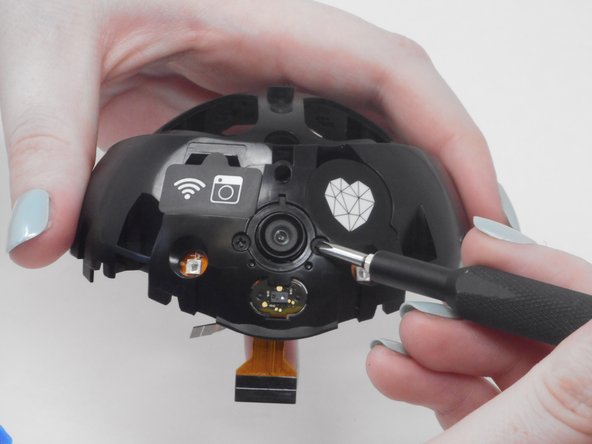
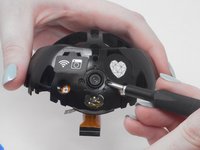
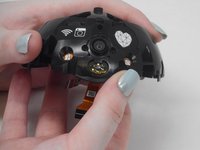
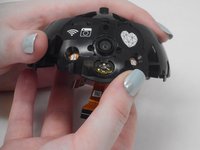
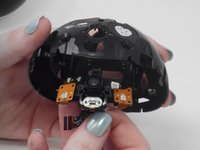
    • Remove the two 6 mm Phillips #00 screws on either side of the camera.

  16. Enabot EBO SE Camera Replacement: шаг 16, изображение 1 из 3 Enabot EBO SE Camera Replacement: шаг 16, изображение 2 из 3 Enabot EBO SE Camera Replacement: шаг 16, изображение 3 из 3
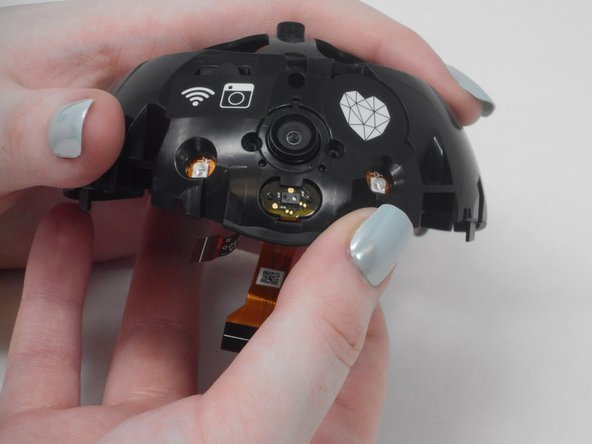
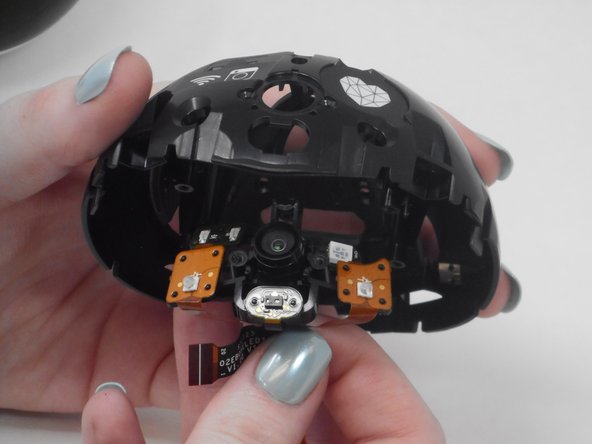
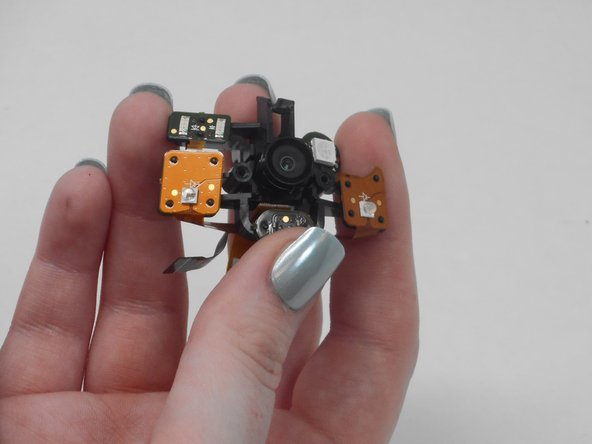
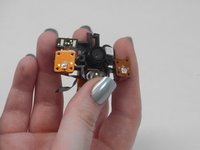
    • Gently remove the camera until it comes out of the casing.

Заключение

To reassemble your device, follow these instructions in reverse order.

Oscar Parra

Участник с: 02/16/24

109 Репутация

1 руководство автора

Команда

University of Memphis, Team 4-5, Sneed Spring 2024 Участник University of Memphis, Team 4-5, Sneed Spring 2024

UM-SNEED-S24S4G5

4 членов

Автор 10 руководств

0 Комментарии к руководству

Добавить комментарий

Статистика просмотров:

За последние 24 часов: 2

За последние 7 дней: 5

За последние 30 дней: 33

За всё время: 409