Перейти к основному содержанию
Присоединяйся к сообществу ремонтников - Создай аккаунт

Fujifilm X30 Lens Replacement

Выберете то, что вам нужно

    1. Fujifilm X30 Lens Replacement, Battery: шаг 1, изображение 1 из 2 Fujifilm X30 Lens Replacement, Battery: шаг 1, изображение 2 из 2
      • Turn the camera upside down.

      • Place your thumb on the switch, and slide it towards the center of the camera.

      • The compartment will pop open.

      Спросите у FixBot

      Добавить комментарий

    2. Fujifilm X30 Lens Replacement: шаг 2, изображение 1 из 1
      • Once you have the battery compartment open, slide the orange tab away from the battery until it ejects.

      Спросите у FixBot

      Добавить комментарий

    3. Fujifilm X30 Lens Replacement: шаг 3, изображение 1 из 1
      • Pull the battery out.

      Спросите у FixBot

      Добавить комментарий

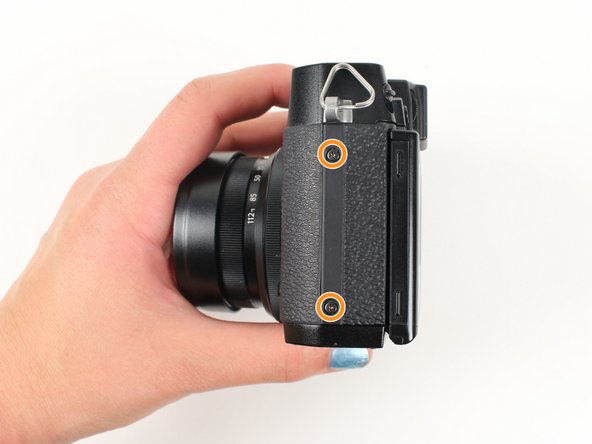
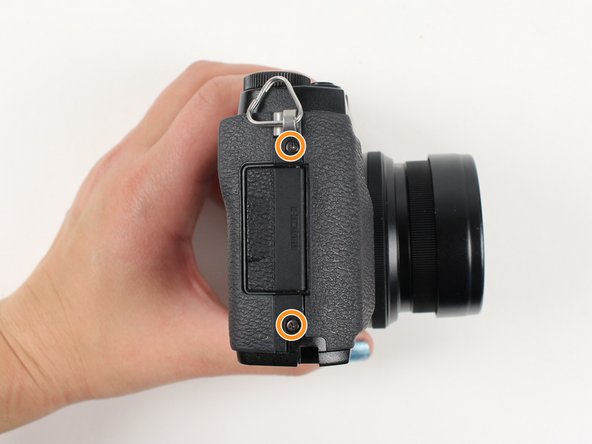
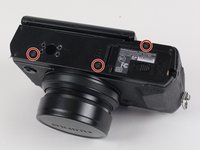
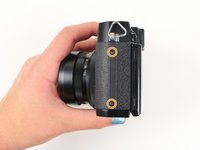
    1. Fujifilm X30 Lens Replacement, Lens: шаг 4, изображение 1 из 3 Fujifilm X30 Lens Replacement, Lens: шаг 4, изображение 2 из 3 Fujifilm X30 Lens Replacement, Lens: шаг 4, изображение 3 из 3
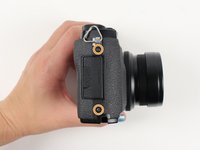
      • Begin by removing the outside screws using a Phillips #000 Screwdriver:

      • Remove the three 3.6 mm silver screws located on the bottom of the camera.

      • Remove all four of the 4.7 mm screws from the sides of the camera.

      Спросите у FixBot

      Добавить комментарий

    2. Fujifilm X30 Lens Replacement: шаг 5, изображение 1 из 2 Fujifilm X30 Lens Replacement: шаг 5, изображение 2 из 2
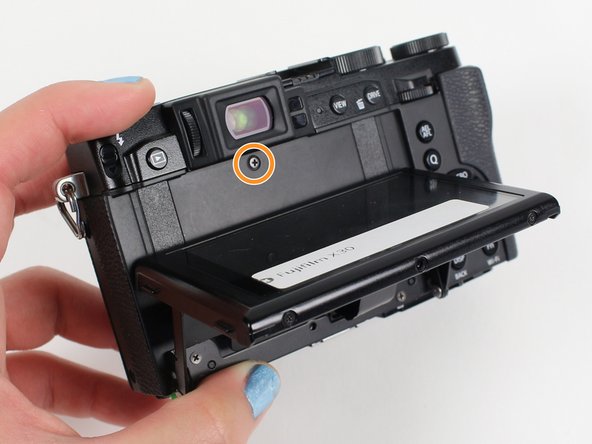
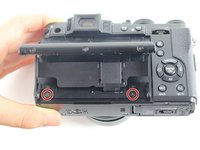
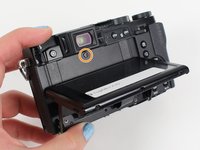
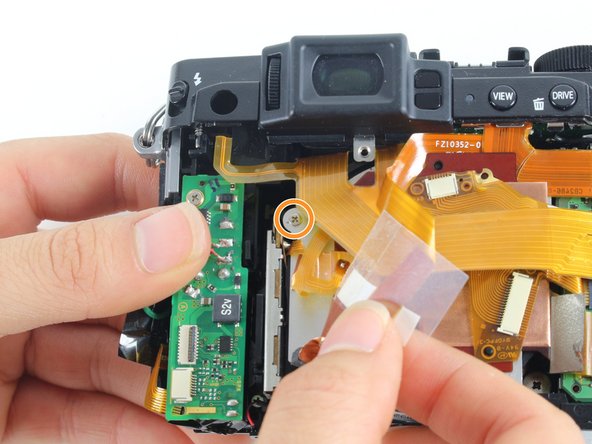
      • Remove all screws listed below using a Phillips #000 Screwdriver:

      • Lift up the screen and remove the two 4.5 mm screws located in the bottom corners.

      • Remove the 4.0 mm screw that is located behind the screen and directly under the eye piece.

      Спросите у FixBot

      Добавить комментарий

    3. Fujifilm X30 Lens Replacement: шаг 6, изображение 1 из 1
      • Carefully remove the bottom piece of the camera.

      Спросите у FixBot

      Добавить комментарий

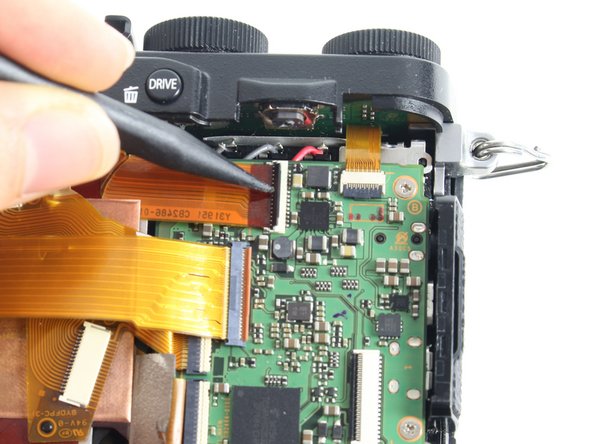
    4. Fujifilm X30 Lens Replacement: шаг 7, изображение 1 из 1
      • Do not pull hard when removing the backing because it could rip the orange strip attached to the motherboard.

      • Gently pull off the back of the camera from the left side so that it is partially open.

      • Use a spudger to lift up the tab holding the orange strip and slide the strip out to disconnect it

      • Refer to the next step to see pictures of how to properly use the spudger when removing a strip.

      Спросите у FixBot

      Добавить комментарий

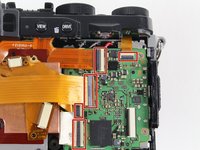
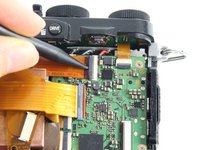
    5. Fujifilm X30 Lens Replacement: шаг 8, изображение 1 из 3 Fujifilm X30 Lens Replacement: шаг 8, изображение 2 из 3 Fujifilm X30 Lens Replacement: шаг 8, изображение 3 из 3
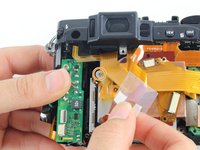
      • For all five indicated orange strips:

      • Use a spudger to lift up the tab holding the orange strip and slide the strip out to disconnect it.

      Спросите у FixBot

      Добавить комментарий

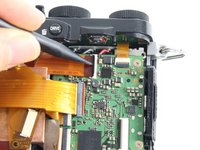
    6. Fujifilm X30 Lens Replacement: шаг 9, изображение 1 из 1
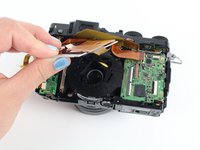
      • For the final orange strip located behind the top strip:

      • Use a spudger to lift up the tab holding the orange strip and slide the strip out to disconnect it.

      Спросите у FixBot

      Добавить комментарий

    7. Fujifilm X30 Lens Replacement: шаг 10, изображение 1 из 3 Fujifilm X30 Lens Replacement: шаг 10, изображение 2 из 3 Fujifilm X30 Lens Replacement: шаг 10, изображение 3 из 3
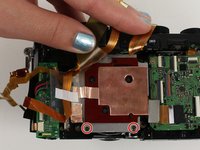
      • Remove all screws listed below using a Phillips #000 Screwdriver:

      • Remove the two 3.4 mm screws at the bottom of the silver plate.

      • Peel back the clear strip to reveal a 2.8 mm screw on the left of the silver plate and remove it.

      • Peel back the copper plate.

      Спросите у FixBot

      Добавить комментарий

    8. Fujifilm X30 Lens Replacement: шаг 11, изображение 1 из 1
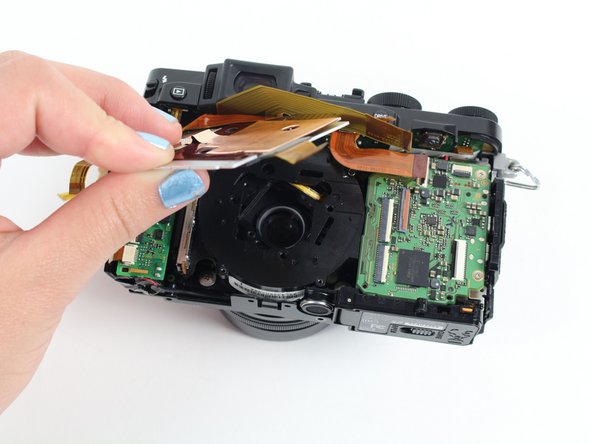
      • Remove the three 2.6 mm screws located in the top two corners and the bottom right corner of the motherboard using a Phillips #000 Screwdriver.

      • Lift the motherboard so it is out of your way to remove the lens.

      • You do not need to desolder the motherboard to reach the lens.

      Спросите у FixBot

      Добавить комментарий

    9. Fujifilm X30 Lens Replacement: шаг 12, изображение 1 из 1
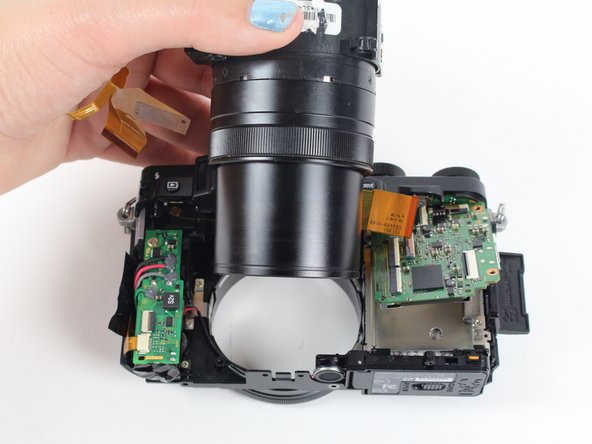
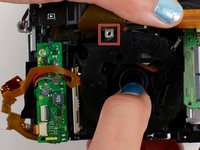
      • Remove the four 4.4 mm silver screws at the corners of the lens using a Phillips #000 Screwdriver.

      Спросите у FixBot

      Добавить комментарий

    10. Fujifilm X30 Lens Replacement: шаг 13, изображение 1 из 2 Fujifilm X30 Lens Replacement: шаг 13, изображение 2 из 2
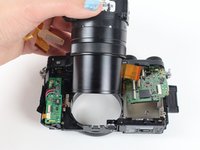
      • Pull the lens down so it can clear the silver tab.

      • Then push the lens with your index fingers from the front of the camera until it is removed.

      Спросите у FixBot

      Добавить комментарий

Заключение

To reassemble your device, follow these instructions in reverse order.

Отменить: Я не выполнил это руководство.

4 человек успешно провели ремонт по этому руководству.

Haley Moss

Участник с: 01/11/16

370 Репутация

1 руководство автора

Команда

Cal Poly, Team 70-3, Forte Winter 2016 Участник Cal Poly, Team 70-3, Forte Winter 2016

CPSU-FORTE-W16S70G3

5 членов

Автор 4 руководств

0 Комментарии к руководству

Добавить комментарий

Статистика просмотров:

За последние 24 часов: 1

За последние 7 дней: 18

За последние 30 дней: 69

За всё время: 6,171