Перейти к основному содержанию
Присоединяйся к сообществу ремонтников - Создай аккаунт

Fujitsu LifeBook N3510 Optical Drive Replacement

Выберете то, что вам нужно

  1. Fujitsu LifeBook N3510 Optical Drive Replacement, Battery: шаг 1, изображение 1 из 1
    • Locate the two clips on the bottom of the computer that support the battery.

    Спросите у FixBot

    Добавить комментарий

  2. Fujitsu LifeBook N3510 Optical Drive Replacement: шаг 2, изображение 1 из 1
    • Using your fingers, push the clips inward and then upward.

    • Lift the battery out of the computer.

    Спросите у FixBot

    Добавить комментарий

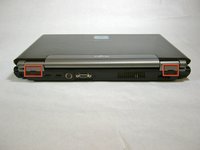
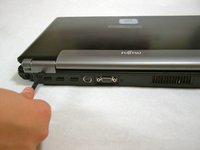
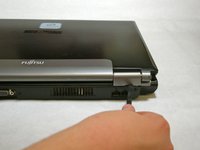
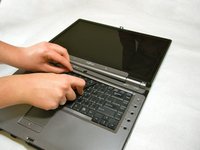
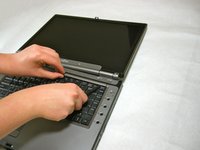
  3. Fujitsu LifeBook N3510 Optical Drive Replacement, Hinge Cover: шаг 3, изображение 1 из 3 Fujitsu LifeBook N3510 Optical Drive Replacement, Hinge Cover: шаг 3, изображение 2 из 3 Fujitsu LifeBook N3510 Optical Drive Replacement, Hinge Cover: шаг 3, изображение 3 из 3
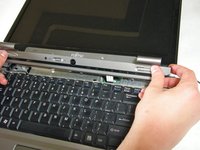
    • Use a spudger to lift the back of the hinge cover on the left and right sides of the computer.

    Спросите у FixBot

    Добавить комментарий

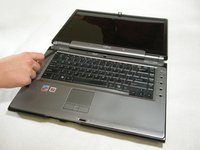
  4. Fujitsu LifeBook N3510 Optical Drive Replacement: шаг 4, изображение 1 из 1
    • Lay the computer flat on a stable surface with the monitor pointing away from you.

    Спросите у FixBot

    Добавить комментарий

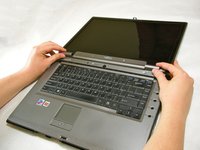
  5. Fujitsu LifeBook N3510 Optical Drive Replacement: шаг 5, изображение 1 из 3 Fujitsu LifeBook N3510 Optical Drive Replacement: шаг 5, изображение 2 из 3 Fujitsu LifeBook N3510 Optical Drive Replacement: шаг 5, изображение 3 из 3
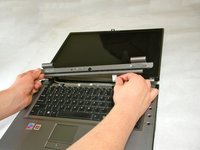
    • Use a spudger to partially lift the hinge cover.

    Спросите у FixBot

    Добавить комментарий

  6. Fujitsu LifeBook N3510 Optical Drive Replacement: шаг 6, изображение 1 из 2 Fujitsu LifeBook N3510 Optical Drive Replacement: шаг 6, изображение 2 из 2
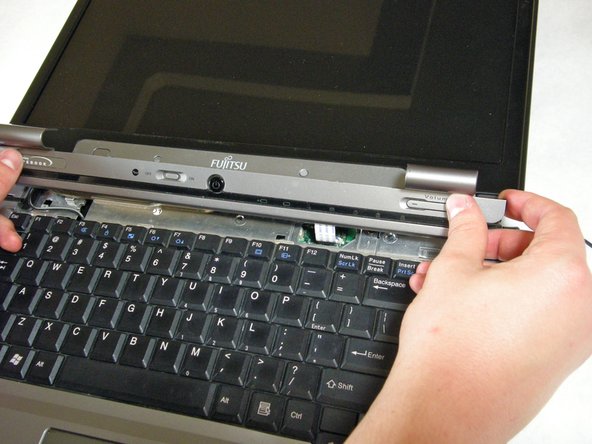
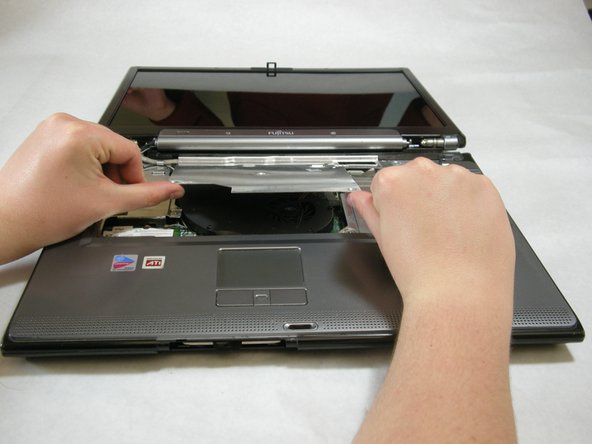
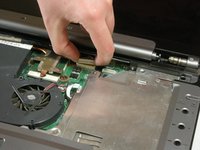
    • The hinge cover has a ribbon cable that is attached to the motherboard. To prevent damage, lift the hinge cover slowly.

    • Lift the hinge cover enough to expose the ribbon cable.

    Спросите у FixBot

    Добавить комментарий

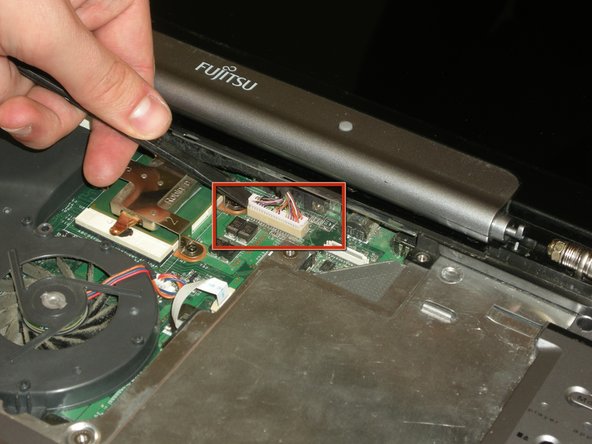
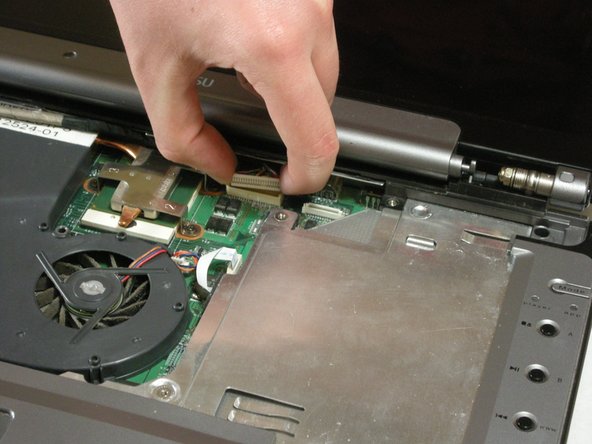
  7. Fujitsu LifeBook N3510 Optical Drive Replacement: шаг 7, изображение 1 из 2 Fujitsu LifeBook N3510 Optical Drive Replacement: шаг 7, изображение 2 из 2
    • Disconnect the ribbon cable from the motherboard and remove the hinge cover from the computer.

    Спросите у FixBot

    Добавить комментарий

  8. Fujitsu LifeBook N3510 Optical Drive Replacement, Keyboard: шаг 8, изображение 1 из 3 Fujitsu LifeBook N3510 Optical Drive Replacement, Keyboard: шаг 8, изображение 2 из 3 Fujitsu LifeBook N3510 Optical Drive Replacement, Keyboard: шаг 8, изображение 3 из 3
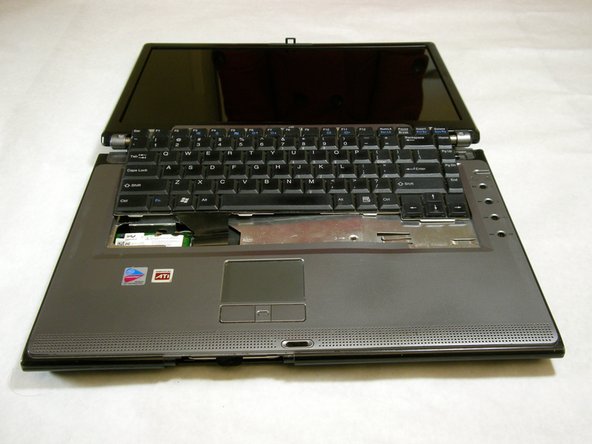
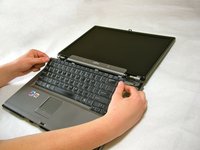
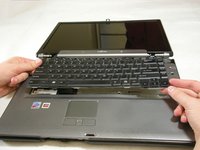
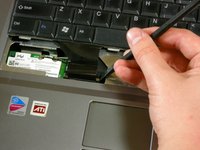
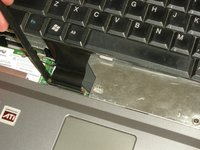
    • The keyboard has a ribbon cable that is attached to the motherboard. To prevent damage, lift keyboard slowly.

    • Lift the keyboard enough to expose the ribbon cable.

    Спросите у FixBot

    Добавить комментарий

  9. Fujitsu LifeBook N3510 Optical Drive Replacement: шаг 9, изображение 1 из 2 Fujitsu LifeBook N3510 Optical Drive Replacement: шаг 9, изображение 2 из 2
    • Use a spudger to release the ribbon cable from the motherboard.

    Спросите у FixBot

    Добавить комментарий

  10. Fujitsu LifeBook N3510 Optical Drive Replacement: шаг 10, изображение 1 из 2 Fujitsu LifeBook N3510 Optical Drive Replacement: шаг 10, изображение 2 из 2
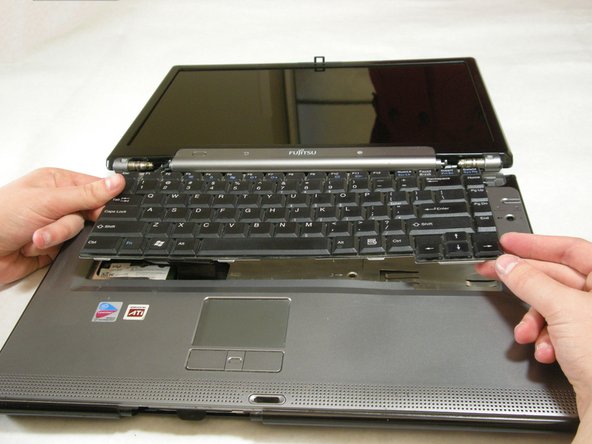
    • After the ribbon has been detached, carefully remove the keyboard.

    Спросите у FixBot

    Добавить комментарий

  11. Fujitsu LifeBook N3510 Optical Drive Replacement, Metal Motherboard Cover: шаг 11, изображение 1 из 1
    • Remove the following screws, all labeled "3."

    • Two 8.63mm screws.

    • One 7.65mm screw.

    • One 5.74mm screw.

    • Remove the following screw, labeled "15."

    • One 17.81mm screw.

    Спросите у FixBot

    Добавить комментарий

  12. Fujitsu LifeBook N3510 Optical Drive Replacement: шаг 12, изображение 1 из 3 Fujitsu LifeBook N3510 Optical Drive Replacement: шаг 12, изображение 2 из 3 Fujitsu LifeBook N3510 Optical Drive Replacement: шаг 12, изображение 3 из 3
    • Lift the cover with fingers and remove.

    Спросите у FixBot

    Добавить комментарий

  13. Fujitsu LifeBook N3510 Optical Drive Replacement, Display: шаг 13, изображение 1 из 1
    • Remove labeled screws.

    Спросите у FixBot

    Добавить комментарий

  14. Fujitsu LifeBook N3510 Optical Drive Replacement: шаг 14, изображение 1 из 1
    • Remove the screws from the bottom of the hinge as shown in the image.

    Спросите у FixBot

    Добавить комментарий

  15. Fujitsu LifeBook N3510 Optical Drive Replacement: шаг 15, изображение 1 из 3 Fujitsu LifeBook N3510 Optical Drive Replacement: шаг 15, изображение 2 из 3 Fujitsu LifeBook N3510 Optical Drive Replacement: шаг 15, изображение 3 из 3
    • Use a spudger to detach and remove cables from the motherboard.

    Спросите у FixBot

    Добавить комментарий

  16. Fujitsu LifeBook N3510 Optical Drive Replacement: шаг 16, изображение 1 из 3 Fujitsu LifeBook N3510 Optical Drive Replacement: шаг 16, изображение 2 из 3 Fujitsu LifeBook N3510 Optical Drive Replacement: шаг 16, изображение 3 из 3
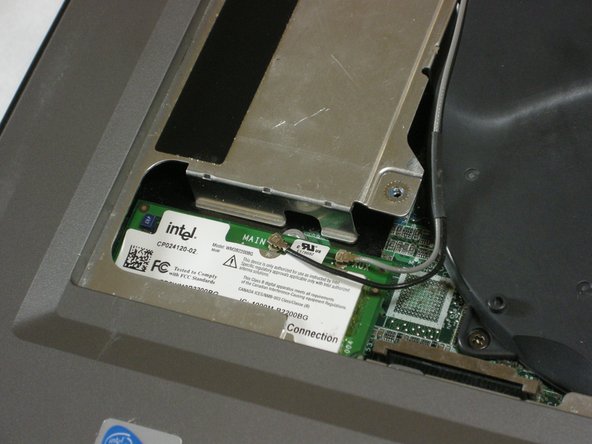
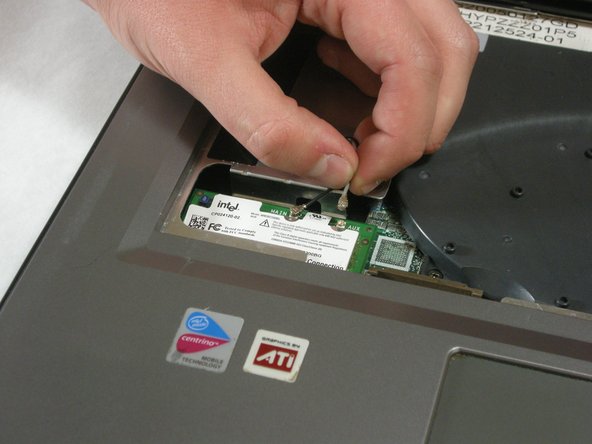
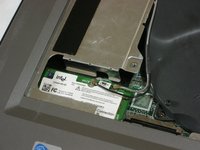
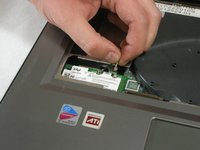
    • Unplug highlighted cables from the wireless module.

    Спросите у FixBot

    Добавить комментарий

  17. Fujitsu LifeBook N3510 Optical Drive Replacement: шаг 17, изображение 1 из 3 Fujitsu LifeBook N3510 Optical Drive Replacement: шаг 17, изображение 2 из 3 Fujitsu LifeBook N3510 Optical Drive Replacement: шаг 17, изображение 3 из 3
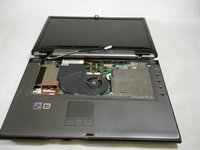
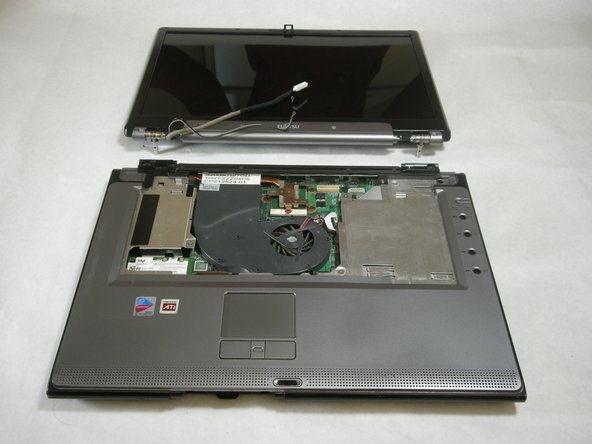
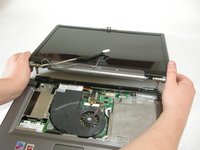
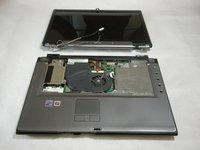
    • Hold down the body of the computer by placing your hands in the pictured positions. Then, lift the display from the body.

    Спросите у FixBot

    Добавить комментарий

  18. Fujitsu LifeBook N3510 Optical Drive Replacement, Top Palm Rest Cover: шаг 18, изображение 1 из 1
    • Remove the 4 labeled screws.

    Спросите у FixBot

    Добавить комментарий

  19. Fujitsu LifeBook N3510 Optical Drive Replacement: шаг 19, изображение 1 из 1
    • Remove screws from bottom of laptop as shown in the picture.

    Спросите у FixBot

    Добавить комментарий

  20. Fujitsu LifeBook N3510 Optical Drive Replacement: шаг 20, изображение 1 из 1
    • Lift the palm rest cover from the base of the laptop.

    • You may use spudger if needed, lift from the front corners as shown.

    Спросите у FixBot

    Добавить комментарий

  21. Fujitsu LifeBook N3510 Optical Drive Replacement: шаг 21, изображение 1 из 1
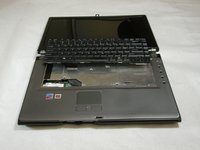
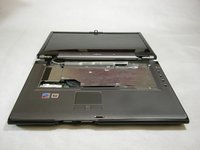
    • Great job! You have successfully removed the old palm rest cover.

    Спросите у FixBot

    Добавить комментарий

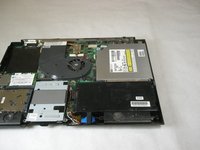
  22. Fujitsu LifeBook N3510 Optical Drive Replacement, Optical Drive: шаг 22, изображение 1 из 1
    • Remove the single screw labeled "5".

    Спросите у FixBot

    Добавить комментарий

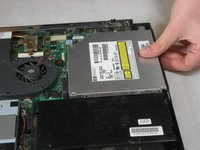
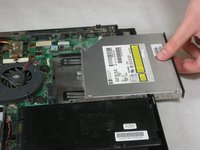
  23. Fujitsu LifeBook N3510 Optical Drive Replacement: шаг 23, изображение 1 из 3 Fujitsu LifeBook N3510 Optical Drive Replacement: шаг 23, изображение 2 из 3 Fujitsu LifeBook N3510 Optical Drive Replacement: шаг 23, изображение 3 из 3
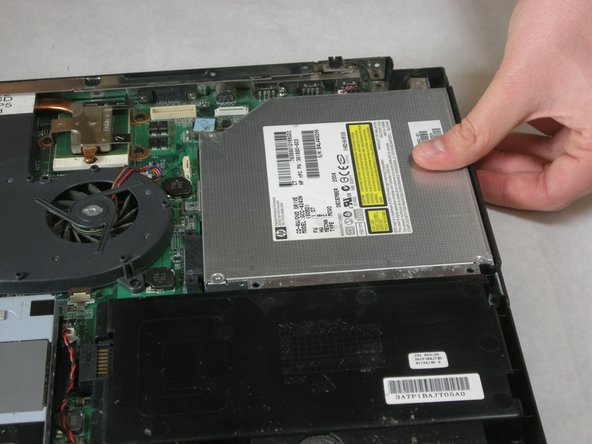
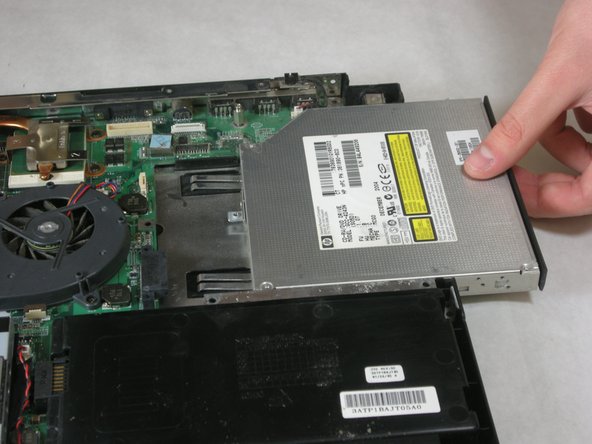
    • Remove optical drive.

    Спросите у FixBot

    Добавить комментарий

Заключение

To reassemble your device, follow these instructions in reverse order.

Отменить: Я не выполнил это руководство.

Neil Daniels

Участник с: 01/17/11

1 411 Репутация

Автор 11 руководств

Команда

Cal Poly, Team 5-18, Amido Winter 2011 Участник Cal Poly, Team 5-18, Amido Winter 2011

CPSU-AMIDO-W11S5G18

3 членов

Автор 23 руководств

0 Комментарии к руководству

Добавить комментарий

Статистика просмотров:

За последние 24 часов: 3

За последние 7 дней: 7

За последние 30 дней: 36

За всё время: 2,000