Введение
If your Lifebook won't connect to a wireless network this guide will show you how to replace a wireless adapter so your Lifebook will get a signal.
Выберете то, что вам нужно
-
-
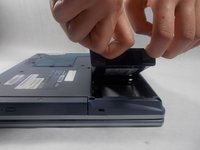
Push the two tabs in towards the laptop.
-
Lift the battery up and out from the frame of the laptop.
 Спросите у FixBot
-
-
-
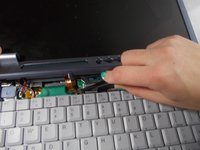
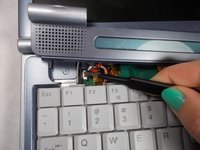
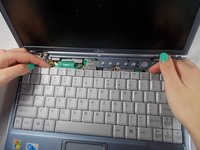
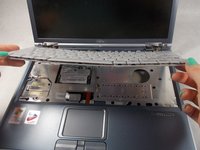
Use a plastic opening tool to lift the back of the hinge cover on the left and right sides of the computer.
-
-
Инструмент, используемый на этом этапе:Tweezers$4.99
-
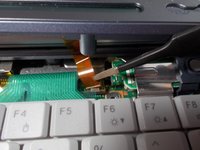
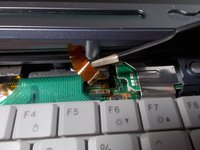
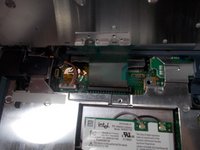
Use the tweezers to disconnect the ribbon cable from the motherboard.
-
-
-
-
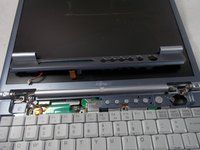
With the tweezers detach hinge cover cables from the motherboard.
-
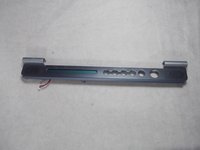
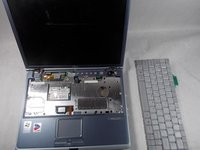
Remove hinge cover.
-
-
-
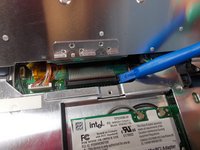
Use a plastic opening tool to release the ribbon cable from the motherboard.
-
-
-
Push the secure clips outward.
-
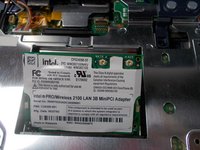
The Adapter should pop up.
-
-
Инструмент, используемый на этом этапе:Tweezers$4.99
-
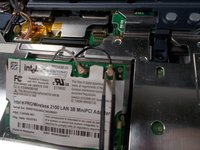
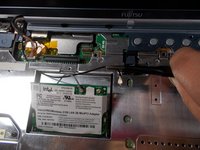
Use tweezers to remove the wires from the Adapter.
-
-
-
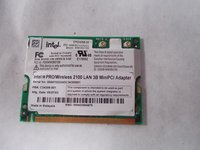
Take out the Adapter and carefully pull the wires out from the metal casing.
-










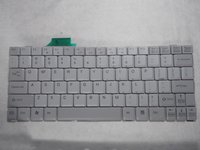


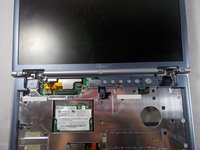
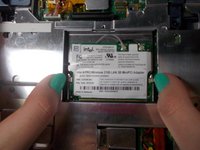
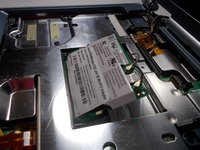




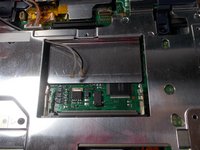
To reassemble your device, follow these instructions in reverse order.

Команда

UMass Dartmouth, Team S5-G5, Peak Spring 2018 Участник UMass Dartmouth, Team S5-G5, Peak Spring 2018
UMASSD-PEAK-S18S5G5
3 членов
Автор 18 руководств
1 Комментарий к руководству
Je suis vraiment intéressé merci.
Ravi de la leçon.
