Перейти к основному содержанию
Присоединяйся к сообществу ремонтников - Создай аккаунт

G'z One Boulder Camera Replacement

Выберете то, что вам нужно

  1. G'z One Boulder Camera Replacement, Inside Screen Cover: шаг 1, изображение 1 из 1
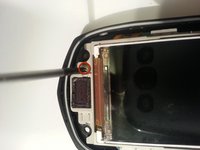
    • There are 4 black screws that need to be removed on the top of the lid. A 1.5mm flathead screwdriver will work on the star shaped screw heads.

    • Make note that two of the screws closest to the hinge are longer than the other two.

    Спросите у FixBot

    Добавить комментарий

  2. G'z One Boulder Camera Replacement: шаг 2, изображение 1 из 2 G'z One Boulder Camera Replacement: шаг 2, изображение 2 из 2
    • Remove the two side screws.

    • When reassembling you may need to press the front and back of the lid together when inserting these side screws so that the holes align.

    Спросите у FixBot

    Добавить комментарий

  3. G'z One Boulder Camera Replacement: шаг 3, изображение 1 из 2 G'z One Boulder Camera Replacement: шаг 3, изображение 2 из 2
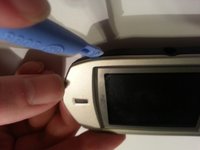
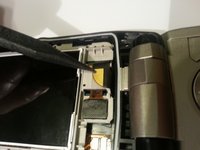
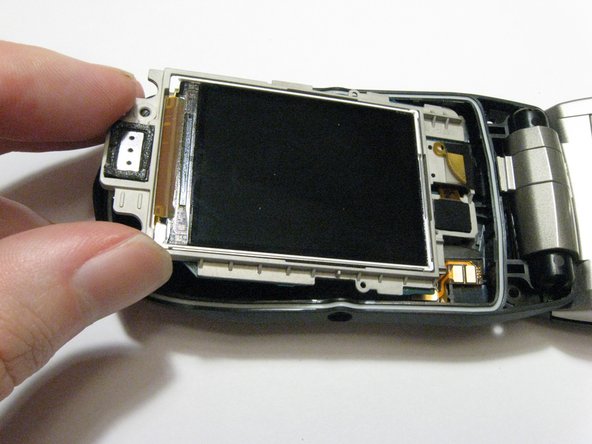
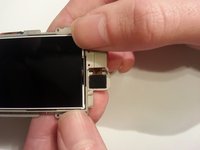
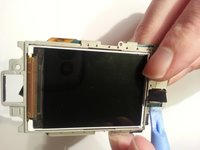
    • Use a plastic opening tool to remove the screen cover from the rest of the lid.

    Спросите у FixBot

    Добавить комментарий

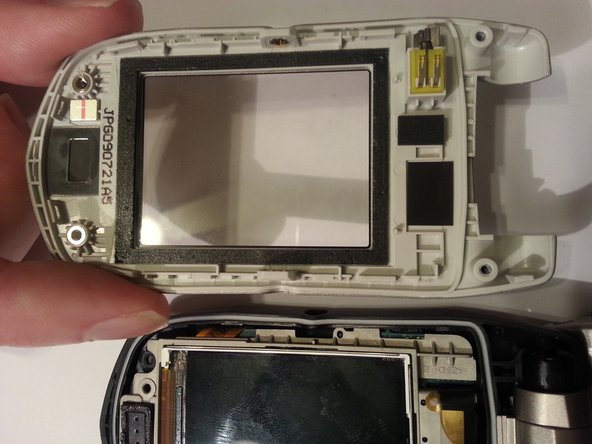
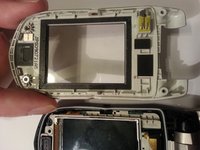
  4. G'z One Boulder Camera Replacement: шаг 4, изображение 1 из 2 G'z One Boulder Camera Replacement: шаг 4, изображение 2 из 2
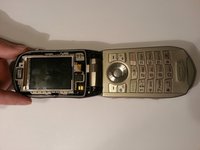
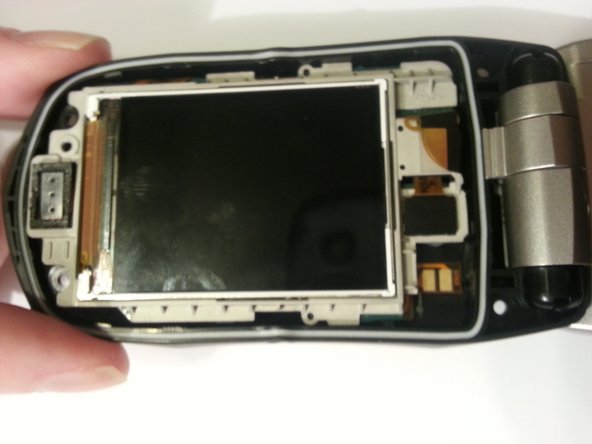
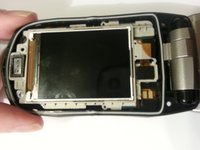
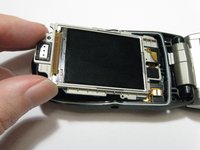
    • Your phone should look like the picture to the left.

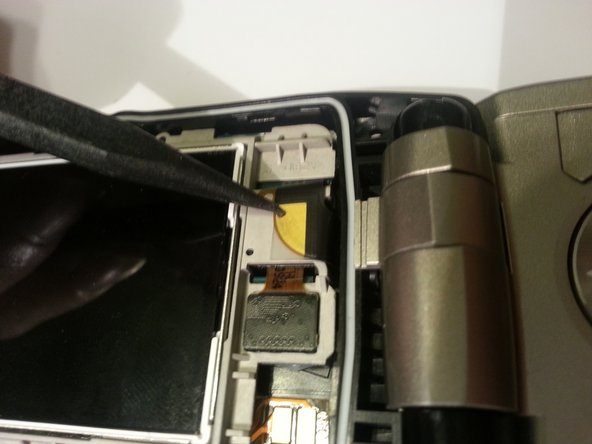
    • If reassembling from a previous step make sure the ribbon cable is properly situated before securing the front cover.

    Спросите у FixBot

    Добавить комментарий

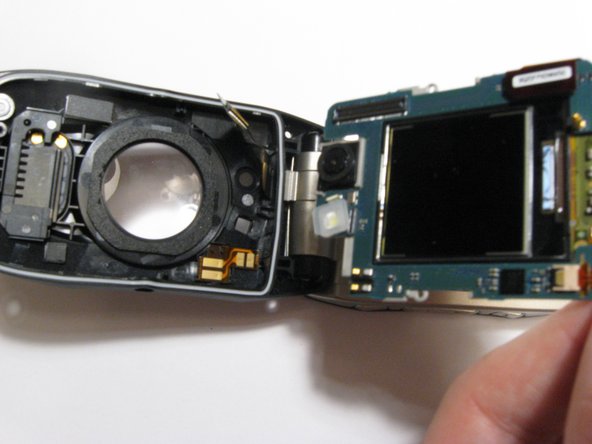
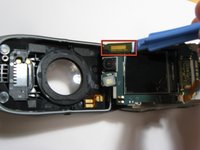
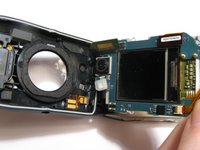
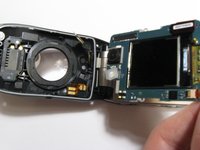
  5. G'z One Boulder Camera Replacement, Front Logic Board: шаг 5, изображение 1 из 3 G'z One Boulder Camera Replacement, Front Logic Board: шаг 5, изображение 2 из 3 G'z One Boulder Camera Replacement, Front Logic Board: шаг 5, изображение 3 из 3
    • Remove one screw located on the left side of the phone with the pictured orientation in mind.

    • This will release the logic board from the back case.

    • Lift the board out of the case starting with the top. Continue to fold it forwards to access the ribbon cable still connecting it.

    Спросите у FixBot

    Добавить комментарий

  6. G'z One Boulder Camera Replacement: шаг 6, изображение 1 из 3 G'z One Boulder Camera Replacement: шаг 6, изображение 2 из 3 G'z One Boulder Camera Replacement: шаг 6, изображение 3 из 3
    • Pull the logic board out with a pry stick gently from bottom to top at the current orientation.

    • The ribbon cable will be connected underneath the logic board. A small amount of force is required to disconnect them.

    • Although some force is required to lift up the board, be careful as to not bend any of the pins on either side.

    Спросите у FixBot

    Добавить комментарий

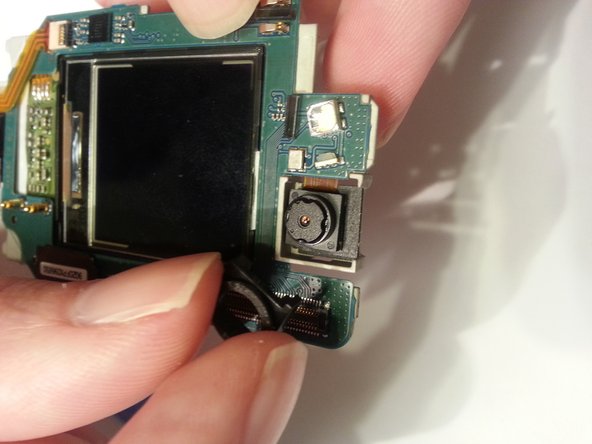
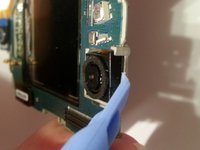
  7. G'z One Boulder Camera Replacement, Camera: шаг 7, изображение 1 из 2 G'z One Boulder Camera Replacement, Camera: шаг 7, изображение 2 из 2
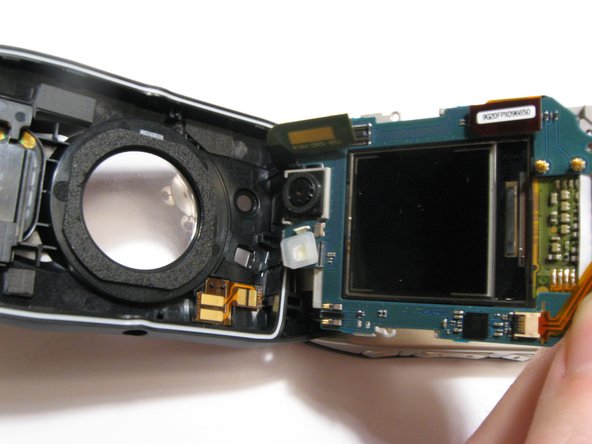
    • There is a plastic square that surrounds the camera and keeps it in place. Pry this up first making note of the orientation of the part and how there is a tab pointing in the same direction as the ribbon cable.

    • Once it is loosened the surround can be removed and set aside. The next step is to detach the ribbon cable.

    Спросите у FixBot

    Добавить комментарий

  8. G'z One Boulder Camera Replacement: шаг 8, изображение 1 из 2 G'z One Boulder Camera Replacement: шаг 8, изображение 2 из 2
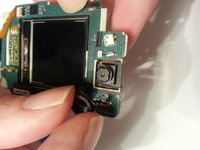
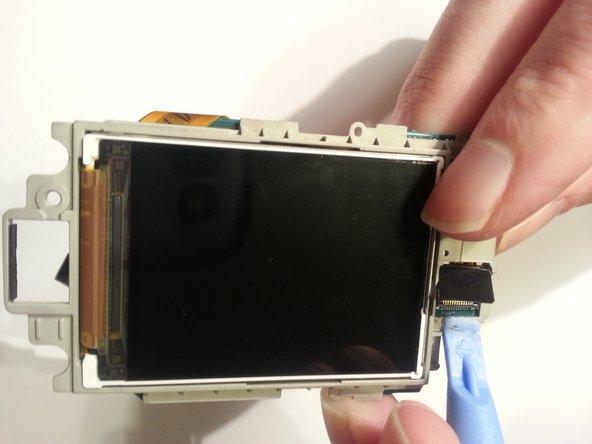
    • Now turn the phone over so that you are looking at the inside LCD and the back of the camera.

    • Use a pry stick to disconnect the ribbon cable from the rest of the PCB board.

    • Gently feed the ribbon cable through the hole to completely remove the camera from the phone. The connector pulls straight through, do not bend or twist the ribbon cable.

    Спросите у FixBot

    Добавить комментарий

  9. G'z One Boulder Camera Replacement: шаг 9, изображение 1 из 1
    • These are the parts you should have now.

    Спросите у FixBot

    Добавить комментарий

Заключение

To disassemble your device, follow these instructions in reverse order.

Отменить: Я не выполнил это руководство.

Henry Johnson

Участник с: 03/11/13

4 Репутация

Автор 2 руководств

Команда

Clemson, Team 13-3, Benson Spring 2013 Участник Clemson, Team 13-3, Benson Spring 2013

CLEM-BENSON-S13S13G3

3 членов

Автор 14 руководств

0 Комментарии к руководству

Добавить комментарий

Статистика просмотров:

За последние 24 часов: 1

За последние 7 дней: 4

За последние 30 дней: 23

За всё время: 898