Перейти к основному содержанию

Game Boy Advance Batteries Replacement

Выберете то, что вам нужно

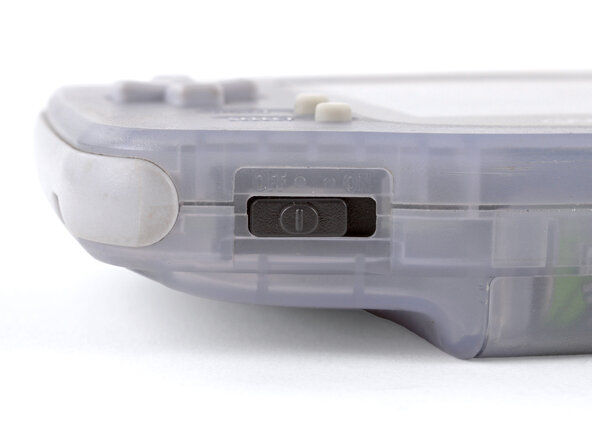
  1. Game Boy Advance Batteries Replacement, Power down your Game Boy: шаг 1, изображение 1 из 1
    • Turn your Game Boy OFF.

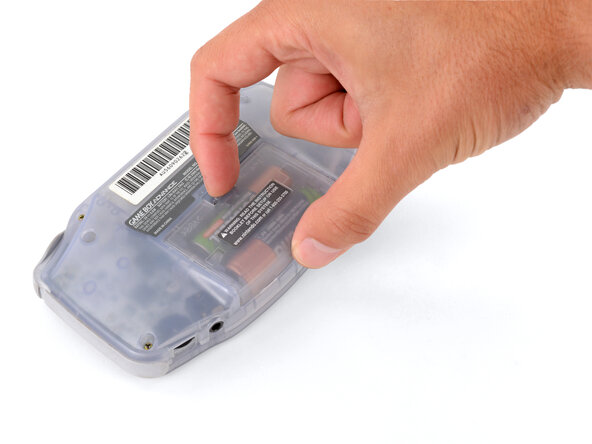
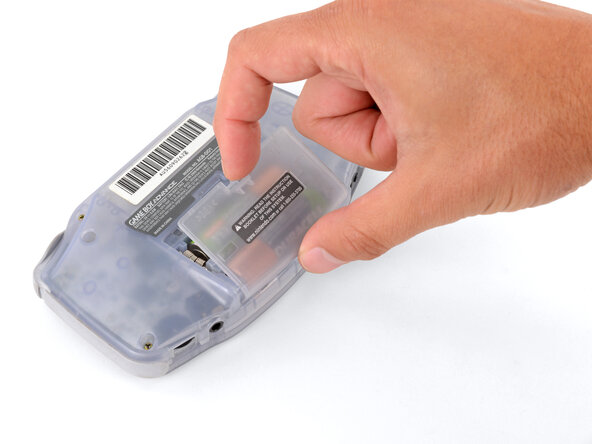
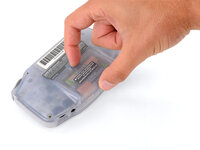
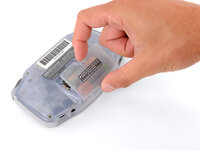
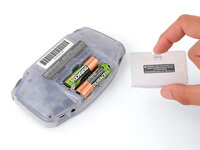
  2. Game Boy Advance Batteries Replacement, Remove the battery cover: шаг 2, изображение 1 из 3 Game Boy Advance Batteries Replacement, Remove the battery cover: шаг 2, изображение 2 из 3 Game Boy Advance Batteries Replacement, Remove the battery cover: шаг 2, изображение 3 из 3
    • Release the battery cover tab with your finger and swing the cover away from your Game Boy to remove it.

    • During reassembly, insert the tabs on the bottom edge of the cover into their cutouts and press the cover into place.

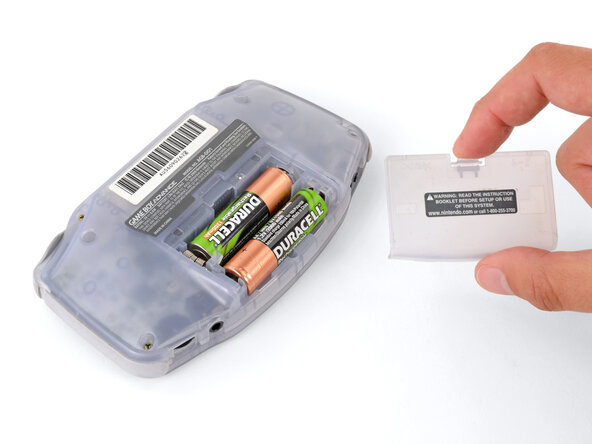
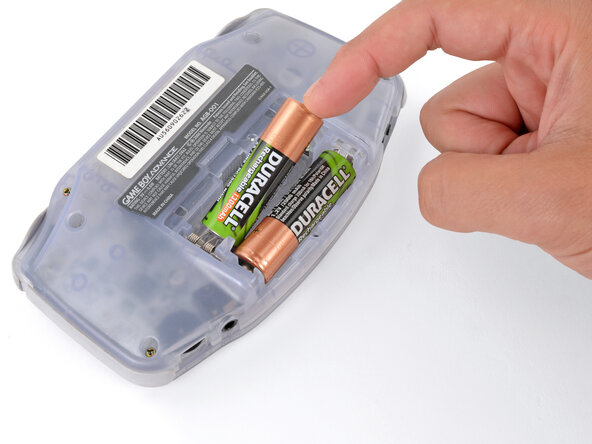
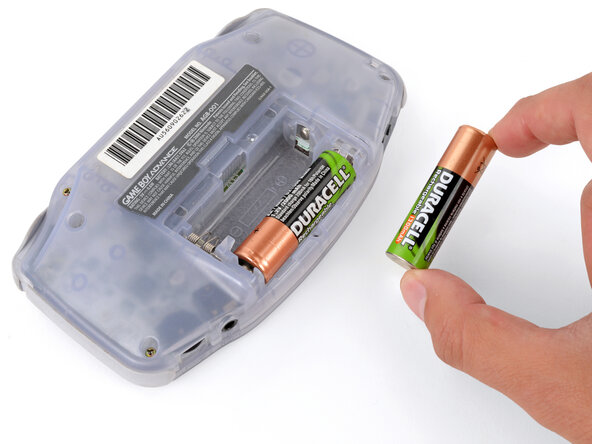
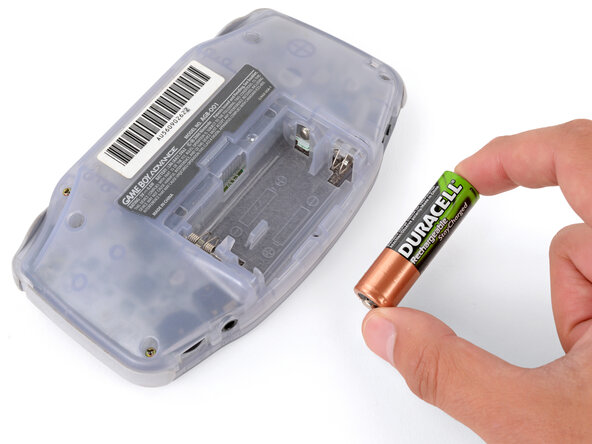
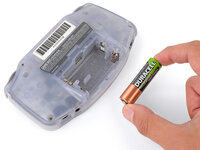
  3. Game Boy Advance Batteries Replacement, Remove the batteries: шаг 3, изображение 1 из 3 Game Boy Advance Batteries Replacement, Remove the batteries: шаг 3, изображение 2 из 3 Game Boy Advance Batteries Replacement, Remove the batteries: шаг 3, изображение 3 из 3
    • Remove the two AA batteries.

    • If the metal terminals are corroded, follow this guide to clean them.

    • When installing batteries, use the diagram in the battery well to properly orient them.

Заключение

To reassemble your device, follow these instructions in reverse order.

Take your e-waste to an R2 or e-Stewards certified recycler.

Repair didn’t go as planned? Try some basic troubleshooting, or ask our Answers Community for troubleshooting help.

10 человек успешно провели ремонт по этому руководству.

Spencer Day

Участник с: 09/14/22

149 525 Репутация

Автор 995 руководств

2 Комментарии к руководству

how could you take rust off the battery hinges?

Sinai Garcia - Ответить

If the battery terminals are corroded ''''(which may appear like rust), follow this guide to remove it.

Spencer Day -

Добавить комментарий

Статистика просмотров:

За последние 24 часов: 2

За последние 7 дней: 25

За последние 30 дней: 132

За всё время: 19,654