Перейти к основному содержанию
Присоединяйся к сообществу ремонтников - Создай аккаунт

Gateway MS2370 Screen Replacement

Выберете то, что вам нужно

    1. Gateway MS2370 Screen Replacement, Battery: шаг 1, изображение 1 из 1
      • Make sure the laptop is turned off and flipped over so that the bottom is facing up. Then, locate the battery clip as shown.

      Спросите у FixBot

      Добавить комментарий

    2. Gateway MS2370 Screen Replacement: шаг 2, изображение 1 из 1
      • Either using your fingers or a plastic spudger push the battery clip to the left to release battery.

      Спросите у FixBot

      Добавить комментарий

    3. Gateway MS2370 Screen Replacement: шаг 3, изображение 1 из 1
      • Pull the battery from the laptop to remove it.

      Спросите у FixBot

      Добавить комментарий

    1. Gateway MS2370 Screen Replacement, Screen: шаг 4, изображение 1 из 1
      Инструмент, используемый на этом этапе:
      Tweezers
      $4.99
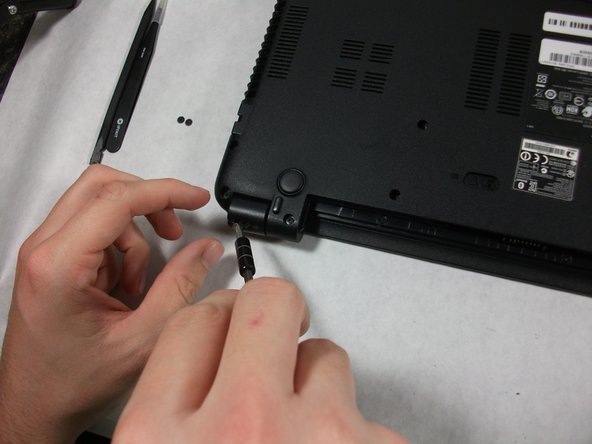
      • Using the pointed tweezers, remove plastic circles that are stuck onto the back of the laptop’s hinges.

      • These plastic circles are stuck inside the hole with adhesive and might require a significant amount of force.

      Спросите у FixBot

      Добавить комментарий

    2. Gateway MS2370 Screen Replacement: шаг 5, изображение 1 из 2 Gateway MS2370 Screen Replacement: шаг 5, изображение 2 из 2
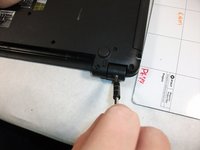
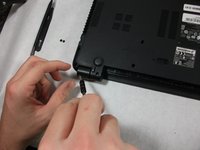
      • Unscrew both of the 3mm Phillips 01 screws on both hinges using the matching screwdriver.

      Спросите у FixBot

      Добавить комментарий

    3. Gateway MS2370 Screen Replacement: шаг 6, изображение 1 из 1
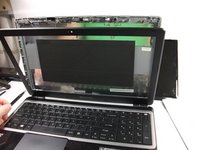
      • Take the plastic spudger and pull up the tabs on all four sides of the screen molding.

      Спросите у FixBot

      Добавить комментарий

    4. Gateway MS2370 Screen Replacement: шаг 7, изображение 1 из 1
      • Carefully remove the screen molding. Be aware that the screen molding will not come out all the way.

      Спросите у FixBot

      Добавить комментарий

    5. Gateway MS2370 Screen Replacement: шаг 8, изображение 1 из 1
      • Unscrew the four 3mm inch Phillips 01 screws on the screen bracket.

      Спросите у FixBot

      Добавить комментарий

    6. Gateway MS2370 Screen Replacement: шаг 9, изображение 1 из 3 Gateway MS2370 Screen Replacement: шаг 9, изображение 2 из 3 Gateway MS2370 Screen Replacement: шаг 9, изображение 3 из 3
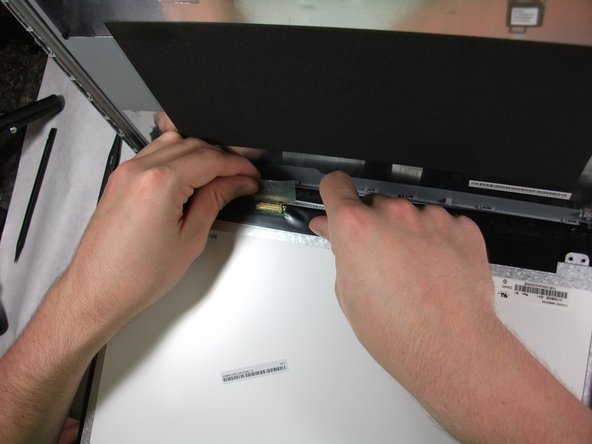
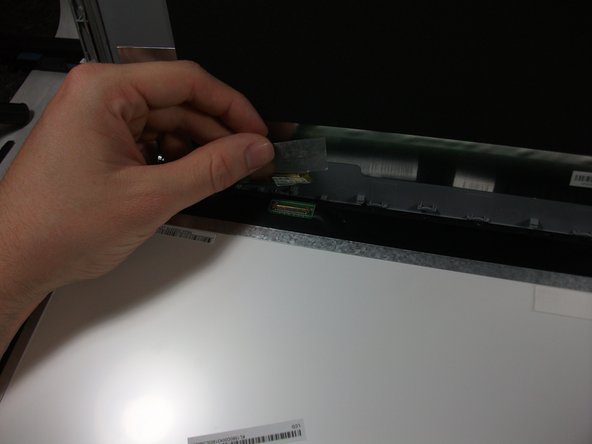
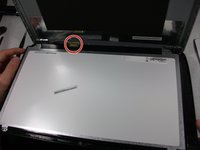
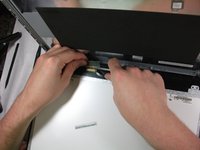
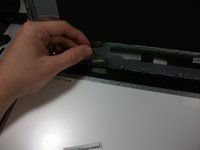
      • Peel up the tape over the connector and unplug the screen from the laptop.

      Спросите у FixBot

      Добавить комментарий

    7. Gateway MS2370 Screen Replacement: шаг 10, изображение 1 из 2 Gateway MS2370 Screen Replacement: шаг 10, изображение 2 из 2
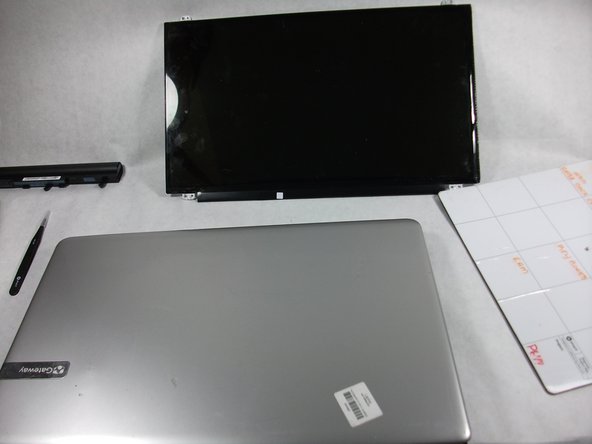
      • Slowly remove the screen from the laptop.

      Спросите у FixBot

      Добавить комментарий

Заключение

To reassemble your device, follow these instructions in reverse order.

Отменить: Я не выполнил это руководство.

Mathieu Bolduc-Clayton

Участник с: 10/17/17

518 Репутация

Автор 4 руководств

Команда

UMass Dartmouth, Team S1-G5, Simcock Fall 2017 Участник UMass Dartmouth, Team S1-G5, Simcock Fall 2017

UMASSD-SIMCOCK-F17S1G5

3 членов

Автор 45 руководств

0 Комментарии к руководству

Добавить комментарий

Статистика просмотров:

За последние 24 часов: 3

За последние 7 дней: 6

За последние 30 дней: 30

За всё время: 1,013