Перейти к основному содержанию
Присоединяйся к сообществу ремонтников - Создай аккаунт

GeeksPhone Keon Antenna Replacement

Выберете то, что вам нужно

  1. GeeksPhone Keon  Antenna Replacement, Battery: шаг 1, изображение 1 из 2 GeeksPhone Keon  Antenna Replacement, Battery: шаг 1, изображение 2 из 2
    • Insert the plastic opening tool into the seam between the front of the device and the rear cover.

    • Slide the plastic opening tool from the bottom of the phone to the top.

    • Use the plastic opening tool to free all the clips attached to the phone.

  2. GeeksPhone Keon  Antenna Replacement: шаг 2, изображение 1 из 1
    • Lift the cover away from the phone.

  3. GeeksPhone Keon  Antenna Replacement: шаг 3, изображение 1 из 1
    • Insert the plastic opening tool into the groove between the bottom of the phone and the battery.

    • Lift the battery with the plastic opening tool and finish removing battery by hand.

  4. GeeksPhone Keon  Antenna Replacement, Back Plate: шаг 4, изображение 1 из 2 GeeksPhone Keon  Antenna Replacement, Back Plate: шаг 4, изображение 2 из 2
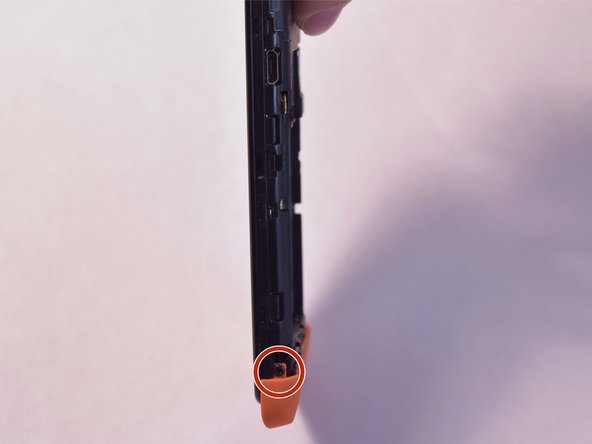
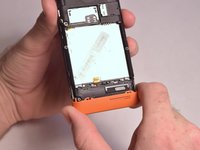
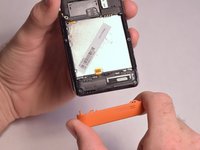
    • Remove the two 5mm T4 screws on the sides of the small orange plate.

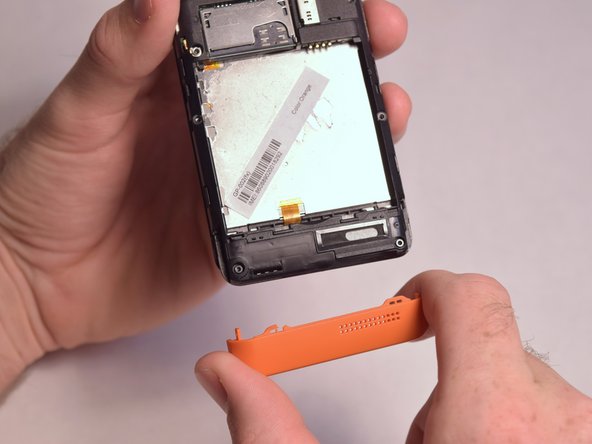
  5. GeeksPhone Keon  Antenna Replacement: шаг 5, изображение 1 из 2 GeeksPhone Keon  Antenna Replacement: шаг 5, изображение 2 из 2
    • Gently remove the small orange plate by pulling it down.

  6. GeeksPhone Keon  Antenna Replacement: шаг 6, изображение 1 из 1
    • Remove the following screws securing the back plate to the device:

    • Two silver 2mm T3 screws

    • Five black 3mm T3 screws

  7. GeeksPhone Keon  Antenna Replacement: шаг 7, изображение 1 из 3 GeeksPhone Keon  Antenna Replacement: шаг 7, изображение 2 из 3 GeeksPhone Keon  Antenna Replacement: шаг 7, изображение 3 из 3
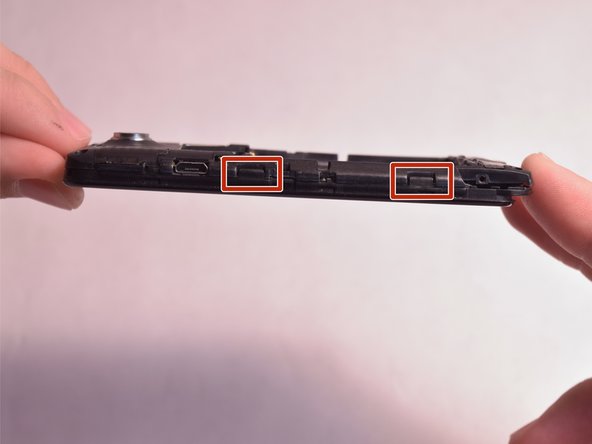
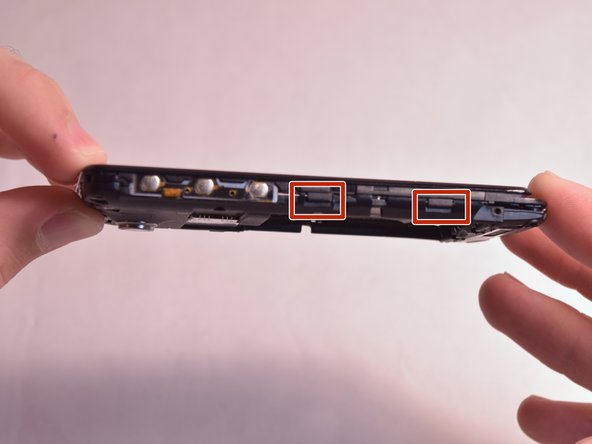
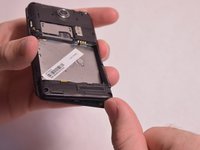
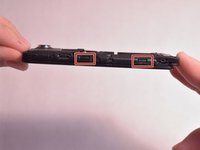
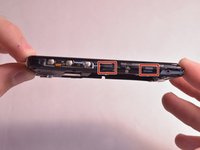
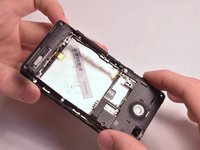
    • Slightly lift up the bottom corner of the backplate.

    • Release the four clips on both sides by pulling them away from the device.

  8. GeeksPhone Keon  Antenna Replacement: шаг 8, изображение 1 из 2 GeeksPhone Keon  Antenna Replacement: шаг 8, изображение 2 из 2
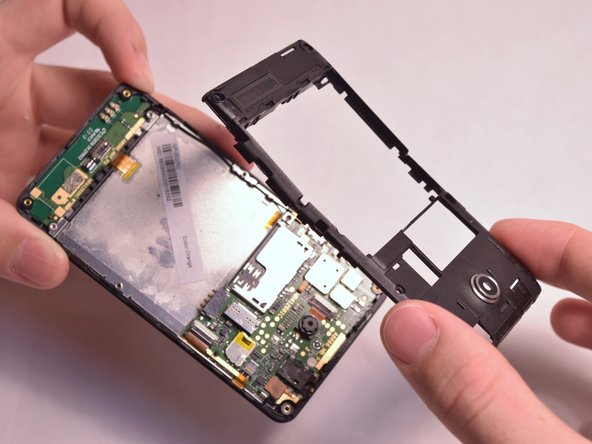
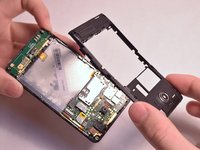
    • Lift the backplate away from the device.

  9. GeeksPhone Keon  Antenna Replacement, Antenna: шаг 9, изображение 1 из 1
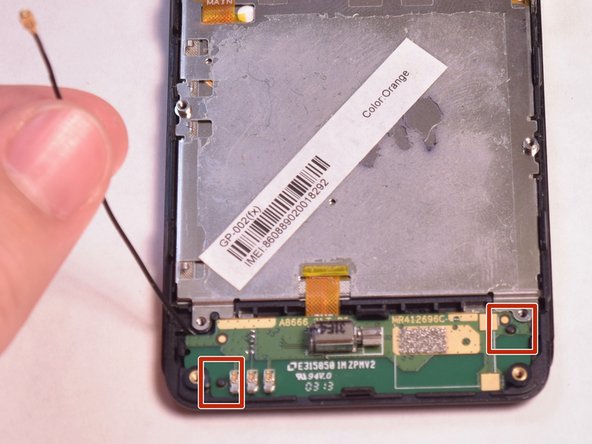
    • Unfasten the black wire from the metal clamps by hand and lift the black wire away from the device.

    • Unfasten the plastic clamps attached to the antenna.

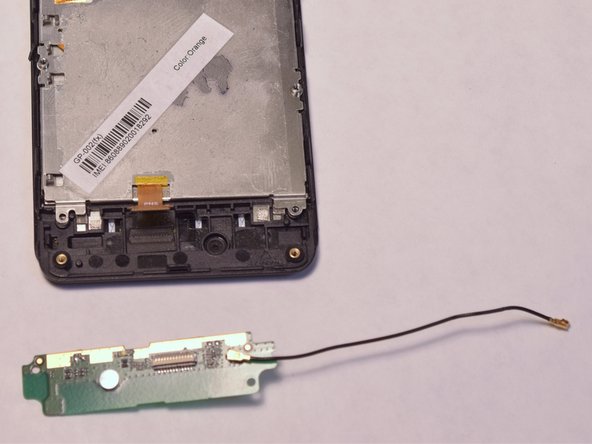
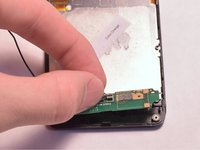
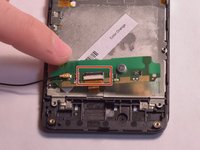
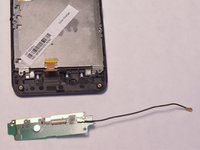
  10. GeeksPhone Keon  Antenna Replacement: шаг 10, изображение 1 из 3 GeeksPhone Keon  Antenna Replacement: шаг 10, изображение 2 из 3 GeeksPhone Keon  Antenna Replacement: шаг 10, изображение 3 из 3
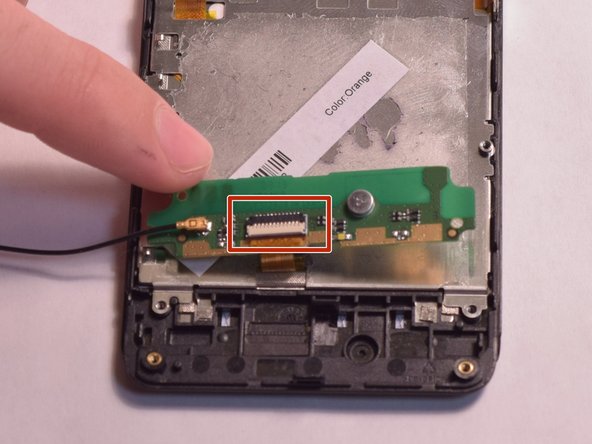
    • Gently lift the antenna and flip it over to reveal a ZIF connector on the back.

    • Flip up the small retaining flap on the ZIF connector and pull the ribbon cable out.

Заключение

To reassemble your device, follow these instructions in reverse order.

Michael Moran

Участник с: 08/26/15

113 Репутация

1 руководство автора

Команда

USF Tampa, Team 3-5, Eyestone Fall 2015 Участник USF Tampa, Team 3-5, Eyestone Fall 2015

USFT-EYESTONE-F15S3G5

4 членов

Автор 12 руководств

0 Комментарии к руководству

Добавить комментарий

Статистика просмотров:

За последние 24 часов: 0

За последние 7 дней: 7

За последние 30 дней: 13

За всё время: 258