Перейти к основному содержанию
Присоединяйся к сообществу ремонтников - Создай аккаунт

GoPro Hero4 Black Camera Sensor Replacement

Выберете то, что вам нужно

  1. GoPro Hero4 Black Camera Sensor Replacement, Midframe Housing: шаг 1, изображение 1 из 3 GoPro Hero4 Black Camera Sensor Replacement, Midframe Housing: шаг 1, изображение 2 из 3 GoPro Hero4 Black Camera Sensor Replacement, Midframe Housing: шаг 1, изображение 3 из 3
    Инструмент, используемый на этом этапе:
    Tweezers
    $4.99
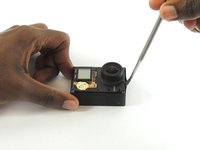
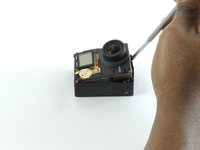
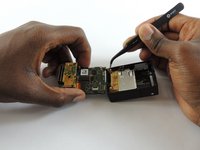
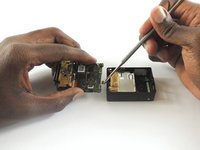
    • Remove the faceplate by carefully prying around the edge using a plastic opening tool. Loosen the clips on the edge, then pull the faceplate off.

    • Use the tweezers to lift the faceplate from the rest of the device.

    • The power button on the front of the GoPro may pop off. Ensure to align it properly during reassembly.

    Спросите у FixBot
  2. GoPro Hero4 Black Camera Sensor Replacement: шаг 2, изображение 1 из 2 GoPro Hero4 Black Camera Sensor Replacement: шаг 2, изображение 2 из 2
    • Using a #00 Phillips head screwdriver, remove the following screws:

    • One 4.6 mm screw

    • Three 8.2 mm screws

    • Two 6.1 mm screws

    Спросите у FixBot
  3. GoPro Hero4 Black Camera Sensor Replacement: шаг 3, изображение 1 из 2 GoPro Hero4 Black Camera Sensor Replacement: шаг 3, изображение 2 из 2
    • Insert a metal spudger between the back plastic housing and the camera board assembly. Working around the edge to be careful of the inner components, carefully remove the camera.

    Спросите у FixBot
  4. GoPro Hero4 Black Camera Sensor Replacement: шаг 4, изображение 1 из 3 GoPro Hero4 Black Camera Sensor Replacement: шаг 4, изображение 2 из 3 GoPro Hero4 Black Camera Sensor Replacement: шаг 4, изображение 3 из 3
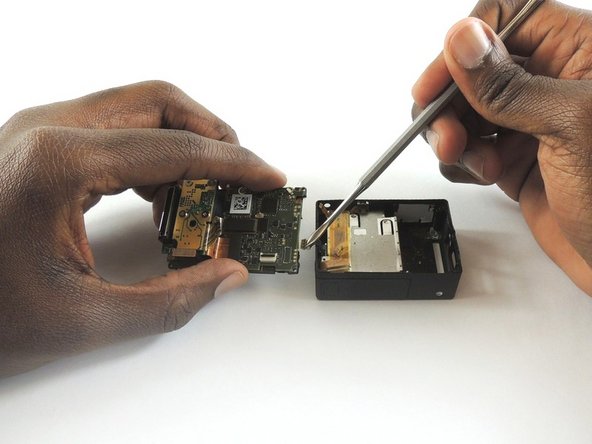
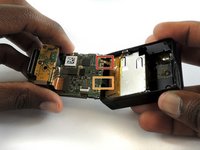
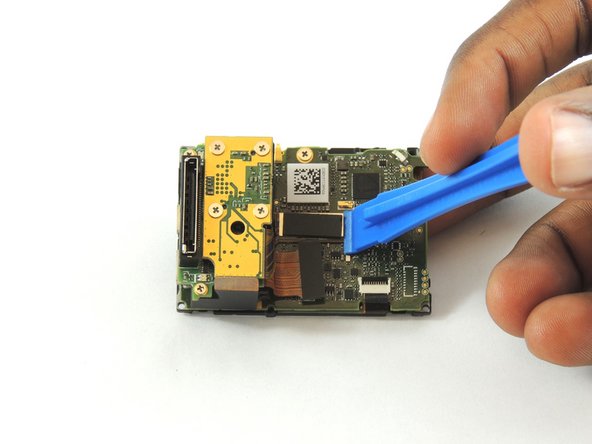
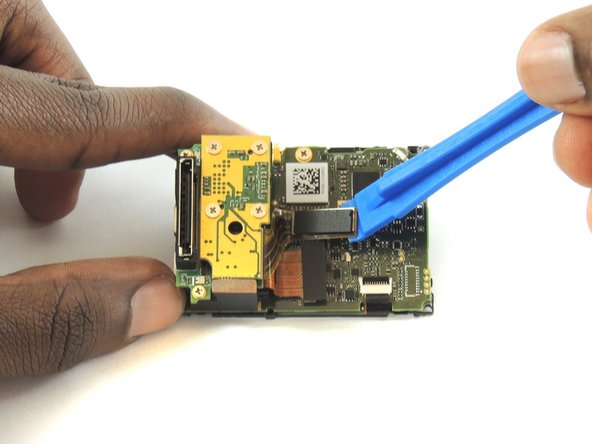
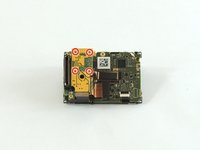
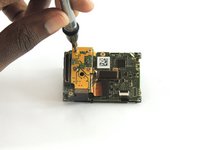
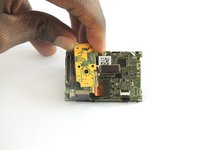
    • Using tweezers, remove the ribbon strip by pulling on it. This will remove the connection.

    • Push down on the three wires with the metal spudger and the clip will disconnect from the motherboard.

    • The clip must be pulled up and away from the motherboard. Attempting to slide it out will damage the clip.

    • During reassembly, remove the black tape on the ribbon cable, turn the camera upside down so you can see the port, and reinsert the cable with tweezers. It's a lot easier!

    Спросите у FixBot
  5. GoPro Hero4 Black Camera Sensor Replacement, Camera Sensor: шаг 5, изображение 1 из 3 GoPro Hero4 Black Camera Sensor Replacement, Camera Sensor: шаг 5, изображение 2 из 3 GoPro Hero4 Black Camera Sensor Replacement, Camera Sensor: шаг 5, изображение 3 из 3
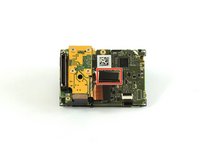
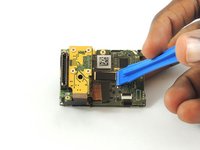
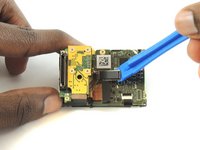
    • Using a plastic opening tool, separate the camera sensor's connector from the motherboard.

    Спросите у FixBot
  6. GoPro Hero4 Black Camera Sensor Replacement: шаг 6, изображение 1 из 3 GoPro Hero4 Black Camera Sensor Replacement: шаг 6, изображение 2 из 3 GoPro Hero4 Black Camera Sensor Replacement: шаг 6, изображение 3 из 3
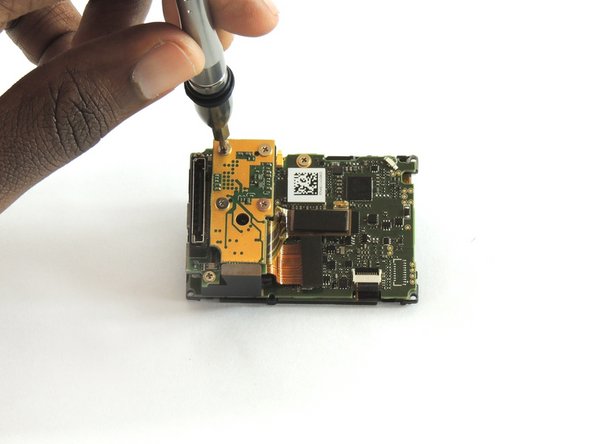
    • Using a #00 Phillips head screwdriver, remove the four 3.0mm screws holding the camera sensor.

    Спросите у FixBot
Заключение

To reassemble your device, follow these instructions in reverse order.

8 человек успешно провели ремонт по этому руководству.

Jeffrey Goethe

Участник с: 02/20/17

674 Репутация

Автор 3 руководств

Команда

USF Tampa, Team S2-G1, Sullivan Spring 2017 Участник USF Tampa, Team S2-G1, Sullivan Spring 2017

USFT-SULLIVAN-S17S2G1

4 членов

Автор 12 руководств

2 Комментарии к руководству

not easy to return the ribbon back to its place! it’s easier to throw your gopro after doing this.

popoypoi22 - Ответить Поделиться

Hi, is the sensor for black and silver same? Thank you

Jakub Kunický - Ответить Поделиться

Добавить комментарий

Статистика просмотров:

За последние 24 часов: 2

За последние 7 дней: 14

За последние 30 дней: 68

За всё время: 4,593