Перейти к основному содержанию
Присоединяйся к сообществу ремонтников - Создай аккаунт

Google Pixel C Power Button Replacement

Выберете то, что вам нужно

    1. Google Pixel C Power Button Replacement, Screen: шаг 1, изображение 1 из 1
      • Ensure that the device is completely powered down before beginning to take it apart

      • Use a heat gun to melt the adhesive that holds the screen to the device

      • Move the heat gun around the edge of the screen for approximately 1 minute, or until the screen can be lifted off in the next step.

      • Make sure not to heat the screen for too long because too much can damage other components inside the tablet.

      Спросите у FixBot

      Добавить комментарий

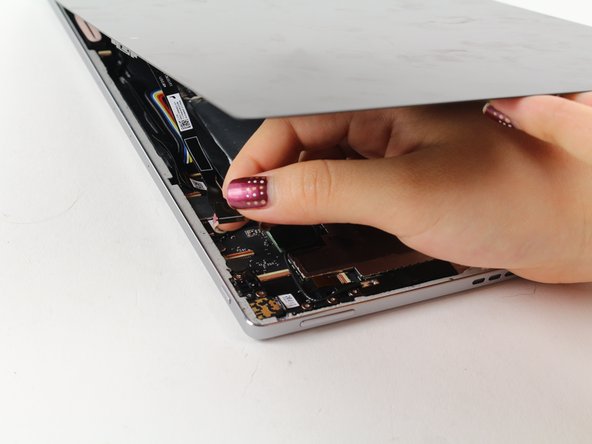
    2. Google Pixel C Power Button Replacement: шаг 2, изображение 1 из 2 Google Pixel C Power Button Replacement: шаг 2, изображение 2 из 2
      • Use a suction cup to assist in lifting the screen while prying around its edges with a plastic spudger.

      • If necessary use a metal spudger to pry the screen up, taking care not to scratch the device.

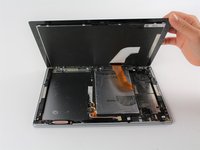
      • Be careful not to pull the screen too far off. It will still be attached to the device by a cable for the front facing camera and the wide display data cable.

      • Reattaching the screen will require adhesive to ensure that it stays in place.

      Спросите у FixBot

      Добавить комментарий

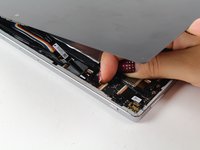
    3. Google Pixel C Power Button Replacement: шаг 3, изображение 1 из 2 Google Pixel C Power Button Replacement: шаг 3, изображение 2 из 2
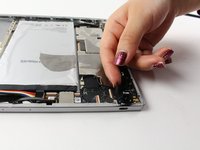
      • Detach the cables for the camera by lifting the small flap using the tip of your fingernail or a spudger. Gently pull the ribbon cable out.

      Спросите у FixBot

      Добавить комментарий

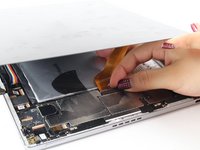
    4. Google Pixel C Power Button Replacement: шаг 4, изображение 1 из 2 Google Pixel C Power Button Replacement: шаг 4, изображение 2 из 2
      Инструмент, используемый на этом этапе:
      Tweezers
      $4.99
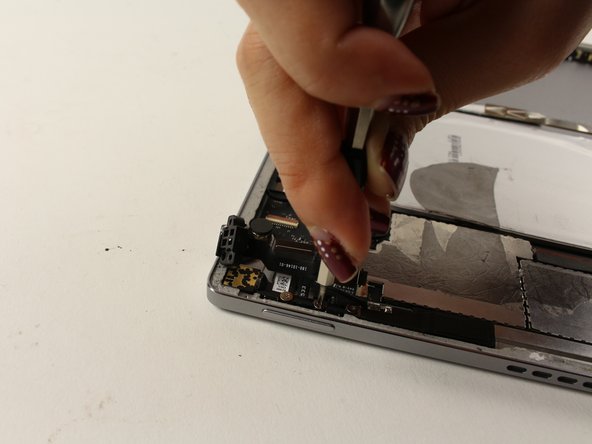
      • Follow the same removal procedure to detach the wide gold cable.

      • When reattaching cables, it is helpful to use tweezers to slide the cable in before securing it down with the flap.

      • This device is missing a battery, so the device that you are working on may appear slightly different inside.

      Спросите у FixBot

      Добавить комментарий

    1. Google Pixel C Power Button Replacement, Power Button: шаг 5, изображение 1 из 1
      • Locate the power button along the edge of the tablet.

      • The actual power button technology is the black plastic piece located directly inside the device behind the silver button; this is what will be replaced.

      Спросите у FixBot

      Добавить комментарий

    2. Google Pixel C Power Button Replacement: шаг 6, изображение 1 из 2 Google Pixel C Power Button Replacement: шаг 6, изображение 2 из 2
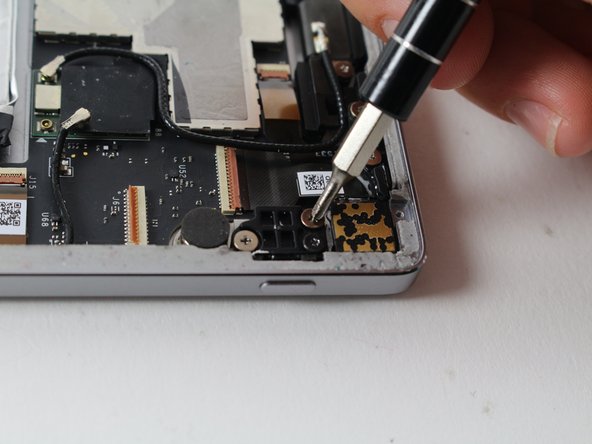
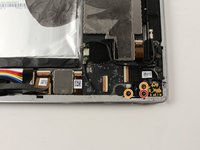
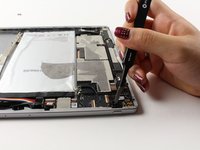
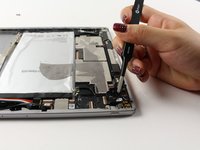
      • Locate and remove the black 4.3mm Phillips #000 screw.

      • Remove the remaining two silver 4.2mm Phillips #000 screws.

      Спросите у FixBot

      Добавить комментарий

    3. Google Pixel C Power Button Replacement: шаг 7, изображение 1 из 2 Google Pixel C Power Button Replacement: шаг 7, изображение 2 из 2
      Инструмент, используемый на этом этапе:
      Tweezers
      $4.99
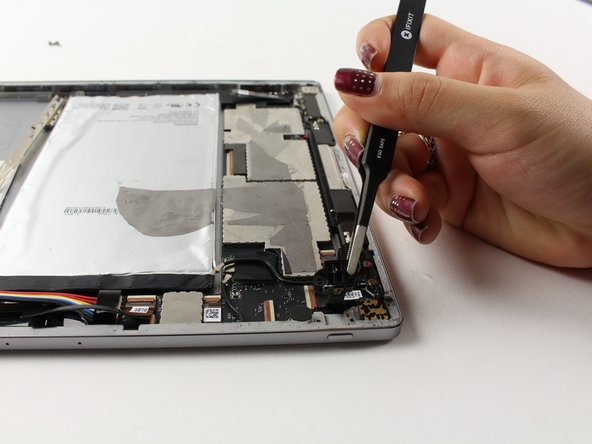
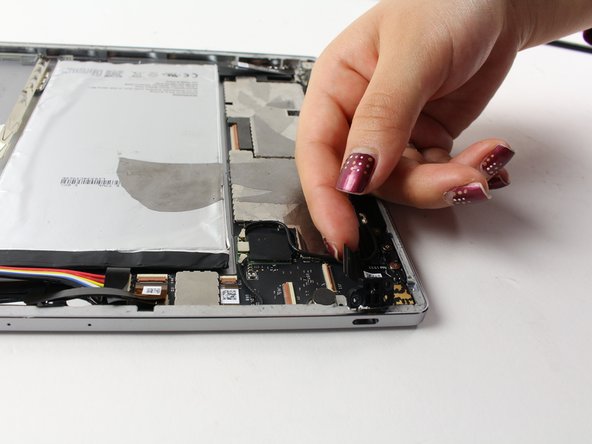
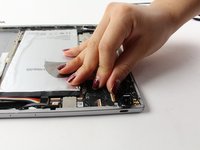
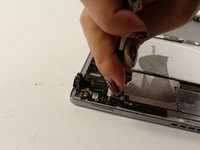
      • Use tweezers to slowly pull up on the power button technology as far as possible without pulling out the two black wires attached.

      • Don't pull up too hard, as the wires could be ripped out and damaged.

      Спросите у FixBot

      Добавить комментарий

    4. Google Pixel C Power Button Replacement: шаг 8, изображение 1 из 2 Google Pixel C Power Button Replacement: шаг 8, изображение 2 из 2
      • Detach the larger connector wire by flipping the copper hinge located at the base of the connection with your fingernail.

      Спросите у FixBot

      Добавить комментарий

    5. Google Pixel C Power Button Replacement: шаг 9, изображение 1 из 1
      • Flip the hinge of the second, more narrow wire to release the connection.

      • Don't pull the power button technology out yet. This wire is attached at one more place in the device.

      Спросите у FixBot

      Добавить комментарий

    6. Google Pixel C Power Button Replacement: шаг 10, изображение 1 из 2 Google Pixel C Power Button Replacement: шаг 10, изображение 2 из 2
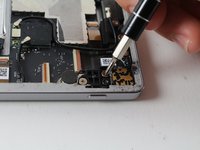
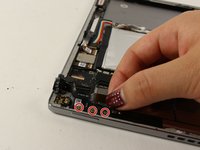
      • Locate and remove the three 4.2mm Phillips #000 screws at the base of where the second wire is still connected.

      Спросите у FixBot

      Добавить комментарий

    7. Google Pixel C Power Button Replacement: шаг 11, изображение 1 из 2 Google Pixel C Power Button Replacement: шаг 11, изображение 2 из 2
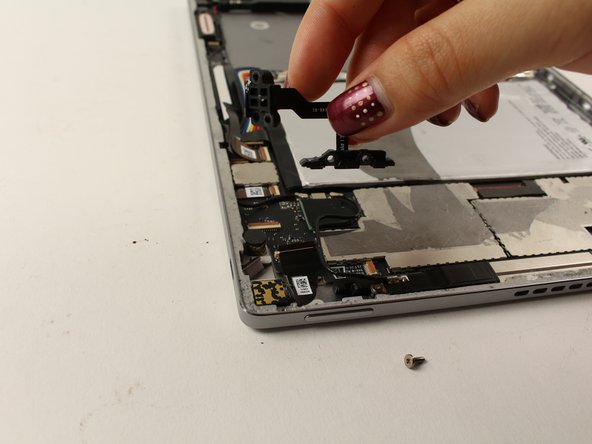
      • Once all the screws are removed, gently pull up on the entire power button technology piece, to remove it from the device.

      Спросите у FixBot

      Добавить комментарий

Заключение

To reassemble your device, follow these instructions in reverse order. New adhesive will be needed to re-apply the screen.

Отменить: Я не выполнил это руководство.

Еще один человек закончил это руководство.

Isabelle Tang

Участник с: 04/26/17

225 Репутация

Автор 2 руководств

Команда

Cal Poly, Team S21-G4, Livingston Spring 2017 Участник Cal Poly, Team S21-G4, Livingston Spring 2017

CPSU-LIVINGSTON-S17S21G4

4 членов

Автор 11 руководств

1 Комментарий к руководству

I have replaced the power/volume button flex with these instructions with a reportably working item, but power button still doesn't work. The volume buttons work just fine. Any other ideas about what might be the problem?

Colleen Price - Ответить Поделиться

Добавить комментарий

Статистика просмотров:

За последние 24 часов: 1

За последние 7 дней: 12

За последние 30 дней: 52

За всё время: 3,157