Перейти к основному содержанию
Присоединяйся к сообществу ремонтников - Создай аккаунт

Google Pixelbook Left Charging Port Replacement

Выберете то, что вам нужно

  1. Google Pixelbook Left Charging Port Replacement, Battery (Back Panel): шаг 1, изображение 1 из 3 Google Pixelbook Left Charging Port Replacement, Battery (Back Panel): шаг 1, изображение 2 из 3 Google Pixelbook Left Charging Port Replacement, Battery (Back Panel): шаг 1, изображение 3 из 3
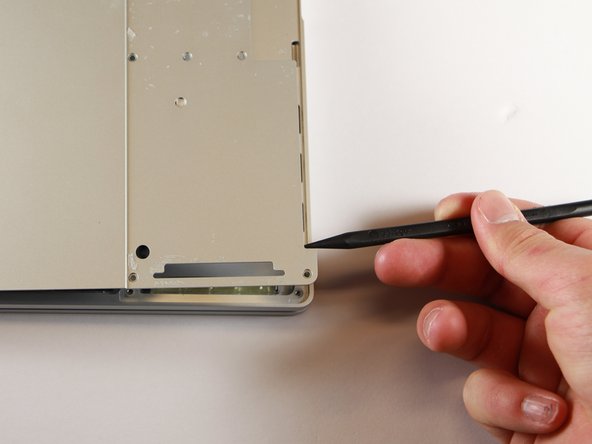
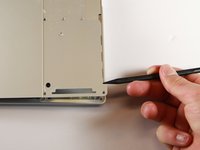
    • Use the iFixit opening tools or a metal spudger to pry the rubber covers off the back of your Pixelbook.

    • Peel the linings off completely until the back of the Pixelbook looks bare.

    Спросите у FixBot

    Добавить комментарий

  2. Google Pixelbook Left Charging Port Replacement: шаг 2, изображение 1 из 2 Google Pixelbook Left Charging Port Replacement: шаг 2, изображение 2 из 2
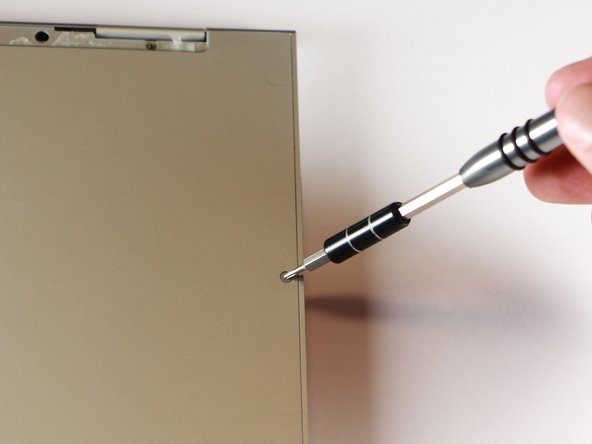
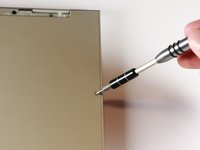
    • Remove the two yellow 2.0mm screws by using a T3 Torx screwdriver.

    Спросите у FixBot

    Добавить комментарий

  3. Google Pixelbook Left Charging Port Replacement: шаг 3, изображение 1 из 3 Google Pixelbook Left Charging Port Replacement: шаг 3, изображение 2 из 3 Google Pixelbook Left Charging Port Replacement: шаг 3, изображение 3 из 3
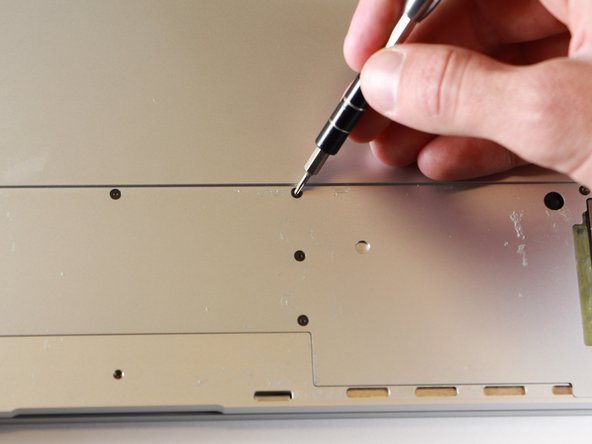
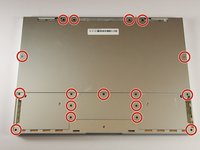
    • Remove the seventeen 3.0mm T5 Torx screws from the bottom panel.

    Спросите у FixBot

    Добавить комментарий

  4. Google Pixelbook Left Charging Port Replacement: шаг 4, изображение 1 из 3 Google Pixelbook Left Charging Port Replacement: шаг 4, изображение 2 из 3 Google Pixelbook Left Charging Port Replacement: шаг 4, изображение 3 из 3
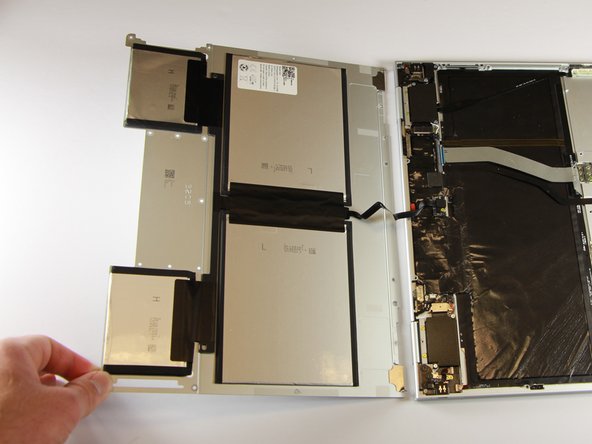
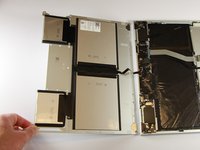
    • Use the nylon spudger to pry the edge of the Pixelbook up until you can grab the edge with your fingers.

    • Open the back panel completely and lay it flat so you see the whole inside of the computer.

    Спросите у FixBot

    Добавить комментарий

  5. Google Pixelbook Left Charging Port Replacement: шаг 5, изображение 1 из 2 Google Pixelbook Left Charging Port Replacement: шаг 5, изображение 2 из 2
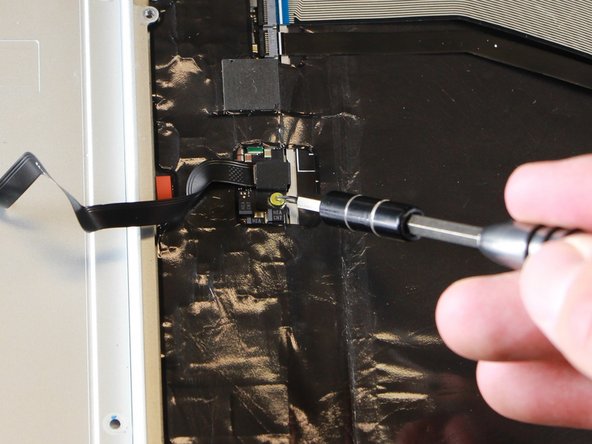
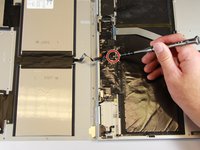
    • Remove the yellow 2.0mm screw from the middle of the panel by using the T3 Torx screwdriver to turn the screw counterclockwise.

    Спросите у FixBot

    Добавить комментарий

  6. Google Pixelbook Left Charging Port Replacement: шаг 6, изображение 1 из 2 Google Pixelbook Left Charging Port Replacement: шаг 6, изображение 2 из 2
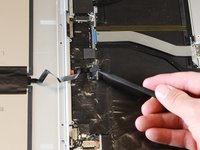
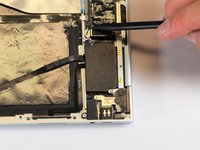
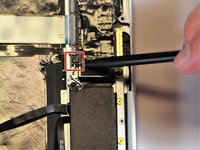
    • Remove the small, black casing by using the spudger to lift it up from its place.

    Спросите у FixBot

    Добавить комментарий

  7. Google Pixelbook Left Charging Port Replacement: шаг 7, изображение 1 из 1
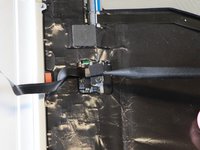
    • Disconnect the flat, black cord from the main component by using a spudger to push it out of the slot, or by using your hand to carefully pull it out.

    • Your back panel is now free from the main component.

    Спросите у FixBot

    Добавить комментарий

  8. Google Pixelbook Left Charging Port Replacement, Left Charging Port: шаг 8, изображение 1 из 2 Google Pixelbook Left Charging Port Replacement, Left Charging Port: шаг 8, изображение 2 из 2
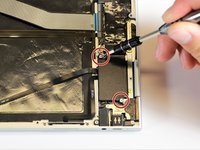
    • Remove the two 3.0mm silver screws from the thin, black component by using a T3 Torx screwdriver to turn the screws counterclockwise.

    Спросите у FixBot

    Добавить комментарий

  9. Google Pixelbook Left Charging Port Replacement: шаг 9, изображение 1 из 2 Google Pixelbook Left Charging Port Replacement: шаг 9, изображение 2 из 2
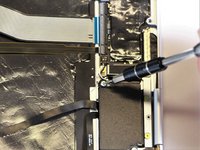
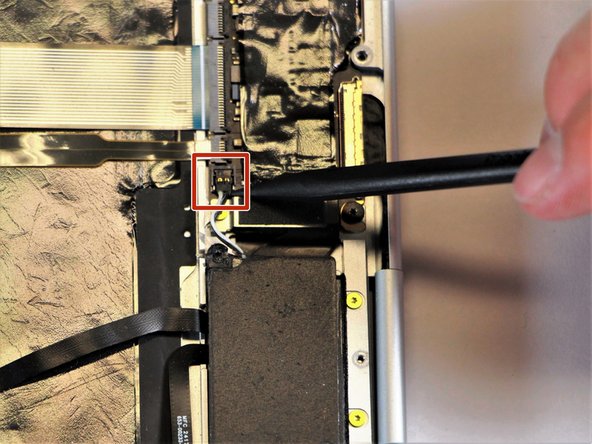
    • Disconnect the thin, black and white cord from the motherboard by using the spudger to snap the connector up and out of place.

    Спросите у FixBot

    Добавить комментарий

  10. Google Pixelbook Left Charging Port Replacement: шаг 10, изображение 1 из 1
    • Remove the thin, black component by pulling it up and out of the laptop with your fingers.

    • This photo shows the bottom screw still in the black box, but yours should be removed.

    Спросите у FixBot

    Добавить комментарий

  11. Google Pixelbook Left Charging Port Replacement: шаг 11, изображение 1 из 1
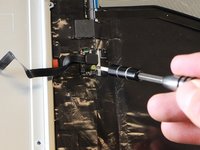
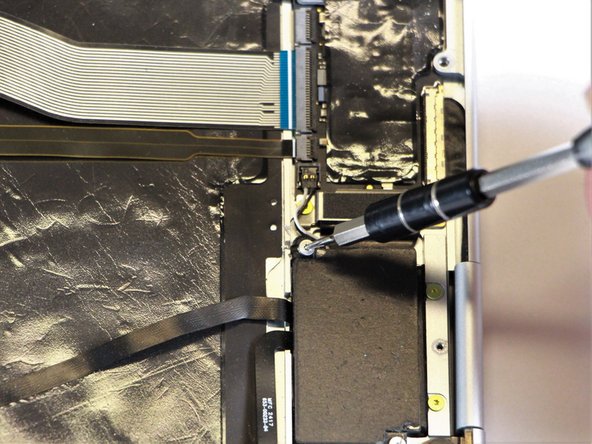
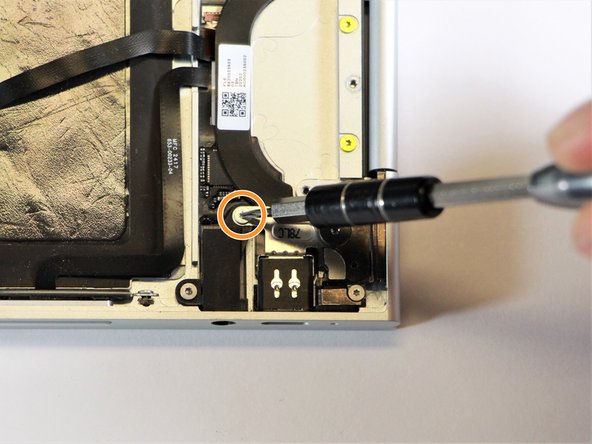
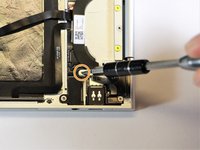
    • Remove the gold 2.0mm corner screw by turning it counterclockwise with a T3 Torx screwdriver.

    Спросите у FixBot

    Добавить комментарий

  12. Google Pixelbook Left Charging Port Replacement: шаг 12, изображение 1 из 2 Google Pixelbook Left Charging Port Replacement: шаг 12, изображение 2 из 2
    Инструмент, используемый на этом этапе:
    Tweezers
    $4.99
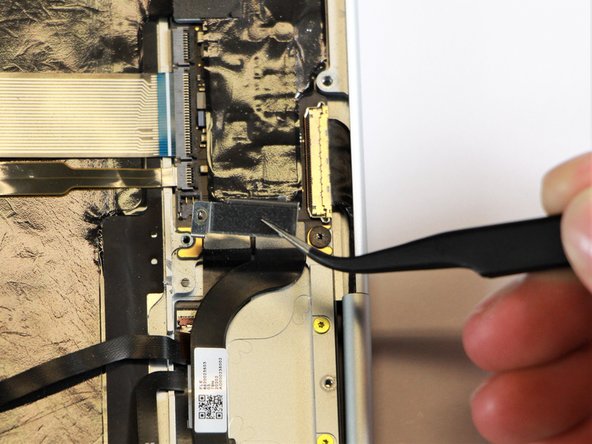
    • Using needle-nose tweezers, remove the silver casing by lifting it up and out of the computer.

    Спросите у FixBot

    Добавить комментарий

  13. Google Pixelbook Left Charging Port Replacement: шаг 13, изображение 1 из 2 Google Pixelbook Left Charging Port Replacement: шаг 13, изображение 2 из 2
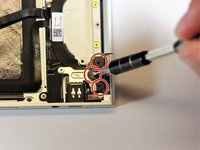
    • Remove the three 3.0mm black screws on the right side by using a T5 Torx screwdriver to turn the screws counterclockwise.

    • Remove the silver 2.0mm screw on the left side by using a T3 Torx screwdriver to turn the screw counterclockwise.

    Спросите у FixBot

    Добавить комментарий

  14. Google Pixelbook Left Charging Port Replacement: шаг 14, изображение 1 из 1
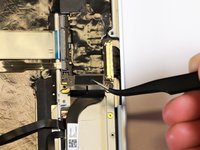
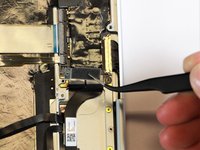
    • Disconnect the thin, black ribbon cable by using the spudger to lift it up from the computer.

    Спросите у FixBot

    Добавить комментарий

  15. Google Pixelbook Left Charging Port Replacement: шаг 15, изображение 1 из 2 Google Pixelbook Left Charging Port Replacement: шаг 15, изображение 2 из 2
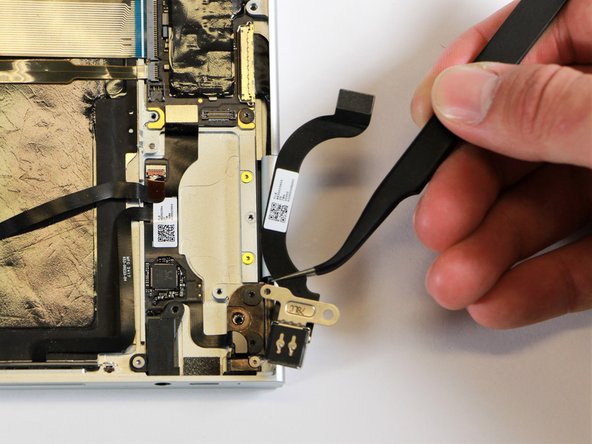
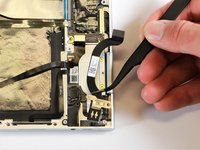
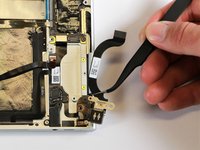
    • Use the needle-nose tweezers to remove the charging port by lifting the component up and out of the Pixelbook.

    Спросите у FixBot

    Добавить комментарий

Заключение

To reassemble your device, follow these instructions in reverse order.

Отменить: Я не выполнил это руководство.

Еще один человек закончил это руководство.

Alon Gary

Участник с: 01/24/18

576 Репутация

Автор 2 руководств

Команда

Cal Poly, Team S18-G1, Livingston Winter 2018 Участник Cal Poly, Team S18-G1, Livingston Winter 2018

CPSU-LIVINGSTON-W18S18G1

4 членов

Автор 9 руководств

3 Комментарии к руководству

Where to get replacemt charging port from please

kamil Szym - Ответить Поделиться
Where can we get a replacement charging port for the Pixelbook Go 2 (i7)?

michaelnic - Ответить Поделиться
Hi Michael, did you manage to find the charging port and replace it for the Pixelbook Go?

redshift galaxy - Ответить Поделиться

Добавить комментарий

Статистика просмотров:

За последние 24 часов: 0

За последние 7 дней: 12

За последние 30 дней: 45

За всё время: 3,809