Введение
Is your keyboard being unresponsive? Are you not able to type on your laptop? If so, the keyboard may be faulty and it may be time to replace the keyboard in the device. Follow these instructions to remove and replace the keyboard in the HP 14-am052nr laptop.
Выберете то, что вам нужно
-
-
-
Turn the laptop over to its bottom so that the backside is facing you.
-
Using your fingers, push the two locking tabs inwards to release the battery.
-
Remove the battery from the device.
 Спросите у FixBot
-
-
-
-
-
After removing the battery with the laptop on its back, expose screws that are hidden under the rubber feet and the center label.
-
Using the Phillips #0 screwdriver, remove fourteen (14) 6 mm screws from the back panel.
-
-
-
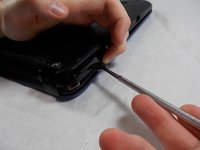
Use a prying tool to remove the back panel from the base of the computer.
-
-
-
-
-
Using the Phillips #0 screwdriver, remove three 3 mm screws and five 3.5 mm screws from the motherboard.
-
-
-
-
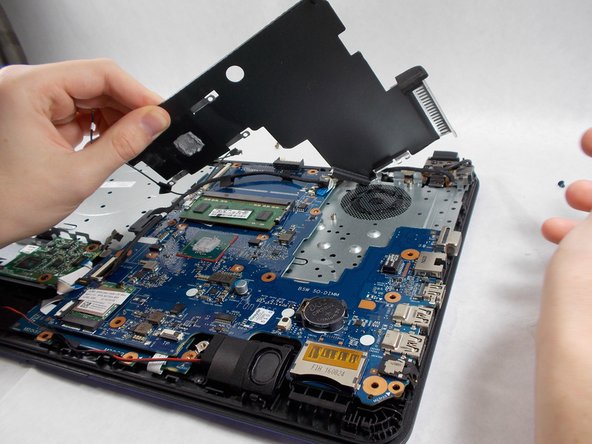
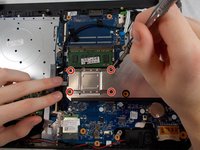
Using the Phillips #0 screwdriver, remove four 1.5 mm screws from the silver cover.
-
Remove the silver cover from the device.
-
-
-
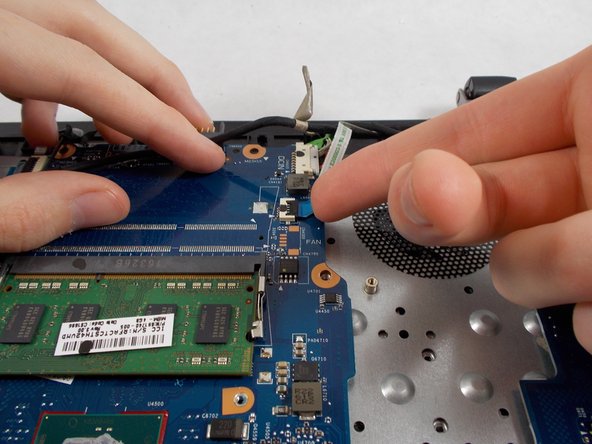
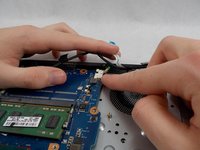
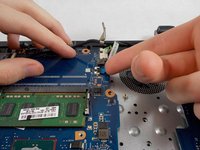
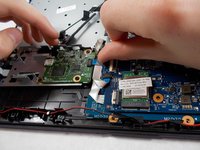
Once all plugs and screws disconnected, remove the motherboard from the device.
-
-
-
-
-
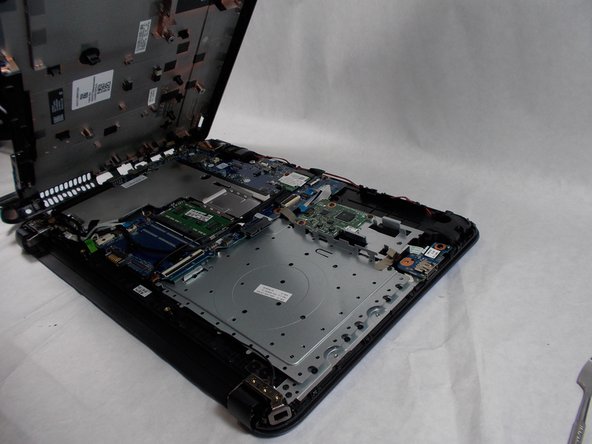
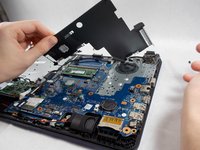
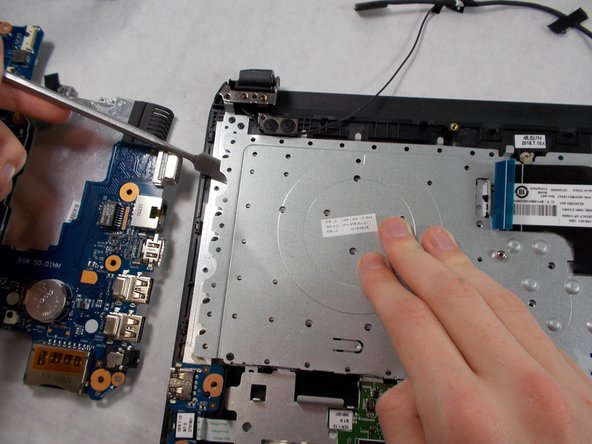
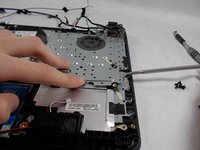
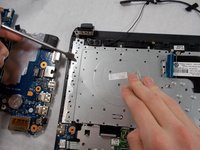
Carefully pry up the metal plate and detach it from the base.
-
-
-
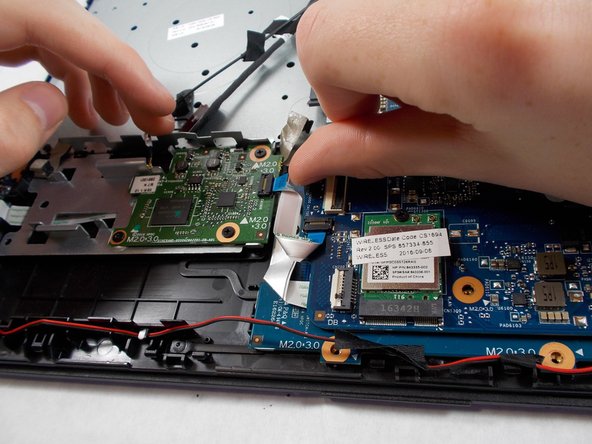
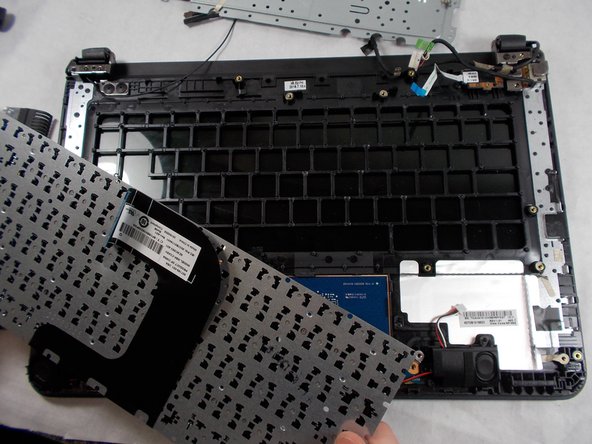
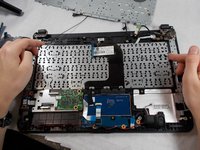
Pull the plate away from the base while pulling the keyboard connecting cable through.
-
-









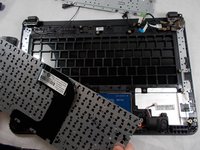
To reassemble your device, follow these instructions in reverse order.

Команда

UMass Dartmouth, Team 3-3, Sinclaire Fall 2021 Участник UMass Dartmouth, Team 3-3, Sinclaire Fall 2021
UMASSD-SINCLAIRE-F21S3G3
3 членов
Автор 63 руководств
