Перейти к основному содержанию
Присоединяйся к сообществу ремонтников - Создай аккаунт

HP 15-d076nr RAM Replacement

Выберете то, что вам нужно

  1. HP 15-d076nr RAM Replacement, RAM: шаг 1, изображение 1 из 1
    • Orient the laptop upside down so that the back of the laptop, where the battery is located, faces away from you.

  2. HP 15-d076nr RAM Replacement: шаг 2, изображение 1 из 1
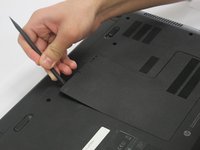
    • Locate the small screw on the panel at the center of the laptop.

    • Loosen the small screw using a Philips # 1 screwdriver.

    • The screw does not come free from the panel. It only needs to be loosened enough so that the panel can be lifted/pried.

  3. HP 15-d076nr RAM Replacement: шаг 3, изображение 1 из 2 HP 15-d076nr RAM Replacement: шаг 3, изображение 2 из 2
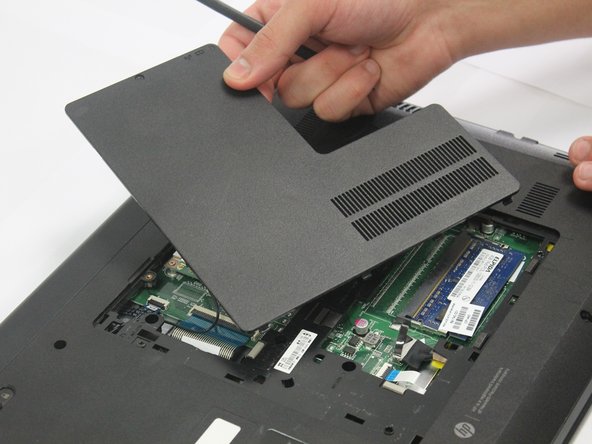
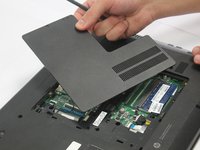
    • Carefully pry the middle panel up using a plastic spudger or other prying tool .

    • Pull the panel away from the laptop and set it off to the side.

  4. HP 15-d076nr RAM Replacement: шаг 4, изображение 1 из 1
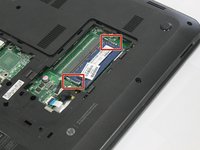
    • Locate the RAM in the exposed area.

  5. HP 15-d076nr RAM Replacement: шаг 5, изображение 1 из 3 HP 15-d076nr RAM Replacement: шаг 5, изображение 2 из 3 HP 15-d076nr RAM Replacement: шаг 5, изображение 3 из 3
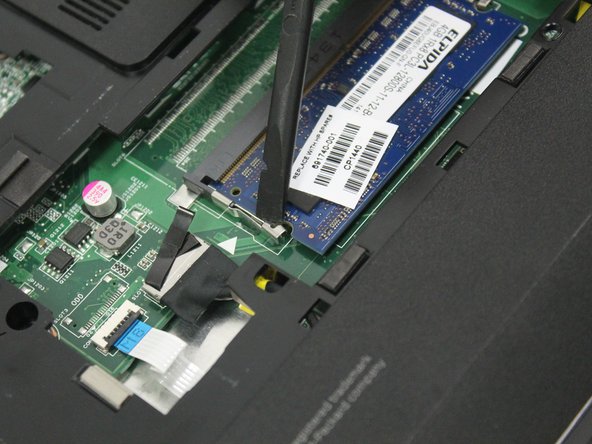
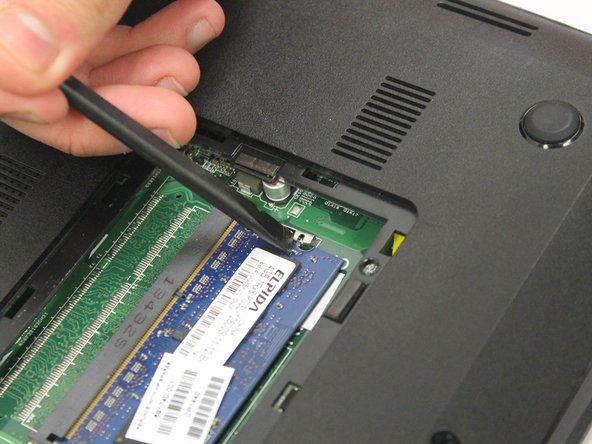
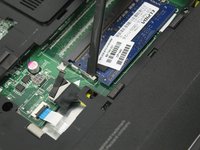
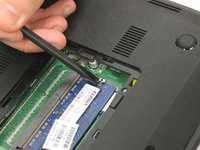
    • Locate the latches on the RAM.

    • Slide the latches away from the RAM using a plastic spudger.

    • The RAM might spring out.

  6. HP 15-d076nr RAM Replacement: шаг 6, изображение 1 из 1
    • Remove the RAM.

Заключение

To reassemble your device, follow these instructions in reverse order.

Amy Weed

Участник с: 01/12/17

577 Репутация

Автор 5 руководств

Команда

Oakland University, Team 2-2, Ruskiewicz Winter 2017 Участник Oakland University, Team 2-2, Ruskiewicz Winter 2017

OAK-RUSKIEWICZ-W17S2G2

4 членов

Автор 7 руководств

0 Комментарии к руководству

Добавить комментарий

Статистика просмотров:

За последние 24 часов: 1

За последние 7 дней: 3

За последние 30 дней: 14

За всё время: 683