Введение
This guide will show you how to replace the RAM in the HP EliteBook 820 G3 laptop. Before beginning this guide, ensure to unplug your device from the electric outlet and charging port. Power off the device completely by holding down the power key.
Выберете то, что вам нужно
-
-
-
Remove the eleven 3 mm screws with a Phillips #00 screwdriver.
 Спросите у FixBot
-
-
-
-
Remove the SD card blank and the single 3 mm screw beneath it using a Phillips #00 screwdriver.
-
Lift off the back cover with your hands.
-
-
-
-
-
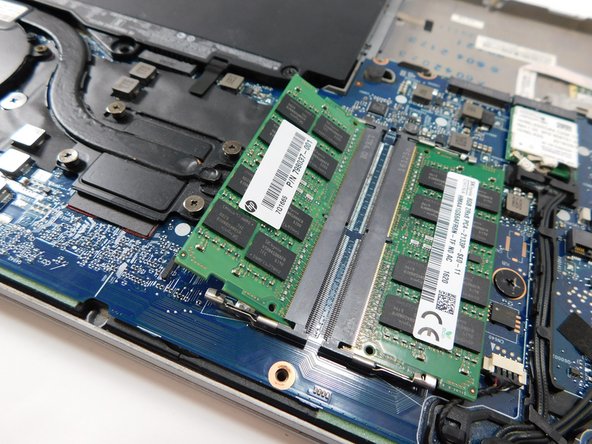
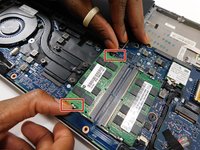
Pull the two clips on either side of the RAM sideways at the same time.
-
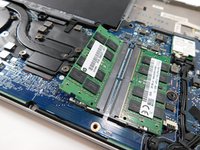
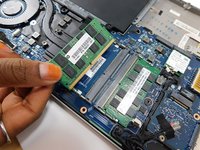
Pull the RAM stick out.
-
Repeat this step with the other RAM stick.
-
-



To reassemble your device, follow these instructions in reverse order.
Отменить: Я не выполнил это руководство.
2 человек успешно провели ремонт по этому руководству.

Команда

Gateway, Team 1-1, Class Fall 2022 Участник Gateway, Team 1-1, Class Fall 2022
GCC-CLASS-F22S1G1
4 членов
Автор 39 руководств
1 Комментарий к руководству
How to reset BIOS password on the HP 820 G3 please? Many thanks.
