Перейти к основному содержанию
Присоединяйся к сообществу ремонтников - Создай аккаунт

HP Mini 210-2070NR Keyboard Replacement

Выберете то, что вам нужно

    1. HP Mini 210-2070NR Keyboard Replacement, Battery and Service Access Cover: шаг 1, изображение 1 из 1
      • Before beginning, make sure that your computer is turned off and all external power cords are disconnected.

      • Close the laptop and turn it over so that the underside is up and the silver battery bay is facing towards you.

      Спросите у FixBot

      Добавить комментарий

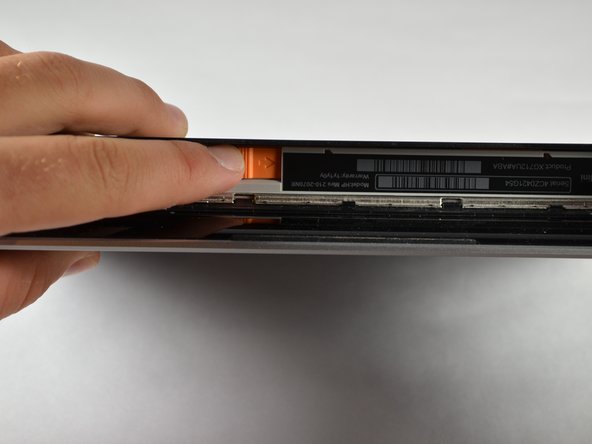
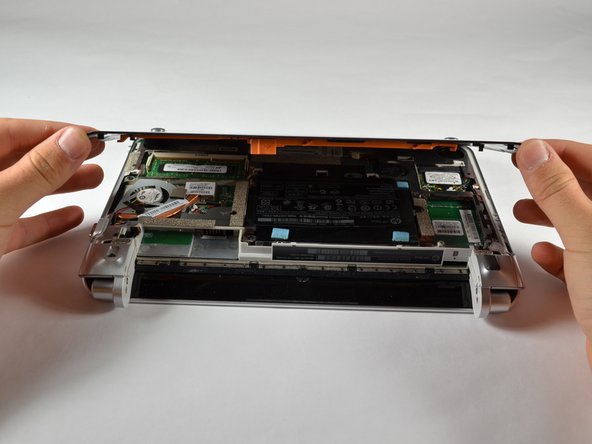
    2. HP Mini 210-2070NR Keyboard Replacement: шаг 2, изображение 1 из 3 HP Mini 210-2070NR Keyboard Replacement: шаг 2, изображение 2 из 3 HP Mini 210-2070NR Keyboard Replacement: шаг 2, изображение 3 из 3
      • The battery locking latch is on the bottom right corner; slide it inward to unlock the battery.

      • Slide the battery release latch inwards.

      • Pull the battery towards you to remove it.

      Спросите у FixBot

      Добавить комментарий

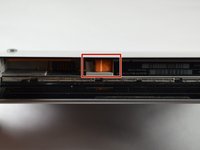
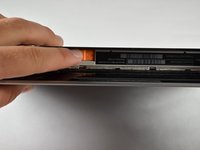
    3. HP Mini 210-2070NR Keyboard Replacement: шаг 3, изображение 1 из 3 HP Mini 210-2070NR Keyboard Replacement: шаг 3, изображение 2 из 3 HP Mini 210-2070NR Keyboard Replacement: шаг 3, изображение 3 из 3
      • Slide the service access cover release lever to the right.

      • While holding the lever to the right, lift up the laptop's bottom cover gently and remove the cover.

      Спросите у FixBot

      Добавить комментарий

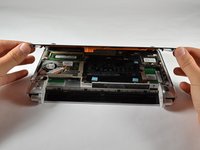
    4. HP Mini 210-2070NR Keyboard Replacement: шаг 4, изображение 1 из 1
      • Orient the computer as shown in the picture.

      Спросите у FixBot

      Добавить комментарий

    1. HP Mini 210-2070NR Keyboard Replacement, Keyboard: шаг 5, изображение 1 из 2 HP Mini 210-2070NR Keyboard Replacement, Keyboard: шаг 5, изображение 2 из 2
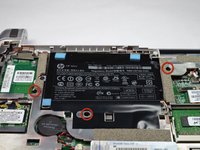
      • Using a 00 Phillips screwdriver, unscrew and remove the three 2.0 X 5.0 screws that connect the keyboard to the computer.

      • Each of the screws are labeled with small keyboards next to them.

      • Flip the computer over so that the front is facing you.

      Спросите у FixBot

      Добавить комментарий

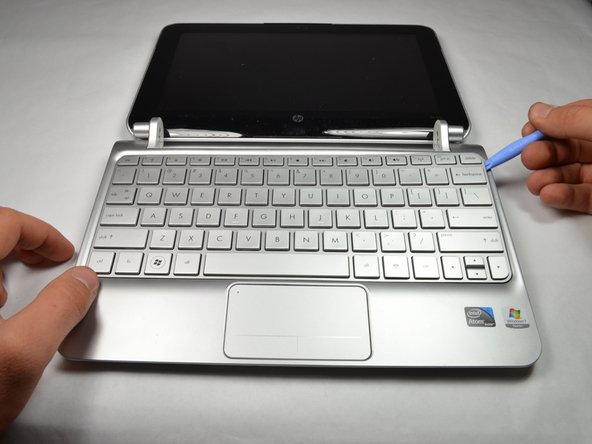
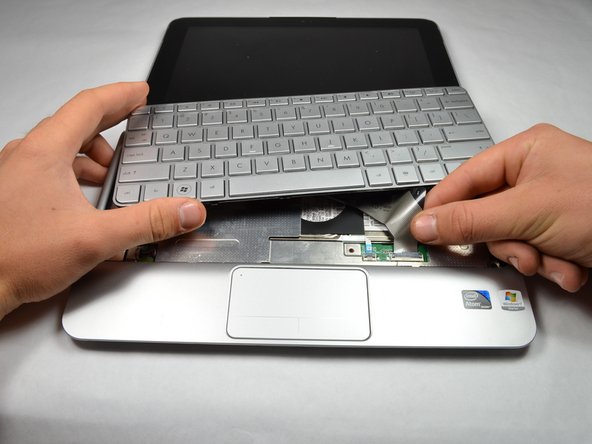
    2. HP Mini 210-2070NR Keyboard Replacement: шаг 6, изображение 1 из 3 HP Mini 210-2070NR Keyboard Replacement: шаг 6, изображение 2 из 3 HP Mini 210-2070NR Keyboard Replacement: шаг 6, изображение 3 из 3
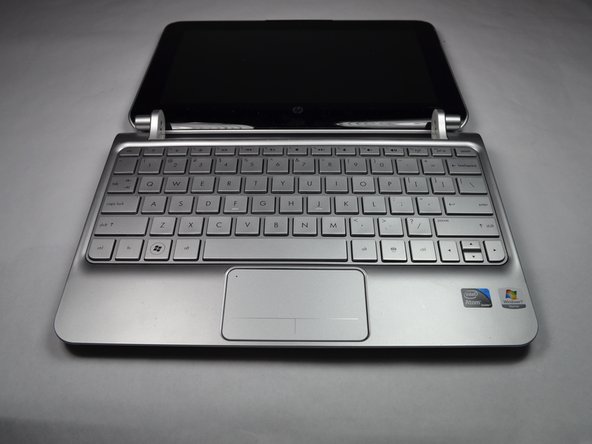
      • Open the computer screen as far as possible. It should be able to lay flat on whatever surface you are working on.

      • Pry along the rear edge of the keyboard away from the PC with the plastic opening tool.

      • Once enough of an opening has been established, gently grasp the edge and pull the keyboard towards you.

      • There is a cable connecting the keyboard to the laptop, so do not attempt to fully remove the keyboard yet or you will damage your device.

      Спросите у FixBot

      Добавить комментарий

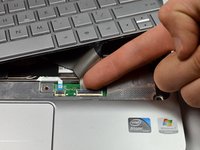
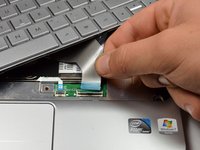
    3. HP Mini 210-2070NR Keyboard Replacement: шаг 7, изображение 1 из 2 HP Mini 210-2070NR Keyboard Replacement: шаг 7, изображение 2 из 2
      • Use your fingernail to flip up the black retaining flap attached to the keyboard ZIF connector.

      • Pull the keyboard cable out of its socket to disconnect it.

      Спросите у FixBot

      Добавить комментарий

    4. HP Mini 210-2070NR Keyboard Replacement: шаг 8, изображение 1 из 1
      • Remove the keyboard by lifting it away from the computer.

      Спросите у FixBot

      Добавить комментарий

Заключение

To reassemble your device, follow these instructions in reverse order.

Отменить: Я не выполнил это руководство.

Sean Kuster

Участник с: 10/05/12

91 Репутация

Автор 3 руководств

Команда

Cal Poly, Team 3-23, Amido Fall 2012 Участник Cal Poly, Team 3-23, Amido Fall 2012

CPSU-AMIDO-F12S3G23

4 членов

Автор 12 руководств

0 Комментарии к руководству

Добавить комментарий

Статистика просмотров:

За последние 24 часов: 0

За последние 7 дней: 8

За последние 30 дней: 25

За всё время: 2,037