Перейти к основному содержанию
Присоединяйся к сообществу ремонтников - Создай аккаунт

HP ProBook 440 G1 Optical Drive Replacement

Выберете то, что вам нужно

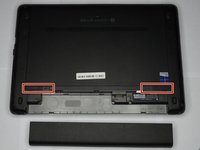
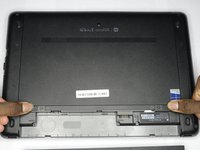
    1. HP ProBook 440 G1 Optical Drive Replacement, Battery: шаг 1, изображение 1 из 2 HP ProBook 440 G1 Optical Drive Replacement, Battery: шаг 1, изображение 2 из 2
      • Make sure the laptop is turned off before you start.

      • Push and hold the release tab on the right and left toward the center.

      Спросите у FixBot

      Добавить комментарий

    2. HP ProBook 440 G1 Optical Drive Replacement: шаг 2, изображение 1 из 2 HP ProBook 440 G1 Optical Drive Replacement: шаг 2, изображение 2 из 2
      • Pull the battery out.

      Спросите у FixBot

      Добавить комментарий

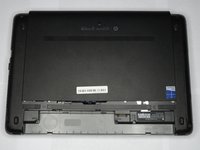
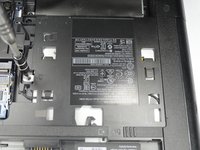
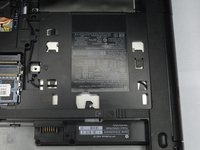
    1. HP ProBook 440 G1 Optical Drive Replacement, Backplate: шаг 3, изображение 1 из 3 HP ProBook 440 G1 Optical Drive Replacement, Backplate: шаг 3, изображение 2 из 3 HP ProBook 440 G1 Optical Drive Replacement, Backplate: шаг 3, изображение 3 из 3
      • Push and hold the release tabs on the right and left toward the center again.

      Спросите у FixBot

      Добавить комментарий

    2. HP ProBook 440 G1 Optical Drive Replacement: шаг 4, изображение 1 из 1
      • Slide the backplate off.

      Спросите у FixBot

      Добавить комментарий

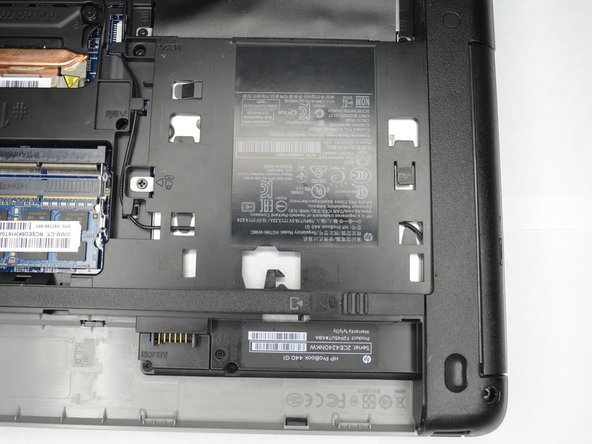
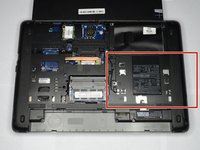
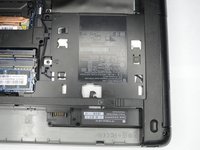
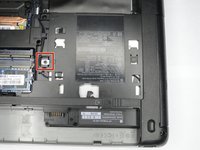
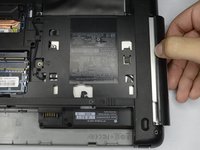
    1. HP ProBook 440 G1 Optical Drive Replacement, Optical Drive: шаг 5, изображение 1 из 2 HP ProBook 440 G1 Optical Drive Replacement, Optical Drive: шаг 5, изображение 2 из 2
      • Locate the optical drive, near the battery on the right side.

      Спросите у FixBot

      Добавить комментарий

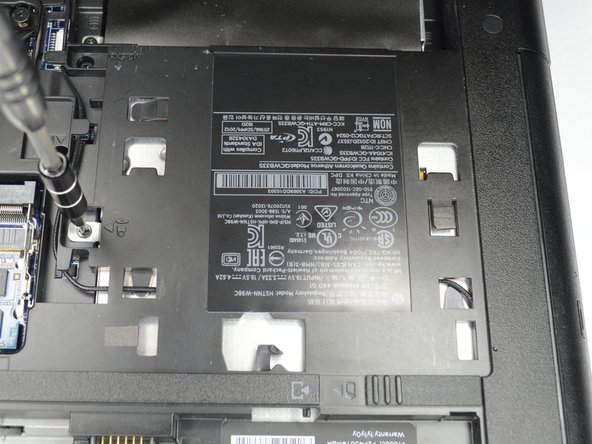
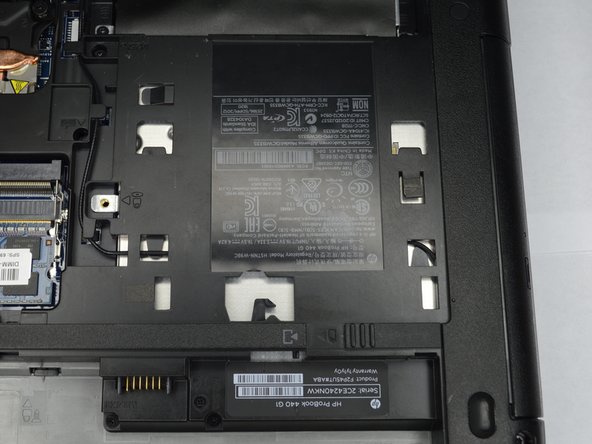
    2. HP ProBook 440 G1 Optical Drive Replacement: шаг 6, изображение 1 из 3 HP ProBook 440 G1 Optical Drive Replacement: шаг 6, изображение 2 из 3 HP ProBook 440 G1 Optical Drive Replacement: шаг 6, изображение 3 из 3
      • Remove the Philips PM2.5x6.0 screw that attaches the optical drive to the computer.

      Спросите у FixBot

      Добавить комментарий

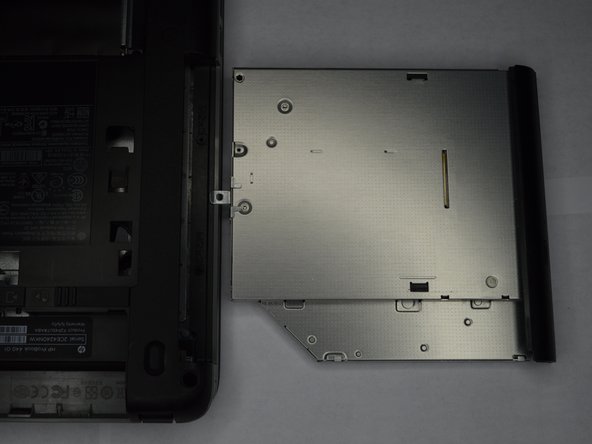
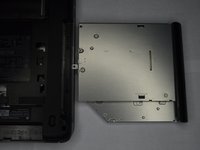
    3. HP ProBook 440 G1 Optical Drive Replacement: шаг 7, изображение 1 из 2 HP ProBook 440 G1 Optical Drive Replacement: шаг 7, изображение 2 из 2
      • Slowly remove the optical drive, by pulling it straight out of the slot.

      Спросите у FixBot

      Добавить комментарий

Заключение

To reassemble your device, follow these instructions in reverse order.

Отменить: Я не выполнил это руководство.

Еще один человек закончил это руководство.

Ethan A Courtney

Участник с: 10/24/18

875 Репутация

Автор 7 руководств

Команда

Purdue University Northwest, Team S1-G4, Hingst Fall 2018 Участник Purdue University Northwest, Team S1-G4, Hingst Fall 2018

PNW-HINGST-F18S1G4

1 член

Автор 63 руководств

0 Комментарии к руководству

Добавить комментарий

Статистика просмотров:

За последние 24 часов: 1

За последние 7 дней: 6

За последние 30 дней: 28

За всё время: 905