Введение
A laptop’s WLAN module (also called the Wi-Fi card, wireless module, or M.2 2230 wireless adapter) controls all wireless connectivity, including Wi-Fi and sometimes Bluetooth. Over time, these modules can fail, become unstable, or may need upgrading for better performance. This guide will walk you through safely removing and replacing the WLAN module in the HP ProBook 640 G5. Before beginning this repair, power off the laptop and disconnect all power sources.
Выберете то, что вам нужно
-
-
-
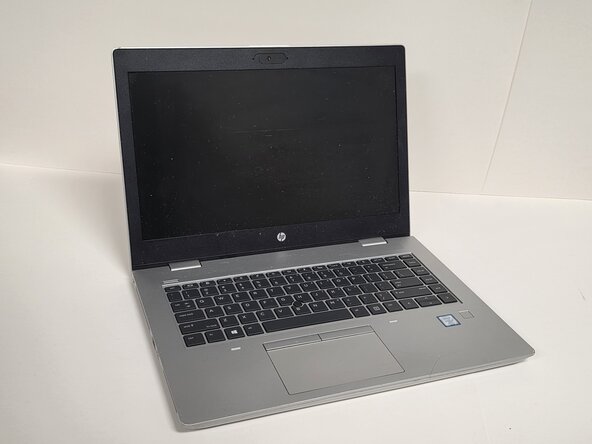
Shut down the HP ProBook 640 G5 completely.
-
Disconnect the power adapter and all connected peripherals.
-
Press and hold the power button for 5 seconds to discharge remaining electricity.
 Спросите у FixBot
-
-
-
Flip the laptop over so the bottom is facing up.
-
Loosen eight silver 6mm screws using a Phillips #0 screwdriver.
-
Remove two black 6mm screws using a TR7 Torx screwdriver.
-
Insert a plastic opening tool into the seam and gently pry around the edges.
-
Lift the bottom cover away from the laptop.
-
-
-
-
-
-
Locate the WLAN module.
-
Remove the single screw holding the WLAN card down.
-
-


To reassemble your device, follow these instructions in reverse order.

Команда

Austin Community College, Team 1-2, Anderson Spring 2026 Участник Austin Community College, Team 1-2, Anderson Spring 2026
AUSTINCC-ANDERSON-S26S1G2
3 членов
Автор 45 руководств
