Перейти к основному содержанию
Присоединяйся к сообществу ремонтников - Создай аккаунт

HP iPAQ HW6515 Keyboard Replacement

Выберете то, что вам нужно

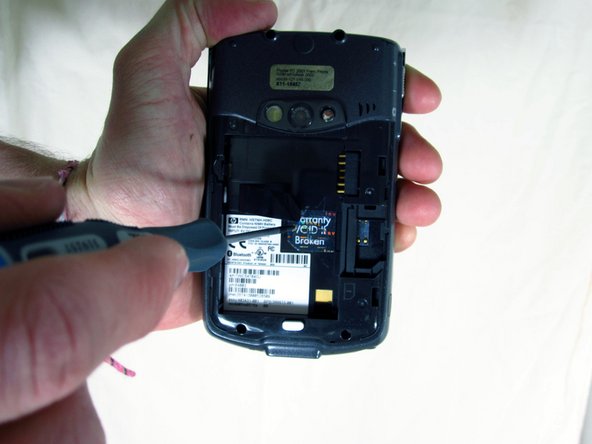
  1. HP iPAQ HW6515 Keyboard Replacement, Battery: шаг 1, изображение 1 из 3 HP iPAQ HW6515 Keyboard Replacement, Battery: шаг 1, изображение 2 из 3 HP iPAQ HW6515 Keyboard Replacement, Battery: шаг 1, изображение 3 из 3
    • Flip the HP iPAQ HW6515 over with the screen facing down.

    • Take the back cover off by pressing on the small silver button while pulling back then up on the case.

    • Place the back of the case aside for now.

    Спросите у FixBot
  2. HP iPAQ HW6515 Keyboard Replacement: шаг 2, изображение 1 из 1
    • Remove the battery by pulling up on the black tab.

    Спросите у FixBot
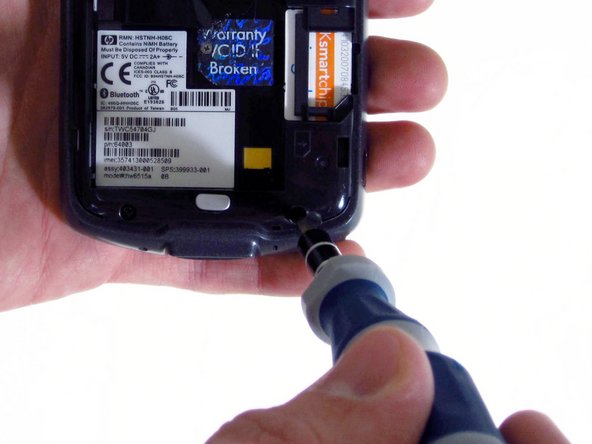
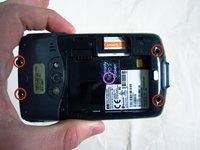
  3. HP iPAQ HW6515 Keyboard Replacement, Motherboard: шаг 3, изображение 1 из 3 HP iPAQ HW6515 Keyboard Replacement, Motherboard: шаг 3, изображение 2 из 3 HP iPAQ HW6515 Keyboard Replacement, Motherboard: шаг 3, изображение 3 из 3
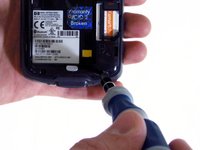
    • Unscrew the four outside screws using the T6 hexagonal star screwdriver.

    • Unscrew the inside middle screw using a Phillips 00 screwdriver.

    • "Warranty VOID if broken" sticker might be covering the middle screw, if this is the case, peel it off to reveal the screw.

    Спросите у FixBot
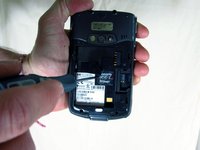
  4. HP iPAQ HW6515 Keyboard Replacement: шаг 4, изображение 1 из 3 HP iPAQ HW6515 Keyboard Replacement: шаг 4, изображение 2 из 3 HP iPAQ HW6515 Keyboard Replacement: шаг 4, изображение 3 из 3
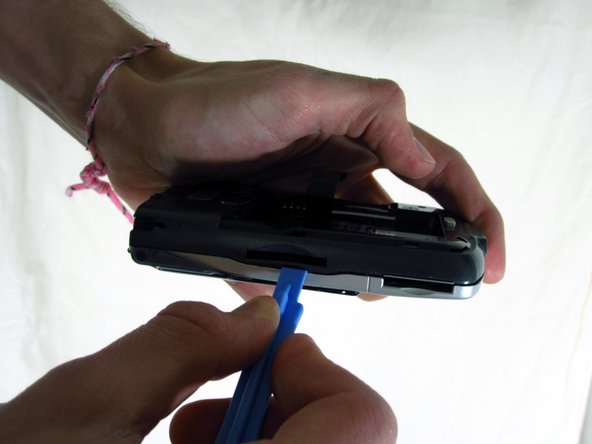
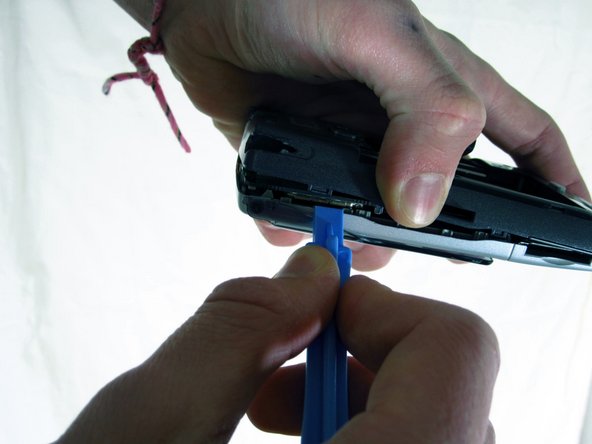
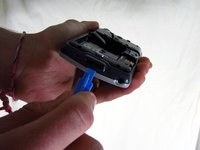
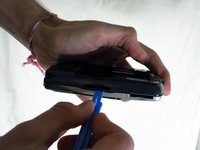
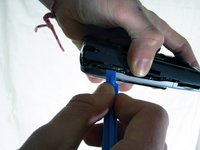
    • Use the plastic opening tool to pry apart the covers along the bottom of the phone.

    • Slide the plastic opening tool along the seam until the two halves of the case separate.

    Спросите у FixBot
  5. HP iPAQ HW6515 Keyboard Replacement: шаг 5, изображение 1 из 3 HP iPAQ HW6515 Keyboard Replacement: шаг 5, изображение 2 из 3 HP iPAQ HW6515 Keyboard Replacement: шаг 5, изображение 3 из 3
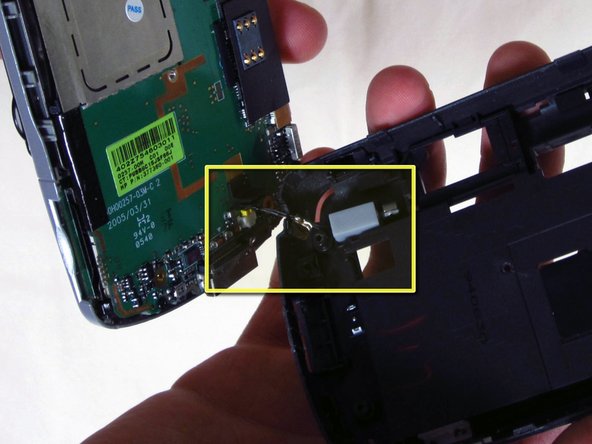
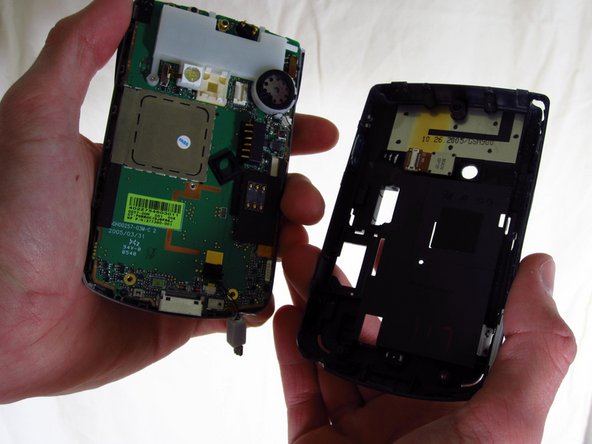
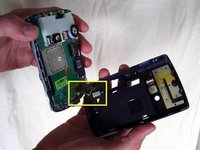
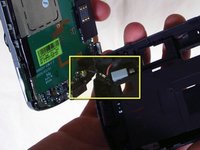
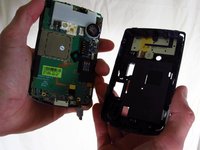
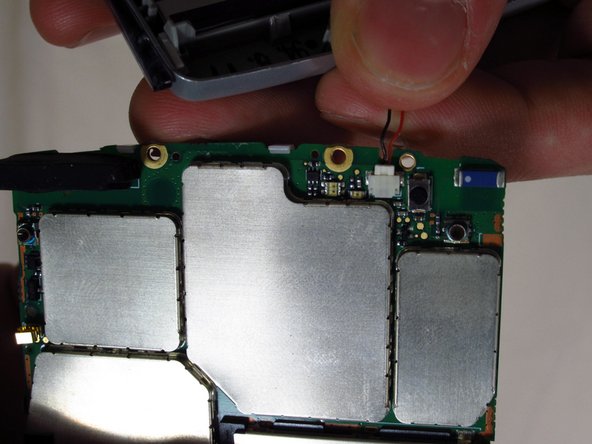
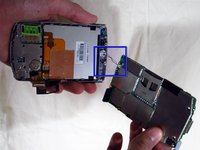
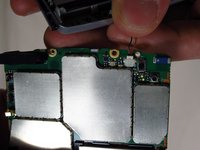
    • Unplug the sensor wire that connects the two halves of the case before pulling the two halves apart. Not doing so will damage the sensor wire.

    Спросите у FixBot
  6. HP iPAQ HW6515 Keyboard Replacement: шаг 6, изображение 1 из 1
    • Use a 00 Phillips screwdriver to remove the three small screws holding down the motherboard.

    Спросите у FixBot
  7. HP iPAQ HW6515 Keyboard Replacement: шаг 7, изображение 1 из 1
    • Peel back the black tape that covers the connector.

    • It is fine if one of the left connectors comes off along with the tape.

    Спросите у FixBot
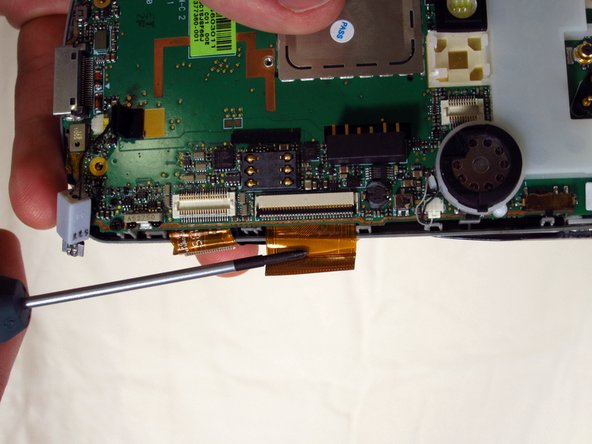
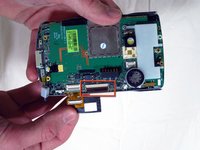
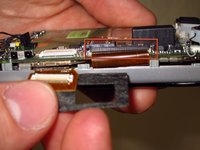
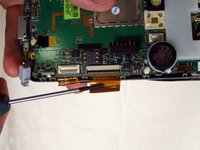
  8. HP iPAQ HW6515 Keyboard Replacement: шаг 8, изображение 1 из 3 HP iPAQ HW6515 Keyboard Replacement: шаг 8, изображение 2 из 3 HP iPAQ HW6515 Keyboard Replacement: шаг 8, изображение 3 из 3
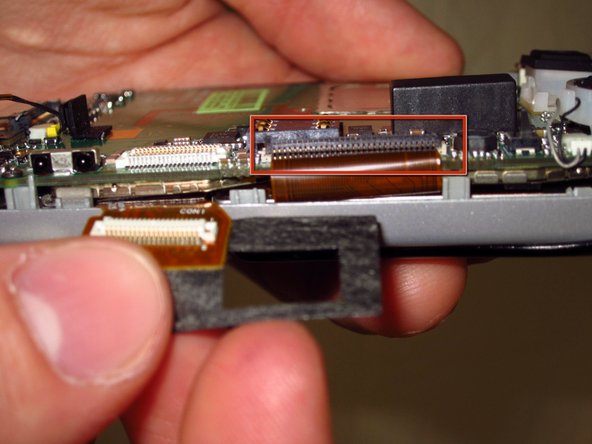
    • Lift the black tab to a 45 degree angle.

    • Use a screwdriver to get under the tape and disconnect the tape from the black tab.

    Спросите у FixBot
  9. HP iPAQ HW6515 Keyboard Replacement: шаг 9, изображение 1 из 2 HP iPAQ HW6515 Keyboard Replacement: шаг 9, изображение 2 из 2
    • Gently pry the motherboard out of the front casing, bottom first.

    • Disconnect the wire connecting the motherboard to the front casing. Using too much force will damage this wire.

    Спросите у FixBot
  10. HP iPAQ HW6515 Keyboard Replacement, Keyboard: шаг 10, изображение 1 из 1
    • Unscrew the four small screws holding the keyboard in place using a 00 Phillips screwdriver.

    Спросите у FixBot
  11. HP iPAQ HW6515 Keyboard Replacement: шаг 11, изображение 1 из 1
    • Holding the phone in the same orientation as the photo, gently pull off the backing of the keyboard and place it aside. Removing this backing grants you access to the keyboard.

    Спросите у FixBot
  12. HP iPAQ HW6515 Keyboard Replacement: шаг 12, изображение 1 из 1
    • Carefully pop the keyboard out by bending the phone casing to free the keyboard from the casing.

    Спросите у FixBot
Заключение

To reassemble your device, follow these instructions in reverse order.

Еще один человек закончил это руководство.

Tim

Участник с: 04/03/12

88 Репутация

Автор 2 руководств

Команда

Cal Poly, Team 15-17, Forte Spring 2012 Участник Cal Poly, Team 15-17, Forte Spring 2012

CPSU-FORTE-S12S15G17

4 членов

Автор 5 руководств

0 Комментарии к руководству

Добавить комментарий

Статистика просмотров:

За последние 24 часов: 1

За последние 7 дней: 6

За последние 30 дней: 56

За всё время: 1,128