Перейти к основному содержанию
Присоединяйся к сообществу ремонтников - Создай аккаунт

HTC Amaze Front Facing Camera Replacement

Выберете то, что вам нужно

  1. HTC Amaze Front Facing Camera Replacement, Battery: шаг 1, изображение 1 из 2 HTC Amaze Front Facing Camera Replacement, Battery: шаг 1, изображение 2 из 2
    • Gently press the Release Button located at the bottom of the phone in order to remove the back panel of the device.

    Спросите у FixBot
  2. HTC Amaze Front Facing Camera Replacement: шаг 2, изображение 1 из 1
    • Once you locate the battery, look for a notch below it.

    • Gently insert your fingernails into the notch.

    • Lift the battery out of its recess.

    Спросите у FixBot
  3. HTC Amaze Front Facing Camera Replacement, HTC Amaze Back Panel Disassembly: шаг 3, изображение 1 из 3 HTC Amaze Front Facing Camera Replacement, HTC Amaze Back Panel Disassembly: шаг 3, изображение 2 из 3 HTC Amaze Front Facing Camera Replacement, HTC Amaze Back Panel Disassembly: шаг 3, изображение 3 из 3
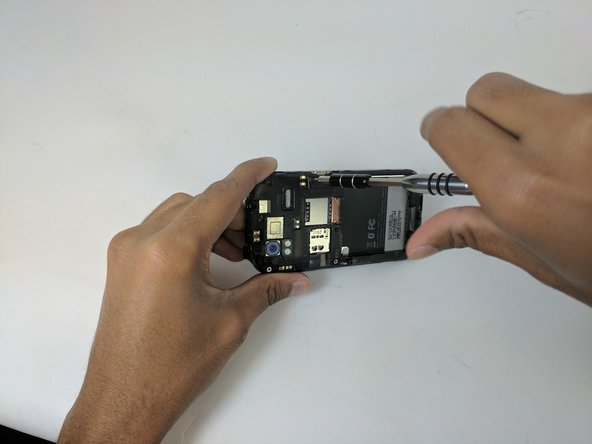
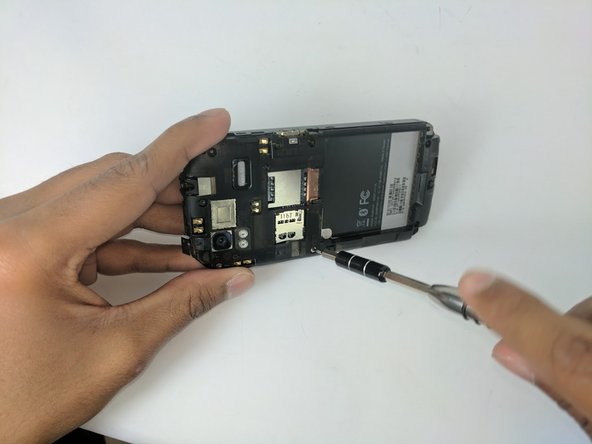
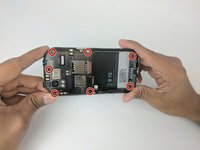
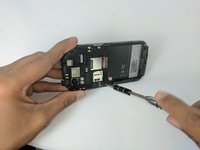
    • Use the Torx T5 screwdriver to remove the 7 Torx Screws (3mm) attached to the back housing of the device.

    • One of the Screws may have a tape attached to it that says void. Removing this screw will void the devices warranty.

    Спросите у FixBot
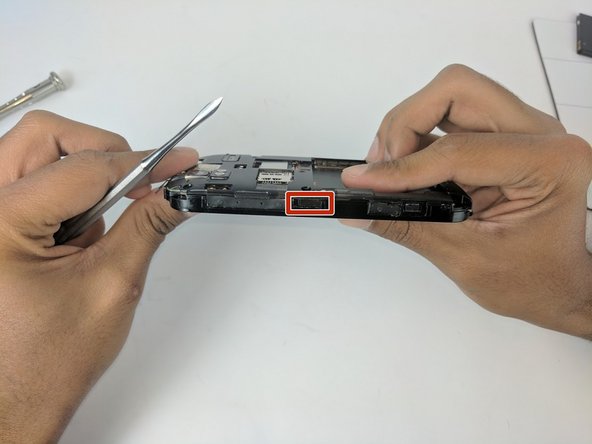
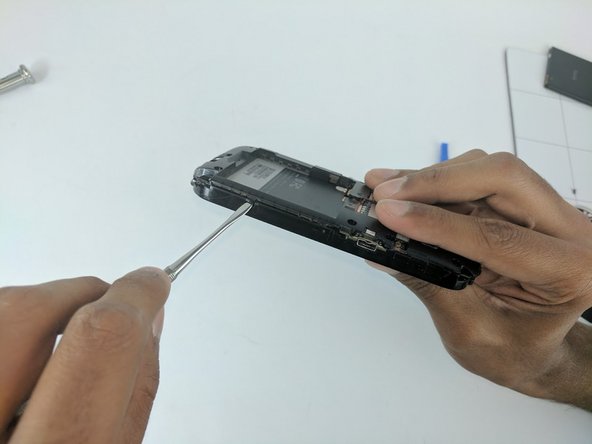
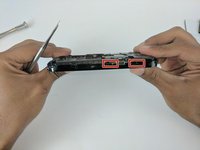
  4. HTC Amaze Front Facing Camera Replacement: шаг 4, изображение 1 из 3 HTC Amaze Front Facing Camera Replacement: шаг 4, изображение 2 из 3 HTC Amaze Front Facing Camera Replacement: шаг 4, изображение 3 из 3
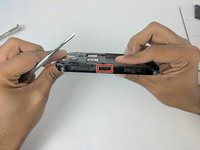
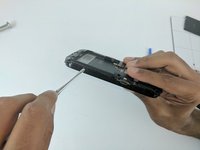
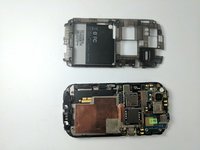
    • Proceed to remove the back housing by using the spudger to gently unclip each clip holding the back housing in place and then lift the outer edges of the back housing

    • If you're having trouble opening the back try using the spudger to gently pry all around the panel before you attempt to remove it.

    Спросите у FixBot
  5. HTC Amaze Front Facing Camera Replacement: шаг 5, изображение 1 из 2 HTC Amaze Front Facing Camera Replacement: шаг 5, изображение 2 из 2
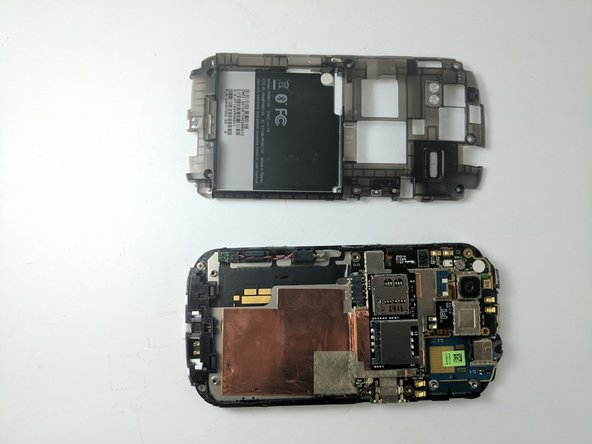
    • Now simply remove the back panel by gently pulling. This will make it easier to access the devices internal components.

    Спросите у FixBot
  6. HTC Amaze Front Facing Camera Replacement, Motherboard: шаг 6, изображение 1 из 3 HTC Amaze Front Facing Camera Replacement, Motherboard: шаг 6, изображение 2 из 3 HTC Amaze Front Facing Camera Replacement, Motherboard: шаг 6, изображение 3 из 3
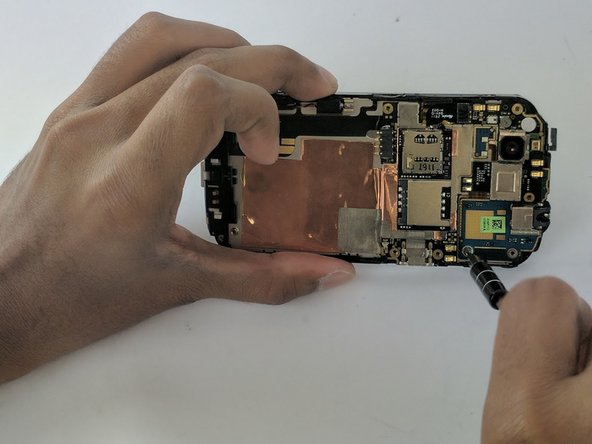
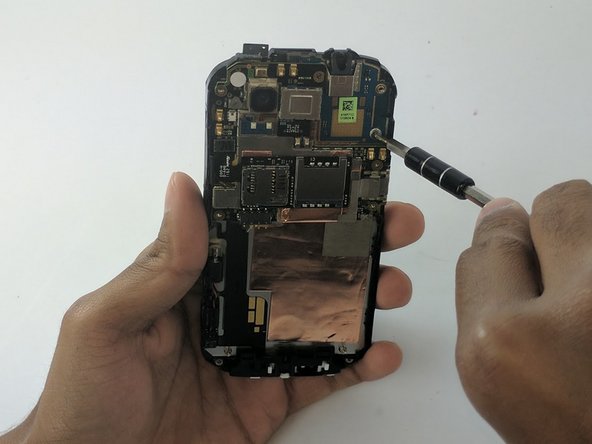
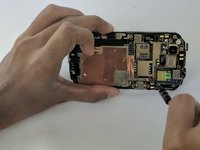
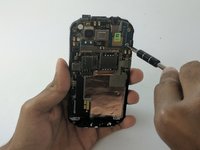
    • Locate and remove the Phillips J000 screw.

    Спросите у FixBot
  7. HTC Amaze Front Facing Camera Replacement: шаг 7, изображение 1 из 2 HTC Amaze Front Facing Camera Replacement: шаг 7, изображение 2 из 2
    Инструмент, используемый на этом этапе:
    Tweezers
    $4.99
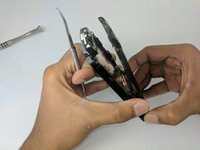
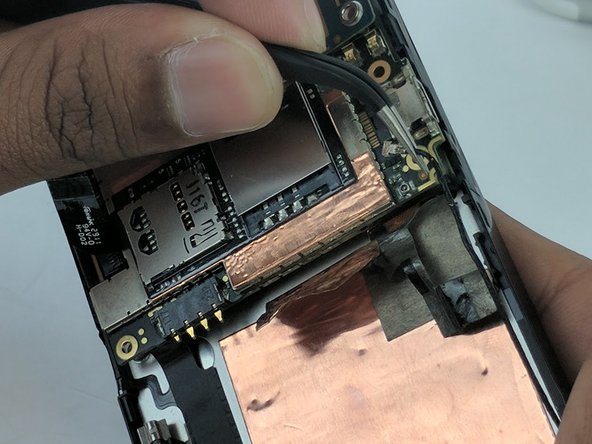
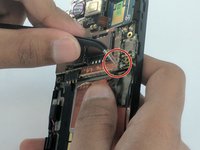
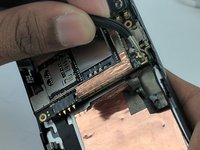
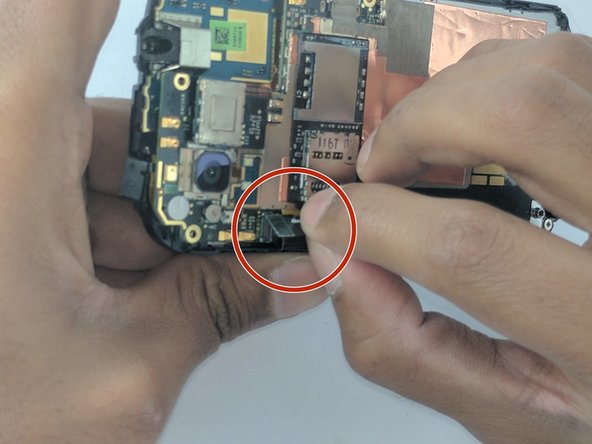
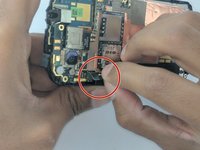
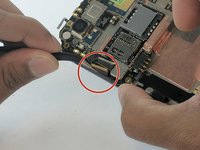
    • Remove the power supply from the motherboard by gently pulling the end of the black wire with the precision tweezers.

    Спросите у FixBot
  8. HTC Amaze Front Facing Camera Replacement: шаг 8, изображение 1 из 3 HTC Amaze Front Facing Camera Replacement: шаг 8, изображение 2 из 3 HTC Amaze Front Facing Camera Replacement: шаг 8, изображение 3 из 3
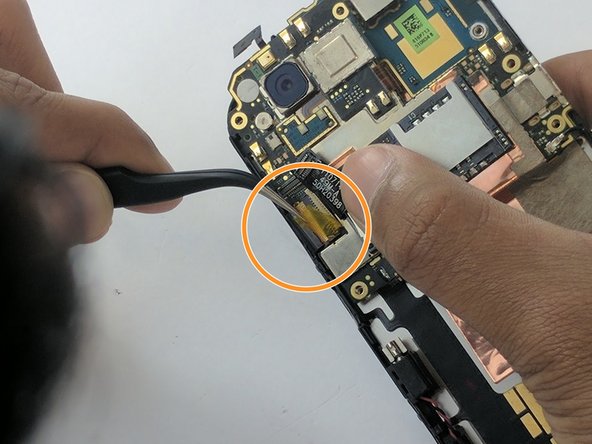
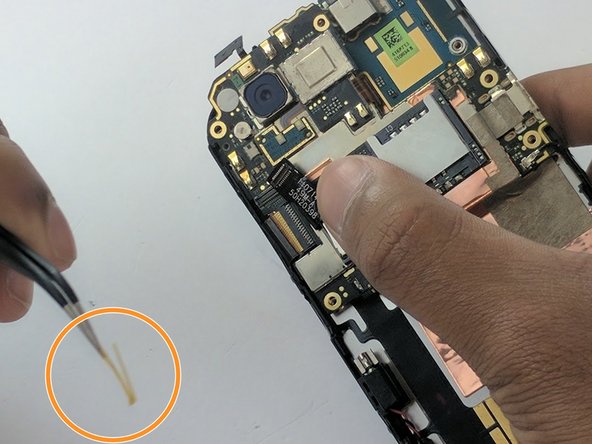
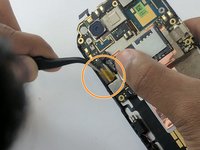
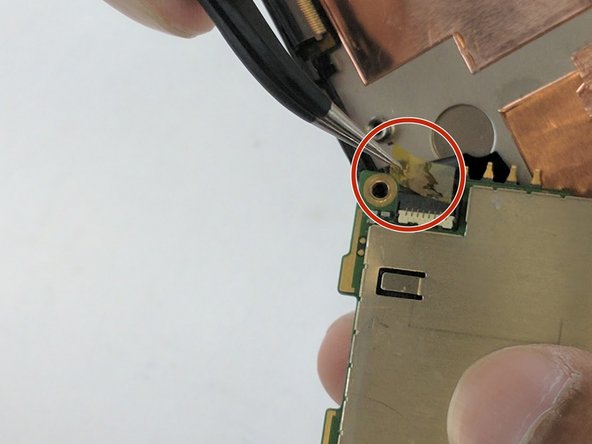
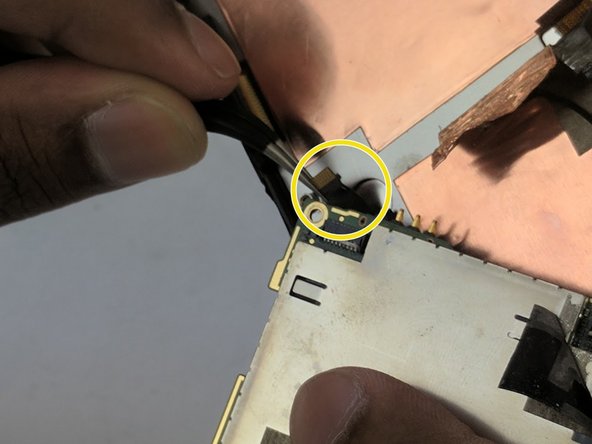
    • First, gently lift the black strip by pulling. It will take a little force and then it will disconnect.

    • Next remove the yellow mylar tape using the precision tweezers.

    Спросите у FixBot
  9. HTC Amaze Front Facing Camera Replacement: шаг 9, изображение 1 из 3 HTC Amaze Front Facing Camera Replacement: шаг 9, изображение 2 из 3 HTC Amaze Front Facing Camera Replacement: шаг 9, изображение 3 из 3
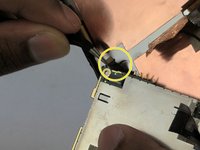
    • Remove the jawbone connector that was under the mylar tape by gently pulling with the precision tweezers.

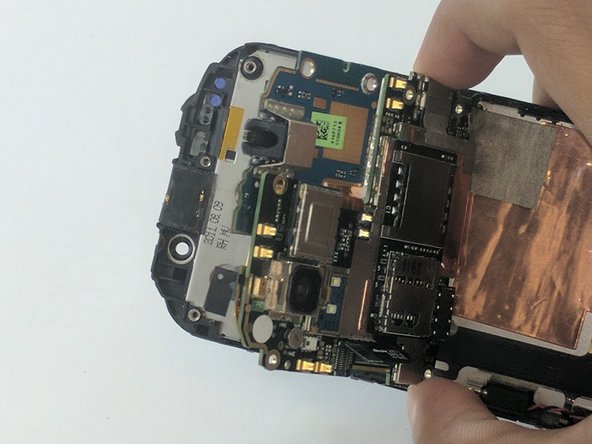
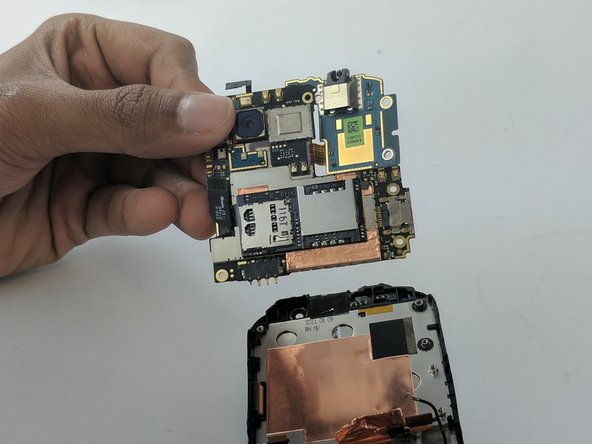
    • Now gently pull the motherboard away from its housing. You'll now have access to the bottom side of the motherboard.

    Спросите у FixBot
  10. HTC Amaze Front Facing Camera Replacement: шаг 10, изображение 1 из 3 HTC Amaze Front Facing Camera Replacement: шаг 10, изображение 2 из 3 HTC Amaze Front Facing Camera Replacement: шаг 10, изображение 3 из 3
    • Locate a second jawbone connector covered by mylar tape at the bottom of the back of the motherboard.

    • Remove the tape by pulling gently with the precision tweezers.

    • Remove the jawbone connector with the precision tweezers.

    Спросите у FixBot
  11. HTC Amaze Front Facing Camera Replacement: шаг 11, изображение 1 из 2 HTC Amaze Front Facing Camera Replacement: шаг 11, изображение 2 из 2
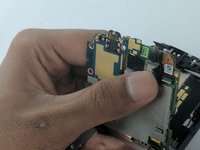
    • Carefully pull the motherboard out of its recess.

    Спросите у FixBot
  12. HTC Amaze Front Facing Camera Replacement, Front Facing Camera: шаг 12, изображение 1 из 2 HTC Amaze Front Facing Camera Replacement, Front Facing Camera: шаг 12, изображение 2 из 2
    Инструмент, используемый на этом этапе:
    Tweezers
    $4.99
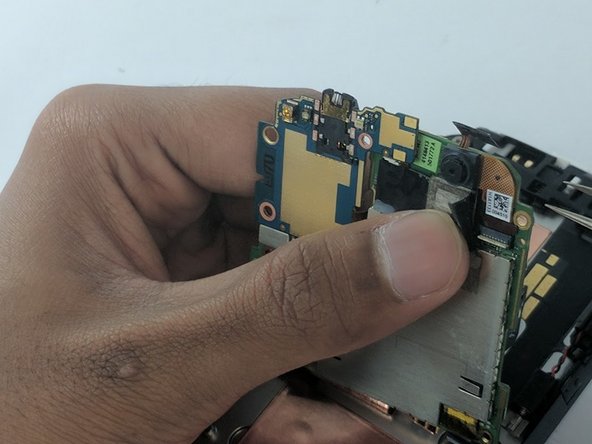
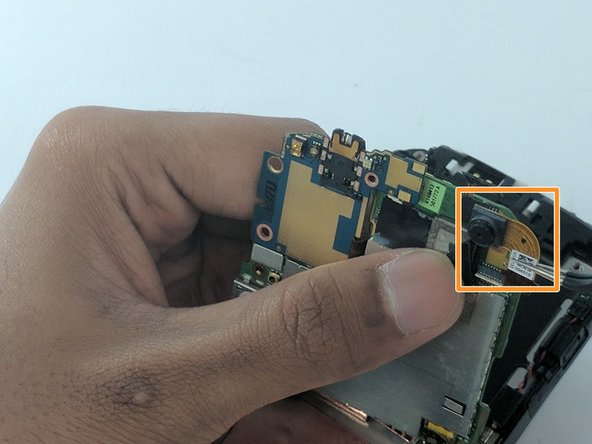
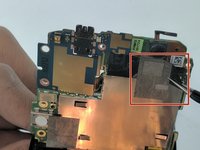
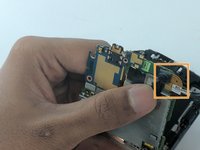
    • Locate the camera at the top right of the interior side of the motherboard, and remove the tape holding its connector in place. Peel back the tape using the precision tweezers

    • While holding the tape away, gently lift the camera up with the precision tweezers.

    Спросите у FixBot
Заключение

To reassemble your device, follow these instructions in reverse order.

Jonah DIngle

Участник с: 09/22/16

286 Репутация

Автор 2 руководств

Команда

USF Tampa, Team 16-3, Eyestone Fall 2016 Участник USF Tampa, Team 16-3, Eyestone Fall 2016

USFT-EYESTONE-F16S16G3

2 членов

Автор 10 руководств

0 Комментарии к руководству

Добавить комментарий

Статистика просмотров:

За последние 24 часов: 0

За последние 7 дней: 5

За последние 30 дней: 48

За всё время: 379