Перейти к основному содержанию
Присоединяйся к сообществу ремонтников - Создай аккаунт

HTC Hero Trackball Replacement

Выберете то, что вам нужно

  1. HTC Hero Trackball Replacement, Back Case: шаг 1, изображение 1 из 1
    • Remove the back of the phone by pushing firmly with your thumbs up towards the camera.

    • Remove both the battery and the SD card (Press SD card in to release)

    • Locate and remove the four Torx screws highlighted in the photo, with the phone laying face down on your work space.

    Спросите у FixBot
  2. HTC Hero Trackball Replacement: шаг 2, изображение 1 из 1
    • Carefully pry the inside back cover from the device using an appropriate size plastic opening tool or small flathead screwdriver.

    • Insert the flat end between the back and front enclosure, working your way around the rim.

    Спросите у FixBot
  3. HTC Hero Trackball Replacement: шаг 3, изображение 1 из 1
    • Gently depress and release the small plastic tabs around the rim in the front enclosure, highlighted here.

    • It is best to start with the tab found on the top center of the phone, as it is easiest to locate.

    Спросите у FixBot
  4. HTC Hero Trackball Replacement: шаг 4, изображение 1 из 2 HTC Hero Trackball Replacement: шаг 4, изображение 2 из 2
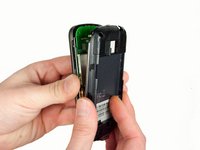
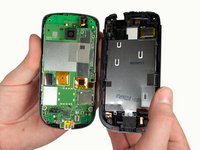
    • Carefully separate the front and back enclosures once all of the clips have been disengaged.

    • Be sure to not separate too quickly or you risk breaking an attached tab.

    Спросите у FixBot
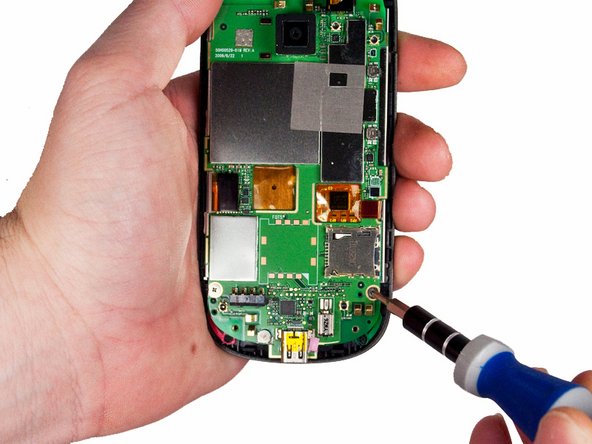
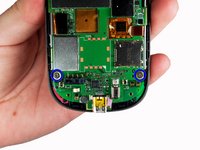
  5. HTC Hero Trackball Replacement, Trackball: шаг 5, изображение 1 из 2 HTC Hero Trackball Replacement, Trackball: шаг 5, изображение 2 из 2
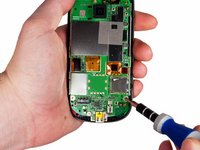
    • Remove the two screws near the bottom of the motherboard with a Phillips head screwdriver.

    Спросите у FixBot
  6. HTC Hero Trackball Replacement: шаг 6, изображение 1 из 2 HTC Hero Trackball Replacement: шаг 6, изображение 2 из 2
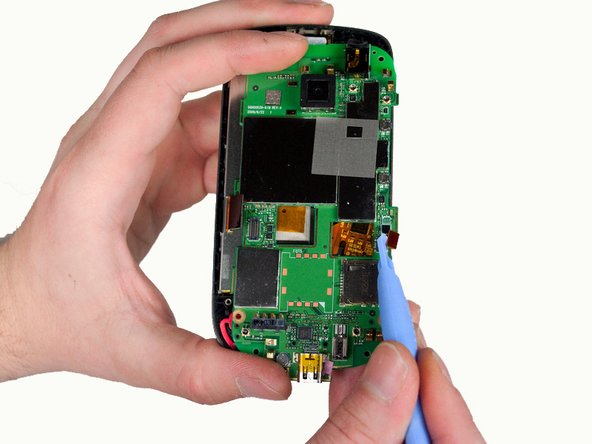
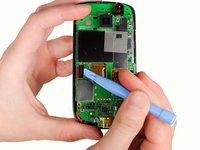
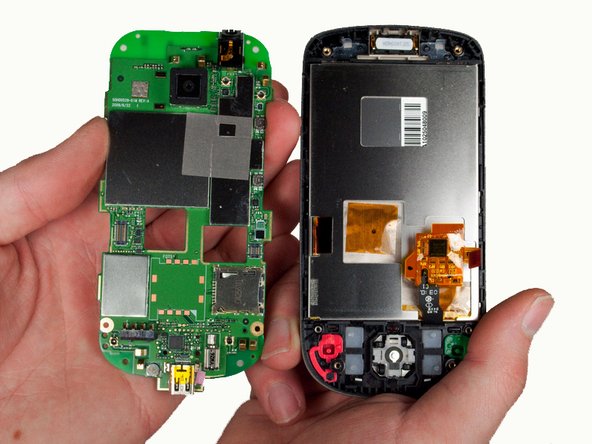
    • Gently pull off the ribbons holding the sides of the motherboard to the front enclosure.

    Спросите у FixBot
  7. HTC Hero Trackball Replacement: шаг 7, изображение 1 из 2 HTC Hero Trackball Replacement: шаг 7, изображение 2 из 2
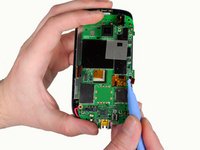
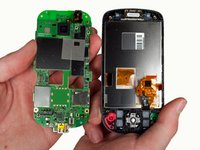
    • Remove the motherboard from within the front enclosure.

    • Be careful when pulling the ribbons off the motherboard as they may rip or break.

    Спросите у FixBot
  8. HTC Hero Trackball Replacement: шаг 8, изображение 1 из 2 HTC Hero Trackball Replacement: шаг 8, изображение 2 из 2
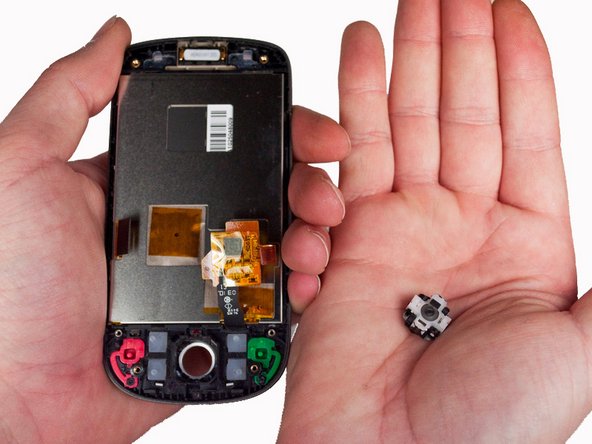
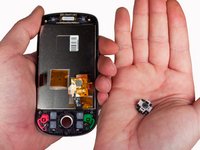
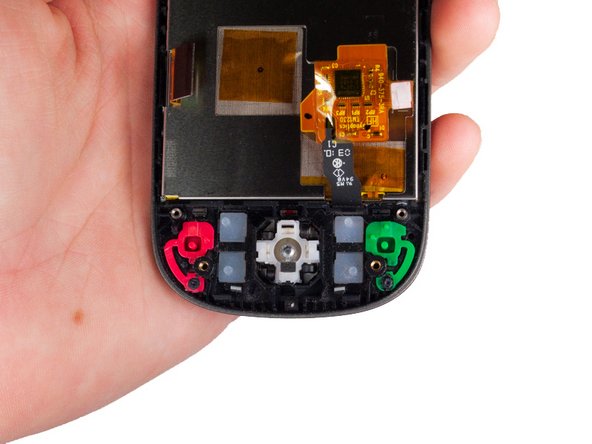
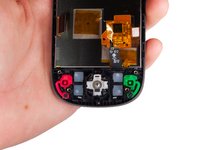
    • Tilt the inside of the front enclosure towards your cupped palm to remove the trackball and it's enclosure will fall out.

    Спросите у FixBot
  9. HTC Hero Trackball Replacement: шаг 9, изображение 1 из 3 HTC Hero Trackball Replacement: шаг 9, изображение 2 из 3 HTC Hero Trackball Replacement: шаг 9, изображение 3 из 3
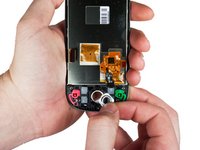
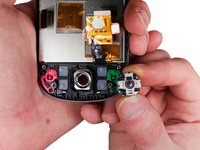
    • Position the phone off of the edge of the table and insert the replacement part by inserting the bevel then the trackball into the hole.

    • Make sure the two plastic pins on the trackball bevel are oriented horizontally.

    Спросите у FixBot
Заключение

To reassemble your device, follow these instructions in reverse order.

Еще один человек закончил это руководство.

Max Brown

Участник с: 01/23/12

139 Репутация

Автор 4 руководств

Команда

Cal Poly, Team 3-26, Amido Winter 2012 Участник Cal Poly, Team 3-26, Amido Winter 2012

CPSU-AMIDO-W12S3G26

5 членов

Автор 12 руководств

0 Комментарии к руководству

Добавить комментарий

Статистика просмотров:

За последние 24 часов: 0

За последние 7 дней: 8

За последние 30 дней: 74

За всё время: 1,840