Перейти к основному содержанию
Присоединяйся к сообществу ремонтников - Создай аккаунт

HTC One Mini LCD Display Replacement

Выберете то, что вам нужно

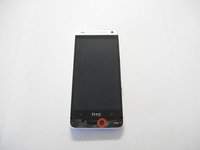
  1. HTC One Mini LCD Display Replacement, iOpener Heating: шаг 1, изображение 1 из 1
    • Use the iOpener to melt the glue off of the top and bottom speaker grills.

    Спросите у FixBot
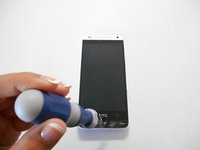
  2. HTC One Mini LCD Display Replacement, Remove Speaker Grills: шаг 2, изображение 1 из 1
    • Use the blue plastic opening tool to pry and remove the bottom speaker grill.

    Спросите у FixBot
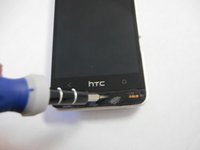
  3. HTC One Mini LCD Display Replacement, Remove Screw: шаг 3, изображение 1 из 3 HTC One Mini LCD Display Replacement, Remove Screw: шаг 3, изображение 2 из 3 HTC One Mini LCD Display Replacement, Remove Screw: шаг 3, изображение 3 из 3
    • Remove the screw under speaker grill using a T6 Torx screwdriver.

    Спросите у FixBot
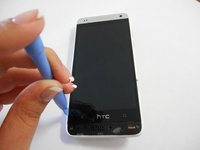
  4. HTC One Mini LCD Display Replacement: шаг 4, изображение 1 из 3 HTC One Mini LCD Display Replacement: шаг 4, изображение 2 из 3 HTC One Mini LCD Display Replacement: шаг 4, изображение 3 из 3
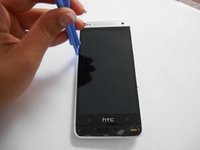
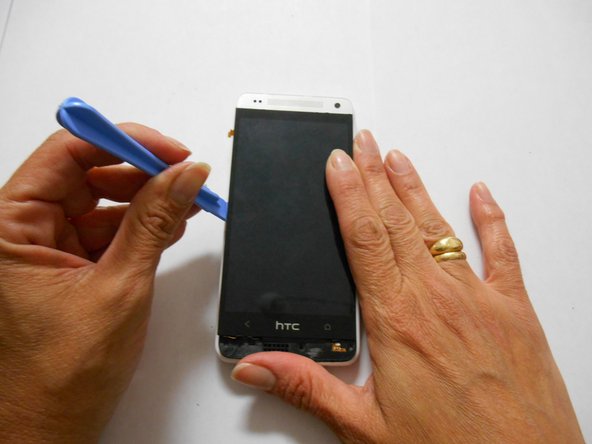
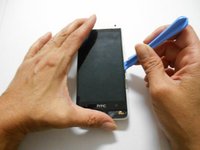
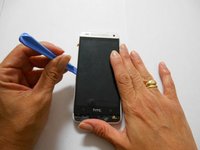
    • Wedge the plastic opening tool between the screen and the edge of the case.

    • Use force to pry and separate the rear panel.

    Спросите у FixBot
  5. HTC One Mini LCD Display Replacement, Separate Rear Case: шаг 5, изображение 1 из 2 HTC One Mini LCD Display Replacement, Separate Rear Case: шаг 5, изображение 2 из 2
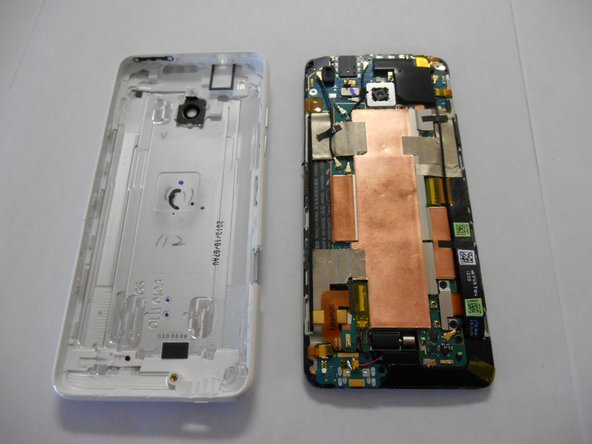
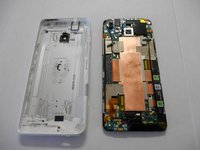
    • Separate the rear panel from the phone.

    Спросите у FixBot
  6. HTC One Mini LCD Display Replacement: шаг 6, изображение 1 из 2 HTC One Mini LCD Display Replacement: шаг 6, изображение 2 из 2
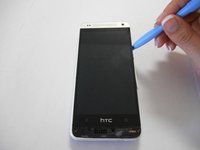
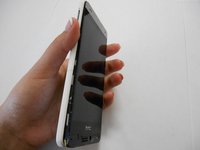
    • Using the plastic opening tool, pry on the screen to separate it from the adhesive holding it.

    Спросите у FixBot
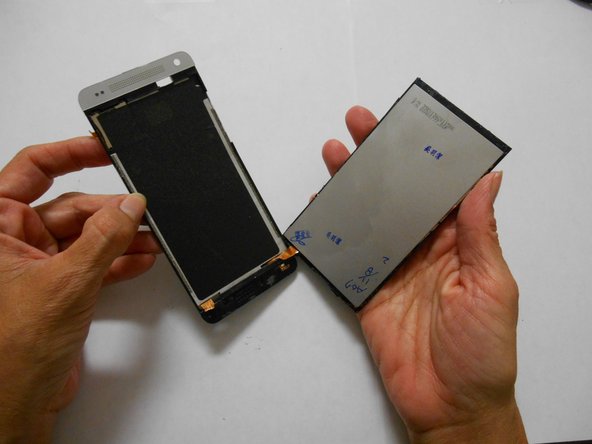
  7. HTC One Mini LCD Display Replacement, Separate LCD Screen: шаг 7, изображение 1 из 2 HTC One Mini LCD Display Replacement, Separate LCD Screen: шаг 7, изображение 2 из 2
    • After you have used the opening tool to pry, use some force to separate the LCD screen from the glue.

    Спросите у FixBot
Заключение

To reassemble your device, follow these instructions in reverse order.

12 человек успешно провели ремонт по этому руководству.

Chris Jose

Участник с: 09/22/14

735 Репутация

Автор 2 руководств

Команда

USF Tampa, Team 3-4, Brown Fall 2014 Участник USF Tampa, Team 3-4, Brown Fall 2014

USFT-BROWN-F14S3G4

3 членов

Автор 10 руководств

2 Комментарии к руководству

I have bought a new lcd digitizer for an htc m8 mini 2….I've assemble it and when i have turned the power on all i got was a light coming on… no displays on the screen…what could be the issue??

Ramon Alex Headley - Ответить Поделиться

Is it easier to fix if only the screen glass is broken and not the LCD?

myshepherd - Ответить Поделиться

Добавить комментарий

Статистика просмотров:

За последние 24 часов: 1

За последние 7 дней: 8

За последние 30 дней: 68

За всё время: 48,985