Введение
This guide will provide instructions on how to remove the back case and replace the battery.
Выберете то, что вам нужно
-
-
-
Turn the phone off by holding down the power button located on the top of the phone.
 Спросите у FixBot
-
-
-
-
Find the small indentation at the bottom right of the phone and pry open the back case of the phone using your fingernail or small plastic opening tool.
-
Gently remove the back case completely from the phone.
-
-
-
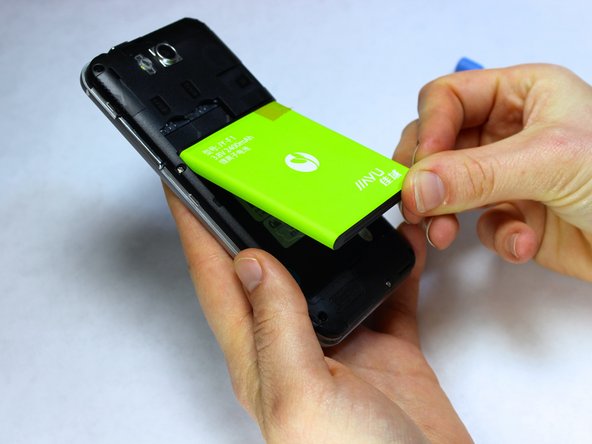
Insert a fingernail or the small plastic opening tool into the recess in the bottom center of the battery and lift upward.
-
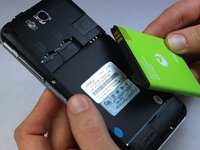
Remove the battery from the phone.
-
-





To reassemble your device, follow these instructions in reverse order.
Отменить: Я не выполнил это руководство.
3 человек успешно провели ремонт по этому руководству.

Команда

USF Tampa, Team 9-4, Leahy Fall 2014 Участник USF Tampa, Team 9-4, Leahy Fall 2014
USFT-LEAHY-F14S9G4
3 членов
Автор 35 руководств
