Перейти к основному содержанию
Присоединяйся к сообществу ремонтников - Создай аккаунт
Kano Computer Kit Complete Raspberry Pi Replacement

  1. Kano Computer Kit Complete Raspberry Pi Replacement, Raspberry Pi: шаг 1, изображение 1 из 2 Kano Computer Kit Complete Raspberry Pi Replacement, Raspberry Pi: шаг 1, изображение 2 из 2
    • Take off the clear backing of the computer and set it aside.

    • The Raspberry Pi is located in the top right corner of the case.

    Спросите у FixBot

    Добавить комментарий

  2. Kano Computer Kit Complete Raspberry Pi Replacement: шаг 2, изображение 1 из 3 Kano Computer Kit Complete Raspberry Pi Replacement: шаг 2, изображение 2 из 3 Kano Computer Kit Complete Raspberry Pi Replacement: шаг 2, изображение 3 из 3
    • Unplug the battery from the power button.

    Спросите у FixBot

    Добавить комментарий

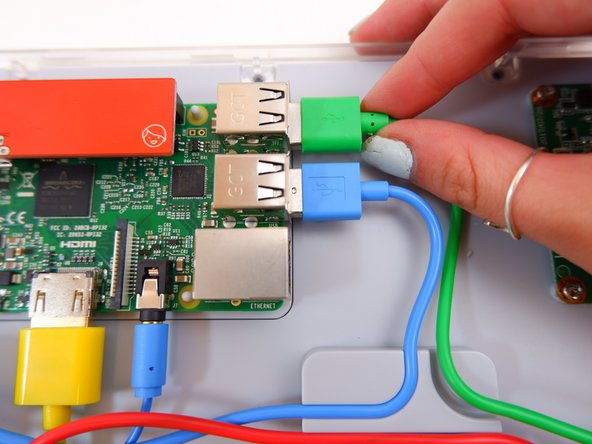
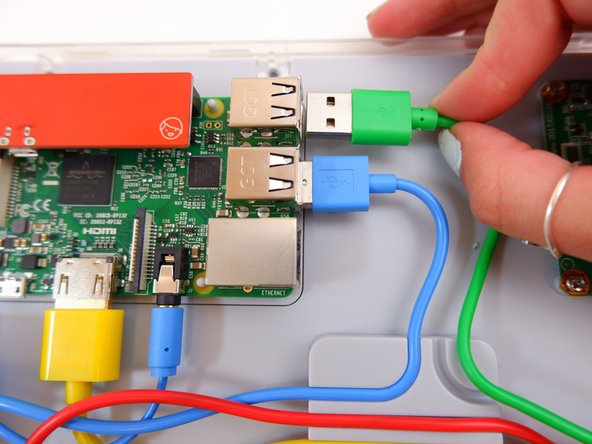
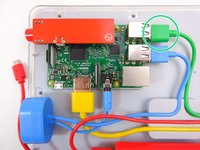
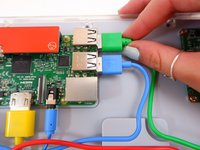
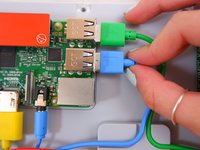
  3. Kano Computer Kit Complete Raspberry Pi Replacement: шаг 3, изображение 1 из 3 Kano Computer Kit Complete Raspberry Pi Replacement: шаг 3, изображение 2 из 3 Kano Computer Kit Complete Raspberry Pi Replacement: шаг 3, изображение 3 из 3
    • Unplug the green cable

    Спросите у FixBot

    Добавить комментарий

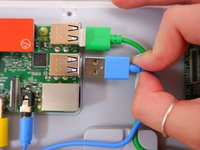
  4. Kano Computer Kit Complete Raspberry Pi Replacement: шаг 4, изображение 1 из 3 Kano Computer Kit Complete Raspberry Pi Replacement: шаг 4, изображение 2 из 3 Kano Computer Kit Complete Raspberry Pi Replacement: шаг 4, изображение 3 из 3
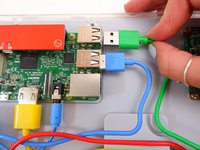
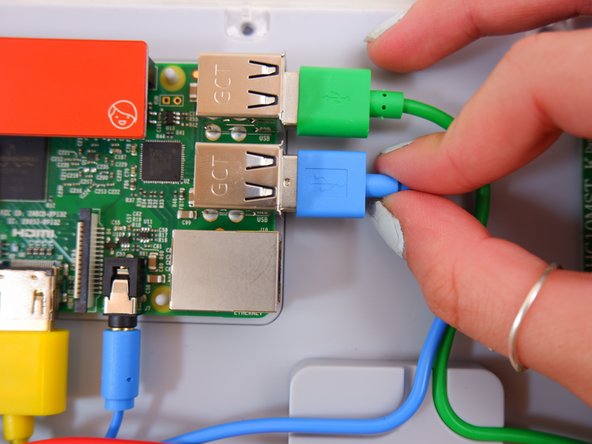
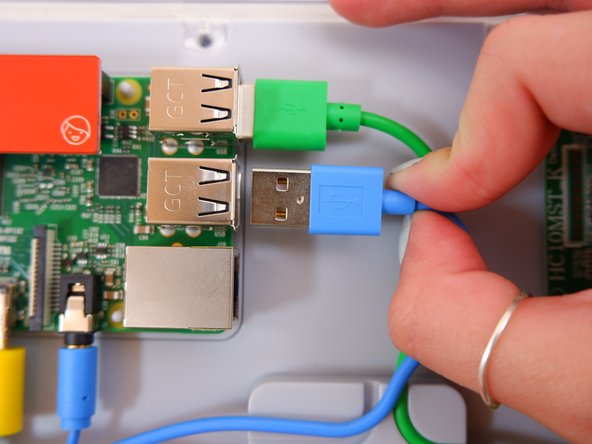
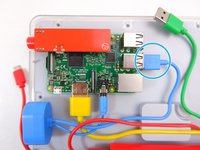
    • Unplug the blue USB cable.

    Спросите у FixBot

    Добавить комментарий

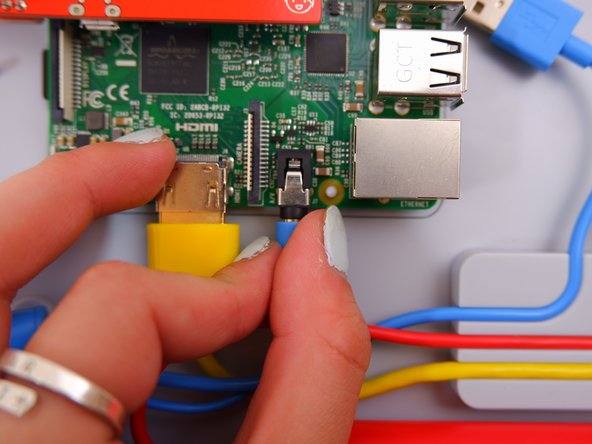
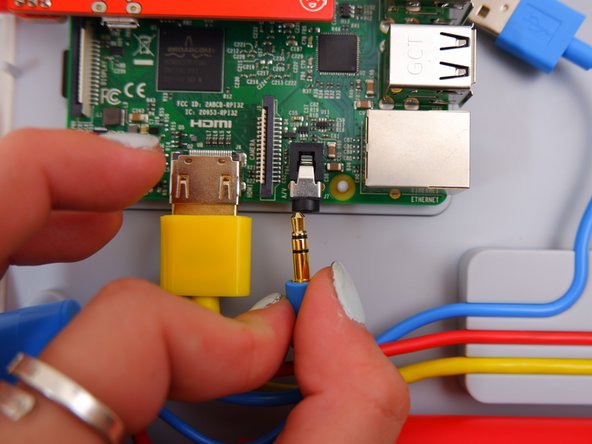
  5. Kano Computer Kit Complete Raspberry Pi Replacement: шаг 5, изображение 1 из 3 Kano Computer Kit Complete Raspberry Pi Replacement: шаг 5, изображение 2 из 3 Kano Computer Kit Complete Raspberry Pi Replacement: шаг 5, изображение 3 из 3
    • Unplug the blue audio jack.

    Спросите у FixBot

    Добавить комментарий

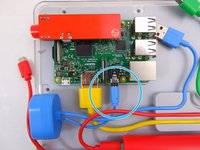
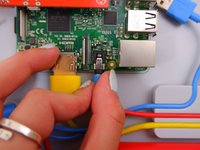
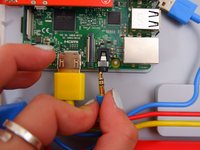
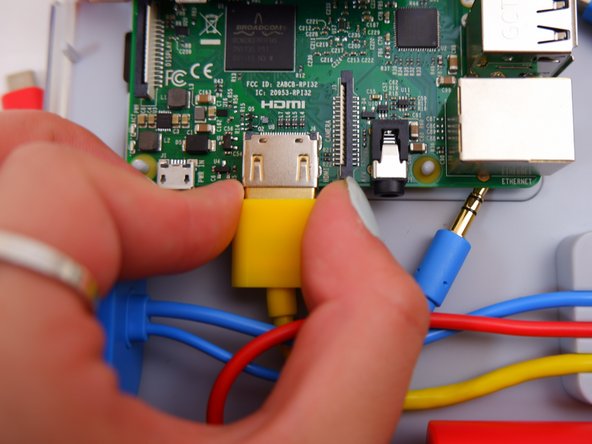
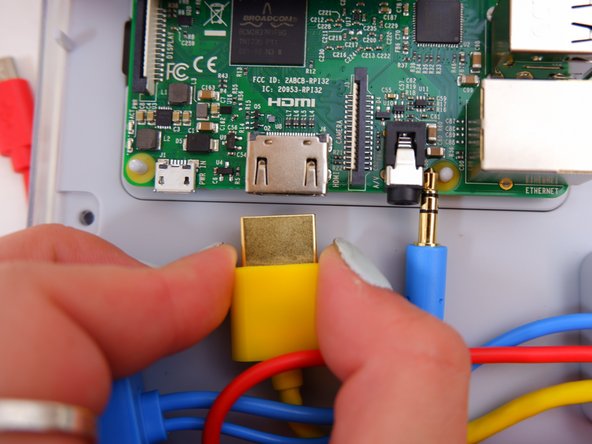
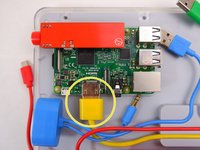
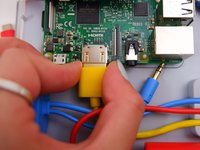
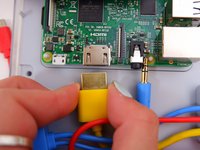
  6. Kano Computer Kit Complete Raspberry Pi Replacement: шаг 6, изображение 1 из 3 Kano Computer Kit Complete Raspberry Pi Replacement: шаг 6, изображение 2 из 3 Kano Computer Kit Complete Raspberry Pi Replacement: шаг 6, изображение 3 из 3
    • Unplug the yellow cable.

    Спросите у FixBot

    Добавить комментарий

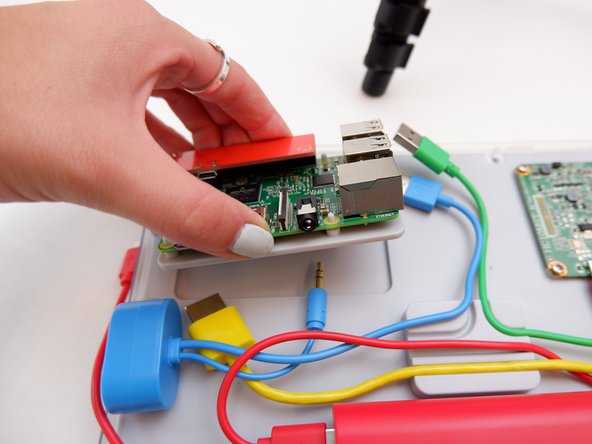
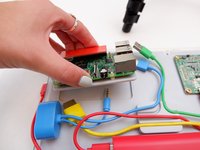
  7. Kano Computer Kit Complete Raspberry Pi Replacement: шаг 7, изображение 1 из 2 Kano Computer Kit Complete Raspberry Pi Replacement: шаг 7, изображение 2 из 2
    • Pop off the entire board from of the back of the screen.

    Спросите у FixBot

    Добавить комментарий

  8. Kano Computer Kit Complete Raspberry Pi Replacement: шаг 8, изображение 1 из 1
    • Remove the backing off the Raspberry Pi.

    Спросите у FixBot

    Добавить комментарий

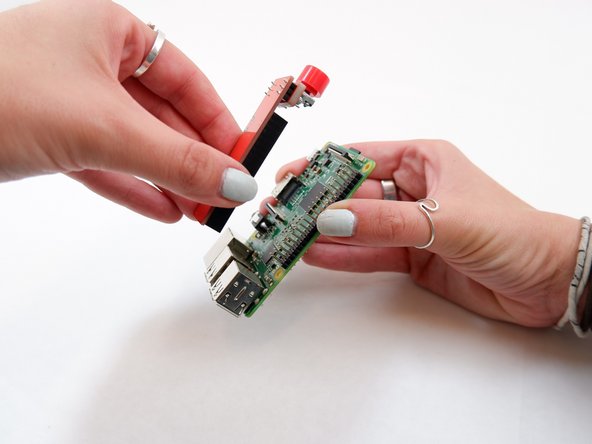
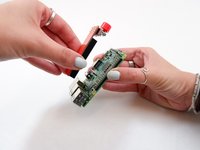
  9. Kano Computer Kit Complete Raspberry Pi Replacement: шаг 9, изображение 1 из 2 Kano Computer Kit Complete Raspberry Pi Replacement: шаг 9, изображение 2 из 2
    • Remove the power button from the Raspberry Pi.

    Спросите у FixBot

    Добавить комментарий

Заключение

To reassemble your device, follow these instructions in reverse order with the new Raspberry Pi.

Отменить: Я не выполнил это руководство.

Еще один человек закончил это руководство.

Julia Sherrill

Участник с: 09/20/19

735 Репутация

Автор 5 руководств

Команда

0 Комментарии к руководству

Добавить комментарий

Статистика просмотров:

За последние 24 часов: 3

За последние 7 дней: 7

За последние 30 дней: 57

За всё время: 1,868