Перейти к основному содержанию
Присоединяйся к сообществу ремонтников - Создай аккаунт

LG Intuition Power Button Replacement

Выберете то, что вам нужно

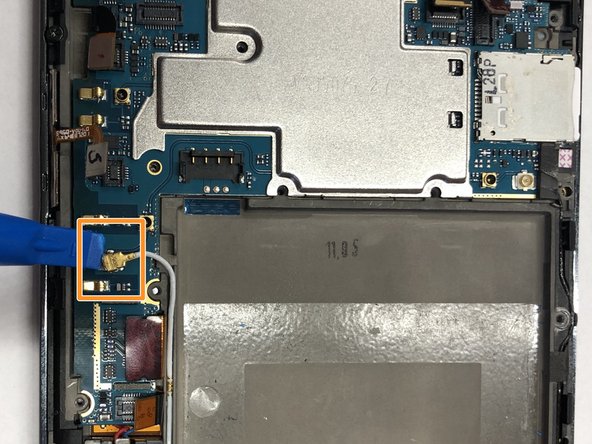
  1. LG Intuition Power Button Replacement, Battery: шаг 1, изображение 1 из 1
    • Turn the device so the two bottom screws are shown.

    Спросите у FixBot
    Добавить комментарий

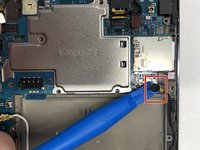
  2. LG Intuition Power Button Replacement: шаг 2, изображение 1 из 1
    • Remove the two 7mm screws holding the back panel of the phone using the P5 bit and magnetic driver.

    Спросите у FixBot
    Добавить комментарий

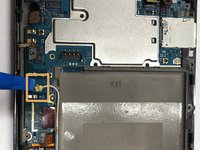
  3. LG Intuition Power Button Replacement: шаг 3, изображение 1 из 1
    • Carefully use the plastic opening tool to pry the back panel of the phone from the front screen. This will expose the battery and other parts.

    Спросите у FixBot
    Добавить комментарий

  4. LG Intuition Power Button Replacement: шаг 4, изображение 1 из 1
    • Use the Phillips #0 screwdriver to remove the 5mm screw holding the metal bracket that protects the battery's ribbon cable.

    Спросите у FixBot

    Добавить комментарий

  5. LG Intuition Power Button Replacement: шаг 5, изображение 1 из 1
    • Carefully use the plastic opening tool to pry the ribbon cable connecting the battery to the motherboard of the phone.

    Спросите у FixBot

    Добавить комментарий

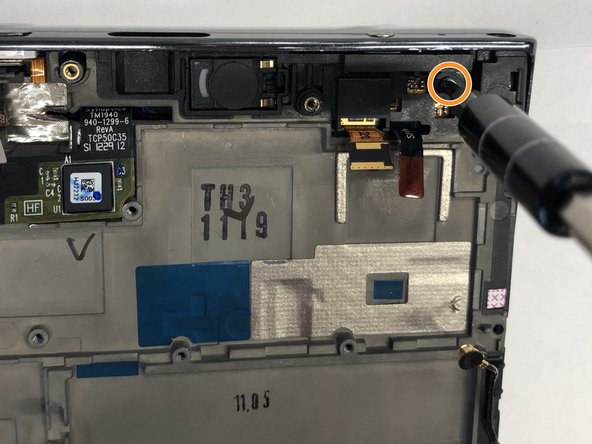
  6. LG Intuition Power Button Replacement: шаг 6, изображение 1 из 2 LG Intuition Power Button Replacement: шаг 6, изображение 2 из 2
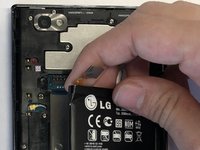
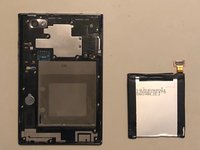
    • Gently raise the battery from its compartment.

    Спросите у FixBot
    Добавить комментарий

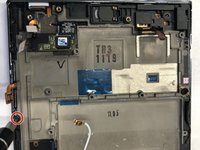
  7. LG Intuition Power Button Replacement, Plastic Motherboard Shield: шаг 7, изображение 1 из 1
    • Remove the thirteen 5mm screws holding the plastic shield covering the motherboard using the Phillips #00 screwdriver.

    Спросите у FixBot
    Добавить комментарий

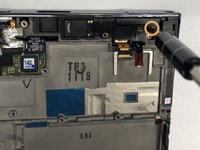
  8. LG Intuition Power Button Replacement: шаг 8, изображение 1 из 1
    • Carefully use the plastic opening tool to pry the plastic shield from the motherboard. This will expose the motherboard and ribbon cables for each component.

    Спросите у FixBot
    Добавить комментарий

  9. LG Intuition Power Button Replacement, Camera: шаг 9, изображение 1 из 1
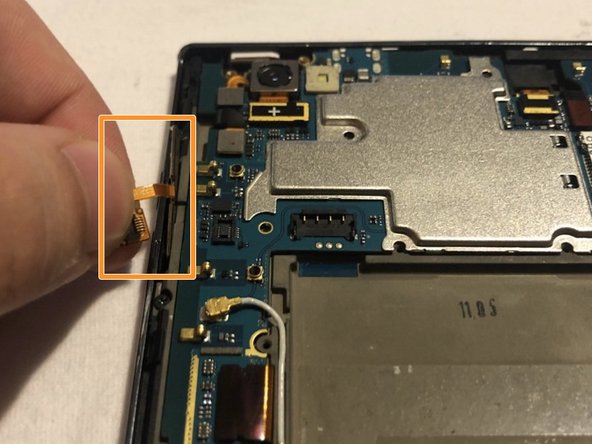
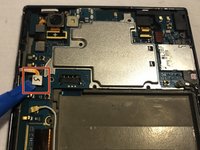
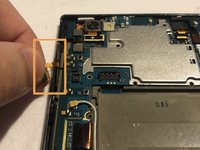
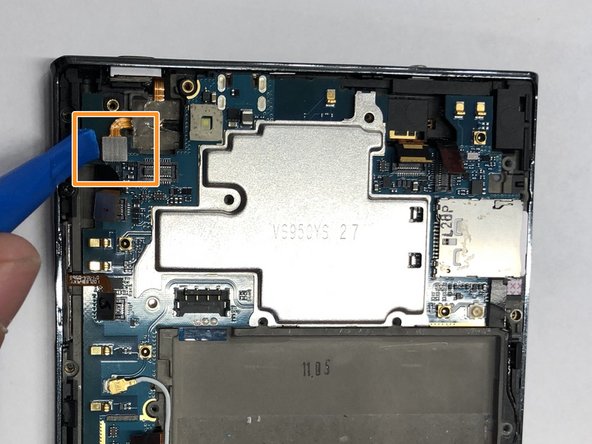
    • Carefully use the plastic opening tool to pry the ribbon cable below the camera itself from the motherboard.

    Спросите у FixBot

    Добавить комментарий

  10. LG Intuition Power Button Replacement: шаг 10, изображение 1 из 1
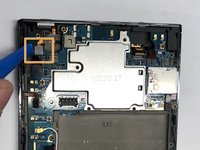
    • Using the ribbon beneath the camera lift it upwards and pull the camera out.

    Спросите у FixBot

    Добавить комментарий

  11. LG Intuition Power Button Replacement, Volume Buttons: шаг 11, изображение 1 из 2 LG Intuition Power Button Replacement, Volume Buttons: шаг 11, изображение 2 из 2
    • Carefully use the plastic opening tool to pry the ribbon cable connecting the battery to the motherboard of the phone.

    • Slowly pull the ribbon cable upward releasing the volume buttons from the phone.

    Спросите у FixBot

    Добавить комментарий

  12. LG Intuition Power Button Replacement, Screen Protector: шаг 12, изображение 1 из 2 LG Intuition Power Button Replacement, Screen Protector: шаг 12, изображение 2 из 2
    • Carefully use the plastic opening tool to pry the ribbon cable below the volume buttons on the left side of the phone.

    • Carefully use the plastic opening tool to pry the ribbon cable to the left of the camera.

    Спросите у FixBot

    Добавить комментарий

  13. LG Intuition Power Button Replacement: шаг 13, изображение 1 из 2 LG Intuition Power Button Replacement: шаг 13, изображение 2 из 2
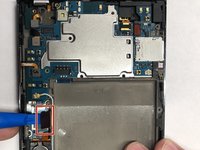
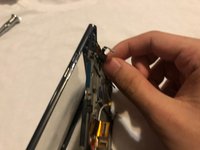
    • Carefully use the plastic opening tool to pry the wire that connects to the bottom home and back display buttons.

    • Carefully use the plastic opening tool to pry the second wire on the right side of the battery that also connects to the bottom home and back display buttons.

    Спросите у FixBot
    Добавить комментарий

  14. LG Intuition Power Button Replacement: шаг 14, изображение 1 из 1
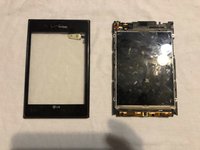
    • Carefully use the plastic opening tool to pry the motherboard from the front screen.

    Спросите у FixBot
    Добавить комментарий

  15. LG Intuition Power Button Replacement: шаг 15, изображение 1 из 2 LG Intuition Power Button Replacement: шаг 15, изображение 2 из 2
    • Remove the 5mm Phillips #00 screw below the volume buttons holding the plastic shield onto the screen display.

    • Remove the 5mm Phillips #00 screw on the top right of the phone.

    Спросите у FixBot

    Добавить комментарий

  16. LG Intuition Power Button Replacement: шаг 16, изображение 1 из 1
    • Carefully pull the ribbon cable upward and away from the front screen display.

    Спросите у FixBot

    Добавить комментарий

  17. LG Intuition Power Button Replacement: шаг 17, изображение 1 из 1
    • Carefully use the plastic opening tool to pry the screen protector from the display and motherboard.

    Спросите у FixBot

    Добавить комментарий

  18. LG Intuition Power Button Replacement: шаг 18, изображение 1 из 2 LG Intuition Power Button Replacement: шаг 18, изображение 2 из 2
    • Slowly separate the front screen from the screen protector. This will remove the screen protector from the phone.

    Спросите у FixBot

    Добавить комментарий

  19. LG Intuition Power Button Replacement, Power Button: шаг 19, изображение 1 из 1
    • Slowly separate the power button from the screen display. This will release the power button.

    Спросите у FixBot

    Добавить комментарий

Заключение

To reassemble your device, follow these instructions in reverse order.

Отменить: Я не выполнил это руководство.

Thomas Morrissey

Участник с: 10/25/18

616 Репутация

Автор 6 руководств

Команда

UMass Dartmouth, Team S3-G4, Peak Fall 2018 Участник UMass Dartmouth, Team S3-G4, Peak Fall 2018

UMASSD-PEAK-F18S3G4

3 членов

Автор 6 руководств

0 Комментарии к руководству

Добавить комментарий

Статистика просмотров:

За последние 24 часов: 1

За последние 7 дней: 7

За последние 30 дней: 33

За всё время: 679