Введение
If you own a LG Optimus V smartphone and notice that the sound quality has deteriorated, or there’s no sound at all, it's possible that the speaker has been damaged or has worn out over time. In such cases, replacing the speaker is a practical solution to restore the sound quality of your device. This guide will provide you with step-by-step instructions on how to replace the speaker in your LG Optimus V, and bring your device back to life.
Выберете то, что вам нужно
-
-
-
Turn the LG Optimus V over, so that the back cover is facing upward.
 Спросите у FixBot
-
-
-
Locate the opening above the camera.
-
Use a spudger to detach the back cover.
-
-
-
-
-
-
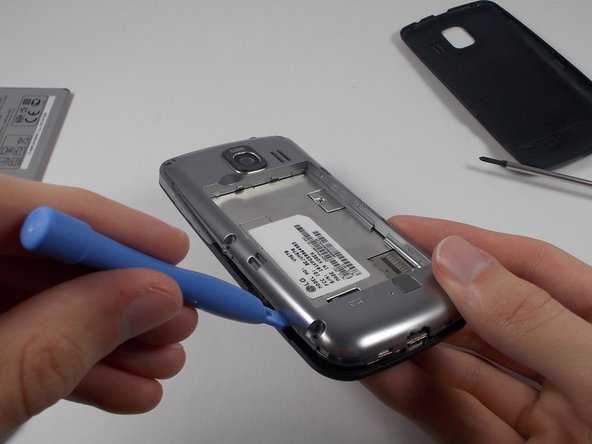
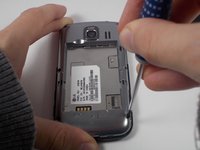
Remove the six screws on the silver casing.
-
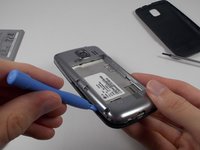
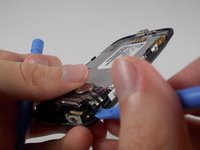
Use the plastic opening tool to remove the silver casing.
-
-
-
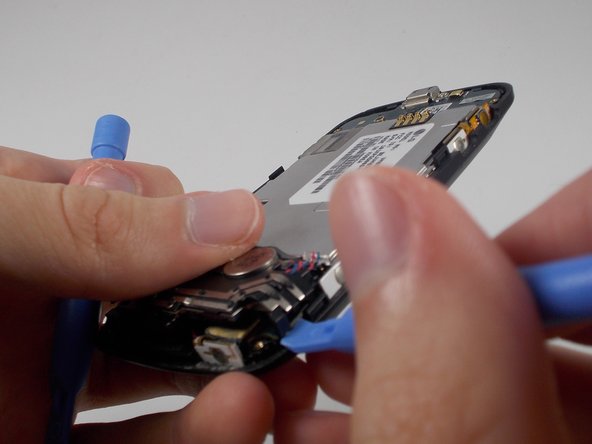
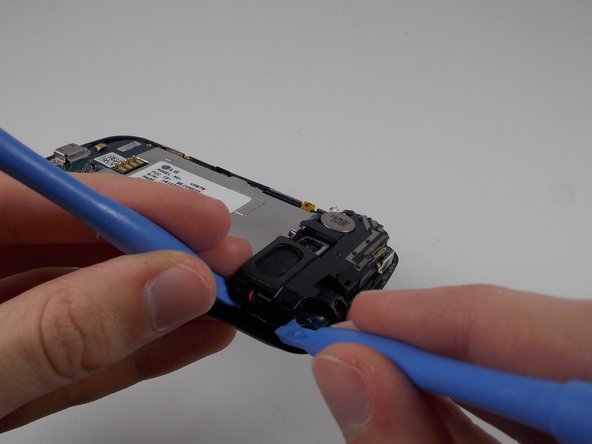
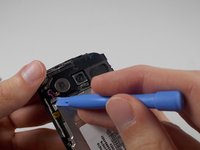
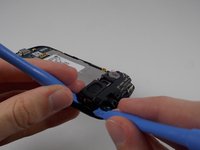
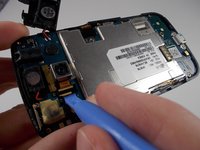
Use a plastic opening tool to remove each area holding the parts together.
-
-
-
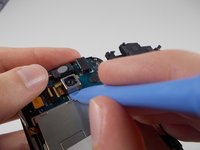
Use a plastic opening tool to remove the small black and yellow piece that reads Y3114C.
-
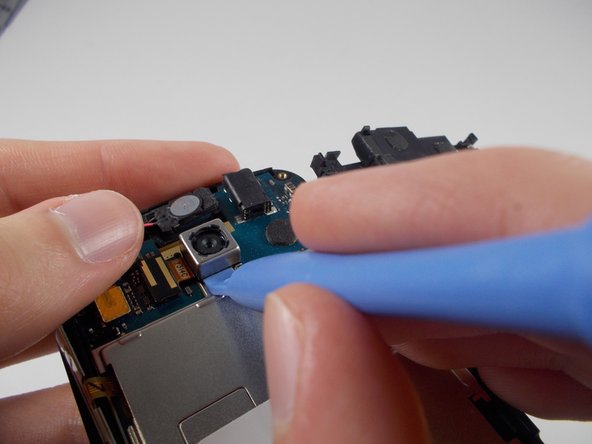
Use a plastic opening tool to pry off the camera.
-
-
-
-
-
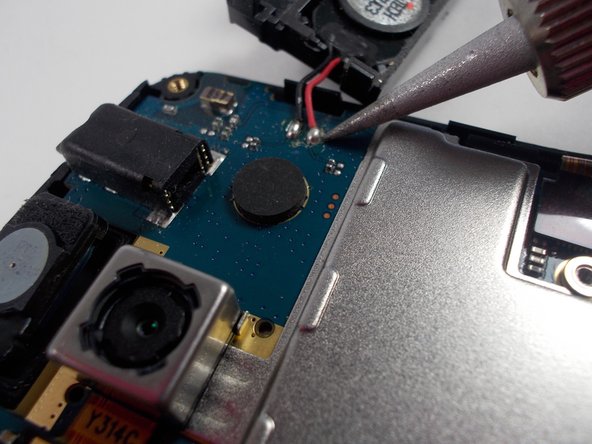
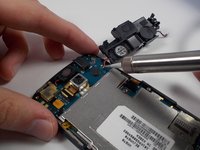
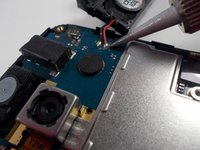
To fix the speaker, use a soldering iron to heat up the two areas where the wires connect to the motherboard. Then, remove the old speaker and replace it with a new one by soldering it back onto the same areas.
-


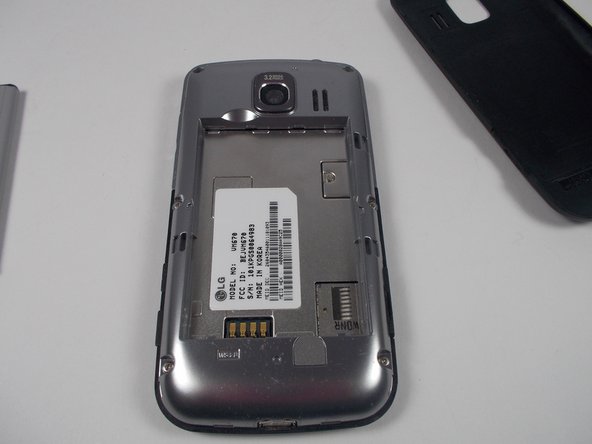





To reassemble your device, follow these instructions in reverse order.
Отменить: Я не выполнил это руководство.
Еще один человек закончил это руководство.

Команда

UMass Dartmouth, Team 1-2, Shastany Fall 2013 Участник UMass Dartmouth, Team 1-2, Shastany Fall 2013
UMASSD-SHASTANY-F13S1G2
3 членов
Автор 45 руководств
