Перейти к основному содержанию
Присоединяйся к сообществу ремонтников - Создай аккаунт

LG Shine Battery Replacement

Выберете то, что вам нужно

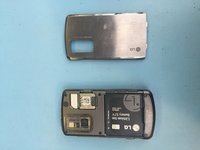
    1. LG Shine Battery Replacement, Remove Back Casing of LG Shine: шаг 1, изображение 1 из 3 LG Shine Battery Replacement, Remove Back Casing of LG Shine: шаг 1, изображение 2 из 3 LG Shine Battery Replacement, Remove Back Casing of LG Shine: шаг 1, изображение 3 из 3
      • Remove the plastic back panel of the phone.

      • Use the small crease to prop open the back casing.

      Спросите у FixBot

      Добавить комментарий

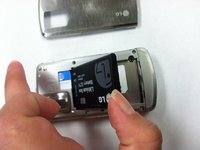
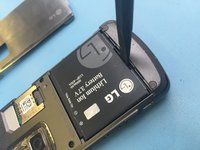
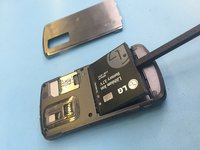
    2. LG Shine Battery Replacement, Remove Battery: шаг 2, изображение 1 из 3 LG Shine Battery Replacement, Remove Battery: шаг 2, изображение 2 из 3 LG Shine Battery Replacement, Remove Battery: шаг 2, изображение 3 из 3
      • Find the slot at the bottom of the battery. Use a fingernail or opening tool to pry out the battery.

      Спросите у FixBot

      Добавить комментарий

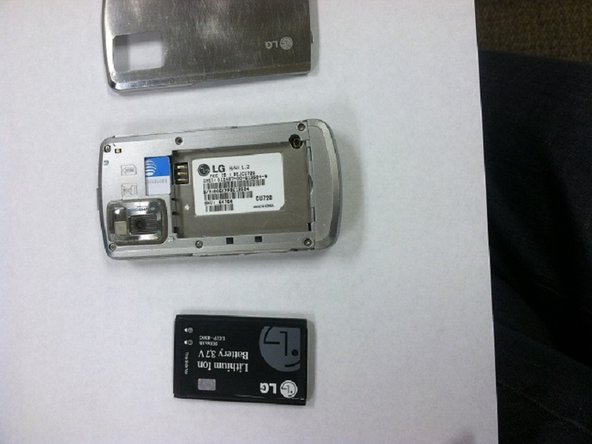
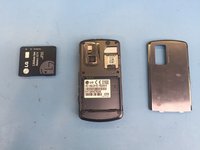
    3. LG Shine Battery Replacement, Battery Removed: шаг 3, изображение 1 из 3 LG Shine Battery Replacement, Battery Removed: шаг 3, изображение 2 из 3 LG Shine Battery Replacement, Battery Removed: шаг 3, изображение 3 из 3
      • Use your thumb to gently remove the battery.

      Спросите у FixBot

      Добавить комментарий

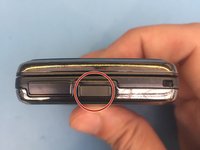
    1. LG Shine Battery Replacement, Remove the back plate: шаг 4, изображение 1 из 2 LG Shine Battery Replacement, Remove the back plate: шаг 4, изображение 2 из 2
      • Click this button to remove the backplate

      Спросите у FixBot

      Добавить комментарий

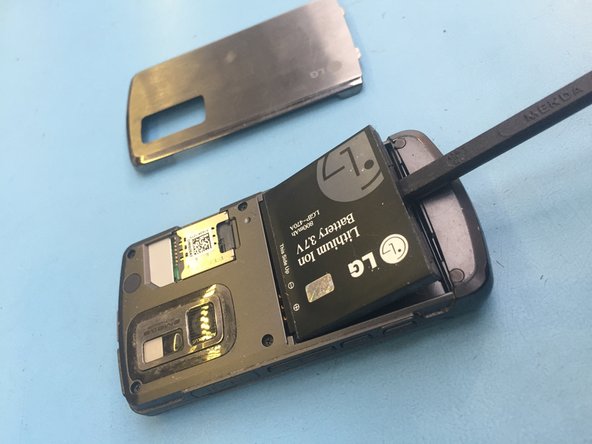
    2. LG Shine Battery Replacement, Remove the battery: шаг 5, изображение 1 из 3 LG Shine Battery Replacement, Remove the battery: шаг 5, изображение 2 из 3 LG Shine Battery Replacement, Remove the battery: шаг 5, изображение 3 из 3
      • Insert your backstick and remove the battery. Alternative tool your nails or something plastic.

      Спросите у FixBot

      Добавить комментарий

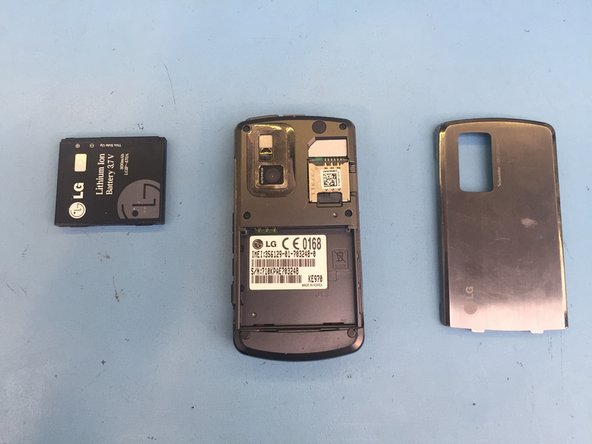
    3. LG Shine Battery Replacement, Replace the battery: шаг 6, изображение 1 из 1
      • replace the battery with new one and follow steps backwards.

      Спросите у FixBot

      Добавить комментарий

Заключение

To reassemble your device, follow these instructions in reverse order.

Отменить: Я не выполнил это руководство.

Kosmar

Участник с: 06/23/21

492 Репутация

Автор 4 руководств

Команда

KSMRepair Участник KSMRepair

Business

1 член

Автор 28 руководств

0 Комментарии к руководству

Добавить комментарий

Статистика просмотров:

За последние 24 часов: 1

За последние 7 дней: 5

За последние 30 дней: 24

За всё время: 399