Перейти к основному содержанию
Присоединяйся к сообществу ремонтников - Создай аккаунт

LG VX5400 Phone Casing Replacement

Выберете то, что вам нужно

  1. LG VX5400 Phone Casing Replacement, Battery: шаг 1, изображение 1 из 1
    • Turn off the cell phone and turn it over on its back side

    Спросите у FixBot

    Добавить комментарий

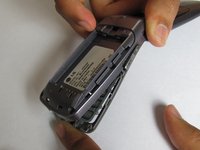
  2. LG VX5400 Phone Casing Replacement: шаг 2, изображение 1 из 1
    • Hold the phone case in your palm and slide the back cover towards yourself using your thumb

    Спросите у FixBot

    Добавить комментарий

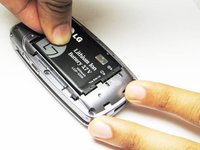
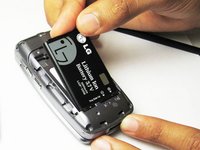
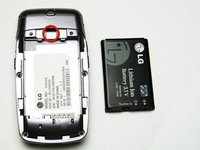
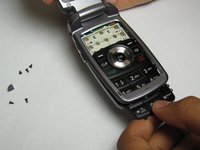
  3. LG VX5400 Phone Casing Replacement: шаг 3, изображение 1 из 3 LG VX5400 Phone Casing Replacement: шаг 3, изображение 2 из 3 LG VX5400 Phone Casing Replacement: шаг 3, изображение 3 из 3
    • Slide a tool or finger into the notch at the top of the battery to carefully remove it.

    Спросите у FixBot

    Добавить комментарий

  4. LG VX5400 Phone Casing Replacement, Outer Casing: шаг 4, изображение 1 из 1
    • Take the Philips screwdriver and unscrew the four visible screws on the backside of the phone indicated by the four red circles.

    Спросите у FixBot

    Добавить комментарий

  5. LG VX5400 Phone Casing Replacement: шаг 5, изображение 1 из 1
    • Then, take the pointed end of a spudger and pry out the rubber stopper to reveal the last screw at the top indicated with the blue circle.

    Спросите у FixBot

    Добавить комментарий

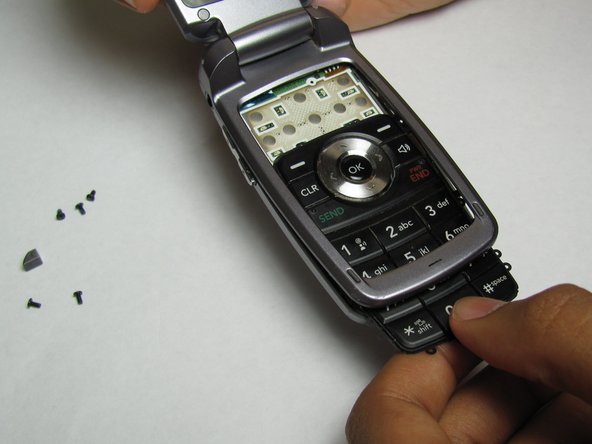
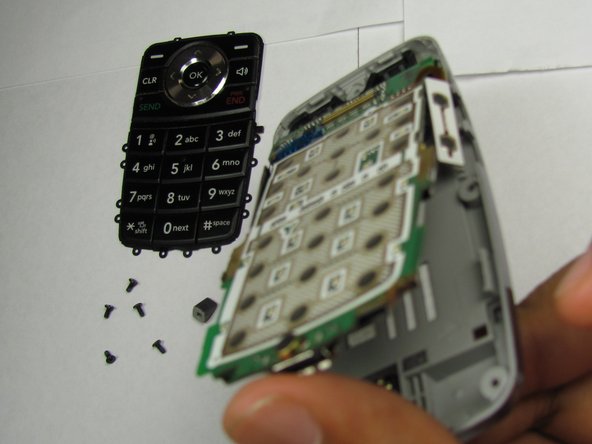
  6. LG VX5400 Phone Casing Replacement, Phone Casing: шаг 6, изображение 1 из 3 LG VX5400 Phone Casing Replacement, Phone Casing: шаг 6, изображение 2 из 3 LG VX5400 Phone Casing Replacement, Phone Casing: шаг 6, изображение 3 из 3
    • Pry open the phone and remove the keypad and logic board.

    Спросите у FixBot

    Добавить комментарий

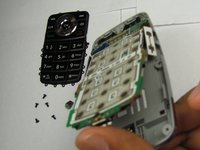
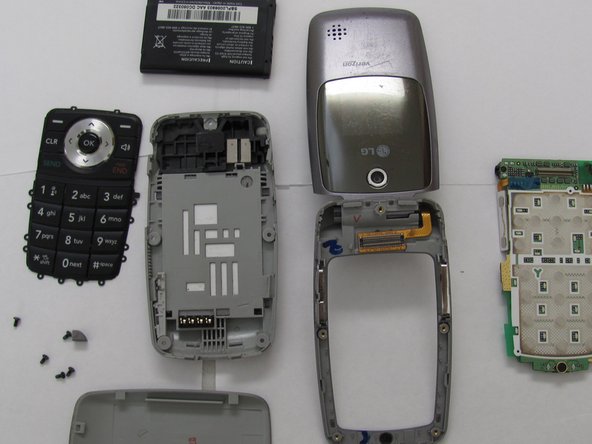
  7. LG VX5400 Phone Casing Replacement: шаг 7, изображение 1 из 2 LG VX5400 Phone Casing Replacement: шаг 7, изображение 2 из 2
    • Lay out and organize the parts of the phone. You can now put the inner parts of the phone into the new case.

    Спросите у FixBot

    Добавить комментарий

Заключение

To reassemble your device, follow these instructions in reverse order.

Отменить: Я не выполнил это руководство.

Tyler

Участник с: 04/15/10

20 Репутация

1 руководство автора

Команда

Cal Poly, Team 26-26, Regan Spring 2010 Участник Cal Poly, Team 26-26, Regan Spring 2010

CPSU-REGAN-S10S26G26

4 членов

Автор 11 руководств

0 Комментарии к руководству

Добавить комментарий

Статистика просмотров:

За последние 24 часов: 0

За последние 7 дней: 10

За последние 30 дней: 43

За всё время: 2,603