Введение
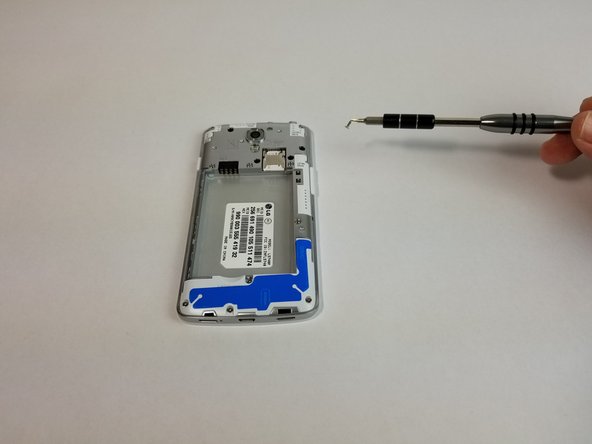
The power button for the LG Volt is located at the right side of the device. Use this guide to replace the button of the LG Volt.
Выберете то, что вам нужно
-
-
-
Pry back cover with finger in the crease.
-
Remove back casing.
 Спросите у FixBot
-
-
-
With your finger, pry the battery out through the crease made for removal.
-
-
-
-
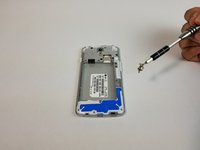
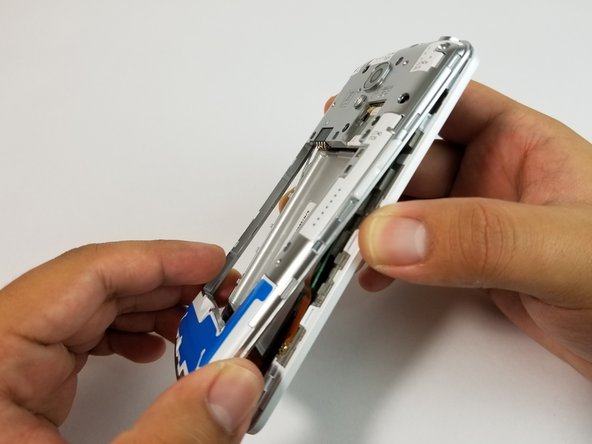
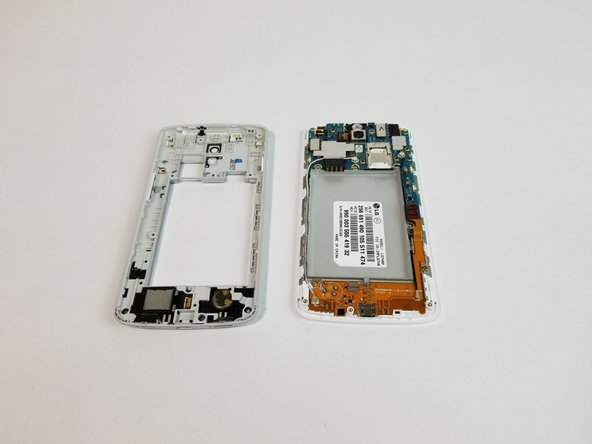
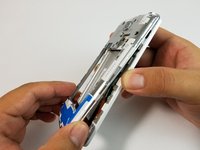
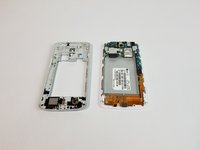
Use the plastic opening tool to remove the back housing from the frame of the phone.
-
-
Инструмент, используемый на этом этапе:Tweezers$4.99
-
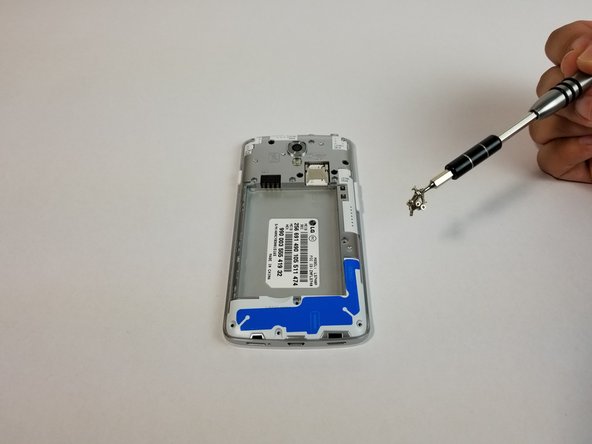
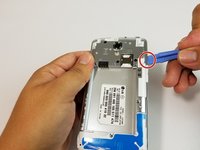
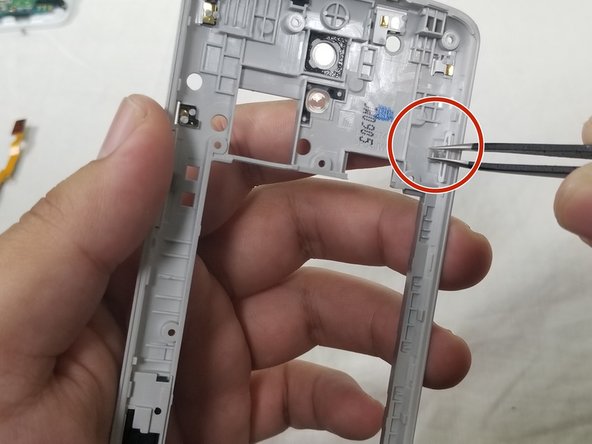
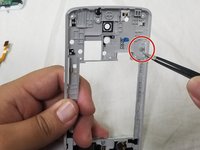
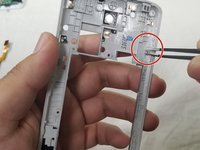
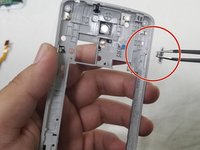
Use the precision tweezers set to gently lift the rubber tab off its anchor.
-
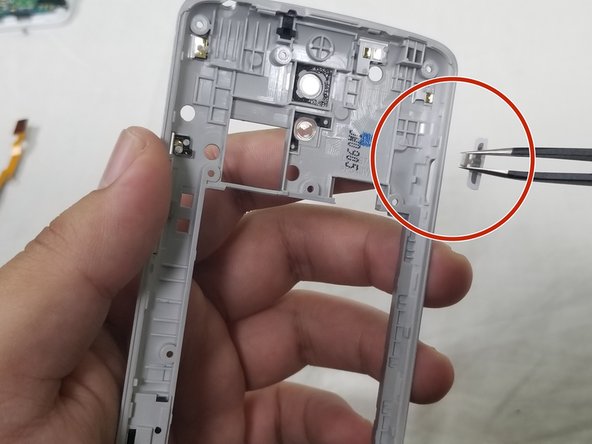
Then push the power button through the cutout to remove completely.
-
-





To reassemble your device, follow these instructions in reverse order.
Отменить: Я не выполнил это руководство.
Еще один человек закончил это руководство.

Команда

USF Tampa, Team S3-G3, Cannon Fall 2017 Участник USF Tampa, Team S3-G3, Cannon Fall 2017
USFT-CANNON-F17S3G3
3 членов
Автор 28 руководств
