Перейти к основному содержанию
Присоединяйся к сообществу ремонтников - Создай аккаунт
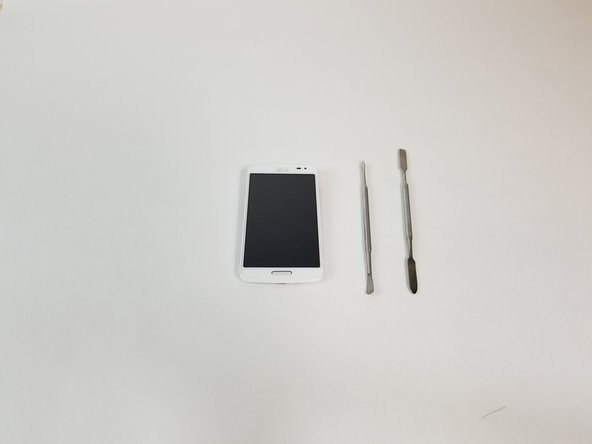
LG Volt Screen Replacement

Выберете то, что вам нужно

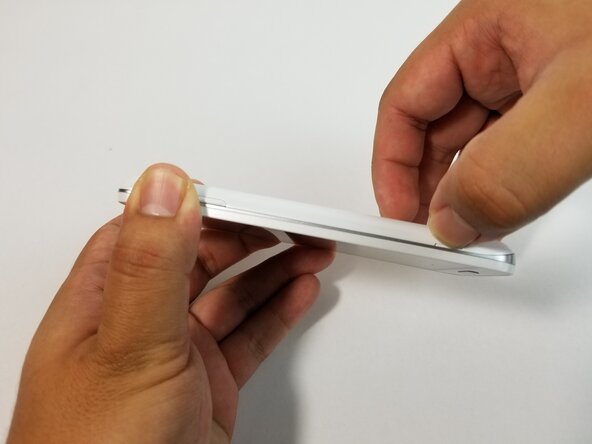
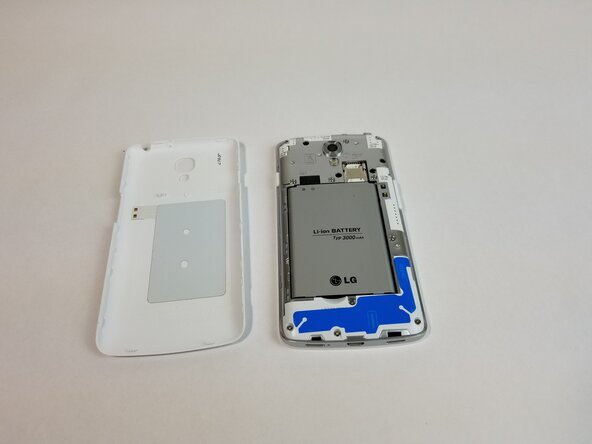
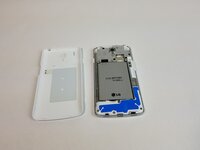
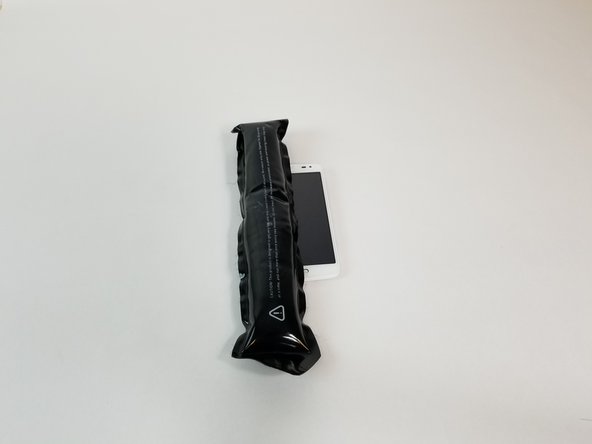
  1. LG Volt Screen Replacement, Screen: шаг 1, изображение 1 из 3 LG Volt Screen Replacement, Screen: шаг 1, изображение 2 из 3 LG Volt Screen Replacement, Screen: шаг 1, изображение 3 из 3
    • Pry back cover with finger in the crease.

    • Remove back casing.

    Спросите у FixBot

    Добавить комментарий

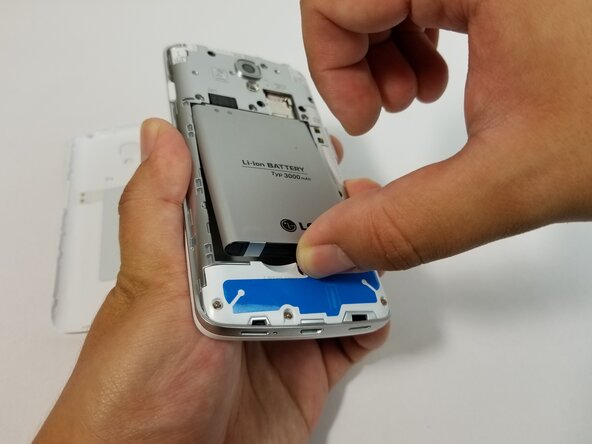
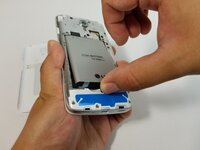
  2. LG Volt Screen Replacement: шаг 2, изображение 1 из 3 LG Volt Screen Replacement: шаг 2, изображение 2 из 3 LG Volt Screen Replacement: шаг 2, изображение 3 из 3
    • With your finger, pry the battery out through the crease made for removal.

    Спросите у FixBot

    Добавить комментарий

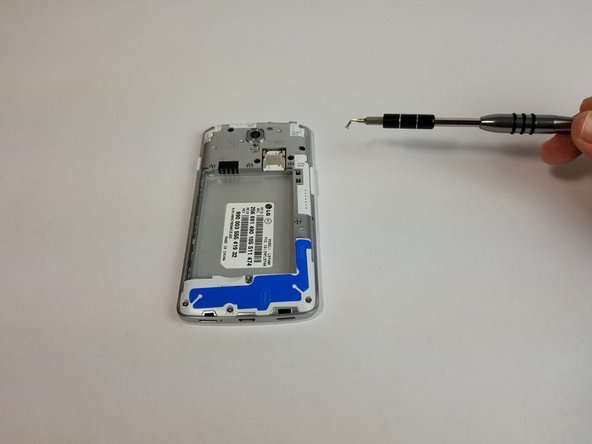
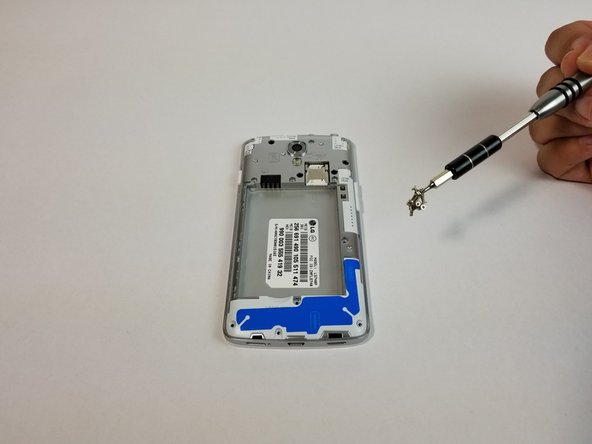
  3. LG Volt Screen Replacement: шаг 3, изображение 1 из 3 LG Volt Screen Replacement: шаг 3, изображение 2 из 3 LG Volt Screen Replacement: шаг 3, изображение 3 из 3
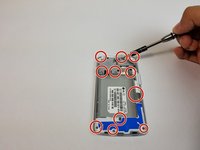
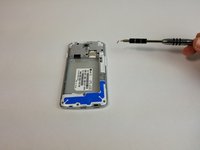
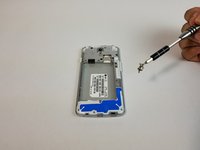
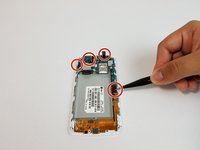
    • Remove all 11 (4mm) screws with the JIS #000 screwdriver.

    • There are three screws on top, three above the battery, one next to the battery, one under the battery and three at the bottom of the phone.

    Спросите у FixBot

    Добавить комментарий

  4. LG Volt Screen Replacement: шаг 4, изображение 1 из 3 LG Volt Screen Replacement: шаг 4, изображение 2 из 3 LG Volt Screen Replacement: шаг 4, изображение 3 из 3
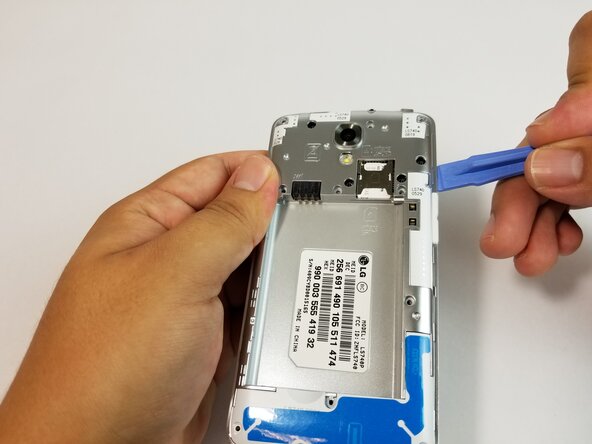
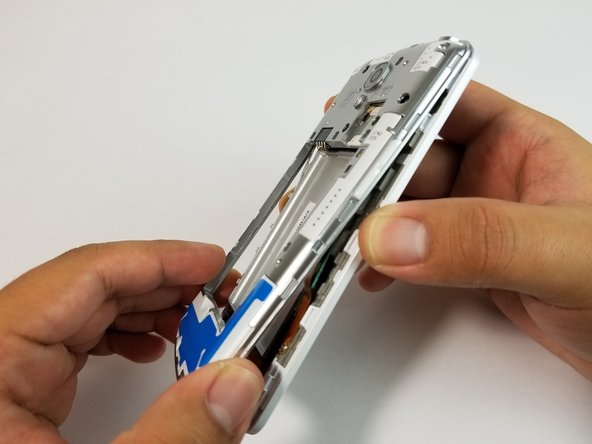
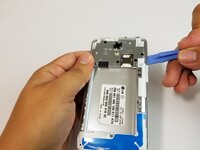
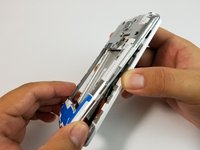
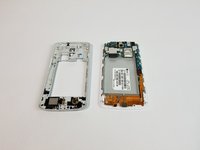
    • Use the plastic opening tool to remove the back housing from the frame of the phone.

    Спросите у FixBot

    Добавить комментарий

  5. LG Volt Screen Replacement: шаг 5, изображение 1 из 2 LG Volt Screen Replacement: шаг 5, изображение 2 из 2
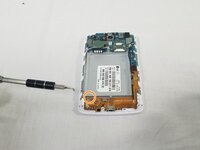
    • Carefully lift all the indicated tabs.

    • Carefully unplug the marked cables.

    Спросите у FixBot

    Добавить комментарий

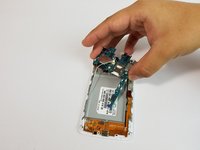
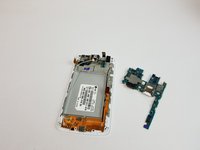
  6. LG Volt Screen Replacement: шаг 6, изображение 1 из 2 LG Volt Screen Replacement: шаг 6, изображение 2 из 2
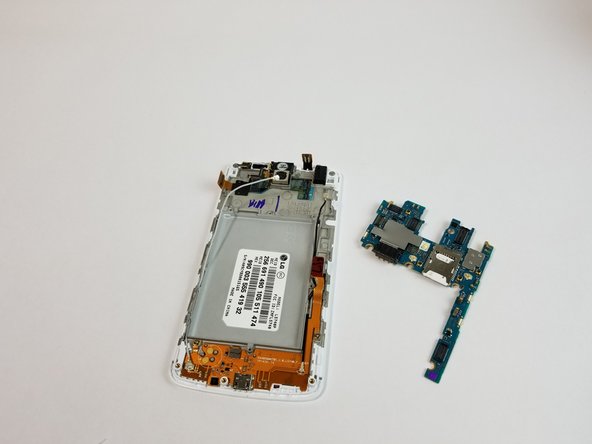
    • Remove motherboard carefully.

    Спросите у FixBot

    Добавить комментарий

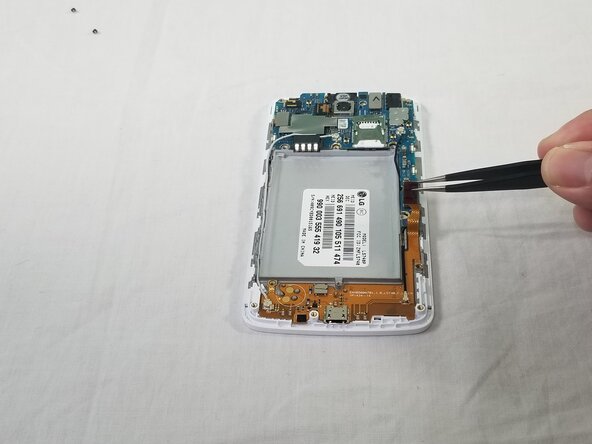
  7. LG Volt Screen Replacement: шаг 7, изображение 1 из 1
    Инструмент, используемый на этом этапе:
    Tweezers
    $4.99
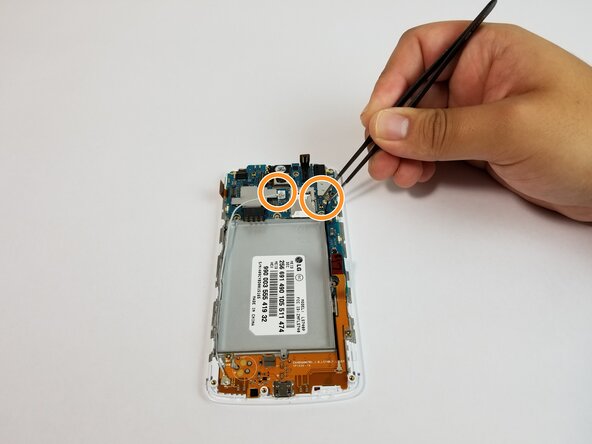
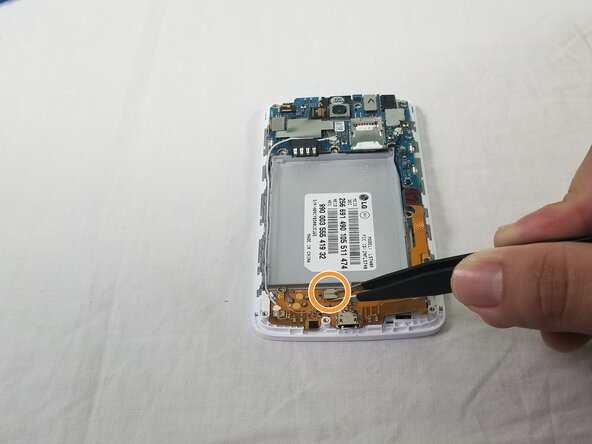
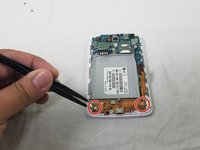
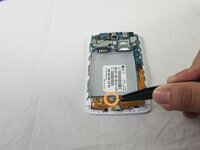
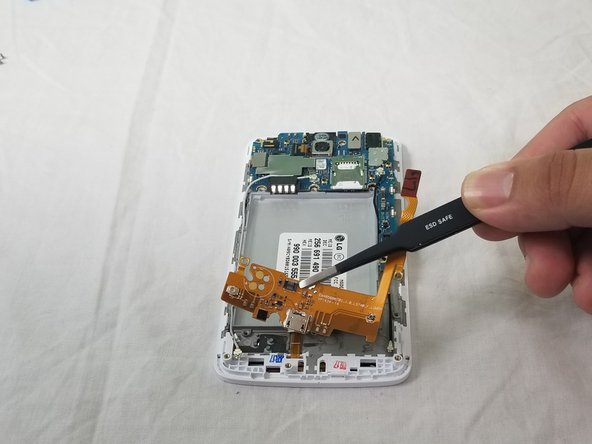
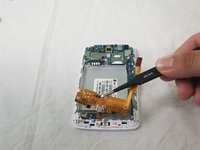
    • Using the precision tweezers set lift the copper tab located on the right side of the device.

    Спросите у FixBot

    Добавить комментарий

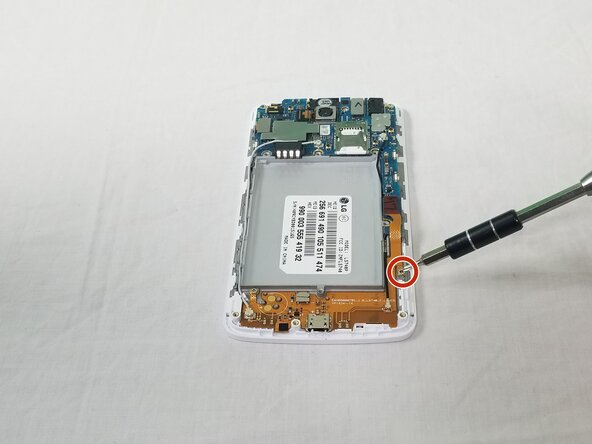
  8. LG Volt Screen Replacement: шаг 8, изображение 1 из 2 LG Volt Screen Replacement: шаг 8, изображение 2 из 2
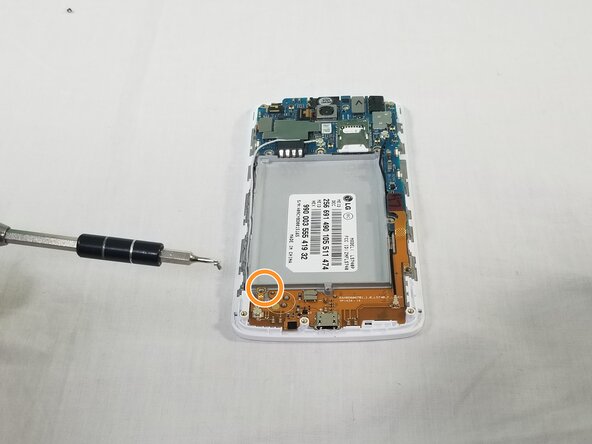
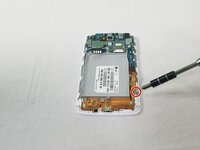
    • Using a JIS #000 screwdriver, remove the 1 (4mm) screw on right side under copper tab.

    • Using a JIS #000 screwdriver, remove the 1 (4mm) screw on bottom left under battery tray.

    Спросите у FixBot

    Добавить комментарий

  9. LG Volt Screen Replacement: шаг 9, изображение 1 из 3 LG Volt Screen Replacement: шаг 9, изображение 2 из 3 LG Volt Screen Replacement: шаг 9, изображение 3 из 3
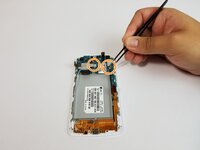
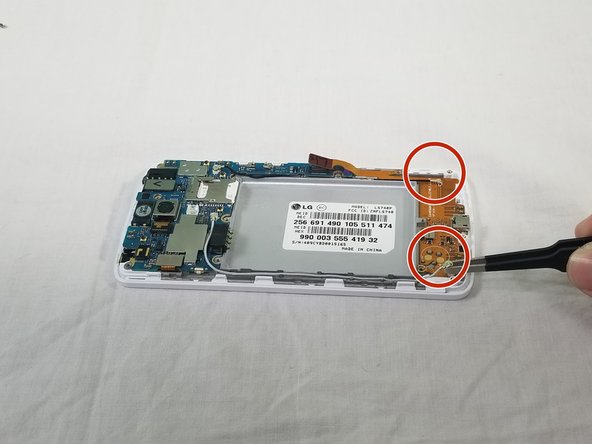
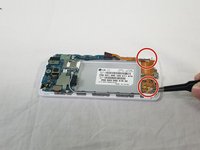
    • Disconnect the white and black cables as indicated using the precision tweezers set.

    • Lift indicated flap as shown.

    Спросите у FixBot

    Добавить комментарий

  10. LG Volt Screen Replacement: шаг 10, изображение 1 из 3 LG Volt Screen Replacement: шаг 10, изображение 2 из 3 LG Volt Screen Replacement: шаг 10, изображение 3 из 3
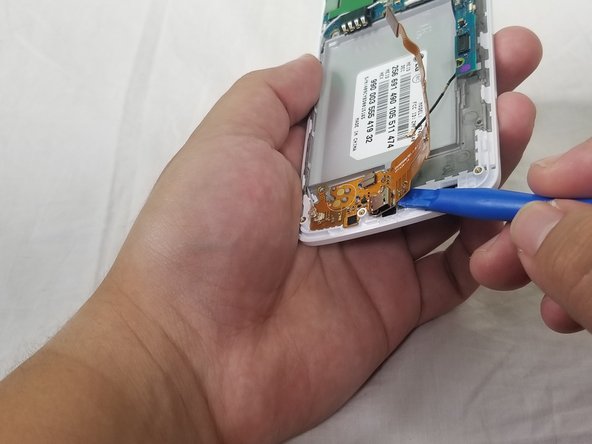
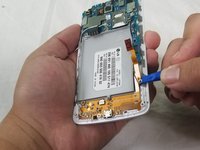
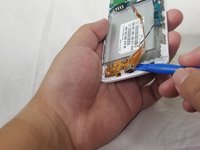
    • Use the plastic opening tool to carefully lift the charger assembly from the phone.

    • Start from the copper tab and continue in a clockwise direction.

    • Once it is loose remove the assembly from the phone.

    Спросите у FixBot

    Добавить комментарий

  11. LG Volt Screen Replacement: шаг 11, изображение 1 из 1
    • Heat up iOpener for 30 seconds in the microwave.

    Спросите у FixBot

    Добавить комментарий

  12. LG Volt Screen Replacement: шаг 12, изображение 1 из 2 LG Volt Screen Replacement: шаг 12, изображение 2 из 2
    • Place iOpener on right side of the screen with the phone facing up for 90 seconds.

    • If necessary, heat up the iOpener for an additional 30 seconds in the microwave.

    • Place iOpener on left side of the screen with the phone facing up for 90 seconds.

    Спросите у FixBot

    Добавить комментарий

  13. LG Volt Screen Replacement: шаг 13, изображение 1 из 3 LG Volt Screen Replacement: шаг 13, изображение 2 из 3 LG Volt Screen Replacement: шаг 13, изображение 3 из 3
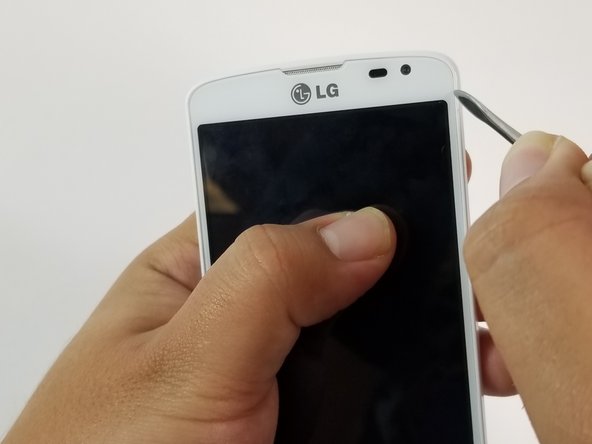
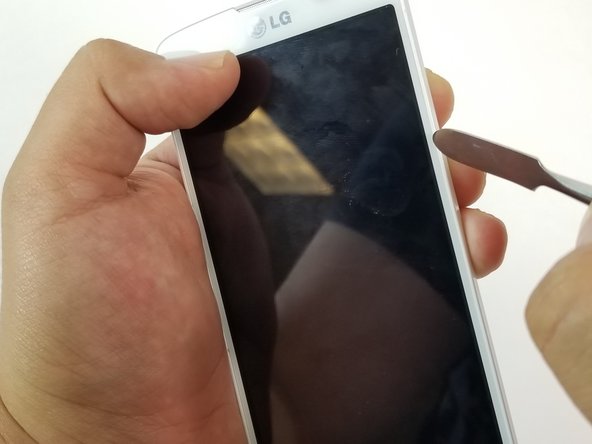
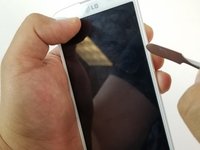
    • Once the phone is hot, use the small, pointy tipped metal spudger to remove the adhesive.

    • Once removed, use the large, flat tipped metal spudger to pry the screen off carefully.

    Спросите у FixBot

    Добавить комментарий

Заключение

To reassemble your device, follow these instructions in reverse order.

Отменить: Я не выполнил это руководство.

Еще один человек закончил это руководство.

Adrian Soldan

Участник с: 09/25/17

464 Репутация

Автор 4 руководств

Команда

USF Tampa, Team S3-G3, Cannon Fall 2017 Участник USF Tampa, Team S3-G3, Cannon Fall 2017

USFT-CANNON-F17S3G3

3 членов

Автор 8 руководств

0 Комментарии к руководству

Добавить комментарий

Статистика просмотров:

За последние 24 часов: 0

За последние 7 дней: 9

За последние 30 дней: 45

За всё время: 1,269